

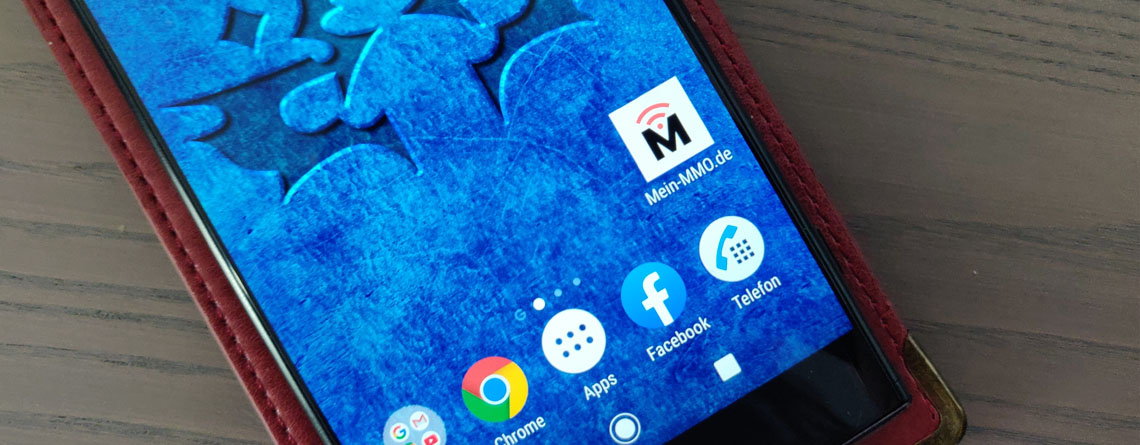
You can now install MeinMMO as an app on your smartphone. We will show you how to do it in this article.
What is a Progressive Web App? Essentially, a Progressive Web App (PWA) is still a website. However, it has many features that are usually only available in apps.
It combines the functionalities of a responsive website with the functionalities of an app. You can install MeinMMO as an app on your smartphone and access it directly from your home screen via an icon.
This way, you can now open the page faster and view already read articles even in offline mode.

How can I install MeinMMO on my smartphone? To install MeinMMO as an app on your home screen, you first need to open your browser and access the options menu, where you can find bookmarks, history, and other features.
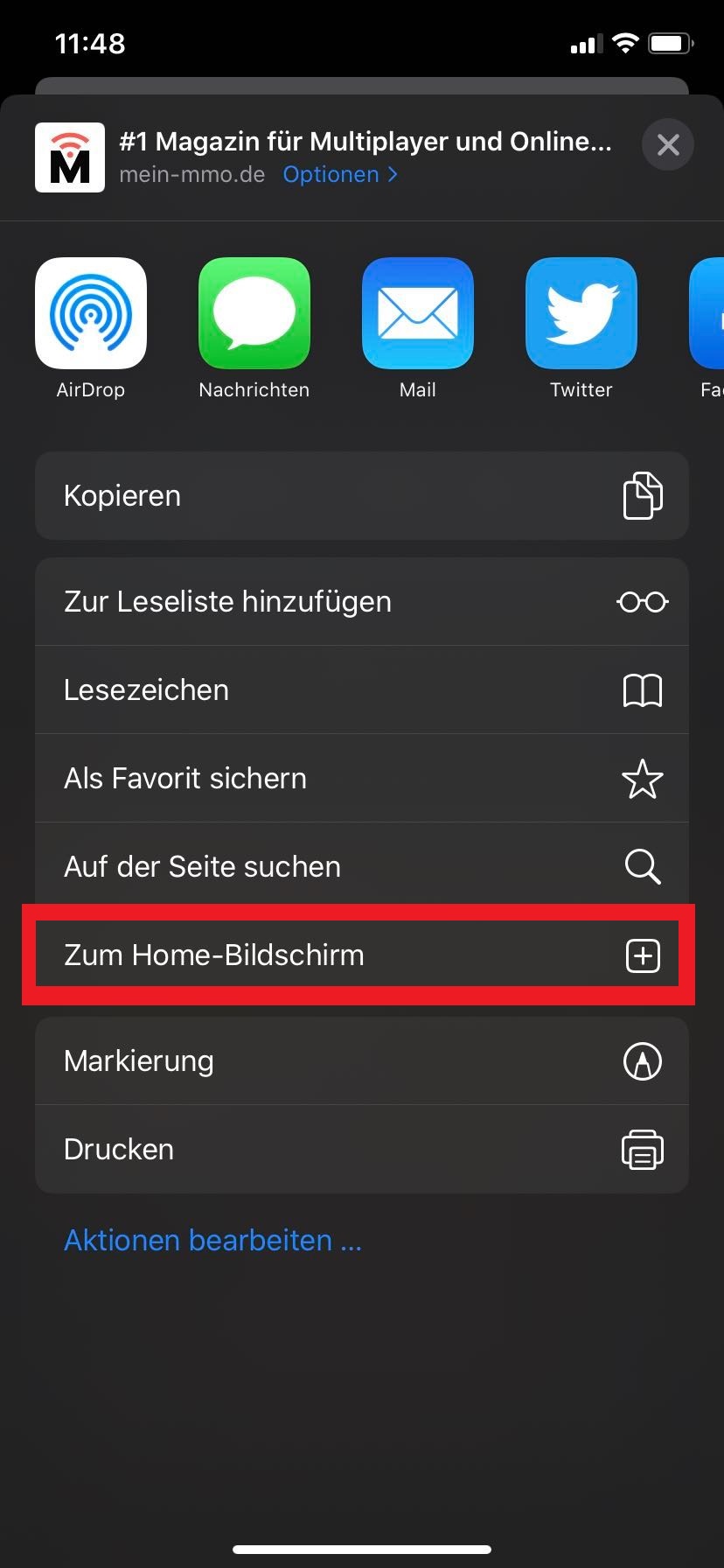
There you will have the option to “add MeinMMO to the home screen”. It may have different names depending on the operating system and browsers, such as “Home screen”, and it will look something like this:
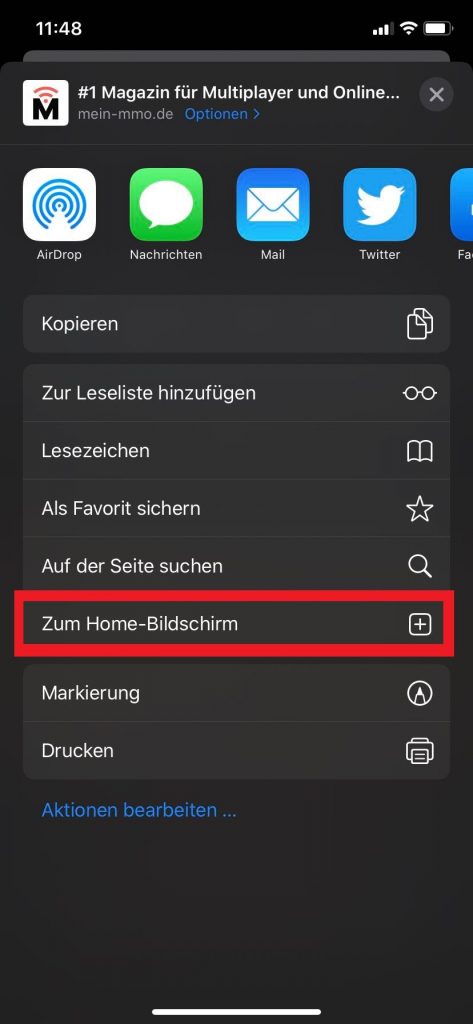
Safari browser on an Apple phone 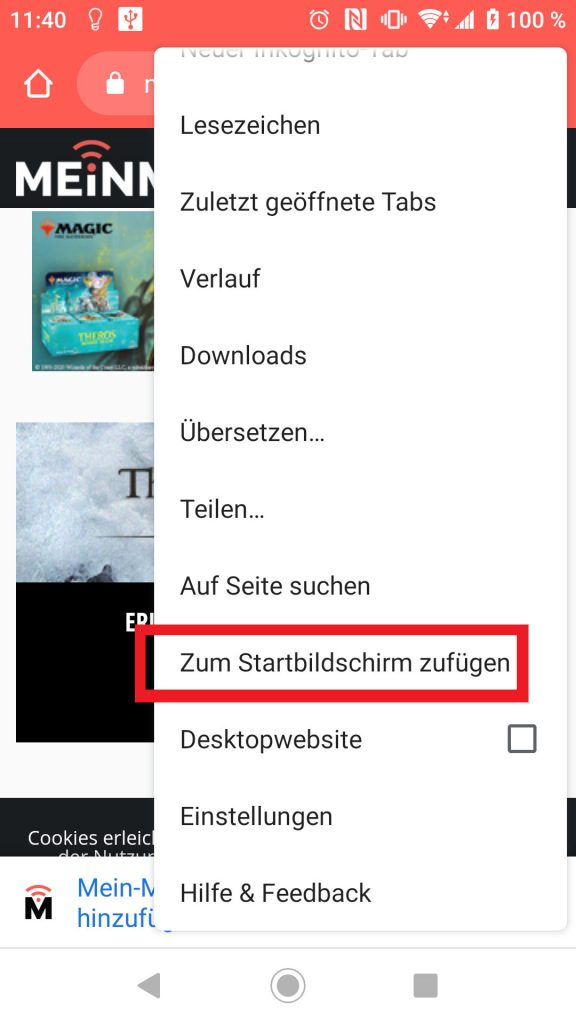
Chrome browser on an Android smartphone
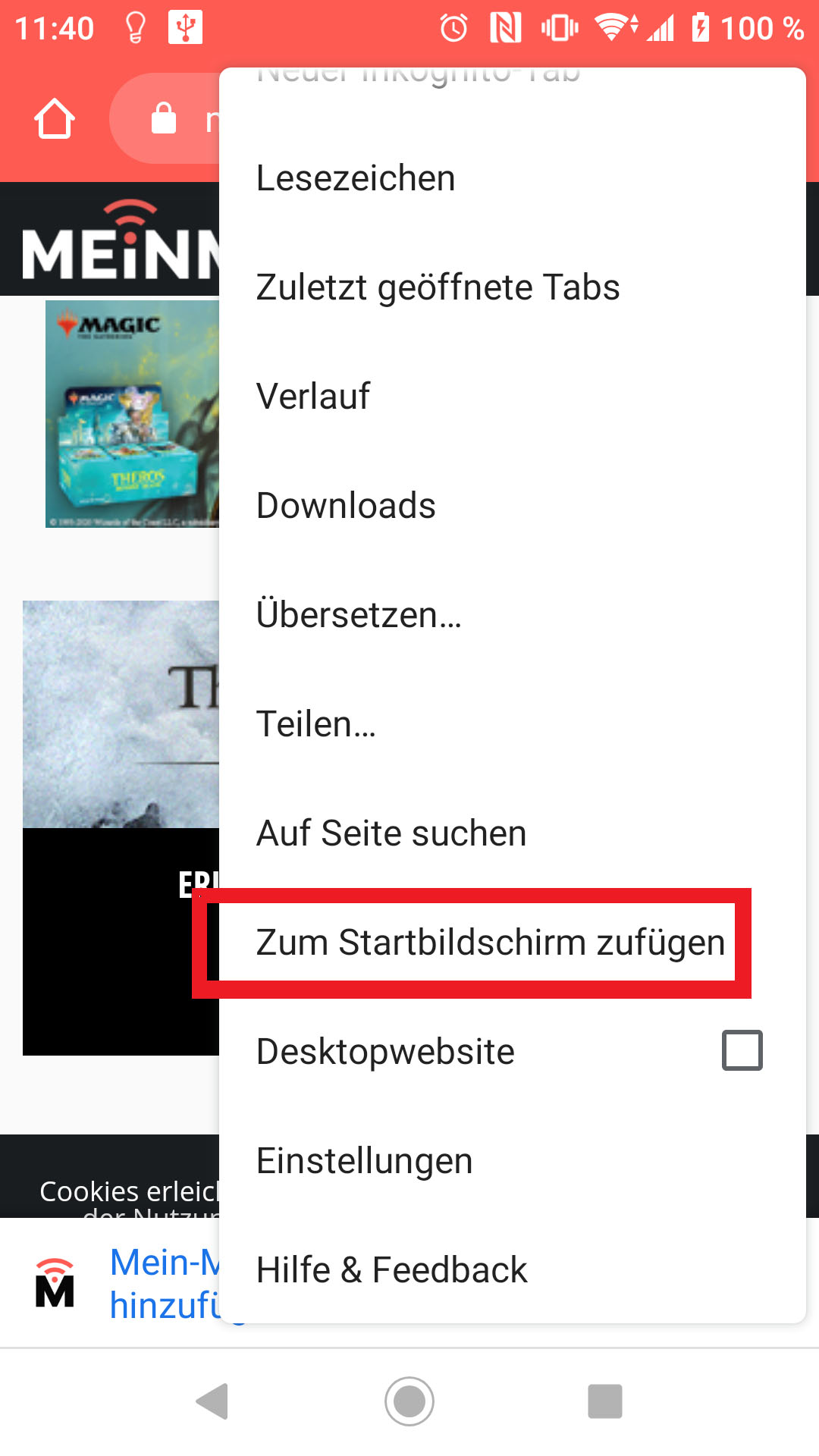
Once you have installed MeinMMO, you will find it either directly on your home screen or, if there is no more free space, in your app list. Give it a try!
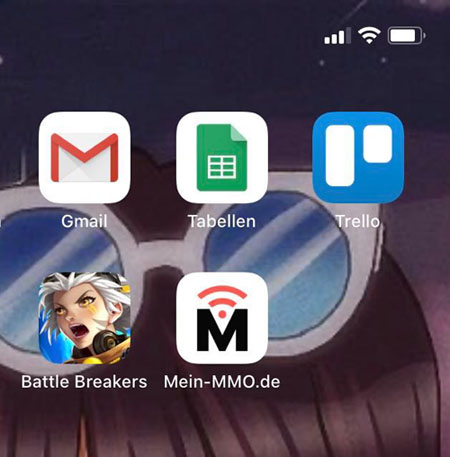
In the settings of your smartphone, you will also find MeinMMO in the list of apps. You can manage it just like all other apps.
What else should I keep in mind? The majority of common browsers and operating systems should allow you to install MeinMMO as a PWA. If the option is not displayed, unfortunately, your smartphone lacks this feature.
Do you have any more questions about MeinMMO as a Progressive Web App? Write them in the comments!


Your opinion is important to us!
Do you like the article? Then let us know!