

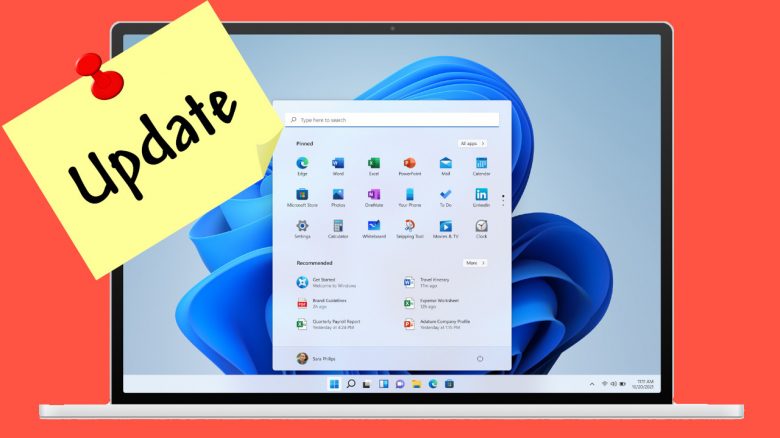
According to Microsoft, it should be possible to install Windows 11 on unsupported computers. However, you won’t benefit much, as Microsoft may not support such machines with updates.
Microsoft aims to convince future users of Windows 11 with numerous new features and improvements.
However, the stringent hardware requirements for upgrading to Windows 11 discourage many users. This is because some users still possess older hardware, which might not be suitable for the upgrade.
What has happened now? Microsoft has stated: Essentially, you can upgrade your old Windows 10 machine to Windows 11 (via windowscentral.com). Not much is needed for that. You don’t have to use tricks or bypass the requirements:
- You can manually upgrade your Windows 10 machine to Windows 11 using the Media Creation Tool or an official ISO, even if your CPU is not supported.
- During the update, it only checks if you have TPM 1.2 enabled and whether your machine has 64 GB of free storage, 4 GB of RAM, and at least a dual-core processor.
At first glance, this sounds like good news, but there’s a catch: Microsoft will likely not provide updates for older hardware.
Microsoft will not let you update to Windows 11 if you use outdated hardware
Microsoft has stated that they do not guarantee that unsupported machines will continue to receive Windows updates (via windowscentral.com).
However, this has a downside, as Microsoft has also stated that unsupported PCs will likely not receive Windows updates with Windows 11.
What does this mean for users? Essentially, this means that unsupported Windows PCs may also not receive security and driver updates. With such a version of Windows 11, you would be significantly less secure online, and there could also be fundamental compatibility issues.
Especially the lack of important security updates could become a real problem in the long run, as there are by far the most malware on the internet aimed at Windows operating systems that target users’ data.
According to Microsoft, it is not advisable to install Windows 11 on an unsupported machine, but it would likely not be a problem. However, whether you will receive updates in the future is uncertain.
Alternative: Test Windows 11 without tricks through the Insider program
The advantage is: If you sign up for the Windows Insider Program, you can try Windows 11 with little effort. This is because the hardware requirements are less extensive in the beta, and the beta also works on older systems.
The disadvantage is: Since this is a beta of Windows 11, it will only work as long as the beta is available and Windows 11 has not yet been officially released.
And even then, you have plenty of time to buy a new computer for Windows 11 in the worst-case scenario. The support for Windows 10 officially ends on October 14, 2025, and there is still quite a bit of time until then.
What else you should know about Windows 11 can be found in this article presented by us:
6 things you should know about Windows 11

Your opinion is important to us!
Do you like the article? Then let us know!