

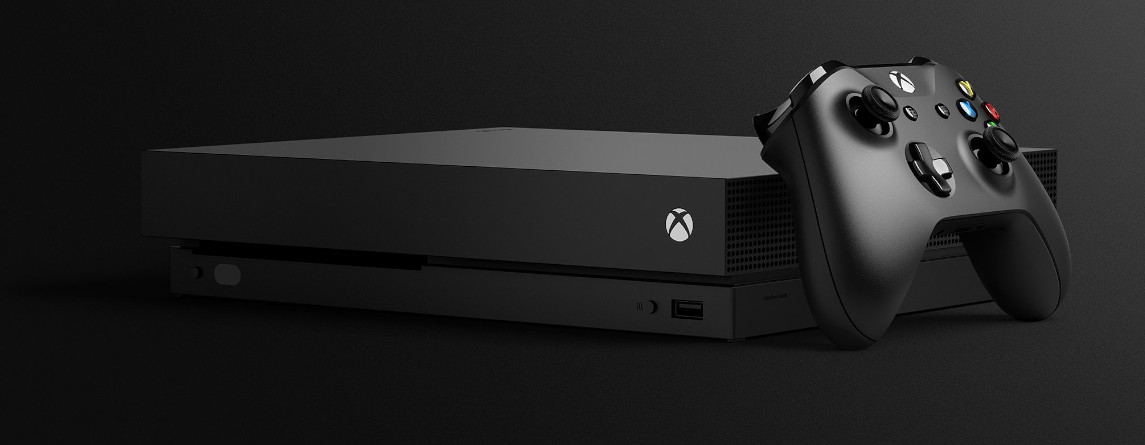
Microsoft has brought back a feature to the Xbox One with the Xbox Insider program that many players remember from the Xbox 360. Many hope that this feature will also come to the Xbox Series X.
What feature is it? The Xbox 360 once had the capability to eject the disc from the console using the Y button on the controller. Now, the release of the new Xbox Series X is coming, which is said to be the most powerful console ever.
The function may sound very simple, but many fans have long been calling for this option to exist on the Xbox One as well. Because this is currently not possible on the Xbox One. Instead, you often have to press the Eject button multiple times before the disc finally leaves the console.
Many players find this annoying. Others criticize that the buttons of the Xbox One eventually do not respond properly anymore and therefore wish for the feature to come back.
What is behind the update? With a new update, Microsoft has listened to the players: Now, with the update, you can press the “X” button on the Xbox One’s home screen with the controller. The console then ejects the disc. Also, Sony has now revealed an interesting feature for its new Dualshock 5 controller.
Xbox One Update Brings Simple Feature Back – Players Excited
This is what players are saying: Players are excited on Reddit. Many have missed this feature from the Xbox 360 and praise the step to bring it back.
Reddit user ChiMaste_Panda writes in the official thread:
Ahhh, finally the times of the 360 are back. And I love that they are back!
Source: Reddit
Another user, YungExodus, writes in the same Reddit post that the update comes at the right time, namely “just in time for the next-gen consoles.”
Rockstarleopard explains that the Xbox One button eventually does not respond well anymore, and here the update with the disc eject function can help and solve problems. Moreover, a completely new opportunity arises for people using the adaptive controller: It is now possible for the first time to eject a disc directly.
However, there are also critical voices. Some users wonder about the enthusiasm and say, “This was a feature of the Xbox 360” and do not understand the hype of other users.
Xbox One – Unlocking Updates and Participating in the Insider Program
Is the update available for everyone yet? Currently, the update is only available as a beta feature. This means: Only players who participate in the Xbox Insider program can use the new feature. If you want to use the feature now, you need to do the following:
- Navigate to the Xbox Store on your Xbox.
- Then search for “Xbox Insider Hub” in the search field.
- On the product page of the “Xbox Insider Hub,” select Buy/Install.
- Then start the app and select “Insider content.”
- Under System, select the option Xbox One Update Preview and choose either Join or Manage.
- Then you can select the preview ring.
What is a Preview Ring in the Xbox One Update Preview?
If you want to participate in the Xbox Insider program, you must select a preview ring: This means you choose which updates you want to receive. However, certain requirements apply, which can also be found in the official FAQ from Microsoft (via Microsoft.com):
- Alpha: Only a very limited group can participate, and only by invitation. Not relevant for most players.
- Beta: If you have been a participant of the Xbox Insider program for at least 3 months and have a skill level of 5 or higher, you can participate in the Beta.
- Delta: If you have been involved for at least a month and have reached at least level 1 in the Insider program, you can participate in Delta. In the Delta program, you gain access to early system updates.
- Omega: Here, it does not matter how long you have been in the Insider program. The updates in the Omega channel are also close to the official release.
Are there other ways to access the update? With the Insider program, Microsoft tests new features for the Xbox One. If the update is well-received, it will also become official. Until then, you will have to wait if you do not want to participate in the Insider program.
Everything about the new Xbox Series X can be found in our overview article. Here we summarize all important information about the Xbox for you:


Your opinion is important to us!
Do you like the article? Then let us know!