

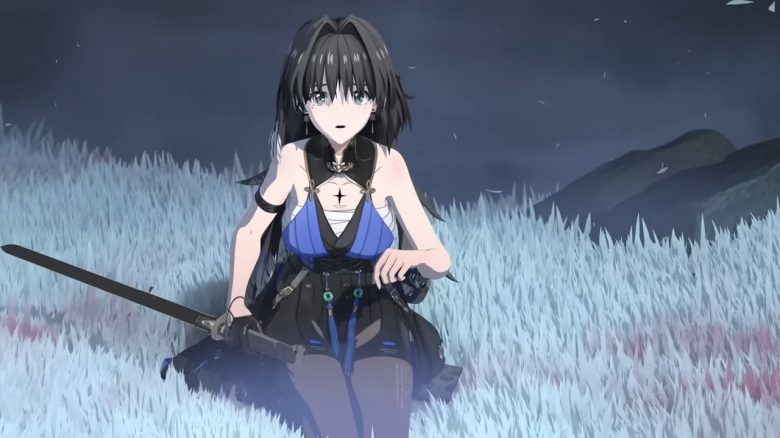
Wuthering Wave is a new action game for iOS, Android, and PC. But players are complaining about issues. Here’s what you can do against crashes and problems. And what has happened to the 120FPS mode?
With Wuthering Waves, a new action game has been launched. The game reminds many people of Genshin Impact, as it also features collectible characters and an open game world. Wuthering Waves, like Genshin Impact, relies on an aggressive gacha system for monetization.
MeinMMO explains what you can do about bugs and issues in Wuthering Waves. We will also reveal why the 120 FPS mode is currently disabled.

Wuthering Wave: Activating 120 FPS is not possible
How can I activate 120 FPS in Wuthering Waves? The developer Kuro Games has currently disabled the 120 FPS mode because, according to the developer, there are glitches and other issues on PC (via reddit.com):
It is currently known that the game occasionally glitches in 120 fps mode on PC. While the development team is working on resolving the issue, this feature will not be available during this time. We will inform you when this feature becomes available again in future updates. Thank you for your patience and support.
Currently, efforts are being made to resolve the issues, and the mode should return soon. When that will happen is unknown.
Wuthering Waves crashes – Here’s what you can do about it
Reinstallation: In some cases, game files can become corrupted during installation and download. In the worst case, the game may not start or crash because important files are missing or damaged. In this case, you should reinstall the client on your PC.
Insufficient hardware: Wuthering Waves surprisingly requires robust hardware for a FP2 game. While you only need an RX 570 at the lowest settings, the game requires at least an RX 5700 for Ultra.
If the game crashes constantly or regularly, we recommend lowering the graphics settings. Also, check the minimum requirements of the game for your suitable platform. You can find them in detail directly on MeinMMO:

Incorrect configuration of settings: Incorrect graphics settings or resolutions can burden your system and cause FPS drops. In the most frustrating case, this can also lead to crashes.
Software and driver issues: Make sure you have the latest drivers and software for your hardware installed. Especially the graphics card driver and the corresponding software should be up to date.


More about Wuthering Waves: If you want to know more about the new action game, check out the following article on MeinMMO. Wuthering Waves is aimed especially at fans of anime and Genshin Impact: New open-world RPG reminiscent of Genshin Impact in a dark setting, starting in May

Your opinion is important to us!
Do you like the article? Then let us know!