

With Shadowlands, World of Warcraft officially supports gamepads. But is it really fun? Cortyn took a look at it.

It has been known for some time that World of Warcraft, with Shadowlands, aims to bring support for gamepads and controllers. However, this is not due to the much-desired console implementation (which is still denied), but to provide easier access to players with disabilities who rely on gamepads.
Since the last patch of the alpha, controller support now seems to be fully included. I thought it was time for me, Cortyn from MeinMMO, to take a closer look at the controller support.
All beginnings are difficult: I must honestly say, I didn’t really want to write the article. This was because the detection of my PS4 controller didn’t work. It worked perfectly in games like NieR: Automata, but World of Warcraft simply didn’t recognize it. After 30 frustrating minutes of Googling, I simply switched the USB port of my PS4 controller – and for inexplicable reasons it worked then.
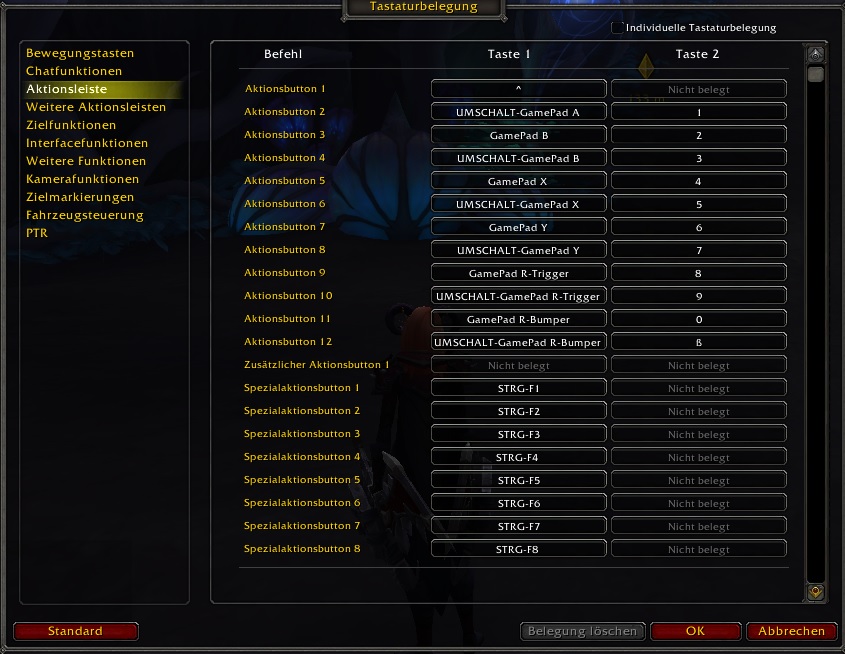
Once recognized, it was no longer a problem. WoW already has a solid set of base settings in the key mappings, which can be changed as desired. Once the controller was recognized, the new settings were automatically applied.
WoW with Controller – Good, but only in some situations
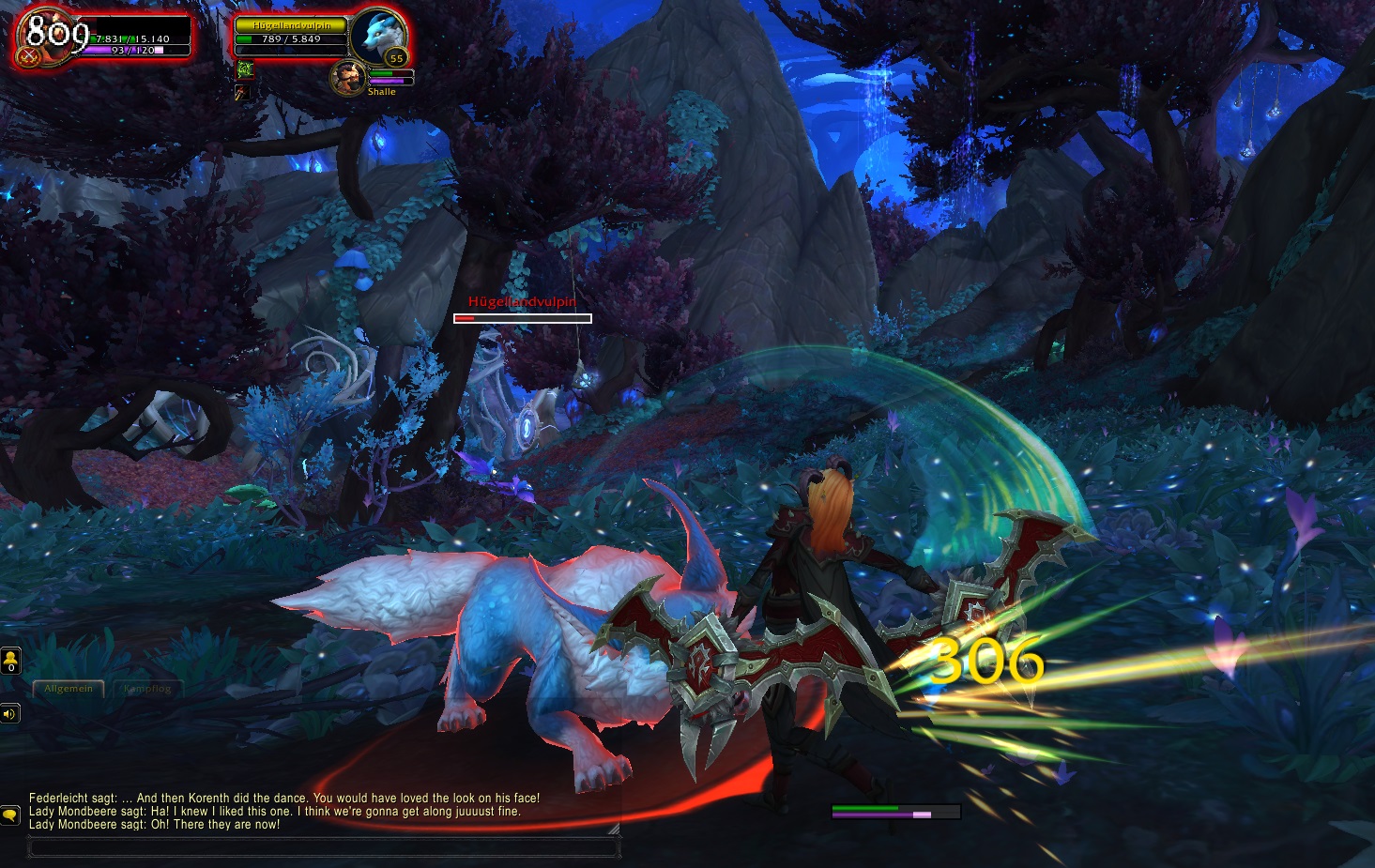
What works well? Battles work surprisingly well. It’s easy to maneuver a warrior or demon hunter to the right position and target enemies. The control works really well in melee, and within minutes one has already figured out how to control the camera perfectly with one stick while the other moves the character. You jump with X, and select enemies with the directional keys. It’s intuitive, but there’s little that can go wrong.
Even though this is again a little diss towards demon hunters – the fewer abilities a class requires, the easier it is to play with the gamepad. Sure, through combinations with the R and L buttons one can theoretically reach 20 or more abilities quickly. But that requires a long adjustment period.
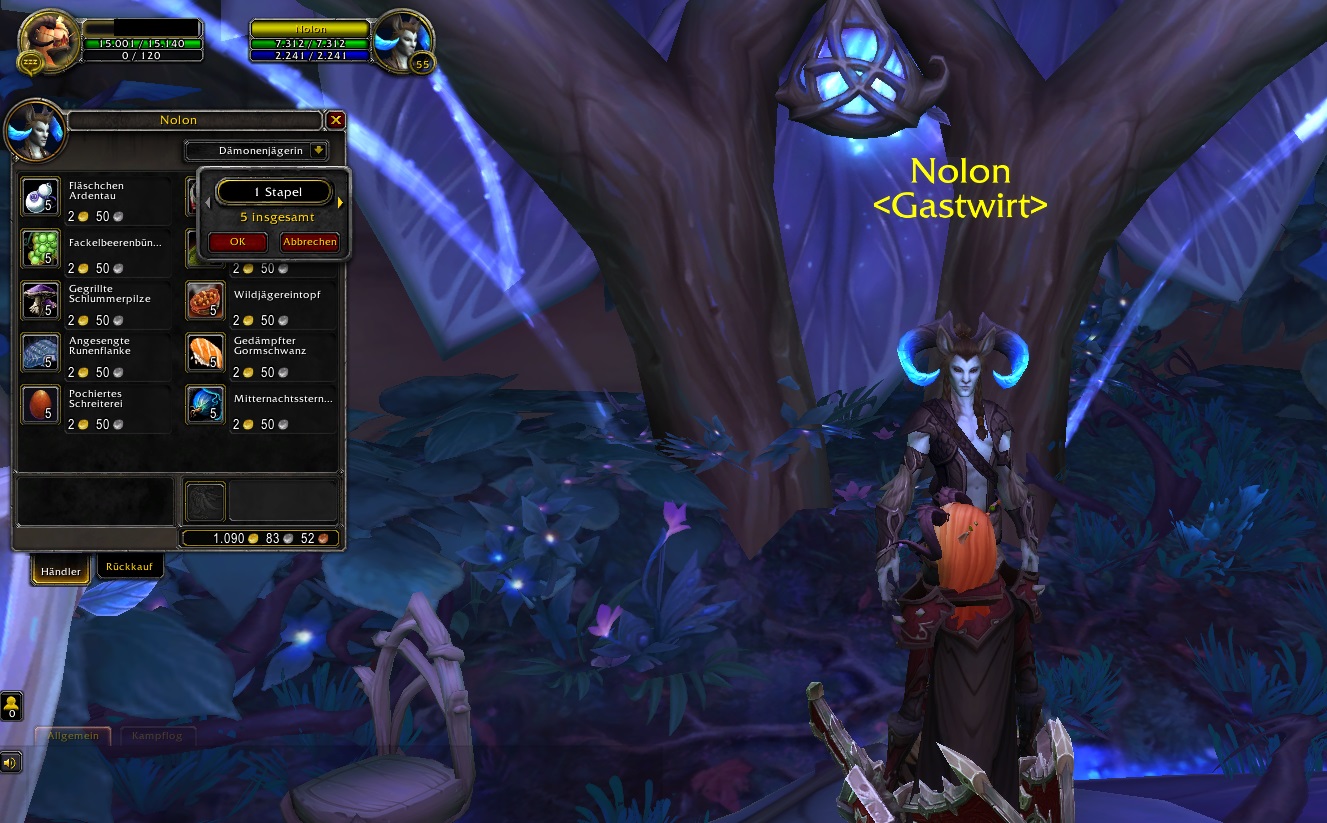
What doesn’t work? Targeting NPCs and looting enemies, however, is less than optimal. For that, you have to manually steer the cursor with the gamepad over the corpse or the NPC and then click to loot or start a dialogue. Auto-looting helps immensely here, but it’s still a bit cumbersome.
It is also tiring to select area effects (i.e., target areas, like a Blizzard) with the gamepad. By the time you have selected the right spot, the mobs have already beaten you to a pulp or are long gone.
It gets really chaotic, however, when you want to tidy up your inventory. The same applies at the vendor as it does in the menus or when looting – the cursor must be directly controlled with the stick.
More than once I thought to myself, “Holy shit, this is too cumbersome!” and quickly got frustrated and grabbed the mouse to accomplish what otherwise would have taken minutes in a few seconds.
It would be useful if Blizzard adds a function that makes the cursor jump to specific interface elements and allows you to simply scroll through the inventory with the arrow keys.

Conclusion – Functional, but nothing more
In summary, I have to say that the controller support works rather “mediocre” so far. For classes with few necessary keys while questing, like the demon hunter or warrior, this is definitely good for a change. However, tasks like looting or talking to NPCs still have issues. It really doesn’t work well when you have to move the cursor with the stick. A “fixed” cursor that jumps from menu item to menu item would be a good alternative here.
Likely, the feature will only become really useful through interface addons from the community. There are some already in the live version of the game, but they rely on third-party software to function. At least that should become easier with Shadowlands.
It’s not really recommended in terms of gaming fun – in dungeons or PvP especially not, at least not without dozens of hours of experience.
Are you looking forward to exploring Shadowlands with a gamepad? Or do you think it won’t work out?

Your opinion is important to us!
Do you like the article? Then let us know!