

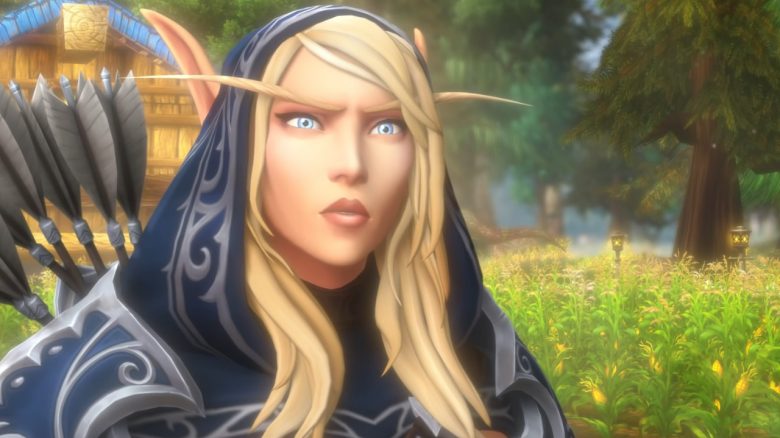
User SIDESKETCH posted a screenshot of World of Warcraft on Reddit. It looked so cool that many players wanted to know what his settings are. In doing so, he revealed some tricks that actually improve the graphics in WoW and even enhance performance.

What are these tricks? You don’t need an external tool or any addons for the adjustments, just targeted changes in the game settings.
The most important and surprisingly for many is the adjustment of the resolution scaling. This is set to 100% by default and adapts to your screen resolution. However, SIDESKETCH discovered that both performance and graphics benefit when you reduce this scaling by 4 to 10%.
He further emphasizes that the Resample technology FidelityFX is the “MVP” when it comes to getting the best out of the game. You can find the setting under “System -> Advanced -> Reconstruction Quality”.
You can find the complete thread with his explanations and justifications on Reddit.
What are SIDESKETCH’s other settings?
- For antialiasing, he chooses MSAA x8
- Projected textures must be enabled
- 7 for view distance
- Shadow quality: High
- Computer effects: High
- If your monitor only supports 60Hz, you should cap the FPS at 60, with 120Hz at 120
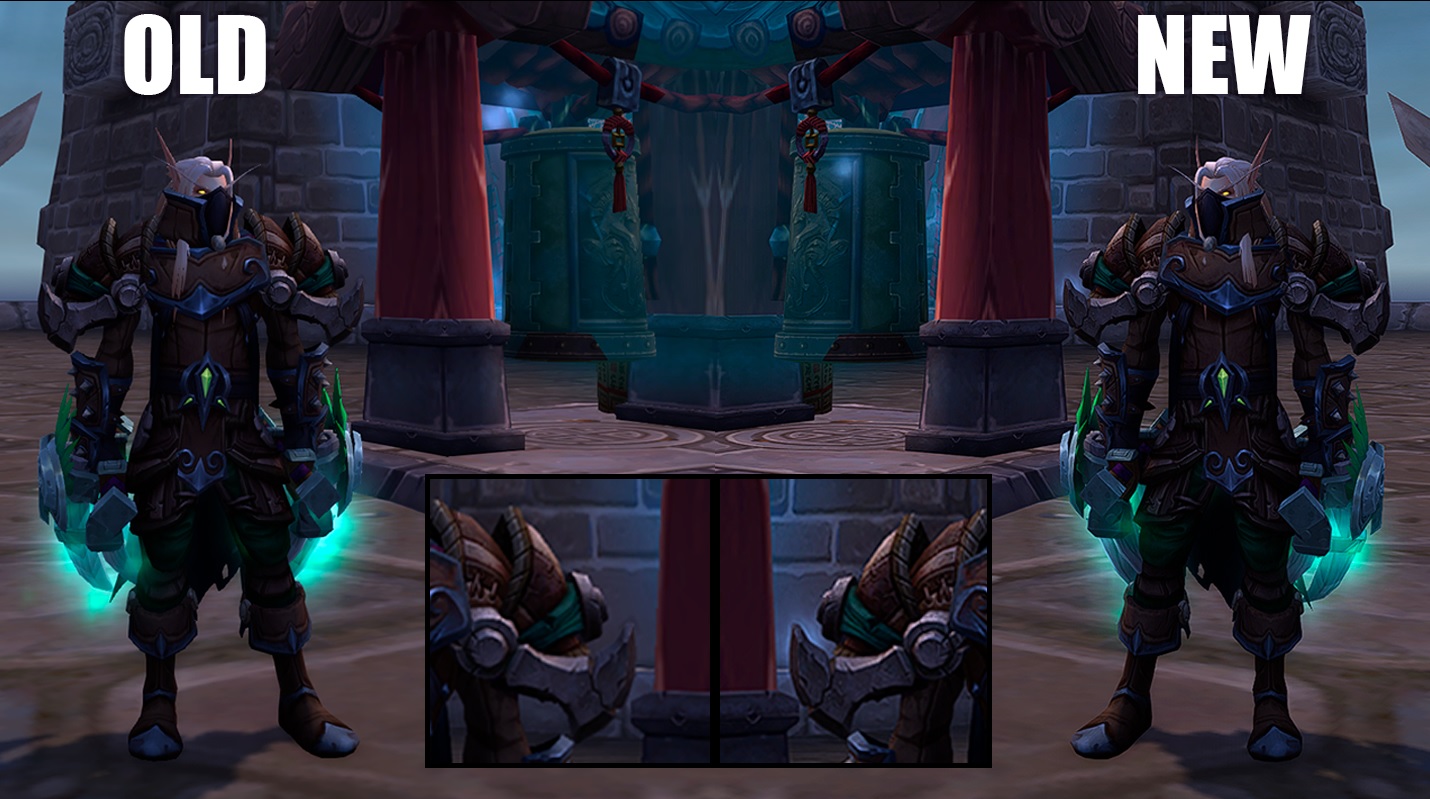
“As if I suddenly put on glasses in WoW”
Does it really look that much better? Many players say that the changes actually make the game prettier for them. Especially the effects of weapons and spells become more attractive, and objects like the ground or walls appear less blurry.
Our WoW demon Cortyn tried the settings himself and is especially thrilled with the resolution scaling: “I find the difference so drastic. As if I suddenly put on glasses in WoW.”
Even on Reddit, this trick and the adjustments to FidelityFX are praised multiple times. The rest mostly consists of standard settings or general tips found elsewhere.
If you want to see a direct comparison, you can find a slider image from SIDESKETCH here (via imgsli) and another from the community here (via imgsli).
Does the trick really work for everyone? No. In the comments, some people say they don’t notice any difference. Additionally, the effect is said to vary depending on the area you are in.
Some swear by the NVidia Sharpening filter for better graphics. However, this only works with the manufacturer’s graphics cards and only in fullscreen.
What do you think of this trick? Has it helped you as well or did you expect more? Feel free to write it in the comments.

Your opinion is important to us!
Do you like the article? Then let us know!