

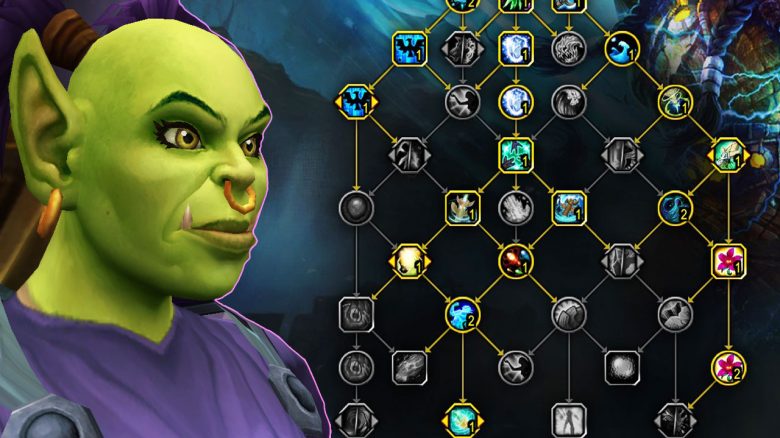
With Patch 10.00 in World of Warcraft (WoW), the first content from Dragonflight reaches the servers. If you log in now, you will find the new talent trees with each class. We will show you how they work.

What’s new? The pre-patch for Dragonflight, Patch 10.00, is live in World of Warcraft. You will find a new interface right upon logging in, as well as the new talent trees. Until the release of Dragonflight on November 28, you can already try out some of the content.
We will show you here how the new talent trees work and how to save multiple specs.
New Talent Trees in WoW – How the Changes Look
What has changed? Over the course of the various expansions of World of Warcraft, talent trees have changed significantly. In the past, during the times of Wrath of the Lich King, you defined your specialization based on talent points that you could distribute freely across the trees. You can see this again now in WoW: WotLK Classic.
Since the release of Mists of Pandaria, however, your talents are bound to the specialization you choose.
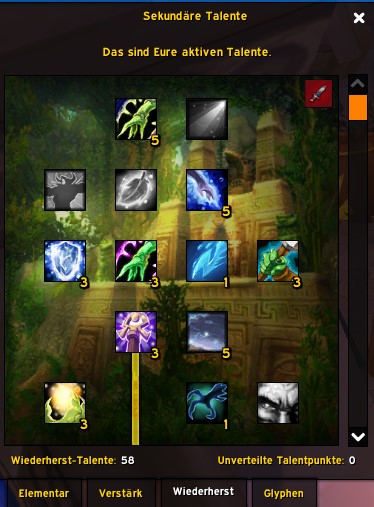
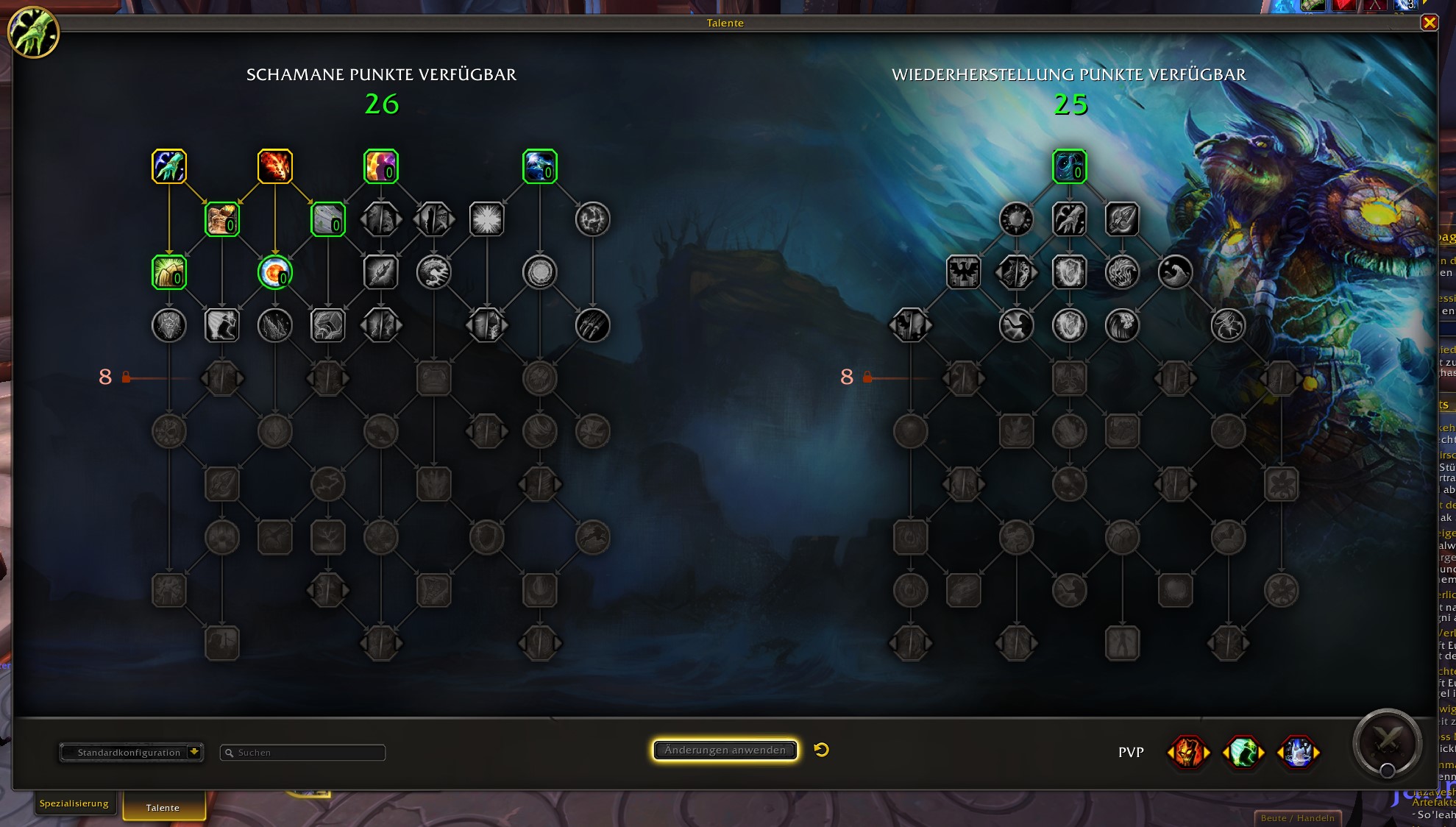
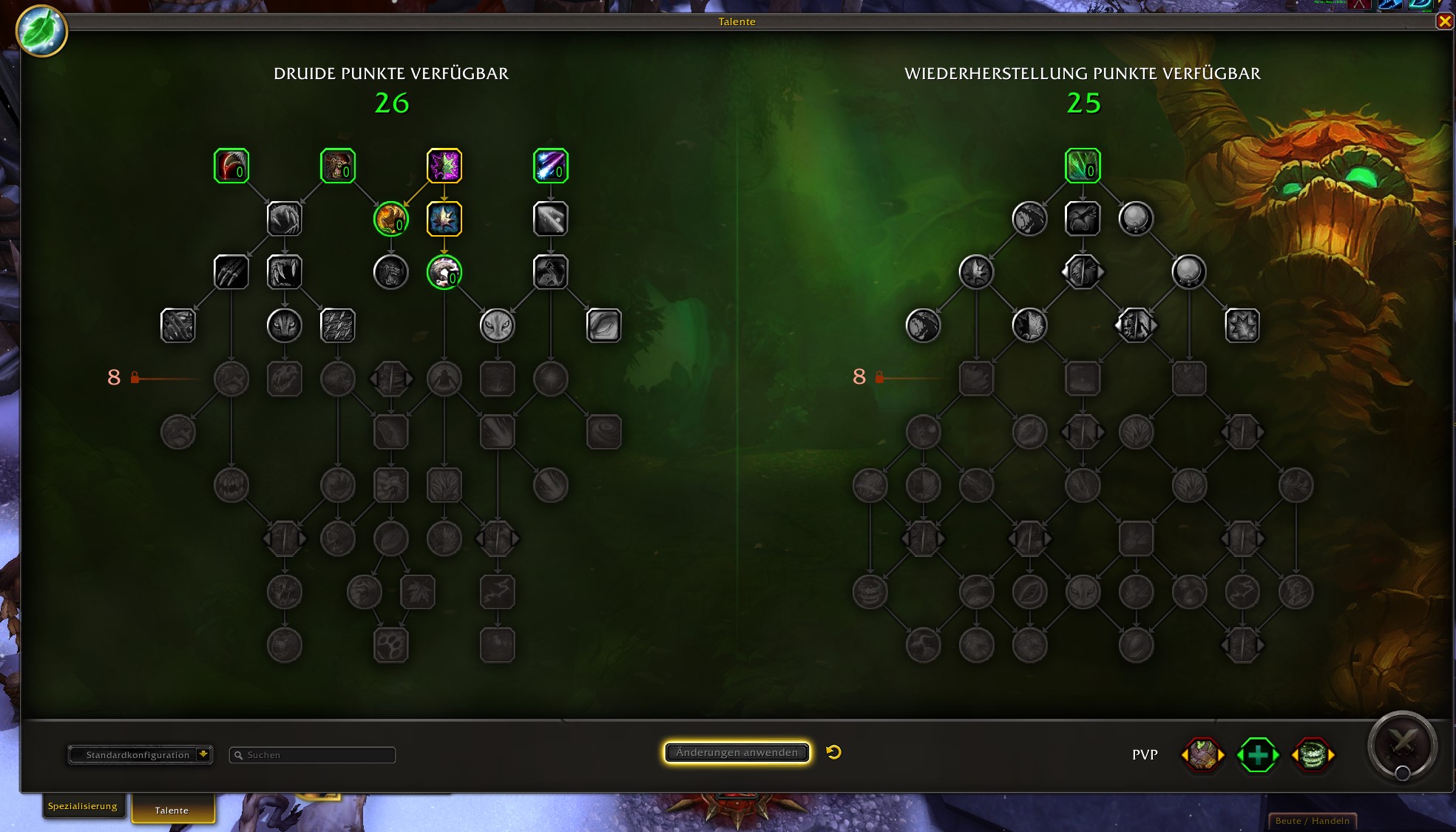
For the new expansion Dragonflight, the talent trees have been revised again. For each class, you have a base tree and another talent tree that corresponds to your specialization. As a Restoration Shaman, you have a tree for “Shaman” and one for “Restoration”. You can distribute points in both at level 60. 26 in the base, 25 in the specialization.
How the talent trees of Dragonflight work in detail.
How to Save Multiple Specs?
What you need to know: The new talent trees offer a lot of potential for experimentation. For this reason, it is convenient to have different specs with small changes accessible with just a few clicks, without having to redistribute all points again.
When you open your talent tree, you will find the button with “Standard Configuration” at the bottom left. If you click on the arrow there, you can choose from the menu between:
- Beginner Build (a pre-made build by Blizzard)
- New Configuration (for a new build of yours)
- Import (to insert shared specs via code, without having to type them in)
- Share (copies the spec to the clipboard)
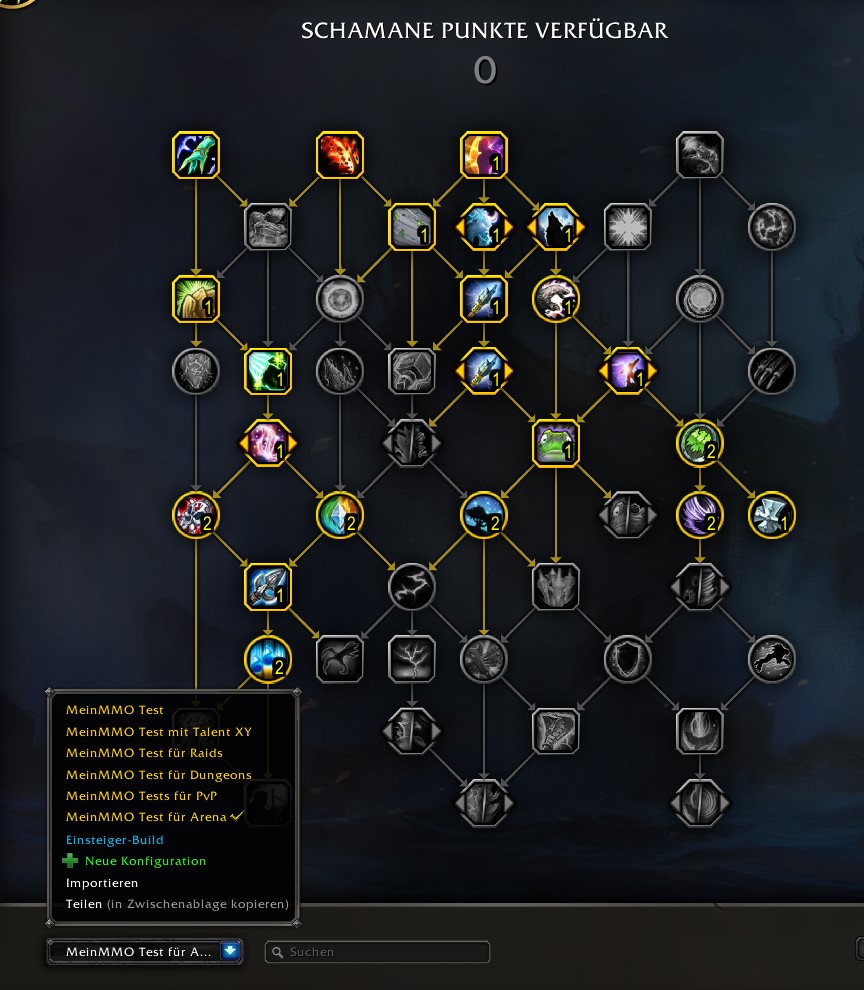
If you choose “New Configuration,” you should enter a name for it and then allocate the points. This process can be repeated multiple times. In this way, you prepare suitable specs for various situations.
What do you think of the new talent trees of WoW? Do you find the features cool and have you shared your specs yet? Or was the old system much better and are you unhappy with the “new system” for various reasons? Please write us your opinion in the comments here on MeinMMO.

Your opinion is important to us!
Do you like the article? Then let us know!