

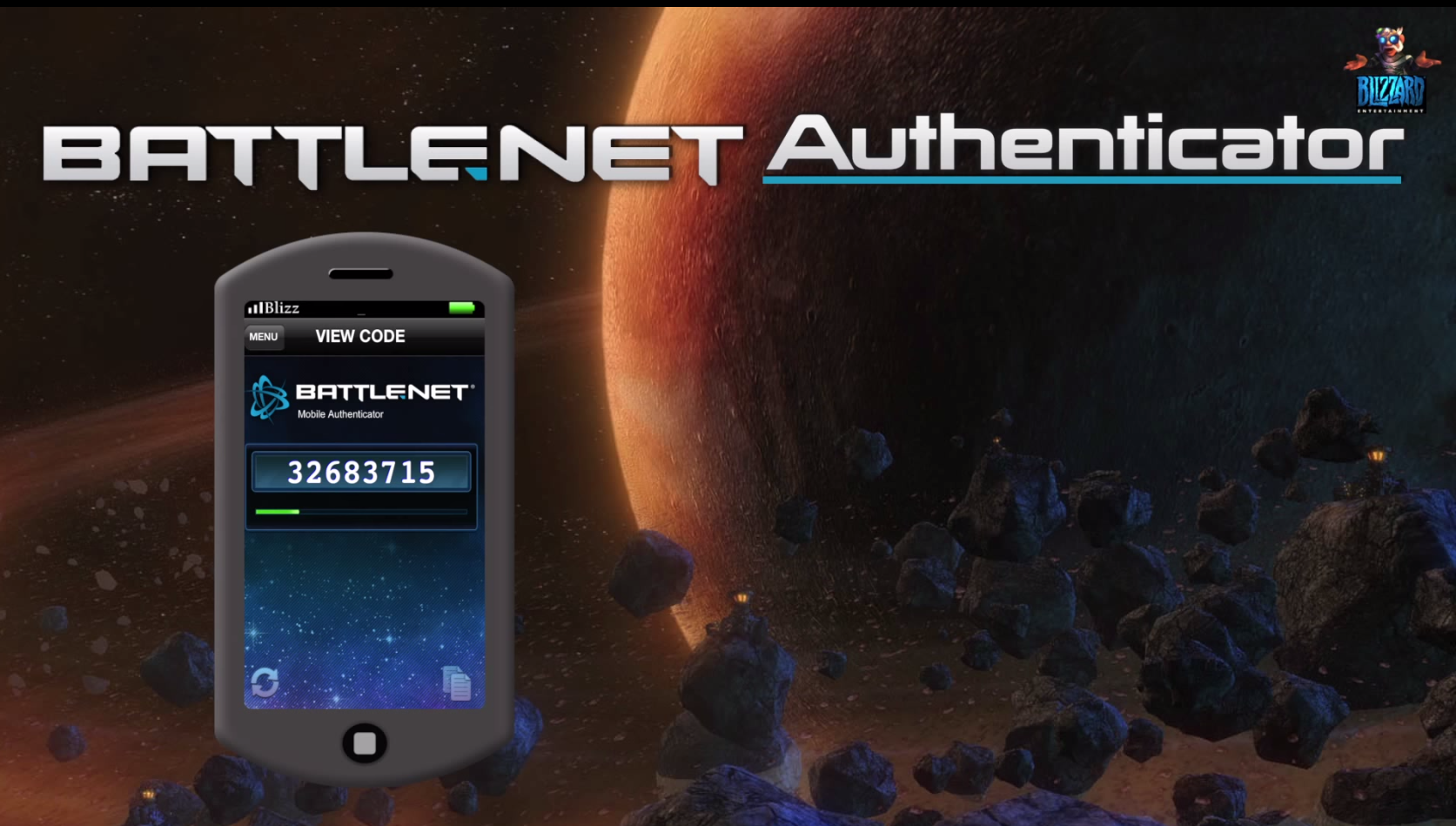
Do you know that feeling? The raid in World of Warcraft is scheduled for 7:30 PM. At 7:25 PM, you rush home, quickly start the computer, take care of your personal basic needs while it boot up, and then try to log in at 7:29 PM (still standing). You call into Teamspeak that you’re there, but of all days, a hotfix has to be downloaded today! Then the moment arrives, the atmospheric music of the login screen plays, and it could start right away. But where is the authenticator?

For this problem, there are only two good tips: Attach the physical authenticator directly to the monitor stand or install it on your smartphone – provided you haven’t left it in the bathroom and now have to run back. But even this seemingly elegant solution has its pitfalls: The upcoming update for the Battle.net Mobile Authenticator on iOS (on iPhone, iPad, and iPod) can reset the beloved app or authenticator.
Workaround to avoid the problem
To avoid being caught by Murphy’s Law, you should take the following precautions:
- Link your mobile number with mobile notifications. In case of a problem with the authenticator you can remove it via SMS!
- Note the serial number and recovery code provided in the app.
- Now you need to remove the authenticator from your Battle.net account. To do this, log in to your account and enter two consecutive authentication codes there.
- Then update the app as usual. To save on connection costs, it’s best to use a wireless network – according to Blizzard’s statement, this is also the recommended way to prevent unwanted resets.
- Now add the authenticator back to your account.
Unfortunately, it is not known when the update for the mobile app will be available, but we hope that this message reaches you in time before it becomes unnecessarily complicated because you can’t access your account.
Learn more about the mobile authenticator and your account security in this video.

Your opinion is important to us!
Do you like the article? Then let us know!