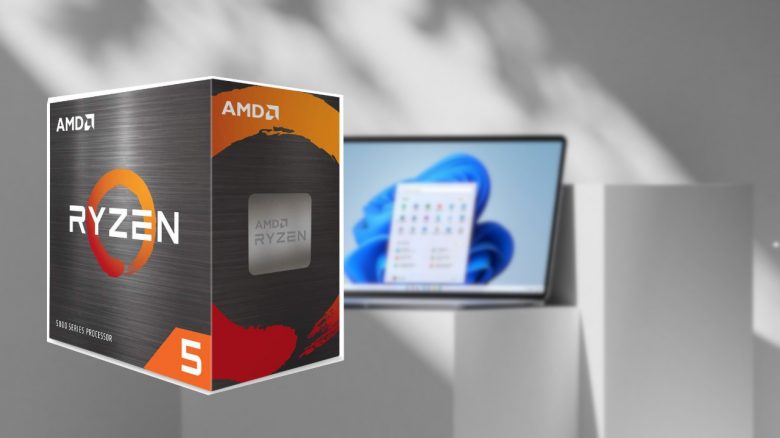
With Windows 11, the latest version of the popular operating system has launched. However, especially users with AMD processors are currently facing issues. And with the latest update, the problems are expected to worsen. Microsoft and AMD are working on a fix.
We at MeinMMO have already reported that a new feature is said to disrupt the performance of Windows 11. Additionally, there were reports beforehand that the performance on Windows 11 was not optimal.
This has now happened: Microsoft has introduced its first update for Windows 11. The update brings a lot of bug fixes for various issues. Among other things, network problems with Intel wireless devices are said to be a thing of the past.
However, the update is not only supposed to solve problems. Microsoft and AMD have now jointly found that there are significant performance issues between Windows 11 and Ryzen processors.
Websites like Techspot are reporting that the performance is now expected to be even worse than at the release of Windows 11, where there were already issues (via techspot.com). Some are reporting a drop of up to 15% in performance.
Where are the problems coming from? Already after the release of Windows 11, Microsoft and AMD explained that Windows 11 is poorly optimized for Ryzen processors (via techpowerup.com).
The problem primarily lies with the L3 cache. The cache of the processor is a special buffer memory that sits between the RAM and the processor. The L3 cache is primarily supposed to simplify and speed up data exchange between the cores. However, there are currently high latencies that are not intended.

Performance issues are expected to be resolved in a week
Microsoft, along with AMD, has stated that they intend to address the issues with AMD processors throughout this month. Keep an eye on Windows updates. The updates are set to be released on October 19 and 21 and will be distributed via a software update from AMD (via reddit.com).
What you can do instead: On one hand, you can try to improve your gaming performance with a trick. However, the effectiveness of this trick really depends on the game and the program.
Another option is to roll back the Windows 11 upgrade to Windows 10. You can use the built-in recovery function of Windows 10 if you noticeably experience performance issues and find the problems annoying. However, this is only possible within the first 10 days after the upgrade.