Weight and Ergonomics
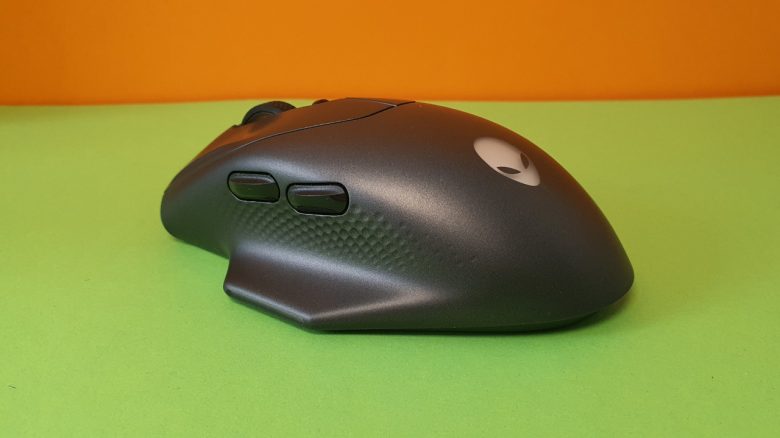
The weight: With its 100 grams, the Alienware 620M is oriented towards known competition. Both Logitech, Roccat, and Razer are currently aiming around 100 grams in the mid-range segment for their all-rounders. Fully shooter-oriented mice weigh another 30 to 40 grams less.
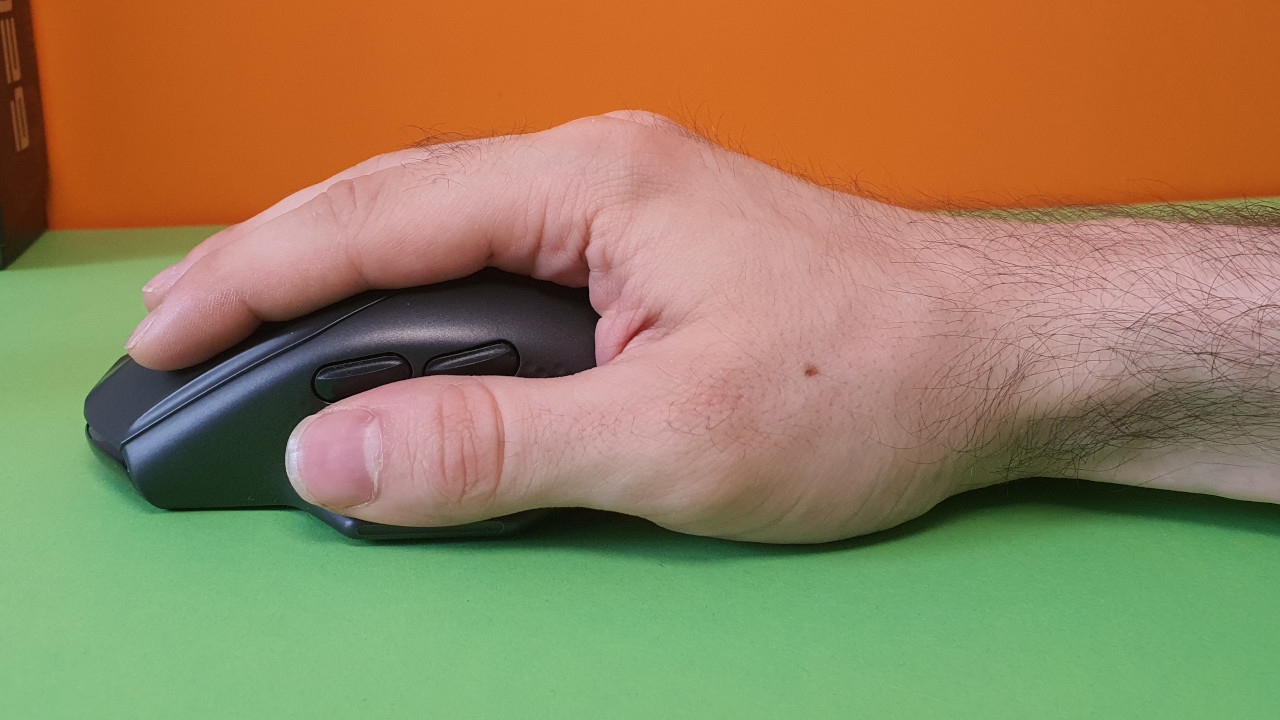
The ergonomics: I have very large hands with a hand size of 19 centimeters. And for my large hand, the mouse is well suited, and I can easily reach all buttons. However, the mouse feels uncomfortable over time. This is because the little finger does not rest properly on the body of the mouse.
I particularly notice this when playing fast games: In Apex or Fortnite, I involuntarily clench my little finger.
The Mouse Buttons, Scroll Wheel, and Sensor
The mouse buttons: Alienware uses optical switches under the mouse buttons. These are clearly audible and sound quite hollow. The sound is reminiscent of the Burst Pro or the Kone Pro from Roccat, which sounded similarly hollow. However, the noise is not unusual for optical switches. In any case, the mouse is not silent.
The mouse clicks always feel solid and crisp in everyday use, making clicks feel clear and precise.
The scroll wheel: The scroll wheel offers a clear detent, yet is soft enough for quick spins. Overall, the scroll wheel is more pleasant to turn than, for example, the Logitech G502X, where the scroll wheel always feels somewhat too stiff.
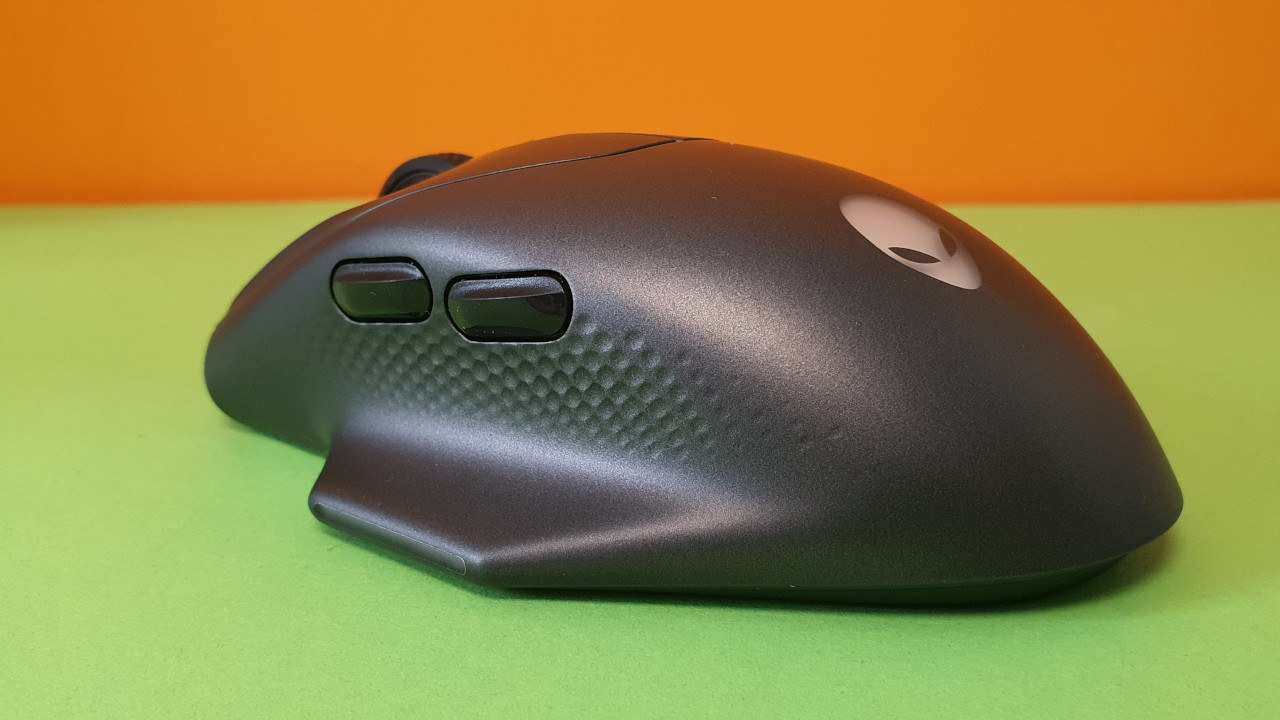
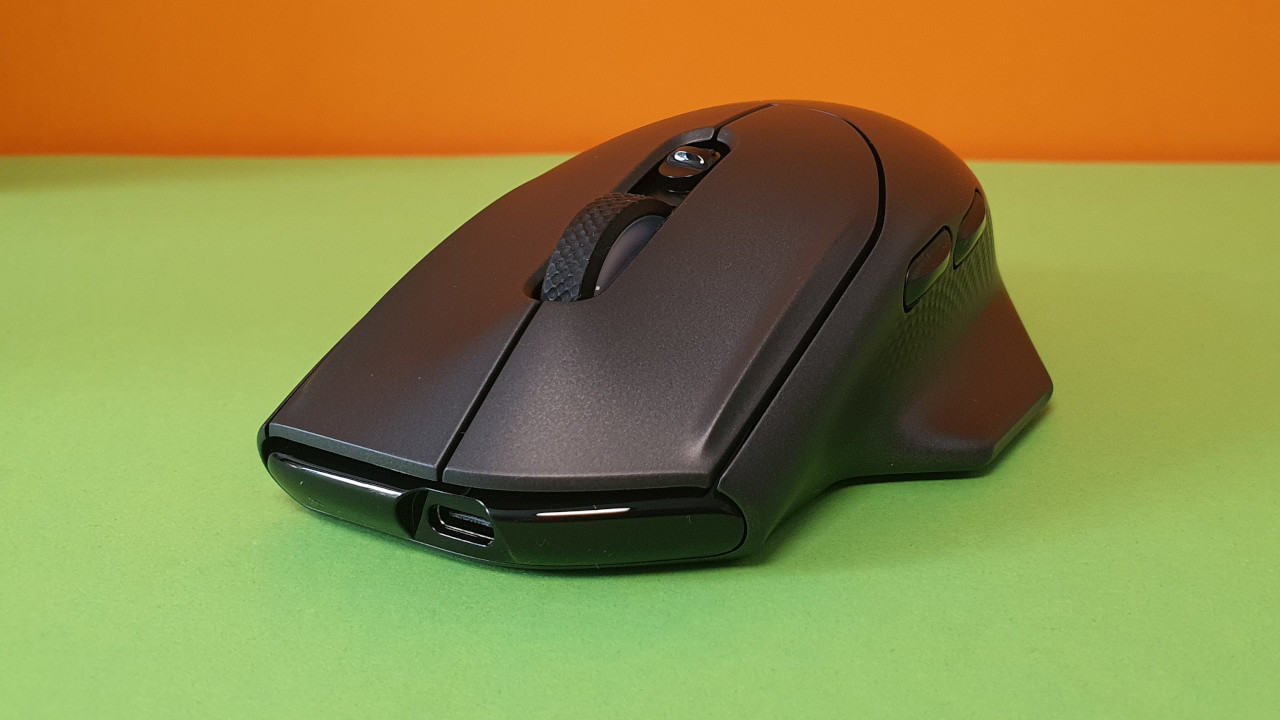
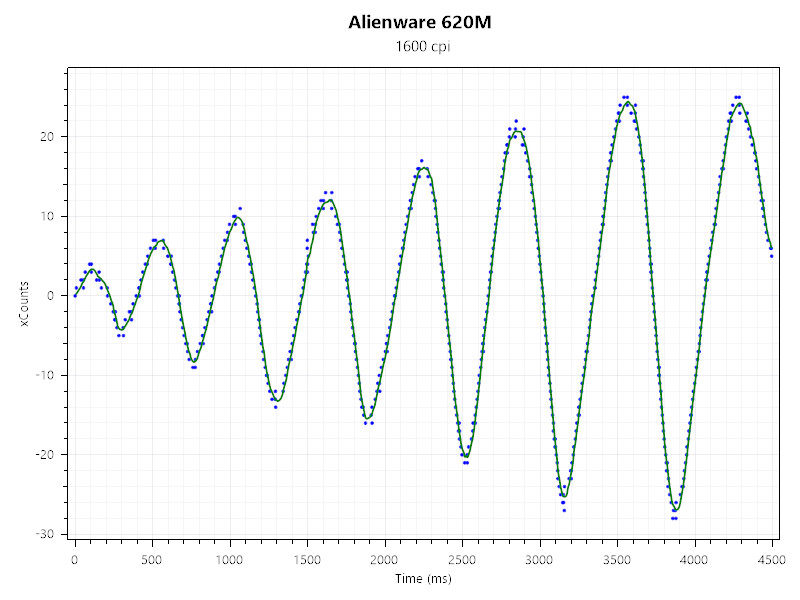
Sensor: Inside is an optical sensor with a resolution of 26,000 DPI and a polling rate of 650 IPS. Alienware does not specify the exact manufacturer of the sensor; presumably, a Pixart derivative is inside. Many manufacturers in the mid-range segment use the Pixart 3370, but the polling rate mentioned by Alienware is higher than that of the 3370 (650 IPS vs 400).
In sensor tests, the sensor of the mouse performs very well. The sensor remains very accurate throughout the testing period, with a handful of errors that are not very noticeable. The measurement points are very close to or directly on the curve, giving the sensor excellent values. This applies to both wired and wireless connections via dongle.
Conclusion: Too expensive at 130 euros compared to the competition
For whom is the mouse suitable? The biggest problem of the mouse is the competition. After all, Alienware charges €129 for the mouse. Logitech also charges €129 for their G502X Lightspeed, which is a significantly better mouse for the price: higher quality build, longer battery life, more buttons, and more comfortable haptics. And among wireless mice, the HyperX Pulsefire Haste Wireless remains my secret tip if you don’t want to spend more than €100.
What alternatives are there?
- The Logitech G502X is my current favorite among all-rounders, and you can sometimes get it for around 100 euros. Crisp clicks and especially good haptics, combined with excellent battery life.
- The HyperX Pulsefire Haste is my tip if you are looking for a wireless shooter mouse for under €100. Good haptics and a decent sensor make the mouse stand out. However, the software is rather weak.
- Roccat’s Kone XP is another recommendation if you’re looking for a wired multi-genre mouse. On average, you pay €60 and get a fast and above all stylish gaming mouse. The Pixart 3370 is reliable, even if it’s “only” mid-range.
More gaming mice on MeinMMO: If you’re looking for more recommendable gaming mice, take a look at our buying guide on MeinMMO. Here you will find the best gaming mice you can currently buy:
The best gaming mice for shooters that you can currently buy
- 1
- 2