

What Intel processors are there and which Intel processor is suitable for gaming? MeinMMO explains what you need to consider when buying a new processor and which one might be worth it for your new system.
Team Blue: Intel, alongside AMD, is the most important manufacturer of processors in the PC sector. There are now various sockets and processors that you can buy for your system.
If you’ve chosen Intel for your next PC upgrade, you will find the best Intel processors currently available for your gaming system in the following article.
- Which Intel processor is suitable for gaming?
- LGA 1200, LGA1700, or LGA1851 – Which socket should I choose?
- Best Intel CPU for around 100 Euros
- Best Intel CPU for 200 Euros
- Best Intel CPU under 600 Euros
- DDR4 or DDR5 – Which RAM to choose
- FAQ about Intel processors
Last updates: 26.02.24, 14.02.23.
Which Intel processor is suitable for gaming?
In general, the same pattern applies to all Intel processors: Core i3, i5, i7, and i9 are counterparts to AMD’s Ryzen 3, 5, 7, and 9 and represent roughly the same performance class:
- Core i3 is aimed at entry-level and budget models that are completely sufficient for simple systems and casual gaming.
- Core i5 represents the mid-range of Intel and offers most gamers more than sufficient performance.
- In the case of Core i7 and i9, you will find the most powerful (and most expensive) processors for your system. Here you also get the concentrated power of the platform.
Best Intel CPU for around 100 Euros: Intel Core i3-14100F
For beginners: The Intel Core i3-14100F is considered the best recommendation on the market if you need an inexpensive and fast processor for entry-level use. With the Intel Core i3-14100F, you get the fastest i3 processor for around 120 Euros.
If you are coming from an earlier model, such as the i3-12100F or the 13100F, then the upgrade is not really worth it.
Best Intel CPU for 200 Euros for gamers: Core i5-13400F
For gamers: Intel’s Core i5-13400F is considered the best recommendation for gaming if you don’t want to spend more than around 200 Euros on a processor. Currently, the price fluctuates between 190 and 210 Euros depending on the retailer. The “F” in the name means that the processor does not have a graphics chip, so you will definitely need a graphics card.
If you have a larger budget, you can also opt for the more modern and faster i5-12600KF, which is currently the best mid-range processor from Intel. However, the price here is over 300 Euros. The i5-13400F is approximately 10 – 15 percent slower than its successor, the 14600KF, but costs 100 Euros less:
Best Intel CPU under 600 Euros: Core i9 14900KF
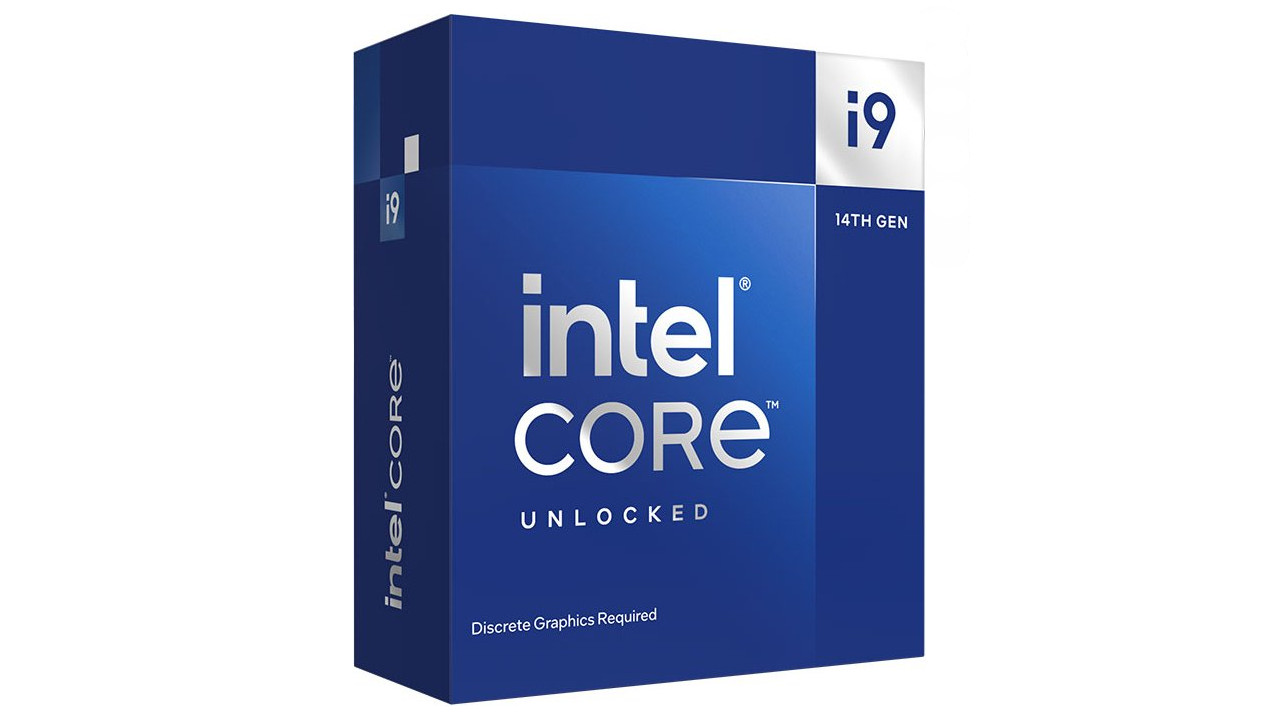
For enthusiasts: The currently fastest and best CPU from Intel is the Intel Core i9-14900KF. This is primarily aimed at users who want the fastest and best processor in their gaming PC. The price is around 600 Euros.
However, this is not absolutely necessary, as particularly for high resolutions beyond Full HD, a fast graphics card is needed more than a processor. If you already own a Core i5-12600K or even a Core i9 13900K, then the upgrade won’t bring you much additional performance:
LGA 1200, LGA1700, or LGA1851 – Which socket should I choose?
Behind the cryptic number sequences are the sockets for the processors. The corresponding CPU is inserted into the socket.
The LGA1200 is the oldest still recommended socket and supports the 10th and 11th generation (2020 and 2021) of Intel processors. We would not recommend an older socket as the hardware purchase is hardly worthwhile.
The LGA1700 is Intel’s current socket and has been supported since the 12th generation (2022). The 13th generation (“Raptor Lake”) and also the 14th generation are also supported. We suspect that the next socket will appear in 2025. In the future, there will also be LGA1851.
DDR4 or DDR5 – Which RAM do I need for Intel?
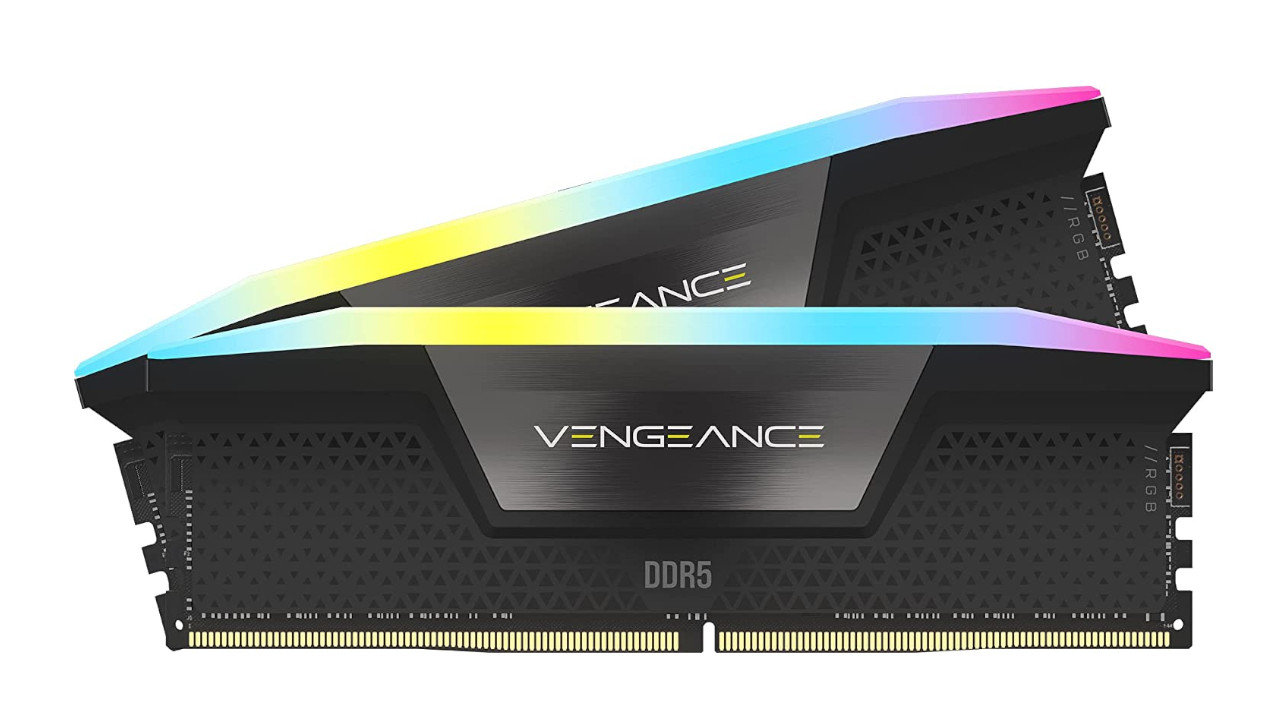
Unlike AMD, Intel has chosen to support both DDR4 and DDR5 with the LGA1700 socket. This means that with a current processor, you can use both DDR5 RAM with speeds up to 5,600 MT/s and DDR4 RAM with speeds up to 3,200 MT/s.
However, there is a catch. You must choose either DDR4 or DDR5 before purchasing a motherboard. Because the motherboard will only offer you the socket for one of the two RAM types.
More questions: FAQ about Intel
Currently, there are Celeron, Pentium Gold, i3, i5, i7, and i9 from Intel.
The best core is the i9. Next in descending order are i7, i5, and i3. You can find the fastest Intel processors under the designation i9.
If you want to use the current socket, then LGA1700 is the first choice. However, you can still use LGA1200, even if no further processors for this type have been introduced.
LGA1700 is the current socket for Intel processors and replaces the previous socket LGA1200. We suspect that the socket will still be supported until at least 2024. Intel states that all desktop processors of the 12th, 13th, and 14th generation are supported.
The Intel Core i9-14900KF is currently the best gaming processor you could buy from Intel.
With the newer processors, Intel has divided the processors into sub-processors, called P-Cores and E-Cores: While P-Cores are meant to take on the main workload of your computer, E-Cores are primarily meant to handle small tasks and background tasks. Hence the name E for Efficiency.
Further recommendations and tips for buying hardware: Are you still looking for tips and recommendations and want to buy a suitable graphics card for your new processor? At MeinMMO, we explain in detail what you need to consider when buying a graphics card:
How important is it whether I buy AMD or Nvidia for a graphics card?

Your opinion is important to us!
Do you like the article? Then let us know!