


With Shadow, there is a competitor in cloud gaming. What does Shadow offer, and why might Shadow become the better alternative to Google Stadia for some players?
What is Shadow? Shadow is a cloud service like Google’s Stadia or Microsoft’s xCloud. There are no downloads; instead, users of the service do everything in the cloud, provided they have a stable and fast internet connection.
Unlike Stadia or xCloud, Shadow streams a Windows 10 PC in the cloud, not just the games.
Who is behind Shadow? Shadow is operated by the French company Blade SAS, headquartered in Paris. About 200 people work at Blade, jointly developing the cloud service Shadow. Blade first launched the cloud service Shadow in a closed beta in France in November 2017.
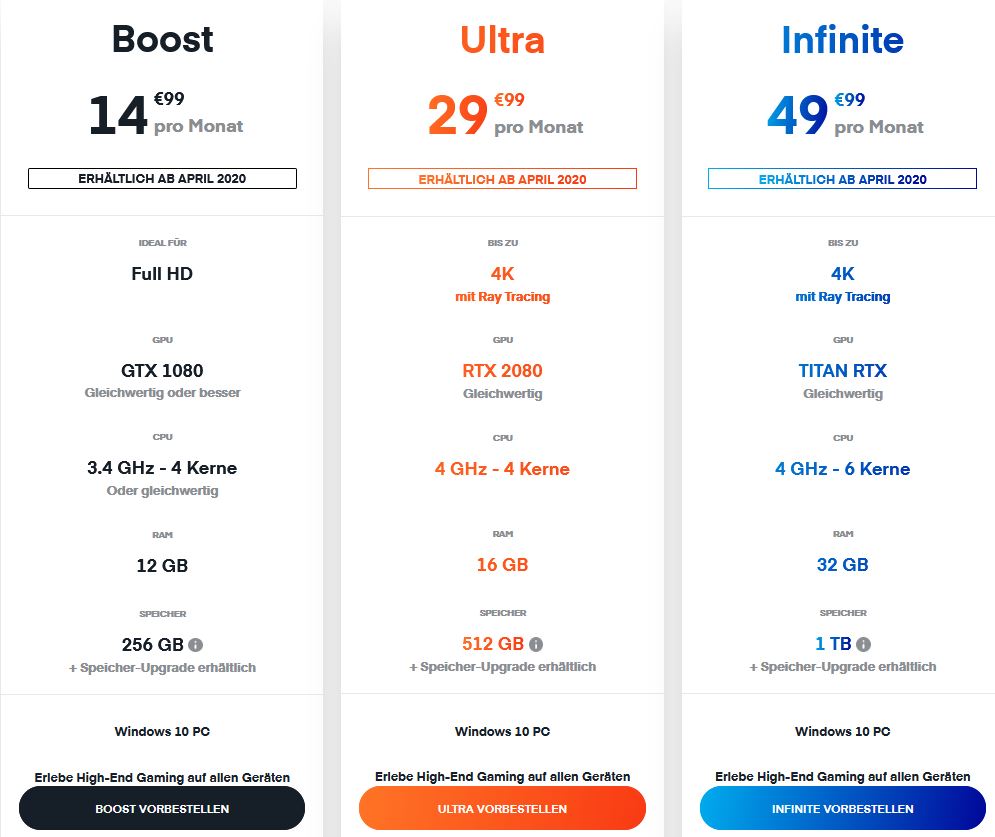
When will Shadow be officially available? The new configuration packages from Shadow will officially launch in April 2020. Currently, Shadow can be pre-ordered on the manufacturer’s website (external link).
The manufacturer offers various configurations that promise different levels of performance. For a small fee, you can also increase the storage space to 2 TB.
What kind of internet connection do I need? According to the manufacturer, Shadow works with 5 Mbit/s, but a connection of at least 15 Mbit/s is recommended. This is sufficient for desktop use, but when gaming, you may encounter artifacts. We found that with 35 – 50 Mbit/s, you are on the safe side for gaming. With 5 Mbit/s, you can start the desktop, but gaming will not be enjoyable.
Shadow aims to provide gaming for everyone
The developers aim for the “democratization of gaming for everyone.” They mean that everyone should have the same chance to play and enjoy PC games. With cloud gaming, the barrier of needing powerful hardware for gaming to compete with other players would be removed.
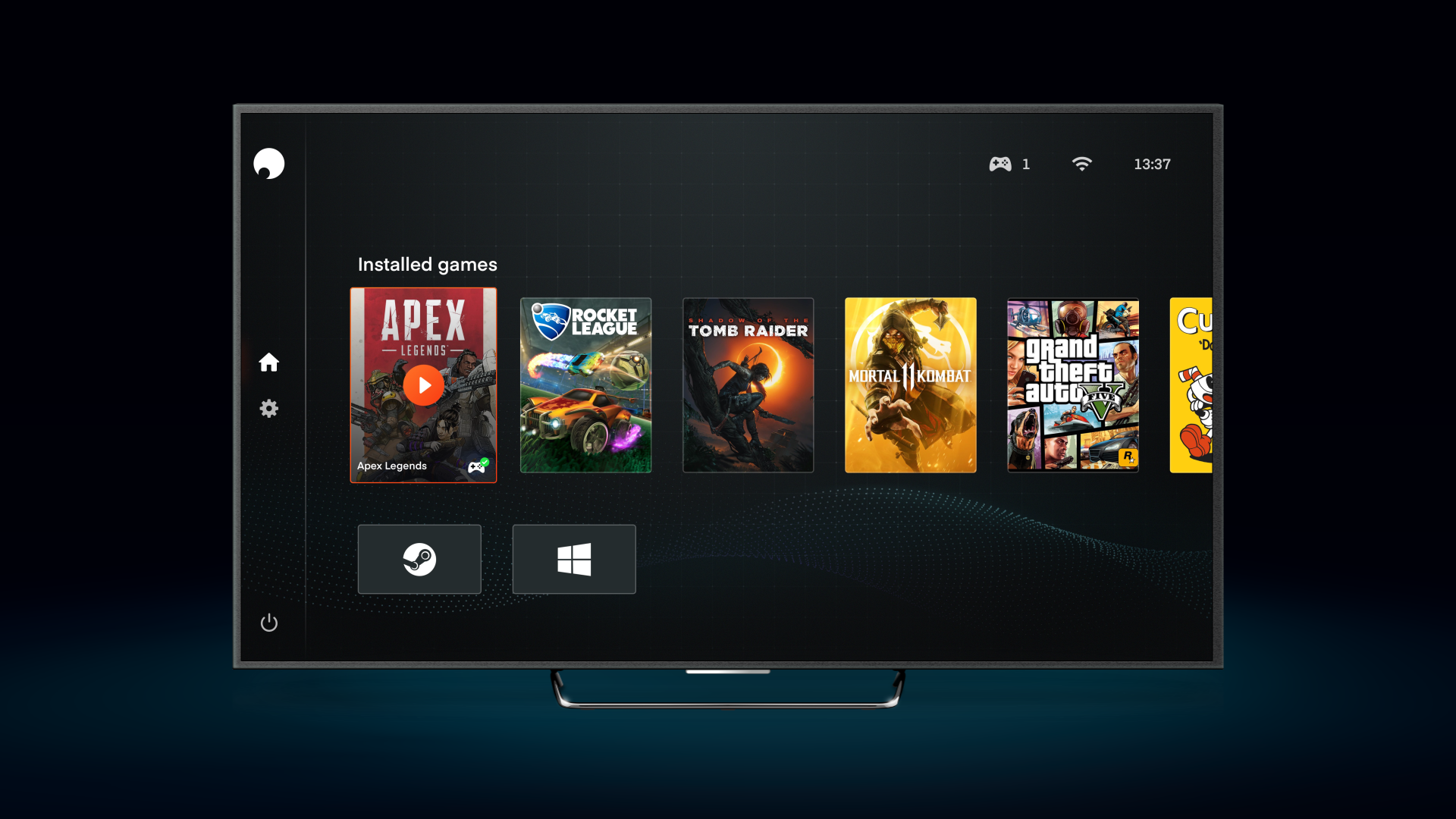
That’s why Shadow focuses on a deliberately simple concept for the app and overlay with straightforward menus, so users can start playing immediately.
What about latency with Shadow? According to the developers, there are seven servers in Europe, which should ensure a connection to the servers. Gaming is generally possible in other countries as well, but with significantly higher latency.
Google Stadia faces the same issue and is trying to combat negative latency.
What do all cloud services offer?
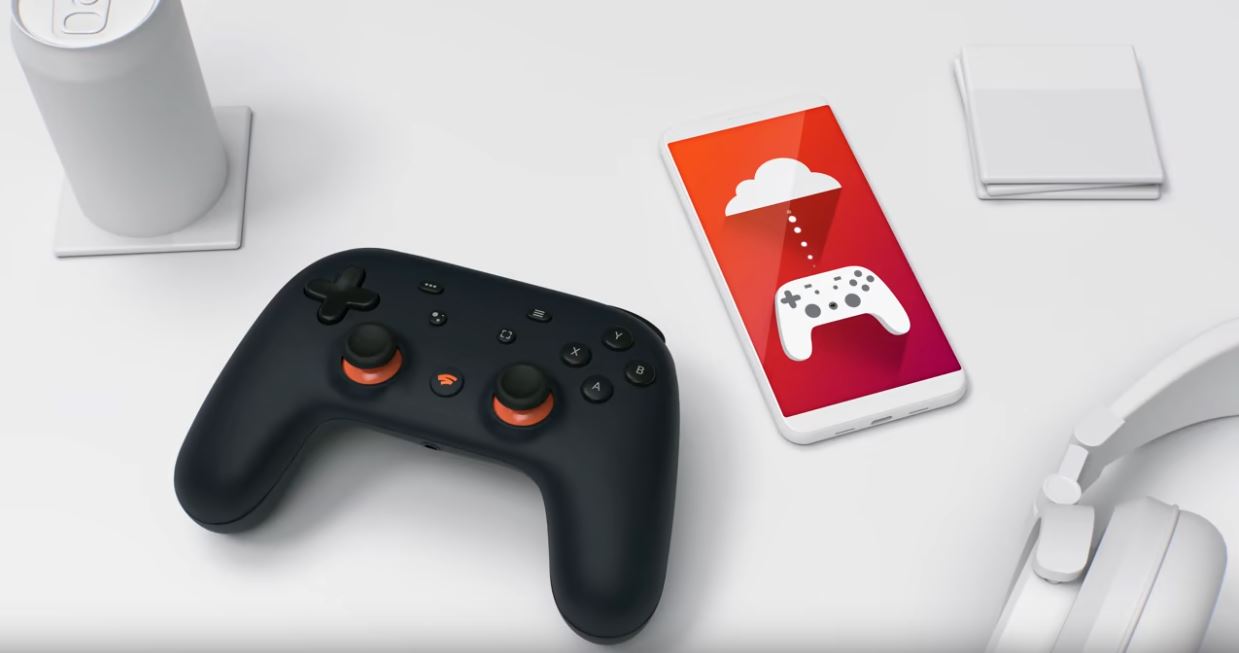
This is the same with Stadia and Shadow: Stadia, Shadow, xCloud, and many other services have one thing in common: They operate through the cloud. Data is stored there and streamed from there.
Data is loaded and processed in data centers and then sent back to the player. Inputs with mouse and keyboard are sent back to the data center, so the server knows what the player is doing or where they are located.
A fast and stable internet connection is therefore a prerequisite – otherwise, you’ll be staring at a blank screen.
All cloud services offer gaming on all devices. Destiny 2 on a smartphone or Assassin’s Creed Odyssey on a tablet? With cloud gaming, that’s no problem.
What is the difference between Shadow and Stadia?
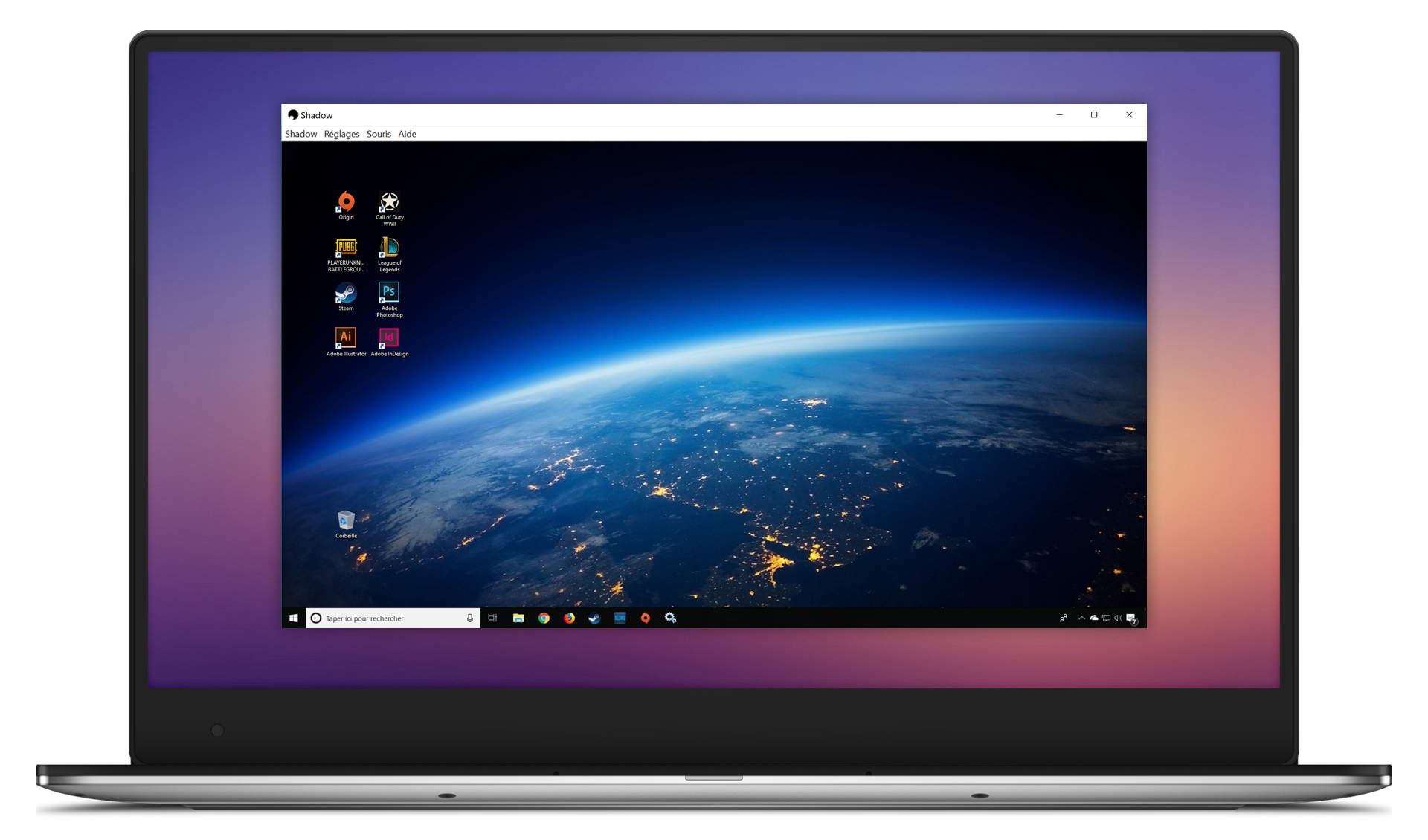
What is the difference from other cloud services? Shadow presents itself as a pure service provider. This means that Shadow delivers hardware in the cloud, an app, and the appropriate infrastructure. Games or software cannot be purchased from Shadow.
With Google Stadia or xCloud, you stream games. This means a shooter like Destiny 2 is streamed through the cloud. With Shadow, you stream a complete PC with desktop. You can also run hardware-demanding applications like rendering on it. So, Shadow is not purely focused on gaming.
Instead, you can install anything you’ve already purchased on Shadow’s virtual desktop. Whether Steam, Uplay, or Battle.net – all no problem. Unlike Google Stadia, you do not have to buy games again. The developers call it “no fight for content” – no struggle over game revenue or percentages (“Commission”) on game purchases.
Another difference lies in the details: Games on Shadow are not optimized for the cloud specifically, as they rely on the standard Steam, Epic, or Uplay versions. Games on Google Stadia have been specially optimized for the cloud.
Google Stadia vs. Shadow
In the following section, we will show you what Shadow and Stadia offer and when which service might be the better choice for you.
When is Shadow my choice?
If you have a fast internet connection and a large game library with any of the well-known distributors like Steam, GOG, or Epic, then Shadow may be interesting for you. With Shadow, you can play all the games you’ve already purchased and only pay for the cloud service. If you are also interested in other hardware-intensive software, then Shadow is also an interesting alternative.
Also, if you mainly want to play F2P games like Fortnite or Apex, Shadow could also be interesting, as any game and program can be streamed with Shadow. Therefore, VR over the cloud would also be possible.
However, keep in mind that the games on Shadow are not cloud-optimized like those on Google Stadia.
When is Stadia the better choice?
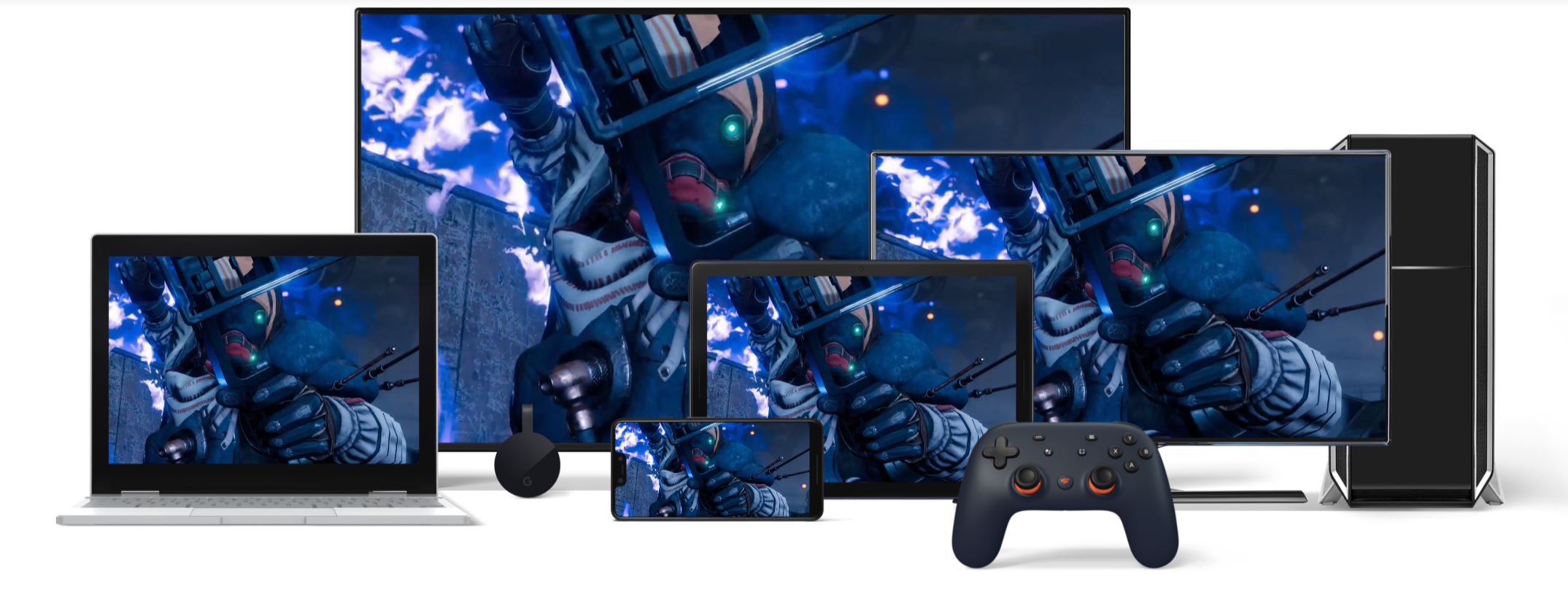
If you just want to play and have not purchased titles due to weak hardware, Stadia may be the more interesting alternative in the long run. Purchased titles remain in your library, and from spring 2020, you can also play acquired games on Google Stadia without a subscription to Stadia Pro. If you only want to play in Full HD, this is perfectly sufficient.
Another advantage of Google Stadia: Since the games were developed specifically for Google Stadia and cloud gaming, they are also optimized for the cloud.
If you are also interested in exclusive titles, then Stadia is also the better choice. Because Shadow only sees itself as a service provider and offers neither games for purchase nor exclusive titles.
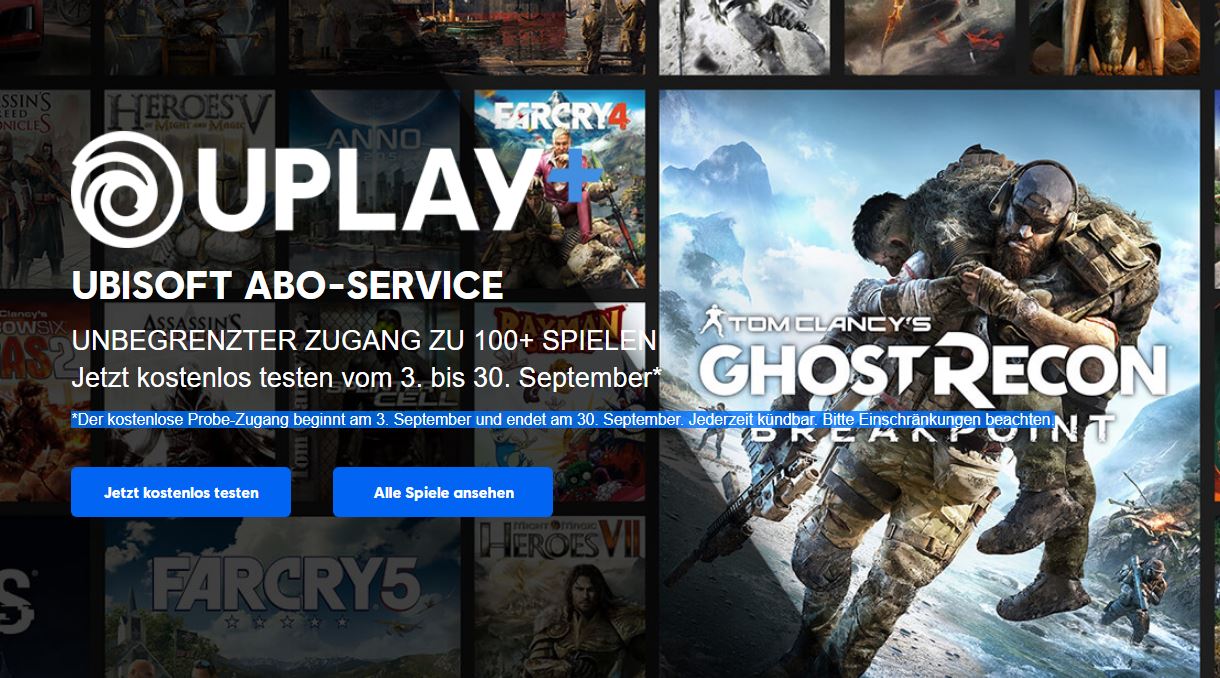
Also interesting is Google’s partnership with Ubisoft: Those who purchase Uplay+ can stream all titles from Ubisoft via Stadia using the subscription model.
What does the future look like? Cloud gaming is a new approach to gaming. Instead of a powerful gaming PC, cloud gaming requires a fast internet connection. For players with weak hardware whose internet connection is also poor, it offers no benefits.
It also raises the question of whether cloud gaming will prevail in the long term and whether cloud services like Google Stadia, Microsoft xCloud, or Shadow will ultimately be profitable and generate revenue without suddenly pulling the plug.
Do you see cloud services as an alternative to traditional PCs, or do you prefer a PC that sits under your desk?
Are you interested in the competition from Google? Then check out our overview article. Here we have summarized all the important information for you:

Your opinion is important to us!
Do you like the article? Then let us know!