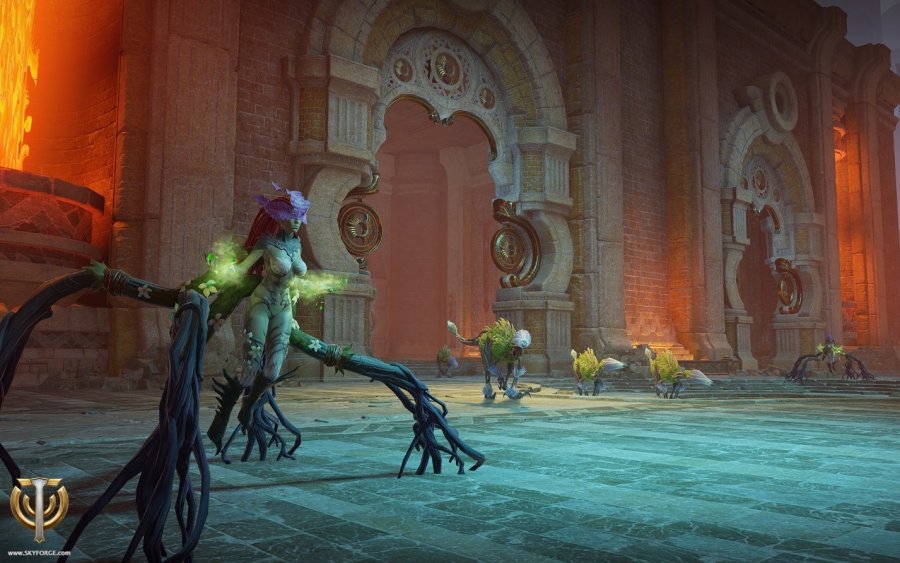
The new Free2Play MMORPG Skyforge is causing problems – especially for users with a weak internet connection, things come to a standstill quickly.
If you have problems after installing Skyforge and they also occur when you’re not playing the game, you’re not the only ones in the world dealing with this. On reddit, there’s a large thread where people are complaining about the my.com client. It operates in a way that, to put it politely, is unusual.
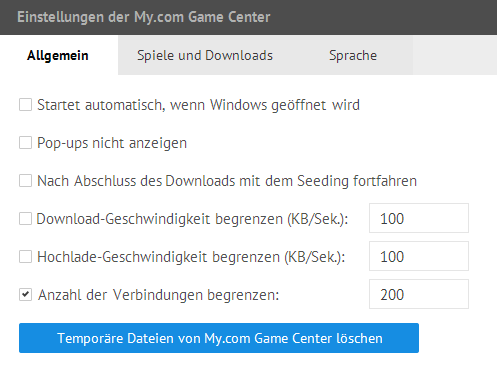
On the one hand, the client starts alongside Windows, and on the other hand, it turns players who have downloaded Skyforge into a “seeder” – similar to a peer-to-peer torrent. They then upload files for other users. This can quickly lead to problems for players with limited upload capacity.
You can disable both of these in the Skyforge client. To do this, open the file “my.com Games”, which is a white controller on a red logo, then go to “my.com” in the top left, and into the settings. There you can uncheck “starts automatically with Windows” and turn off this seeder thing. If you’re still downloading, you can at least limit the upload speed here.