

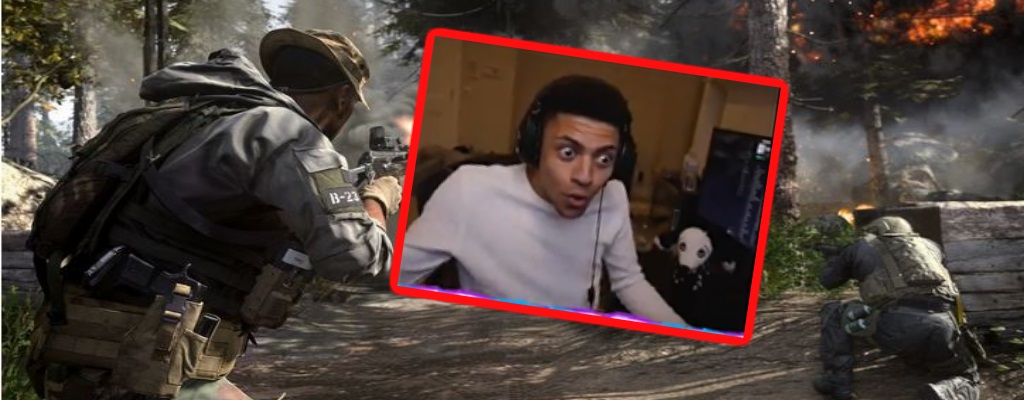
Those who start a round in Call of Duty: Modern Warfare often hear the chatter from their teammates and opponents. This is especially a big problem for Twitch streamers.

Here’s how it works with Voice Chat: This function is enabled by default, as some operators like to communicate with unknown players and try to cooperate during a match.
You can mute individual people or everyone, but if you forget to do that and have not turned off Voice Chat (via options), you will hear every player.
This especially poses problems for some streamers, as opponents can sometimes use offensive language, and then you hear words that are actually strictly prohibited on Twitch.
Streamers reveal their problem with Voice Chat
This is what some streamers experience: Streamer Myth, known for his Fortnite streams, showed the issue during his stream. He and his colleagues were called a racial slur.
Myth himself looks very shocked and seems powerless.
Similarly, the streamer Daequan had a negative experience. He was also racially insulted, and he only says: “Here we go again, I need to mute him damn it. Whenever this shit happens, I wish I wasn’t streaming. “
The streamer SlikeR has also had similar experiences. In a discussion with a fellow player, his opponent also used the racist N-word, while SlikeR frantically tried to mute him.
sliker welcome to the cod community <3 from r/LivestreamFail
What is the big issue here? Regardless of the numerous insults, streamers can face significant problems with Twitch.
The streaming platform does not tolerate such expressions and regularly bans streamers when such insults are made.
If a random player continuously uses such expressions and the streamers do not quickly mute them, they could end up getting banned. That is at least the fear of the players – because such words are clearly not welcome on Twitch.
Twitch has shown it takes action, as evidenced by a ban against a WoW streamer. They used the word “Naga,” which was misunderstood.
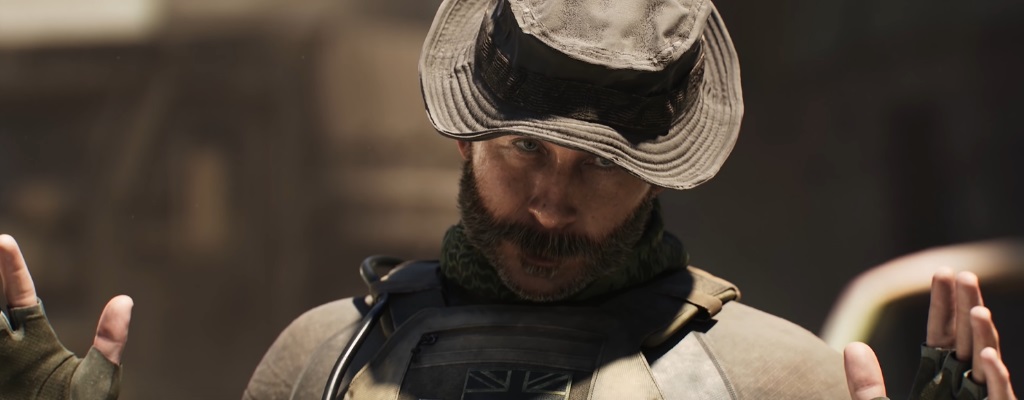
Here’s how to turn off Voice Chat: If the chatter from certain players annoys you or you generally don’t want to hear others, you can easily disable Voice Chat.
- By default, Voice Chat is on and set to let you hear everyone.
- Under Options/Audio/Voice Chat, you can choose various permanent solutions in the Mute Strategy section.
- If you have Voice Chat on, you can mute everyone with a key press in the lobby (the key will be displayed at the bottom of the bar) if your teammates are too annoying, or mute individual players.
- In the match, you can select and mute individuals through the points menu.
Another streamer has intentionally stopped streaming:

Your opinion is important to us!
Do you like the article? Then let us know!