

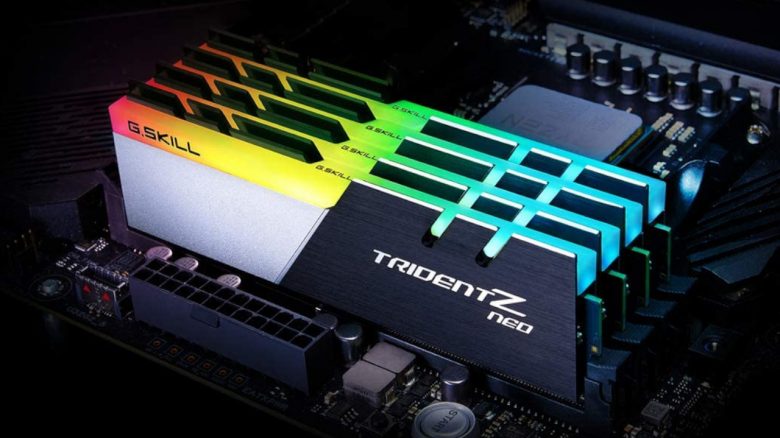
A user complains about constantly full RAM while idle. However, that’s not so dramatic, but brings you free performance. MeinMMO explains what’s behind it.
A computer consists of various components. This includes RAM (Random Access Memory). A user recently complained on reddit that this memory is constantly too full while idle and if there are reasons for that.
MeinMMO explains why the RAM is often full and what that means.

It is not uncommon for your RAM to be utilized
What is RAM anyway? RAM is a storage unit in your computer that the processor can access directly. Active programs or parts of them are stored here so that the CPU can quickly access them. The larger and faster the RAM, the potentially more performance you get.
Why is the RAM filled while idle? A part of your RAM is already occupied by the operating system installed. This includes essential drivers and basic applications. This can easily be 2 – 3 GB.
Additionally, Windows also stores programs in RAM that you regularly use. This includes your browser or your email program and other things. In this way, Windows allows your programs to start faster, since the data is already available. Therefore, it is not unusual for your RAM to be utilized at 60%.
However, as soon as you start a game or otherwise need the RAM, Windows releases it for you. In everyday life, a full RAM is therefore not a problem; rather, it provides better performance when you regularly use programs.
The PC is never idle in this sense, even if you might just be bored sitting in front of the monitor.

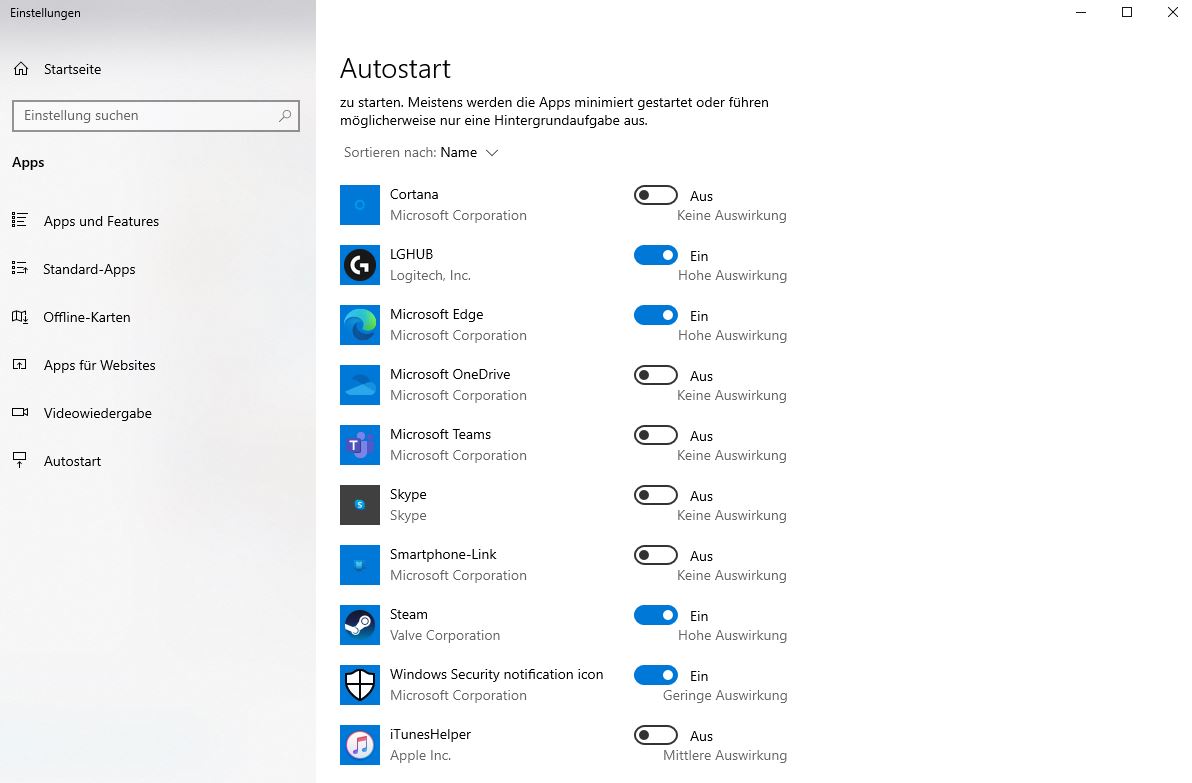
Can I prevent the RAM from getting full? The simplest method is to directly reduce the load by limiting the startup apps in Windows. They are all started when the computer boots up and occupy RAM. To change this, go to “System Settings” in Windows and then “Startup Apps”: Here you can remove apps from startup.
Other issues related to the PC: Other users also report weird problems that they encounter in typical daily life. And sometimes the solution is simpler than one thinks.
For example, a user had been playing for years with the wrong settings and was surprised by how much power their PC could offer:
Gamer plays for 3 years with wrong settings of their graphics card – a switch resolves all issues

Your opinion is important to us!
Do you like the article? Then let us know!