

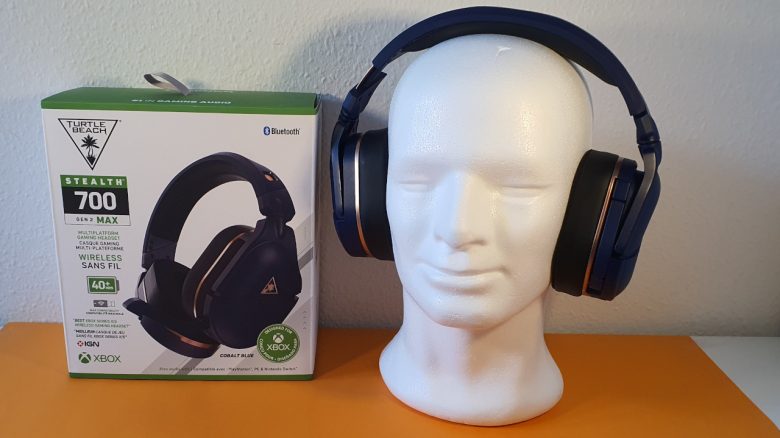
Turtle Beach has introduced the Stealth 700 Gen 2 Max, a wireless headset for PS4, PS5, Switch, and PC. MeinMMO editor Benedikt Schlotmann was able to test the headset and was especially impressed by the comfort. However, the device is still far from perfect.
A gaming headset often accompanies you throughout the day, whether during work hours in the office or in the evenings while enjoying some gaming on the PC or PS5. However, to wear such a device for half the day or longer, it definitely needs to be comfortable.
I have been testing the Stealth 700 Gen 2 Max from Turtle Beach for over 2 months now. I used the device both on my PS5 and my gaming PC. The device is certainly among the most comfortable headsets I have had on my head in recent years, but it is not perfect.
Who tested it?
I have been testing hardware for our readers at MeinMMO since 2019. Alongside gaming mice, gaming headsets and keyboards are among my absolute favorites. I have nearly a dozen headsets, both professionally and personally, in my collection. With a head circumference of 58cm, I have a rather smaller head.
Turtle Beach provided me with the Stealth 700 Gen 2 Max for testing. Overall, I was able to thoroughly test the device for about 2 months on PC and PS5.

Benedikt Schlotmann
Hardware Editor MeinMMO
Features and technical details:
| Design | Over-Ear/Closed |
| Connection type | Wireless via Radio/Bluetooth or Wired via USB-A |
| Frequencies | 20 Hz to 22,000 Hz |
| Compatibility | PC, PS4, PS5, Switch, Xbox |
| Weight | 380 grams |
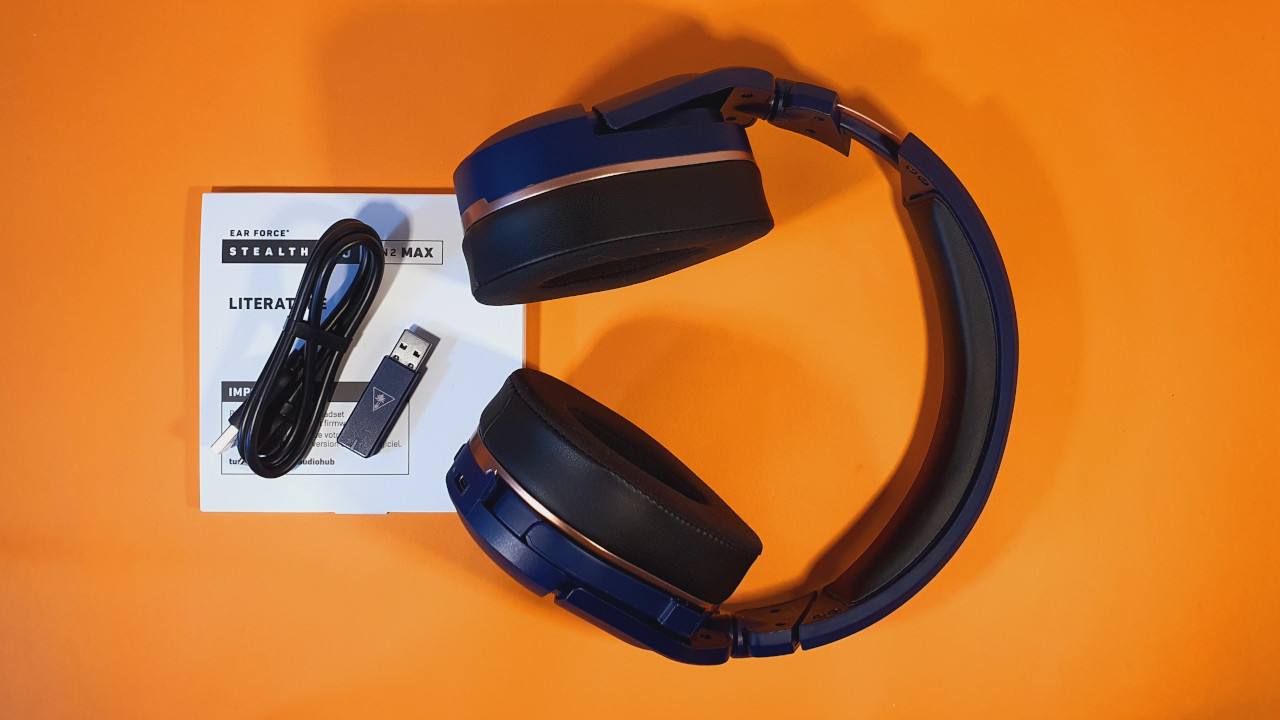
| Included items | Headset, USB-C charging cable, USB-A wireless adapter, manual |
| Price (RRP) | 199.99 Euros |
Design and Build
The device from Turtle Beach features a simple blue-black design with light copper accents. The headset itself is blue, while the ear cushions are black. Turtle Beach completely avoids RGB lighting, which I find really good. Because I absolutely do not understand why manufacturers promote RGB as a great feature in a headset.
All important control elements are located on the left earcup. Here, I can turn the headset on or off, switch from wireless to Bluetooth, or adjust the volume of the headphones or the microphone. The microphone is not detachable, but I can fold it away when not in use. This way, it completely disappears into the device’s body.
The headset connects to the PC or console via a USB-C port and is also charged through it. The appropriate cable is included in the package.
Build Quality
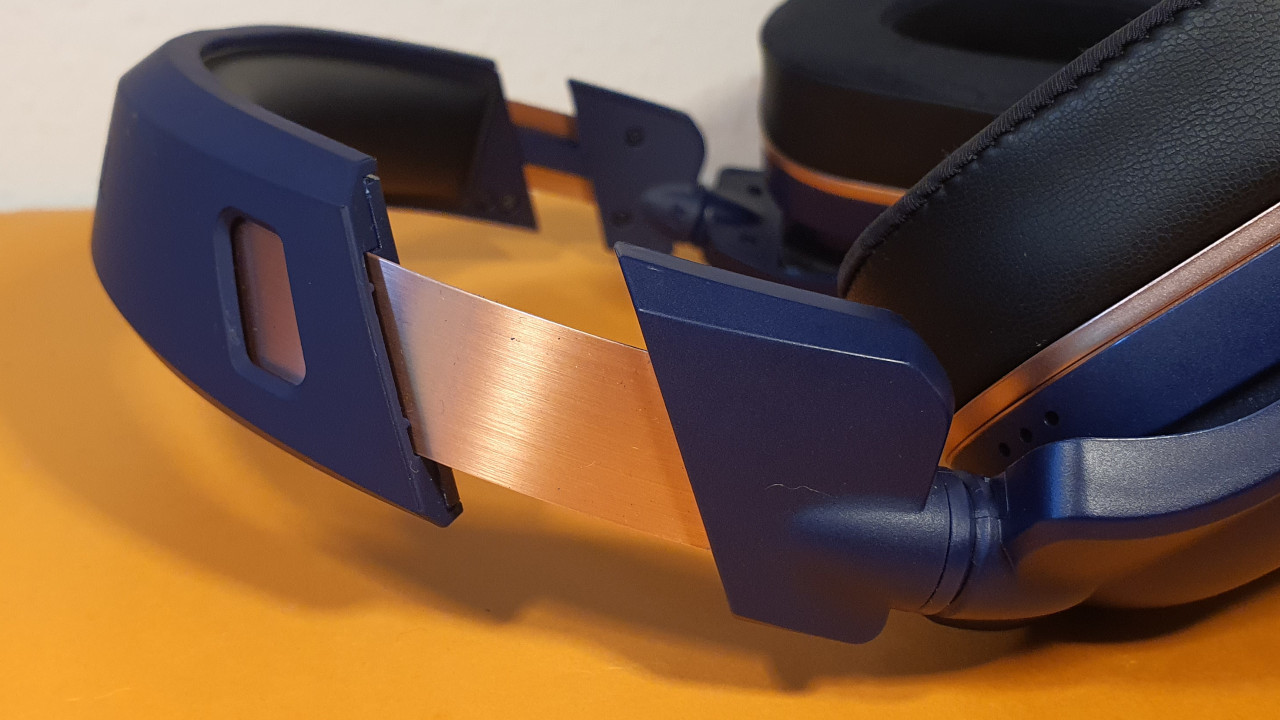
The headset feels stable and well-constructed to me. The headset and the headband are reinforced with metal, giving it a good tactile feel. However, the body itself is almost entirely made of plastic. The ear cups use soft memory foam, which is supposed to adapt well to the head and is also suitable for glasses wearers.
According to the manufacturer, the ear cushions are removable, but they were so tight on me that I couldn’t remove them. Nevertheless, this option generally speaks for durability, as ear cushions can wear out quickly. This is a service I have also used with my Logitech G Pro X.

Software
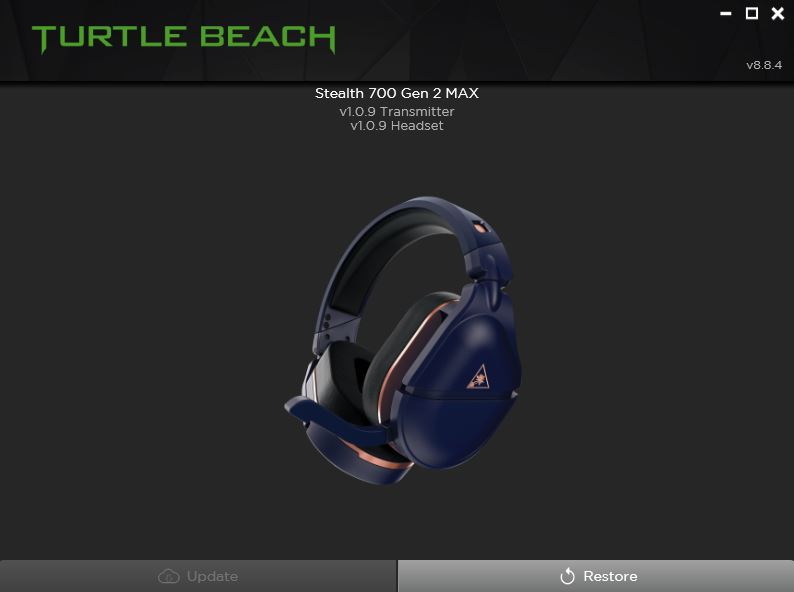
On Windows PCs, the headset uses the “Turtle Beach Audio Hub” software. However, this software offers almost no functionality on the PC, as you can only update the headset and adapter software.
A few more functions, such as sound settings, can only be found in the mobile app on your phone. I find this unnecessarily complicated, especially since the headset and phone do not always connect easily. Here, Turtle Beach is missing a lot of potential.
On the next page, you can read about my practical experiences. I will address comfort, sound, and the microphone. At the end, you can also read the final conclusion.

Your opinion is important to us!
Do you like the article? Then let us know!