

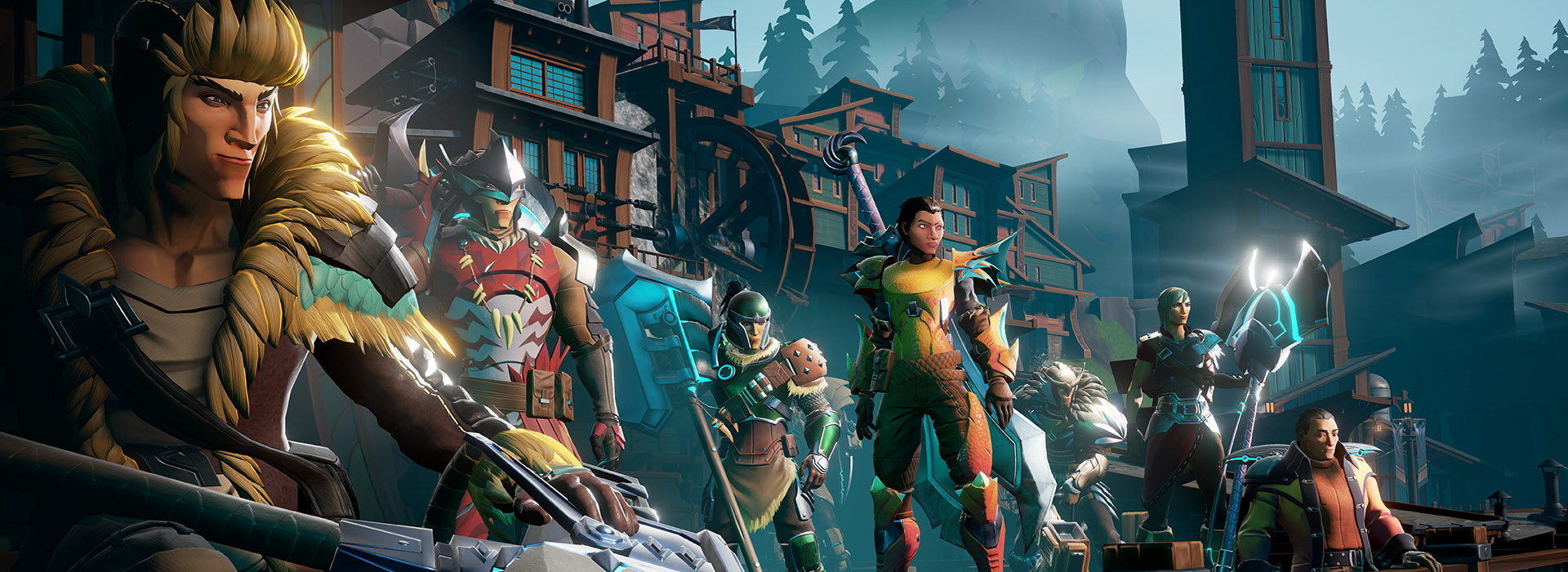
Today, on May 21st, the release of the action RPG Dauntless on PS4, Xbox One, and PC is happening! It is leaving beta and is now officially released. We’ll tell you how you can participate and how you can start the download of the free-to-play online game.
When does Dauntless start? At 4 PM, today on May 21st, is the official release of Dauntless. Until now, you could only test the RPG in beta, but now it’s officially starting.
What is Dauntless? Many players compare the action RPG with the Monster Hunter series, as you must hunt dangerous creatures here as well.
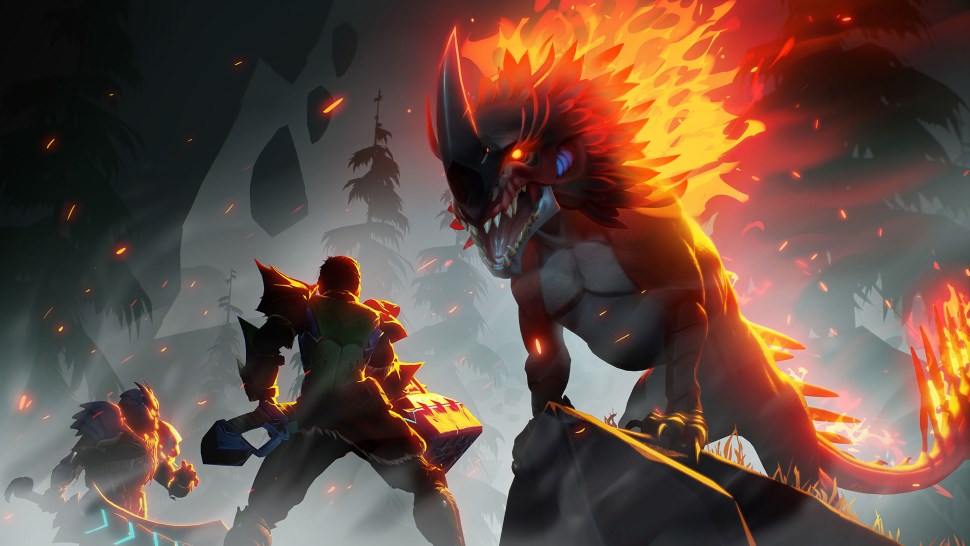
Here, the monsters are called Behemoth and can only be defeated using various tactics. Each monster has different strengths and weaknesses that you will gradually discover.
Play Dauntless for free on PC, PS4, and Xbox One
How to get Dauntless on PC: You can find the action RPG only in the Epic Games Store. There you can download Dauntless for free.
How to get Dauntless on PS4 and Xbox One: You can also download the game for free here. Visit the stores of the respective console.
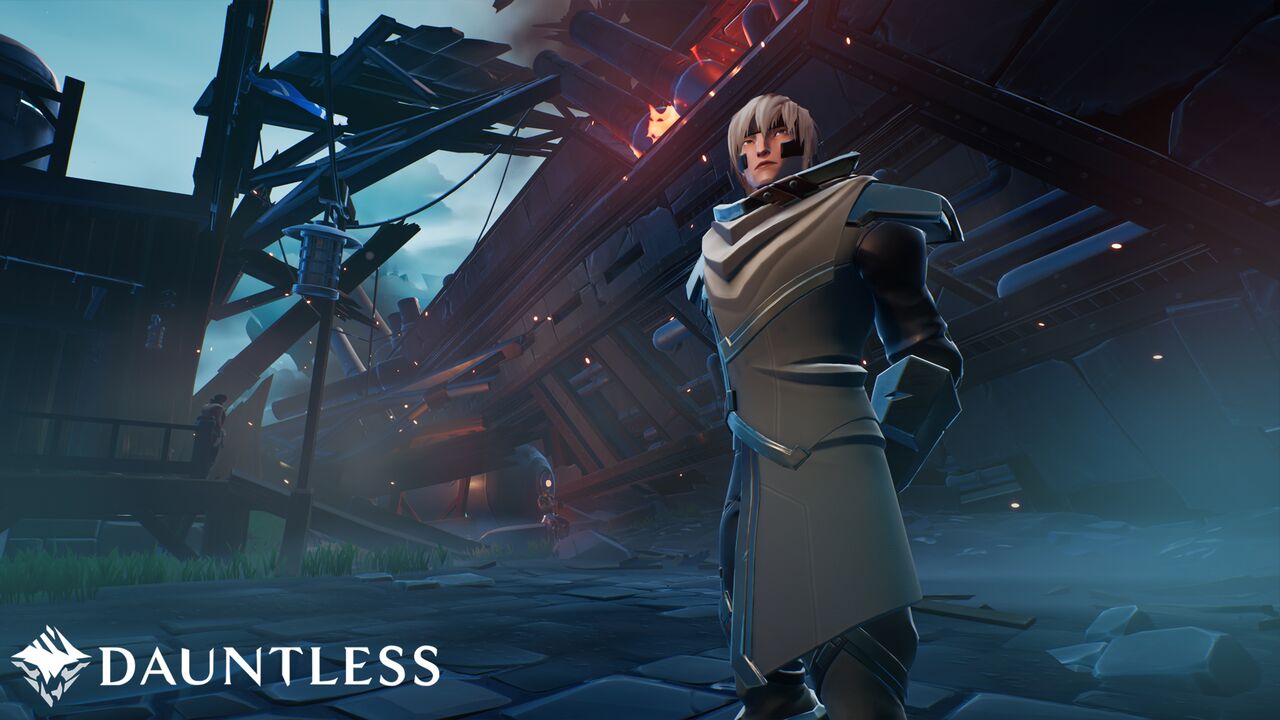
How to keep your progress from the beta: If you have played Dauntless in the beta version, you can now keep your progress in the full version.
To do this, you must first download the game and then press the link button on the title screen. You can then log in to the Epic Games Store and link your account with the game. Your progress will be saved this way.
What’s new today? Not only is the official release of Dauntless being celebrated today. Also, Season 5 “Hidden Blades” is launching, along with a Hunt Pass that is comparable to a Season Pass in other games.
The basic version of the Hunt Pass is even free. If you want a premium pass, you have to pay some in-game currency. However, you will get some bonus skins and other cosmetics.
In Season 5, numerous challenges await you that you must solve in order to level up in the Hunt Pass.
What’s next for Dauntless? The action RPG is also planning a release on the Nintendo Switch and as a mobile version. Crossplay is also planned. However, it is currently unclear how this will proceed.
What are the requirements for the PC version? You can find out here:


Your opinion is important to us!
Do you like the article? Then let us know!