

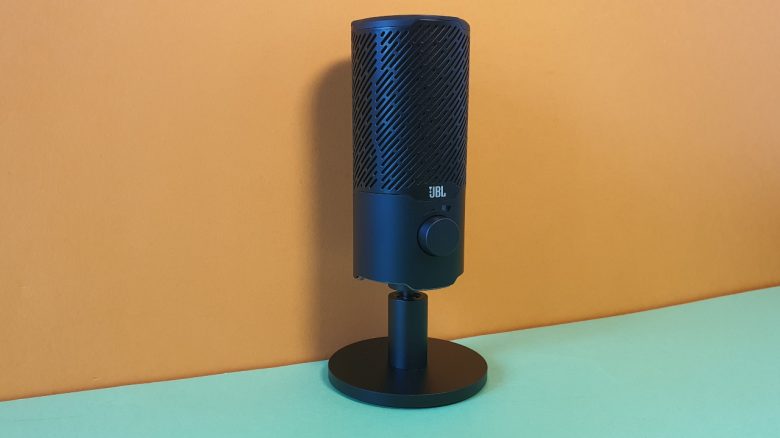
With the Quantum Stream, JBL offers a microphone for gamers. The price is under 100 euros. MeinMMO editor Benedikt Schlotmann has taken a look at the model and reveals whether the money is worth it.
The most important points at a glance:
- JBL Quantum Stream is a USB microphone for gamers under 100 euros
- The microphone can be placed on the table or mounted on a stand
- The package includes the microphone, a USB cable, and a manual
- The build quality is good, but not as premium as the Yeti Nano
- The sound quality is clear and understandable, with slight background noise
The JBL Quantum Stream is a small USB microphone for the desk. You can place it on the table or attach it to a desk mount. There are several competing products in the “100 euros” range.
In my test, I examined the Quantum Stream and explain whether the microphone might be worth it for you. You can also listen to a sample recording of the microphone below.
Who tested this?
I am the Tech Editor at MeinMMO and have a fondness for peripherals, testing mice, keyboards, and gaming headsets. Since 2019, I have been testing hardware for our readers at MeinMMO. Gaming mice, in particular, are among my absolute favorites. Besides the PS5, I also play on my Steam Deck and on my Nintendo Switch.
The JBL Quantum Stream was provided to me by the manufacturer for testing.

Benedikt Schlotmann
Hardware Editor MeinMMO
Technical Details (click to expand):
| JBL Quantum Stream | |
|---|---|
| Sampling rate | 48 kHz |
| Directionality | Cardioid (unidirectional), Omnidirectional |
| Frequency response | 20 Hz – 20 kHz |
| Sound pressure | -37±3dB (1kHz@1Pa, 0dB=1v/Pa) |
| Price (RRP) | 89.99 euros |
Contents, Design, and Setup
What does the package include? The package includes the microphone, a manual, and a USB cable to connect the microphone to your computer.
How is the microphone built? It features a casing that resembles a cylinder or a can. On the front, there is a dial module with which you can adjust the volume. The underside of the microphone is equipped with RGB lighting, which is very subtle and discreet.
On the top of the microphone, you can mute or reactivate the microphone by touching it (touch field). A similar function is also present in the Roccat Torch (for testing).
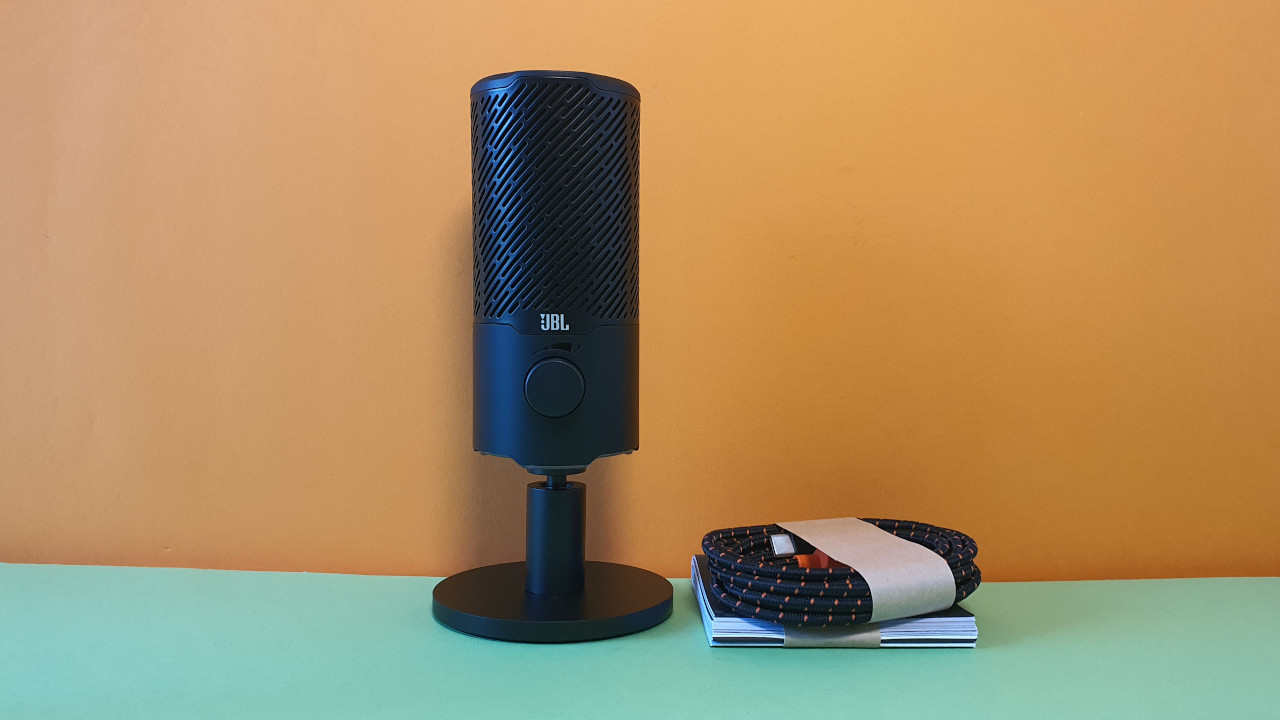
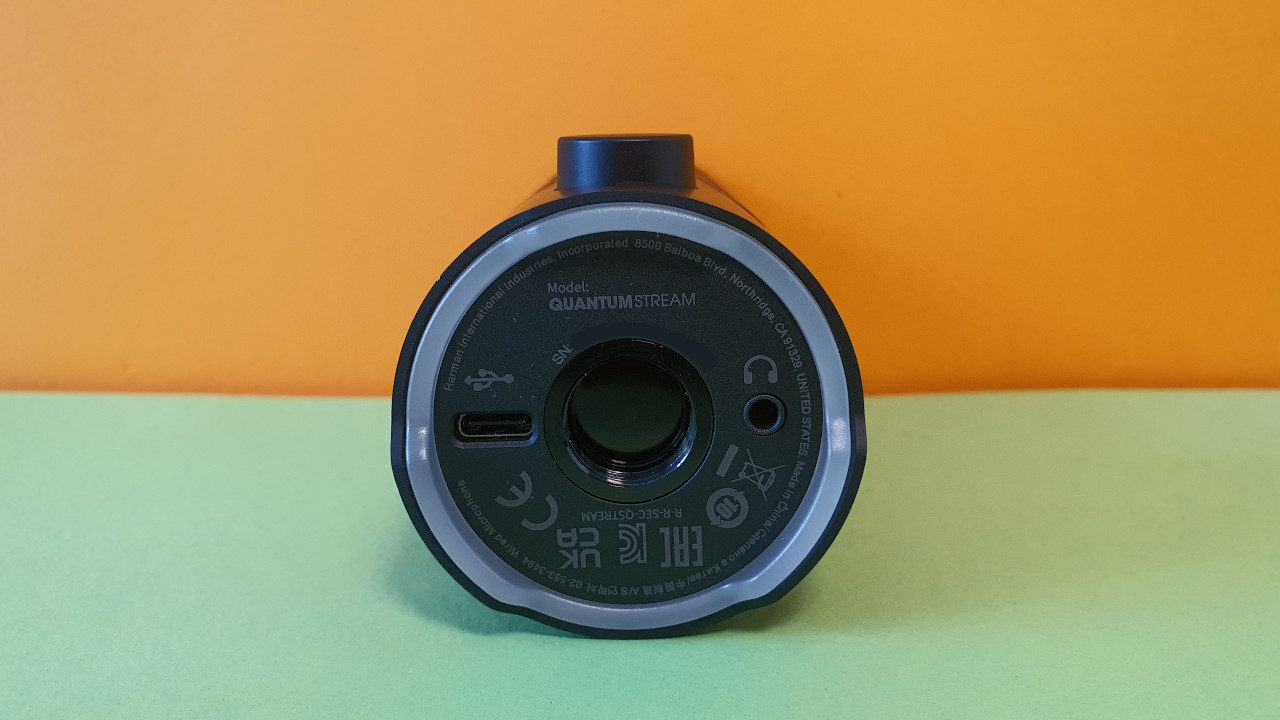
A metal stand is already mounted on the microphone but can be removed anytime if you prefer to mount the device on a stand. There is enough space on the underside for another mount or a screw. Additionally, the foot of the microphone can also be tilted in all directions. This is especially helpful if you want to turn or tilt the microphone towards you.
What does the microphone look like? The microphone comes in a simple black color and otherwise opts for a discreet design. The RGB lighting is also subtle. There are no additional color accents. The manufacturer’s logo is located on the front side.


Build Quality
The microphone itself is almost entirely made of plastic. An exception is the underside, where the mount for the foot or a screw is made of metal. The microphone foot is also made of solid metal, giving it a high-quality impression.
Overall, the device makes a good impression for around 100 euros but doesn’t quite reach the build quality of Logitech’s Yeti Nano.
Software
When you connect the microphone to your PC, you are greeted by an installation assistant from the manufacturer and can set up the microphone directly. Ideally, you do not need to search for the software, as the device does it for you. The installation is quick, and then there is a kind of tutorial that explains all the functions. If needed, you can skip it, as most features are really self-explanatory.
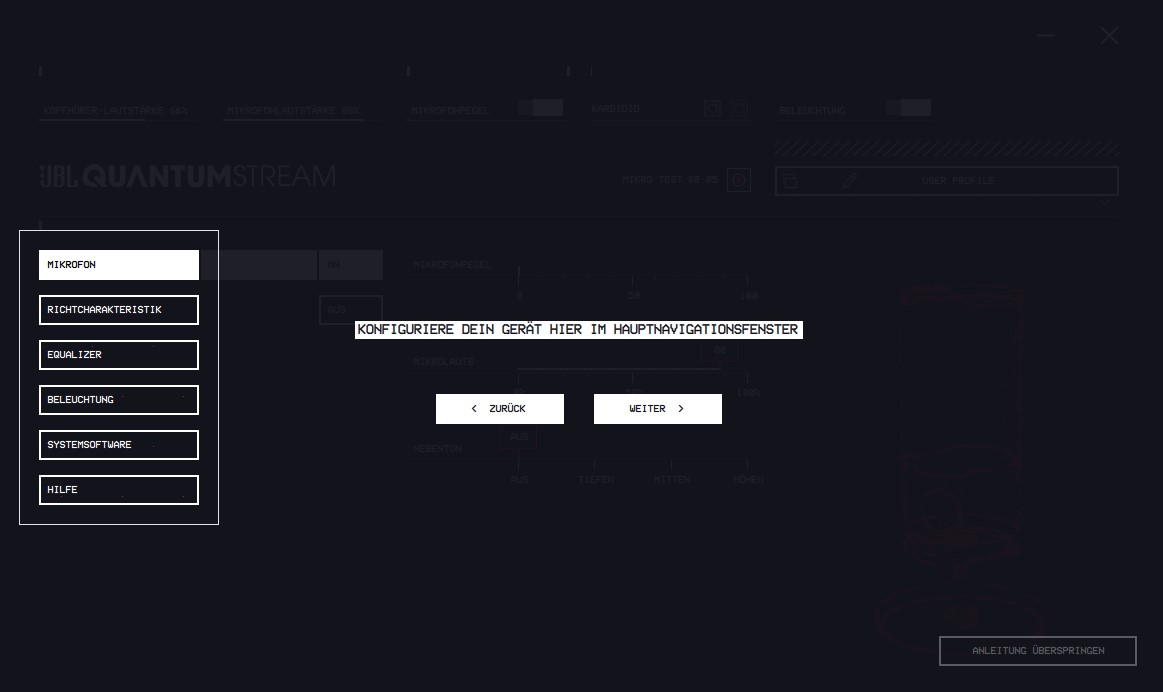
The software itself is designed to be very user-friendly, and JBL uses a simple interface in its “Quantum Engine” without advertising elements. The only thing that annoys me is that there is a 3D animation of the microphone rotating in the interface. Unfortunately, you cannot turn off the animation.
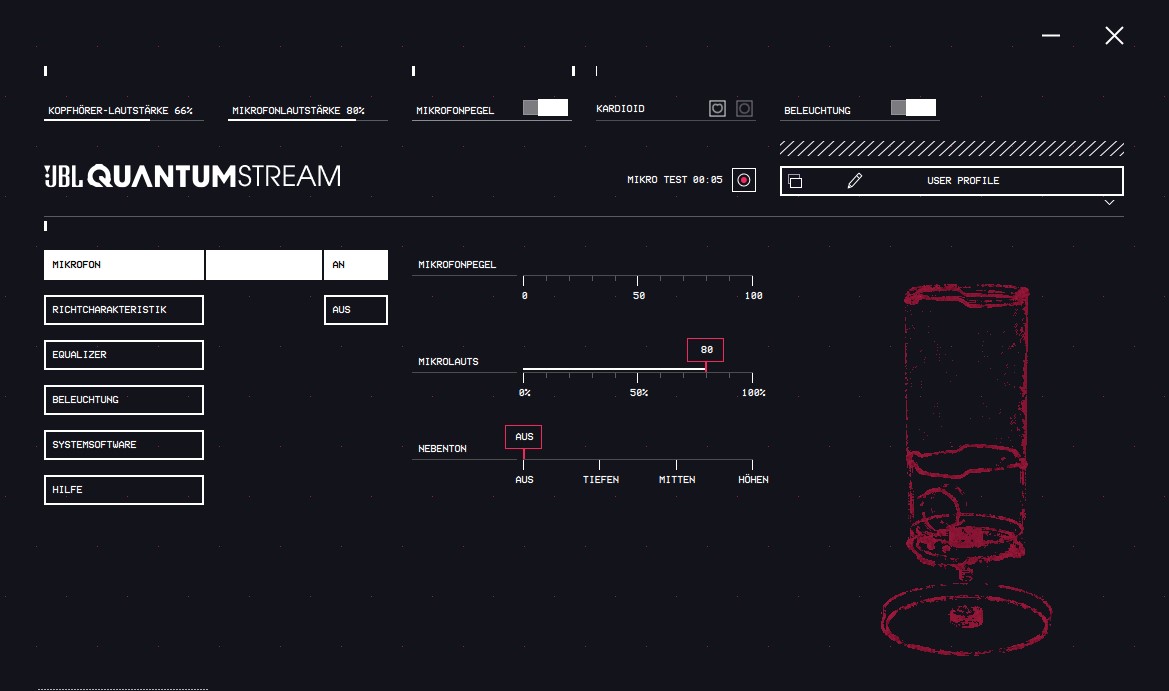
In the software, all important settings can be made. These include the directionality (cardioid or omnidirectional) or an equalizer. You can also turn off the lighting if it bothers you. Personally, the RGB lighting has never bothered me because it is really not intrusive.
Sound Quality
During my initial recordings, I had the microphone connected to a USB hub and experienced extremely unpleasant noise in the recordings. It was only when I connected the device directly to my computer that the loud noises in the recording disappeared.
In the sound check, the microphone performs surprisingly well, and I am clearly audible in the recordings. The sound is significantly better and not as strained and artificial as with the Yeti Nano. However, some slight background noise is audible. But this is not unusual for a USB microphone.
I have included a sample recording for you in the article:
Conclusion: Very good microphone for under 100 euros
With the Quantum Stream, JBL offers a surprisingly good microphone for less than 100 euros. The speech sounds clear and understandable; the settings directly on the microphone are somewhat limited. However, all important aspects can be quickly set via the software.
If you want to upgrade your setup and are looking for a good microphone, you should give the JBL Quantum Stream a chance.
What alternatives are there?
- The Yeti Nano is Logitech’s entry-level model and is regularly available for under 100 euros. The sound quality is worse than the Quantum Stream, but the build quality is better.
- The Roccat Torch is also a good alternative. I like the voice quality even slightly better than on the Quantum Stream, but the build quality is significantly worse, and the microphone is quite bulky.
Further recommendations: If you are looking for suitable headphones for the microphone or just a gaming headset, check out our buying guide here on MeinMMO: Here we present the best gaming headsets, headphones, and microphones that you can currently buy.
The best gaming headsets that you can currently buy.

Your opinion is important to us!
Do you like the article? Then let us know!