

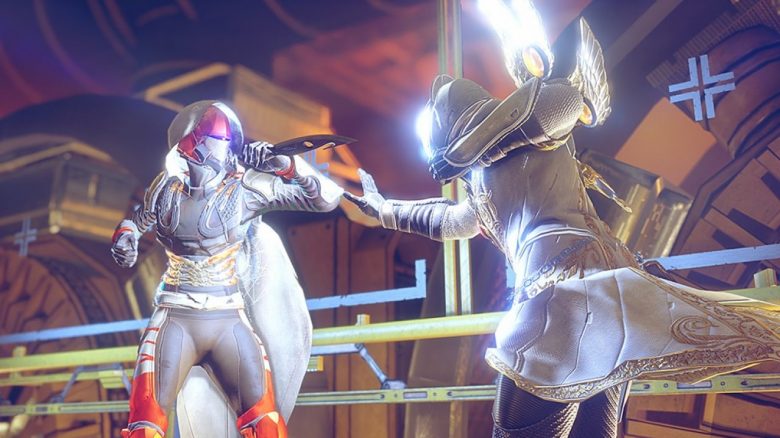
Destiny 2 introduces a new feature in Season 15 – separate melee actions. This will allow you to better control when and how you use your melee abilities. And this is how it works.

What is the new feature about? Do you know the feeling? You want to throw a knife at an approaching, exploding enemy, but after pressing the melee button, you instead rush forward, punch the enemy in the face, and thus unintentionally trigger the explosion? Or you totally waste the valuable melee charge on a lonely, insignificant opponent? This is something that soon should belong to the past thanks to a new “Quality of Life” feature – through separate melee actions.
Separate Melee Actions – This is how it works
This is the basic principle: Starting from Season 15, charged and uncharged melee attacks can be assigned separate input commands. This is to give players more control over when they want to use which melee ability. Until now, this has been automatically managed by a button, which, however, does not always work as the player had intended.
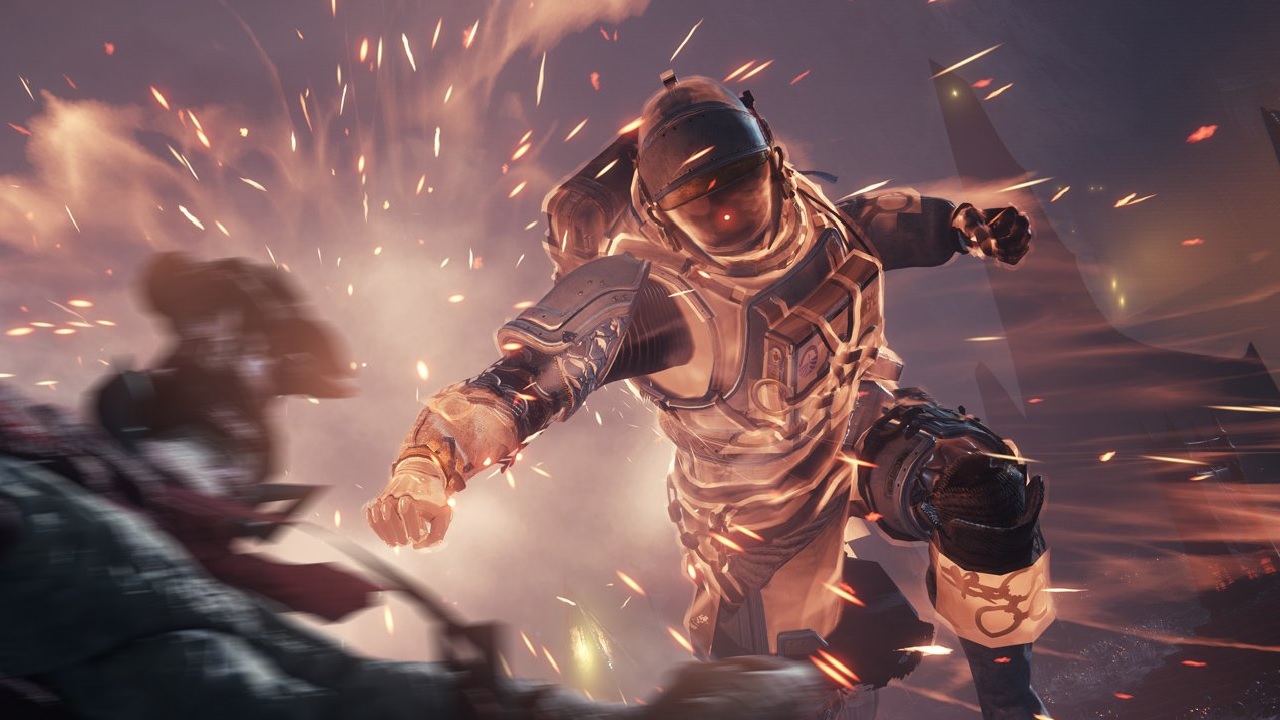
These options are available: This is an “opt-in” feature: You need to activate the feature yourself. The new actions are not assigned by default. You will have the following options available:
- The new name for the previous way of performing the melee action is “Automatic Melee”. Here, the type of melee attack performed still depends on the situation. The execution changes depending on which ability you have equipped and how far you are from enemies. This option should generally work smoothly, but it may sometimes deviate from the players’ actual intentions.
- The first new action will be called “Charged Melee Attack”. When the button is pressed, your charged melee ability will be activated – regardless of how far you are from the enemy. If you press the corresponding button when your melee ability is not fully charged, nothing will happen. Only the symbol of the melee ability will then glow red.
- The second new action is called “Uncharged Melee Attack” and will always perform a non-charged melee attack upon activation – even if your melee ability is fully charged.
Here you can find the settings: You can adjust the new feature in the controls.
- If you play with mouse and keyboard, open the settings menu, click on Keyboard/Mouse, scroll to “Charged Melee Attack” and “Uncharged Melee Attack” and assign a corresponding key there.
- If you are playing with a controller, navigate to the settings menu, go to Controller > Button Mapping > Custom, and scroll to “Charged Melee Attack” and “Uncharged Melee Attack”. Now you can assign corresponding buttons to the actions.
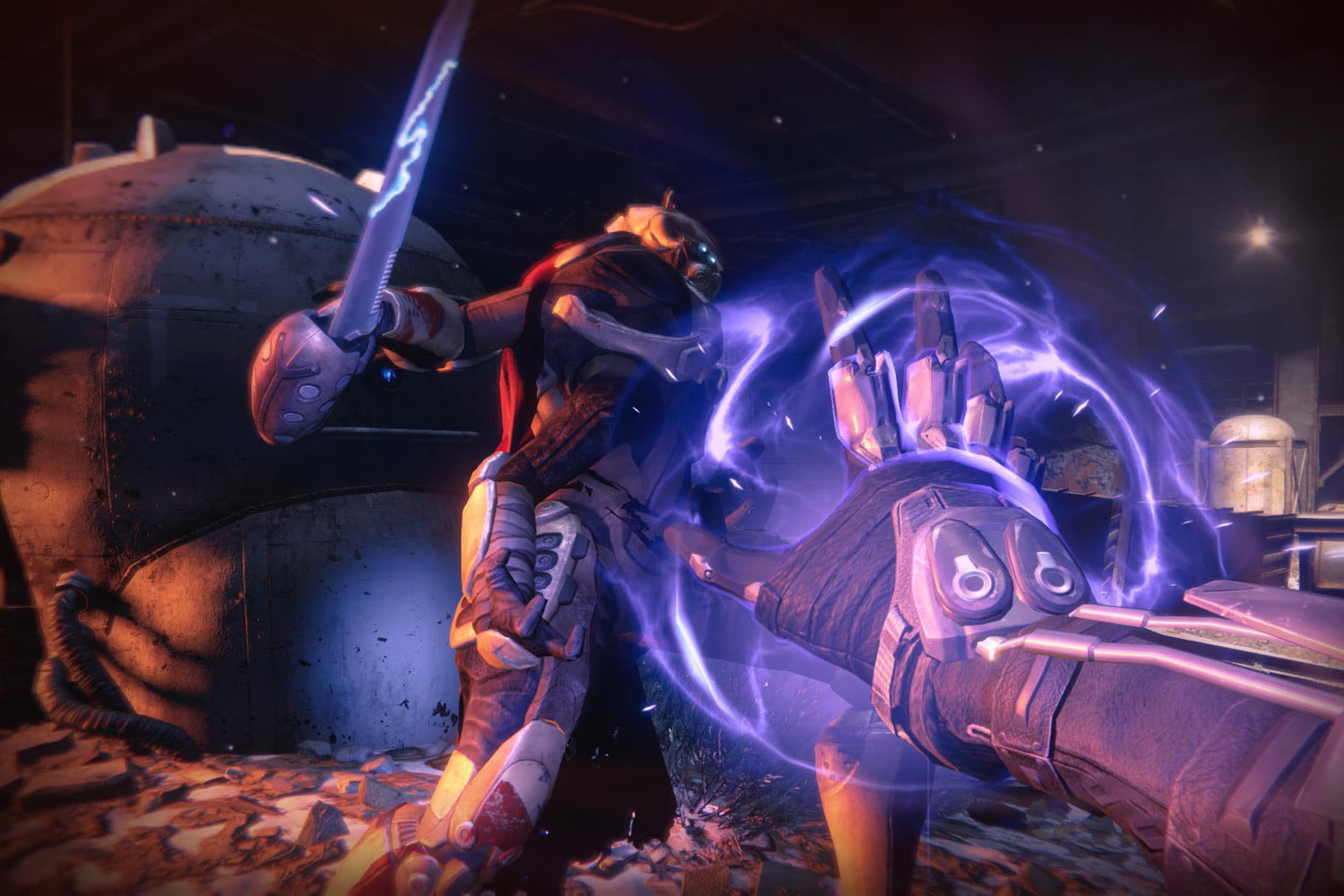
This is what you still need to consider: This new control feature is quite straightforward, but according to Bungie, there are still a few things to keep in mind:
- Melee attacks are triggered when the assigned button is pressed, not when it is released. It does not account for whether you may hold the button down while doing so. This means: None of the melee actions can be assigned to “Hold button” or “Double press button”.
- Controllers have limited input options, so you will have to be a bit more creative when setting up your controls. For example: You can set the charged melee to RB/R2 and the uncharged melee to a single press of the right stick/R3. While this would make the mappings for finishers and uncharged melee identical, it would cause enemies to always be finished instead of taking a melee hit when they are critically wounded.
- If you assign the charged and uncharged melee to the same button, the charged melee will always take priority. This is the opposite behavior of the Automatic Melee Attack.
What do you think of these new control options? A useful “Quality of Life” feature or completely irrelevant for you? Do you have any other wishes regarding the controls in Destiny 2? Let us know in the comments, as well as other readers of MeinMMO.
By the way, the stasis experience is also set to be improved in the upcoming season: From Season 15, you can improve stasis more easily and clearly

Your opinion is important to us!
Do you like the article? Then let us know!