

To get the absolute maximum out of your character in World of Warcraft, you can hardly avoid various tools. MeinMMO presents you with two tools that can optimize your performance in raids and dungeons.

What are these tools? Ask Mr. Robot and Simulationcraft/Raidbots are websites and addons that simulate your character. They help you find the best gear that you can wear.
They show you which of the items in your bag represent the currently best combination and where in the game you can still find improvements. They also provide an estimate of how much DPS you can achieve with the gear.
These are calculated simulations, so a mathematical maximum. You probably won’t be able to reach the numbers. However, the information helps you see how you can improve. Ideal if you have little time and don’t know where to get the best gear.
What do I need for this? For preparation, you need addons that you have to install. One of them is sufficient, as both tools do about the same thing. If you want to compare, install both:
The links will take you directly to the download page for the respective addon. Alternatively, you can use WoWUp, a new, sleek addon manager. We will explain how you can optimize your gear with the addons.

How to use Ask Mr. Robot correctly – Here’s how
How to use Mr. Robot: Once you have installed the addon, you can simply open it with a click on the button at the minimap. A window will appear that explains how to initialize your current gear.
Switch to each of your available specializations once and equip the gear that you usually wear there. Then go to the bank and open it for at least two seconds. After that, the initialization should be complete.
When you click on the minimap icon, a jumble of numbers and letters will be displayed to you. Just copy it completely and visit the Ask Mr. Robot website. There, click on “optimize” and simply paste the copied string.
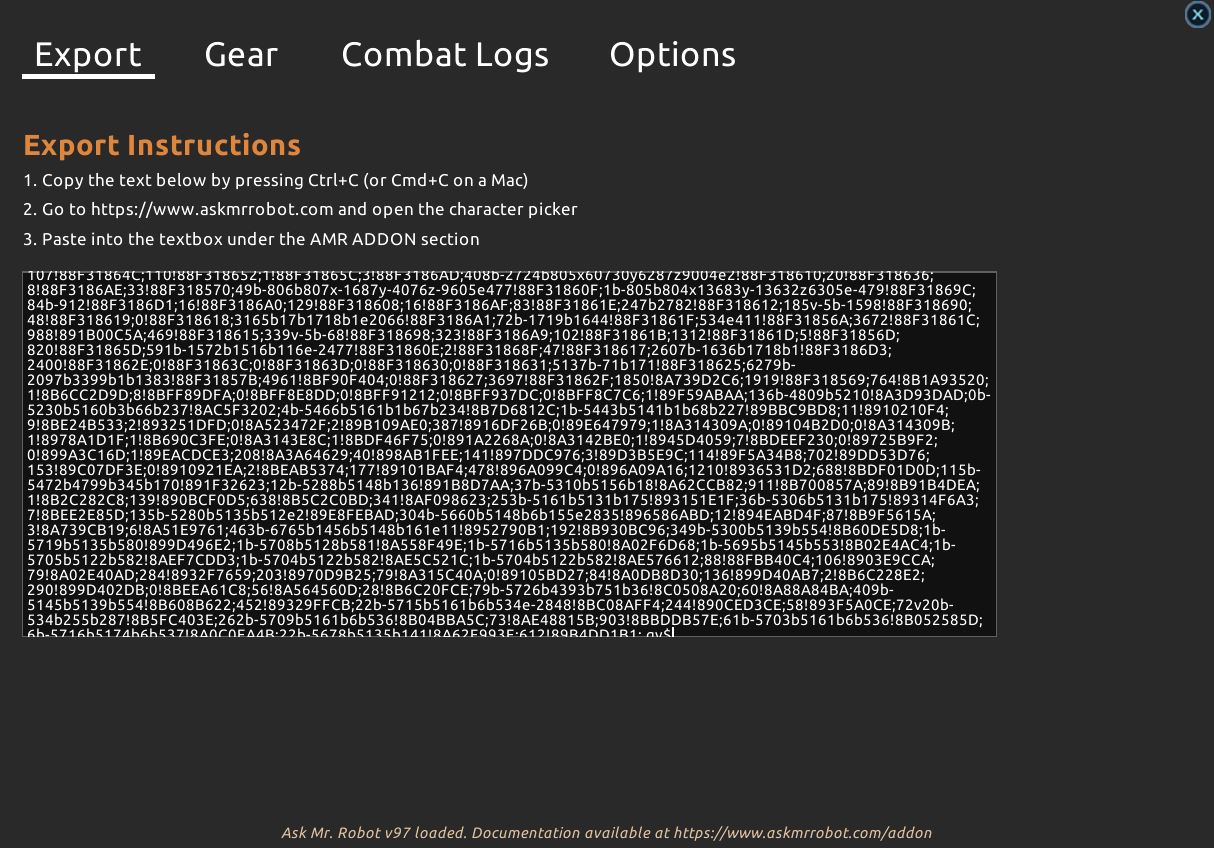
What functions does Mr. Robot offer? Once you have entered your character, you get several options:
- “Best in Bags” shows you which items in your bags provide the best combination
- “Upgrade Finder” gives you a list of items that improve you – starting with the highest DPS gain
- “Worst in Bags” shows you which items you can simply destroy or sell
- “Gear Check” checks your current gear and gives brief improvement suggestions
- “Best in Slot” shows you the optimal gear for your character that you can currently wear
For some of the functions, you need a paid premium account. However, a test in advance is free. The “Best in Slot” option, which shows you where to get the best gear, always works. You can manually change certain talents or your specialization to get more information.
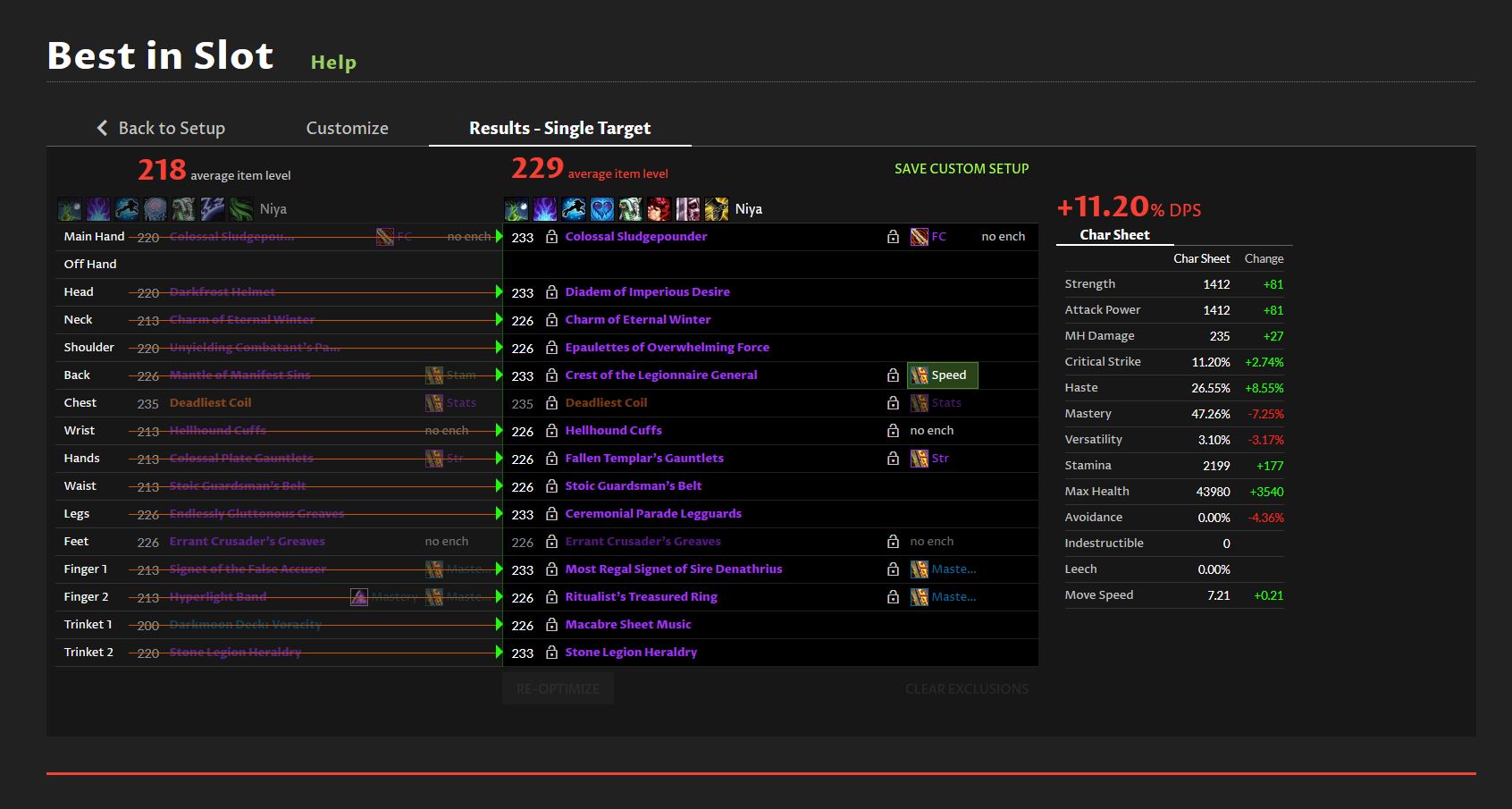
How to read the data correctly: Ask Mr. Robot works more with percentage values than with actual numbers. You can directly see how much a specific item can improve you.
However, be aware that some items have high fluctuations, such as the trinkets “Macabre Sheet Music” or “Unfathomable Quantum Device”. The simulation always assumes the best possible outcomes.
So don’t blindly believe the displayed numbers, but consider whether the suggested improvements will actually help you.
How to use Simulationcraft and Raidbots correctly – Here’s how
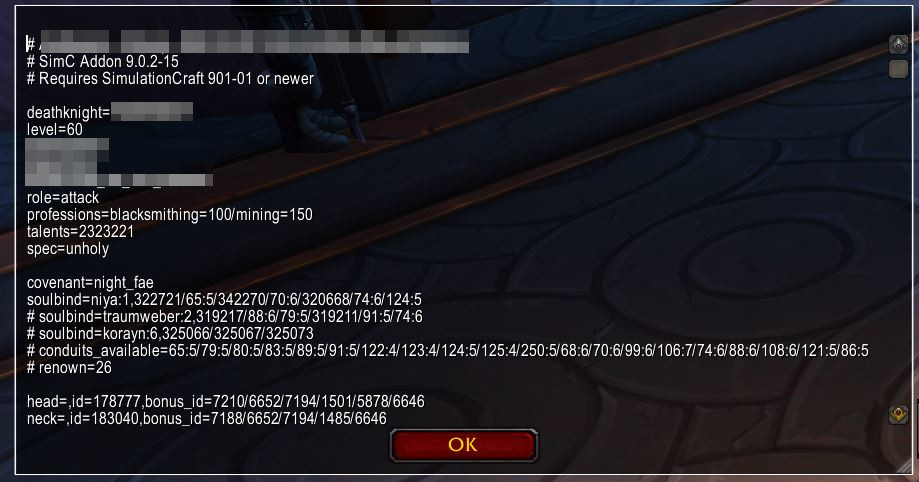
How to enter your data: Similar to Mr. Robot, you need to copy a long text from the game. Install the Simulationcraft addon and type the command /simc. You will then receive a pre-selected text that you can simply copy.
Tip: If you have opened the bank or the Great Vault while typing the command, corresponding items will also be considered.
You then enter the copied text on the “Raidbots” website. However, here you must first choose which function you want to use.
What functions does Raidbots offer? Like with Mr. Robot, you have various options, but they work a bit differently with Raidbots.
- “Top Gear”: selects gear to be calculated, this option shows you the best possible items you can wear, as well as talents, enchantments, and gems and calculates the possible DPS
- “Droptimizer” calculates your best upgrades from dungeons, raids, and other sources
- “Gear Compare” compares two sets of gear directly
- “Talent Compare” compares two talent combinations directly
- “Quick Sim” checks your current performance and shows details about it
- “Stat Weights” gives you an overview of your secondary stats and shows how much each improves you
- “Advanced” offers a multitude of options to simulate everything possible – this function is primarily needed to squeeze out the last few percentages
Raidbots can be set up more precisely, so you can filter from which sources you want to search for improvements (only PvP, only dungeons, only raids, etc.). You can also choose talents and exceptions in the simulations more easily and set options for how many enemies you want to simulate your damage against or what special circumstances are present.
When calculating, thousands of possibilities are simulated to find the best combination. If you purchase a premium account, you can simulate more combinations in one go.
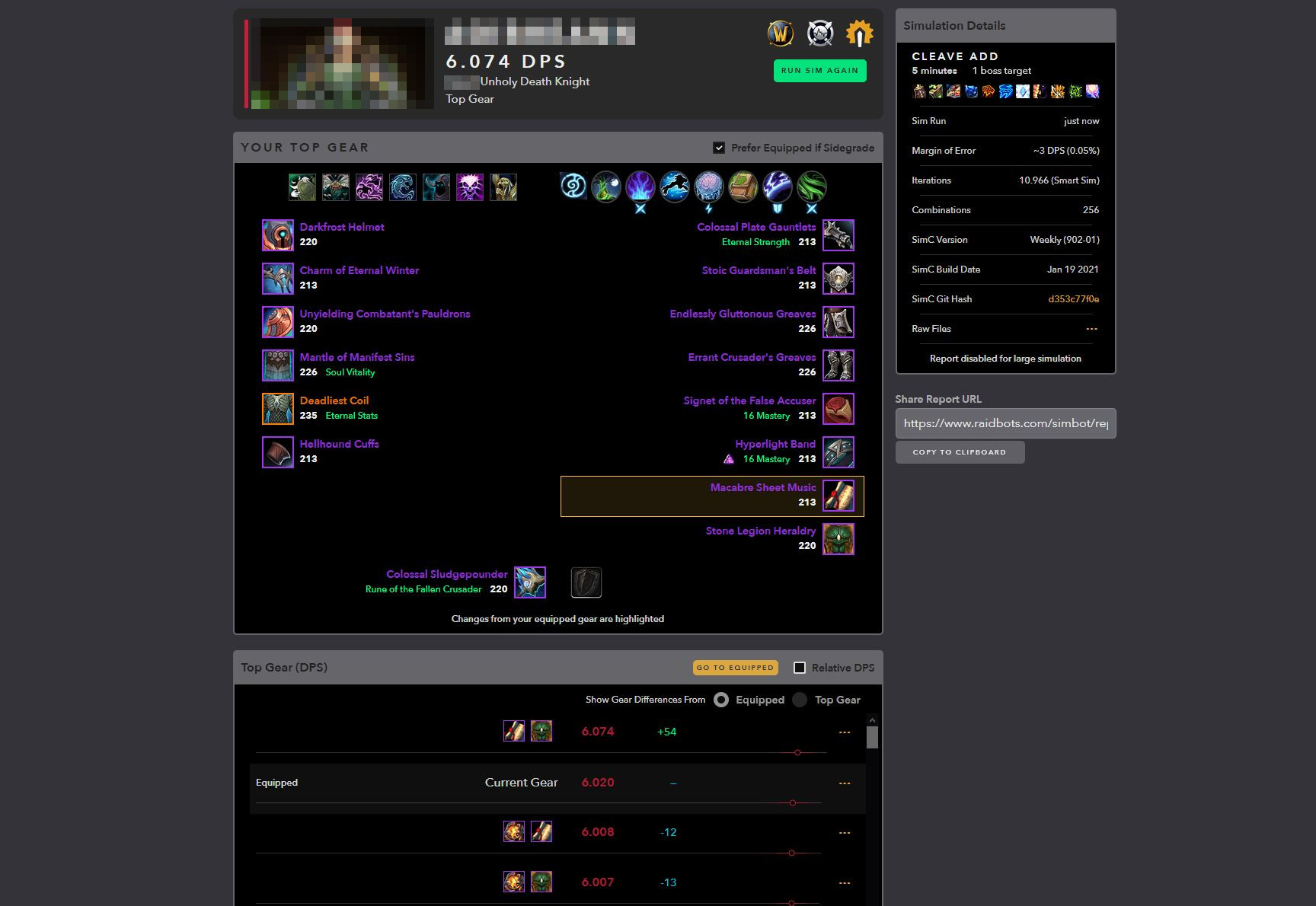
How to read the data correctly: Raidbots shows you either concrete DPS numbers or percentage improvements you can achieve, and lists exactly how much you can expect from other combinations. This gives you a bit more overview of possible improvements.
However, as with Mr. Robot, the simulation always assumes the best possible outcomes and does not calculate errors. Also, you must consider that some boss fights have special requirements and you may not always be able to attack them.
Such settings can also be made, and you will likely need some practice with the tool to use it to its full extent.
More tips to improve
WoW offers many ways to improve your character. To provide you with a basis for the simulations or further input, you can find the list of the best legendary items in Shadowlands for each class here on MeinMMO.
The new expansion brought another component with the covenants that you can improve with. Not every covenant is equally strong, and even though the difference is usually minimal, the choice can make a difference. You can find the best covenant for each class with us.
If you have played around with your gear and are convinced that you are wearing the best gear but still want to improve, you need to analyze your playstyle. Websites like the WoW Analyzer, which we have already presented, help with that. The Analyzer checks recorded logs of boss fights and gives you tips on how to perform better in that fight next time.
How do you handle that? Do you use these tools to improve or do you decide the old-fashioned way by instinct?

Your opinion is important to us!
Do you like the article? Then let us know!