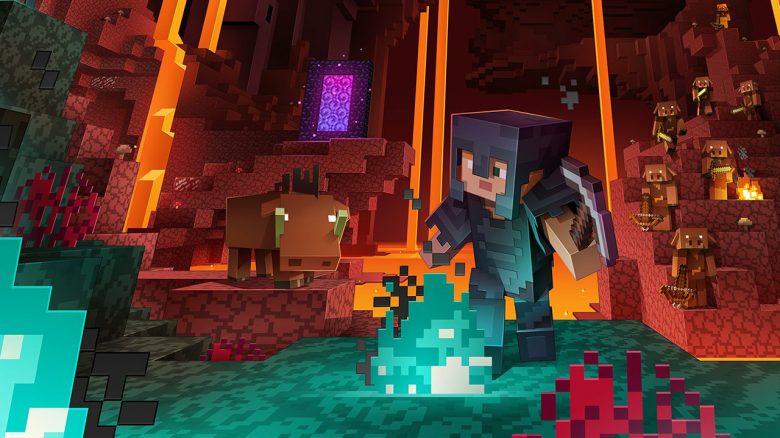
If you want to enhance the visuals of your Minecraft, you need small extensions. There is a wide range available. We will show you which resource packs make Minecraft look really nice!
Update: This article was updated on 27.11.2023. We have taken some of your recommendations into account. The featured texture packs are now suitable, aside from mentioned limitations, for Minecraft patch 1.20.3.
Minecraft is still immensely popular years later. Even though the blocky look has its own charm, the pixelated appearance is not optimal for every player. Fortunately, there is a remedy on PC, as Minecraft can be significantly enhanced with the help of texture packs. We present to you 7 packs that make your Minecraft more visually appealing than ever before.
What are texture packs? Texture packs (or “resource packs”) are user-created graphics that replace the ordinary Minecraft look. Often, they even have a higher resolution than the standard. The “normal” texture pack has a resolution of about 16×16 pixels for a single block, while user-created graphics often increase to 32×32, 64×64, or even 256×256. Depending on the PC, this can be very resource-intensive but can drastically beautify the game.
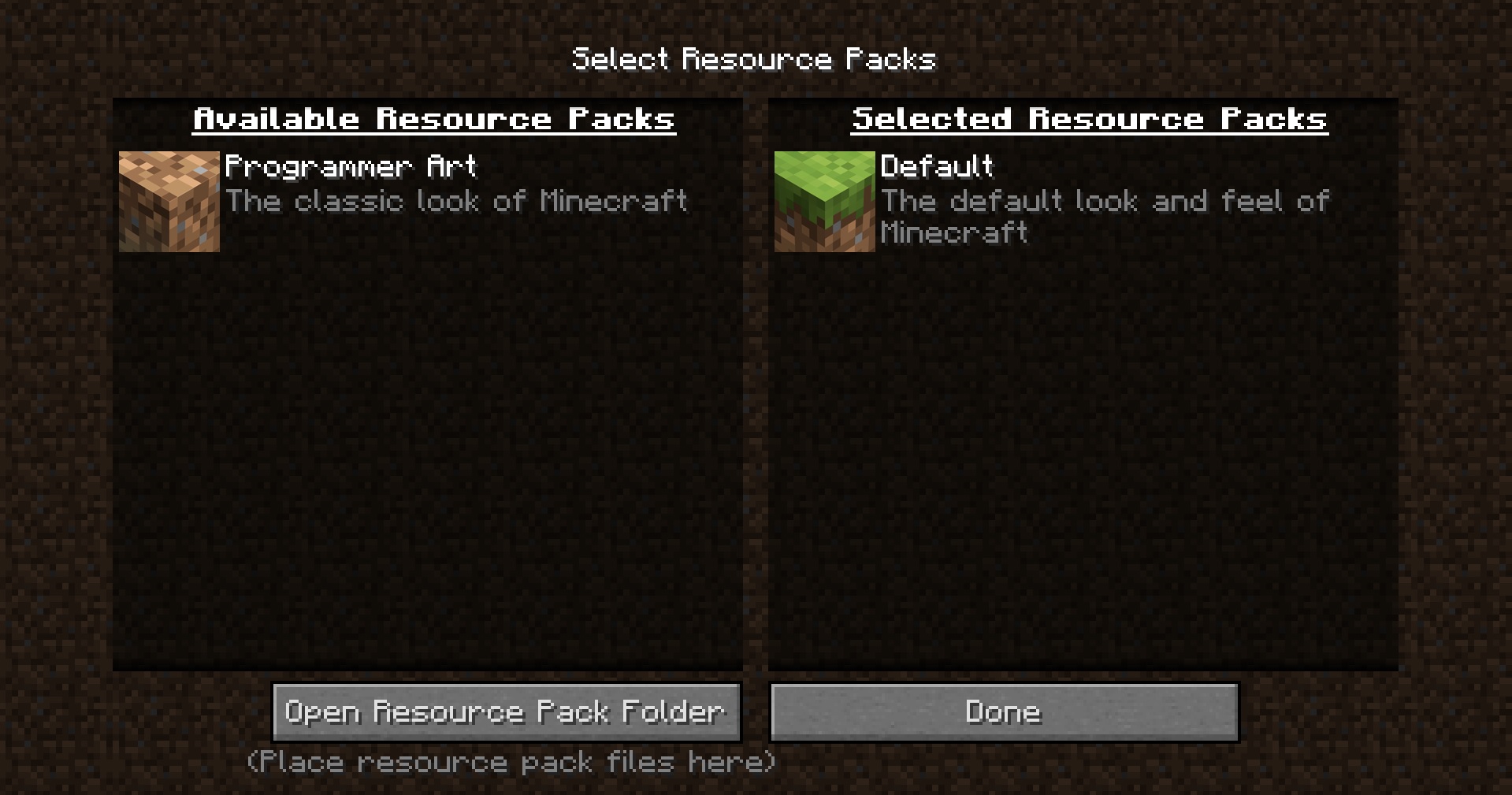
How to install resource/texture packs? Minecraft now has a fairly good integration for this feature. You simply download the corresponding ZIP file. Then, you start Minecraft, choose “Options”, and look under “Resource Packs” for the path where you saved the file. Now move the file to the “resourcepacks” folder and you can start playing Minecraft with the new look!
The 7 best resource packs for Minecraft 1.20.3
Now let’s move on to the 7 resource/texture packs that can significantly enhance your Minecraft.
New Wayukian
If you prefer a darker and medieval style, with objects reminiscent of dungeon crawlers from the past, you should take a look at the texture pack New Wayukian. The textures differ significantly from the standard look and give Minecraft a creepy yet atmospheric medieval look. This pack is a continuation of the original “Wayukian” texture pack, which unfortunately has not been updated for several years. However, the “New” version is up to date.
Although the revisions are not immediately noticeable with every block, the overall result is cohesive. Especially the creepers, which now share the brown color of trees, are doubly scary – because in the dark forest, they are even better camouflaged than before.
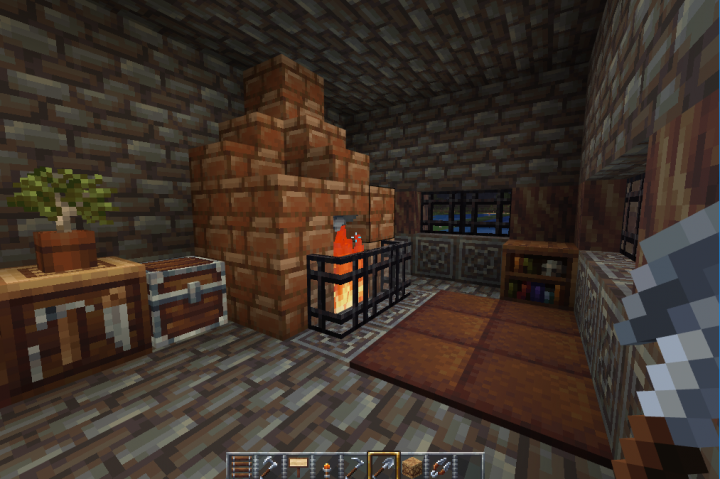
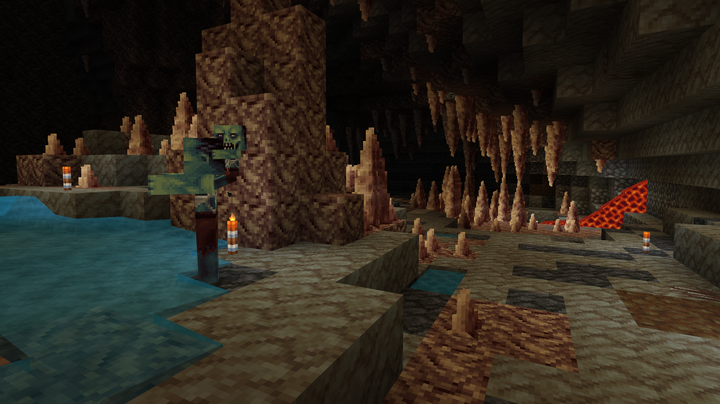
While the pixel count in this pack is not particularly high, this is not necessary – as it fulfills its purpose of giving the world of Minecraft more immersion.
Link to the download page: New Wayukian on PlanetMinecraft
OzoCraft
Completely independently created textures are offered by the pack OzoCraft. Although in most cases it is still easy to recognize which blocks are visible, the texture pack provides enough unique representation to be considered “unique”. Especially the design of the armors is appealing, but the other objects are also worth a look. If you want to try a fresh look in Minecraft that has a lot of love for detail, you should check out OzoCraft.
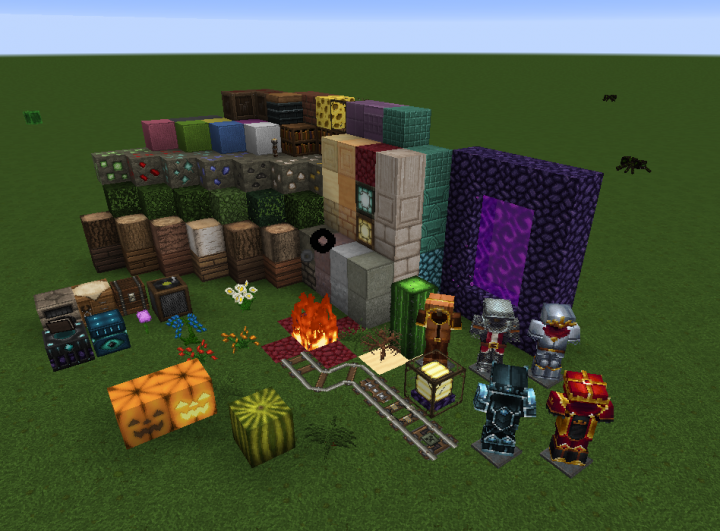
The pack is optimized for version 1.20.3. We had no issues with it and were able to use the pack in the current patch.
Link to the download page: OzoCraft on Resourcepack.net
Conquest
The iconic Minecraft look is certainly memorable, but sometimes it could benefit from a little fantasy or medieval touch. In this case, the texture pack “Conquest” is a solid choice. Most blocks or items have unique textures that often look a bit “used” or “dirty”, making them fit wonderfully into a medieval setting.
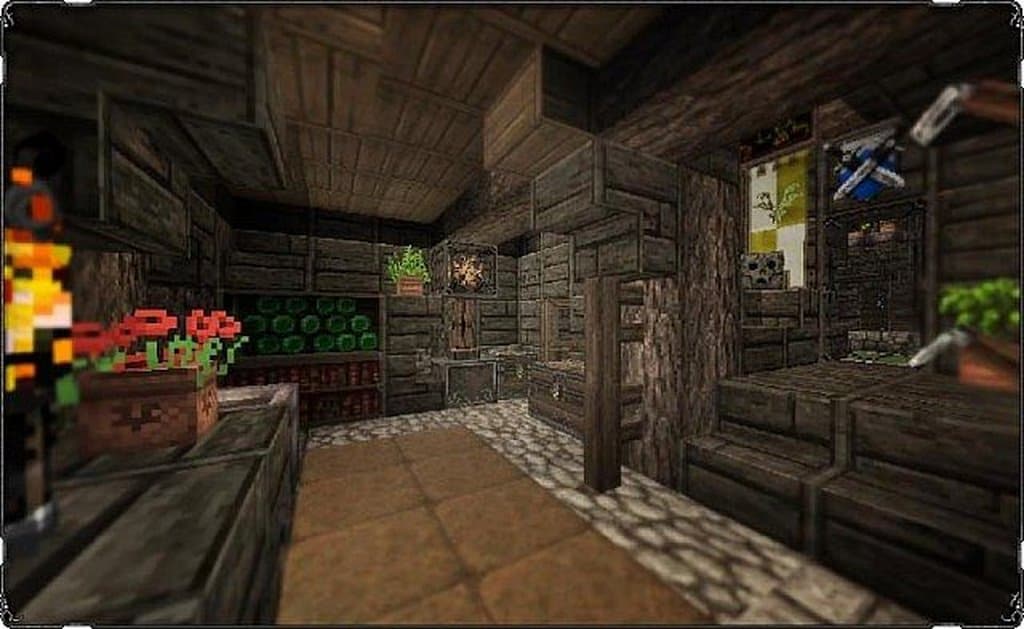
More than in many other packs, the whole design here seems “cohesive” and merges into beautifully crafted landscapes that provide a wonderful contrast to the otherwise rather feudal graphics of other packs.
However, Conquest is not yet optimized for version 1.20 but rather for patch 1.19.2 – but it is compatible with the current Minecraft version.
Link to the download page: Conquest on Resourcepack.net
Misa’s Realistic Texture Pack
Even though Minecraft is almost unimaginable without blocks, one can say goodbye to the cute look and choose a more realistic approach to the game. This is made possible by Misa’s Realistic Texture Pack. Whether it’s the animal world or the surroundings, the texture pack enhances almost everything you can find in Minecraft. Although there are many texture packs that focus on realism, Misa’s also requires relatively little performance. A clear recommendation from us.
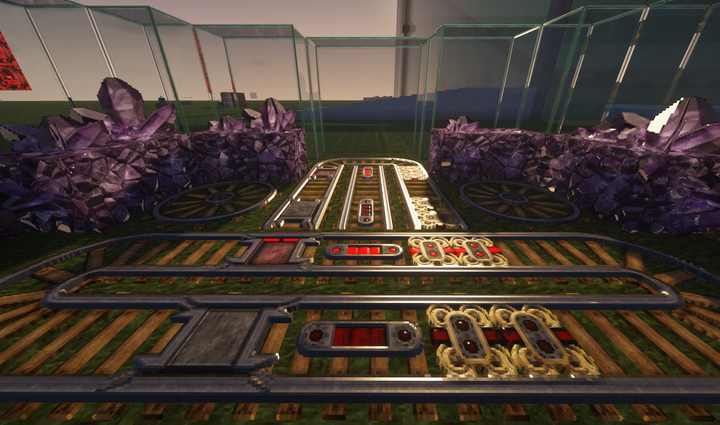
For a long time, the texture pack was under development, and now most blocks are present, with only a few objects lacking their own texture. If you want to see Minecraft in a completely different look, you should check out Misa’s pack.
Link to the download page: Misa’s Realistic Texture Pack on PlanetMinecraft
Sapixcraft
If your PC is a powerful “killing machine” and other texture packs barely stress your processor and RAM? You want to see how many pixels are truly possible in Minecraft and enjoy a slightly more comic-like look? Then you should take a look at the texture packs from Sapixcraft.
The texture packs from Sapixcraft make Minecraft even a bit more colorful and vibrant, allowing individual objects to stand out more and giving the entire world a more picturesque appearance.
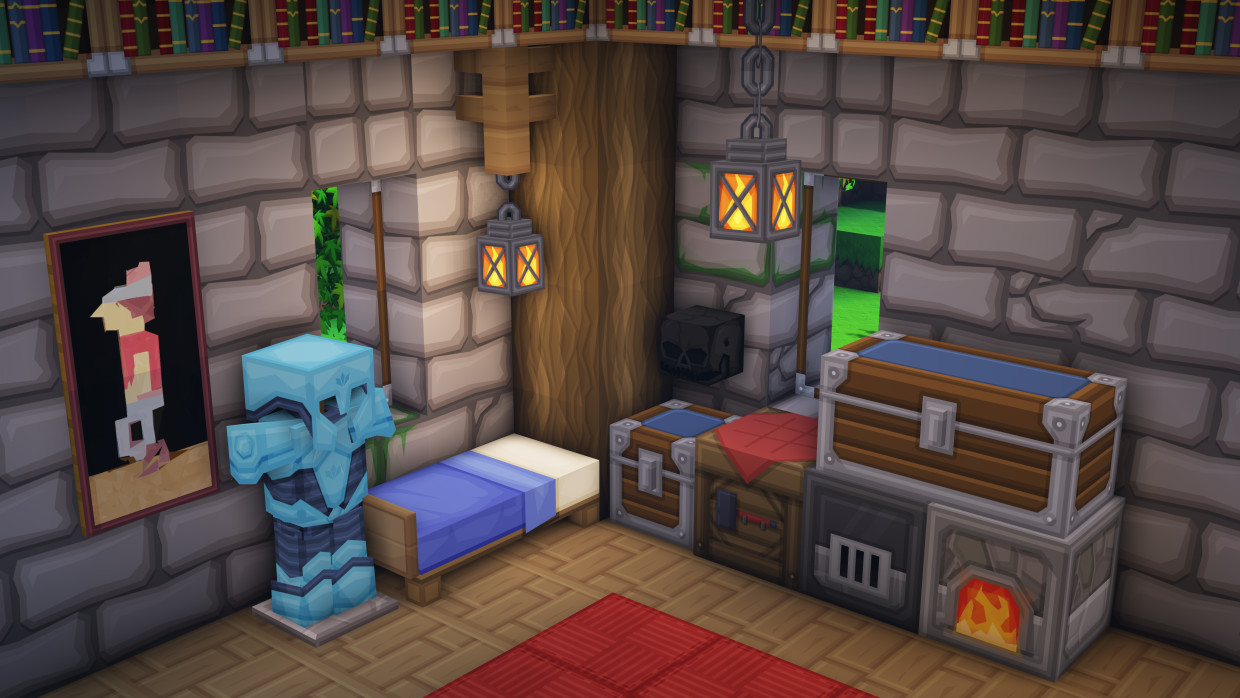
If you don’t have a powerful PC, you can also download the texture pack with lower resolution. In addition to sizes of 512 pixels, there are smaller variants with 256, 128, 64, 32, or even just 16. This should offer something for machines of all performance classes, allowing you to experiment a bit.
Sapixcraft works flawlessly with version 1.20 of Minecraft. The texture pack is, however, continuously being developed.
Link to the download page: Sapixcraft Texture Pack on Sapixcraft.com
Jolicraft
Texture packs come and go, and often development is discontinued. Jolicraft is one of the packs from the “old days” of Minecraft and continues to be updated even after many years. This texture pack tries to infuse a bit more good cheer into Minecraft. Many of the creatures appear visually a bit more peaceful, a bit cuter, or more playful.
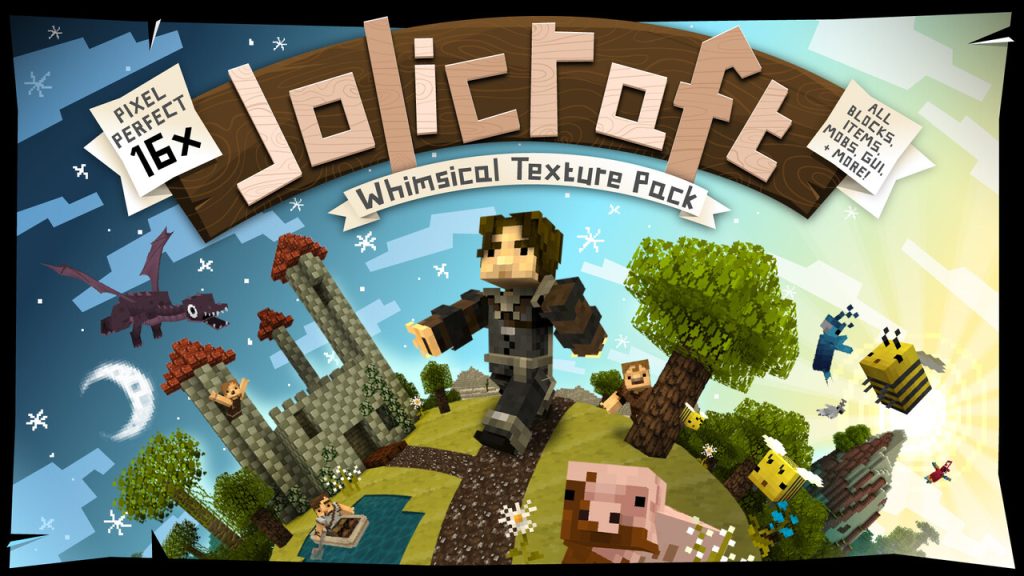
The colors are often more saturated, and the atmosphere of the game immediately feels friendlier. Nevertheless, all creatures can be easily recognized and do not lose their identity. If you simply want a little more good mood while you panic run away from the Warden, Jolicraft is an excellent choice.
Link to the download page: Jolicraft on planetminecraft.com


Ultra FPS Booster
Even though Minecraft is fundamentally a rather calm game, there are also a number of people who enjoy PvP aspects and frequent servers for this. Especially in heated battles, a quick reaction and high frame rate are important for rapid response. This is where the rather unusual texture pack “Ultra FPS Booster” comes into play.
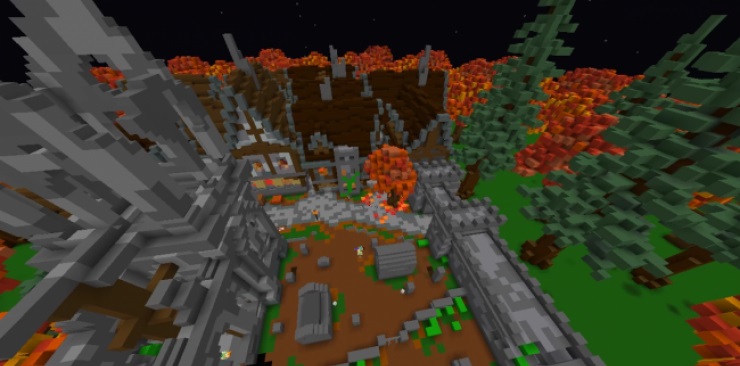
The texture pack sets the pixel count of most blocks to 1. This means that different blocks are completely monochromatic. Only special blocks, such as ores, have a few more pixels so that the most important resources stand out from the masses. This is certainly very unusual, but once you get used to the pack, you have significantly shorter loading times and recognize relevant information faster, giving you a slight advantage in PvP. Furthermore, this pack takes minimalism to the extreme – which can also be quite pleasant.
Link to the download page: Link to the Ultra FPS Booster texture pack on PCMinecraft-Mods
Do you also use texture packs in Minecraft? If so, which ones do you use? Or do you maintain the standard look of the game at all costs?
If that is still not enough for you, you can further enhance Minecraft with shaders – elevating the game to a whole different graphical level.