

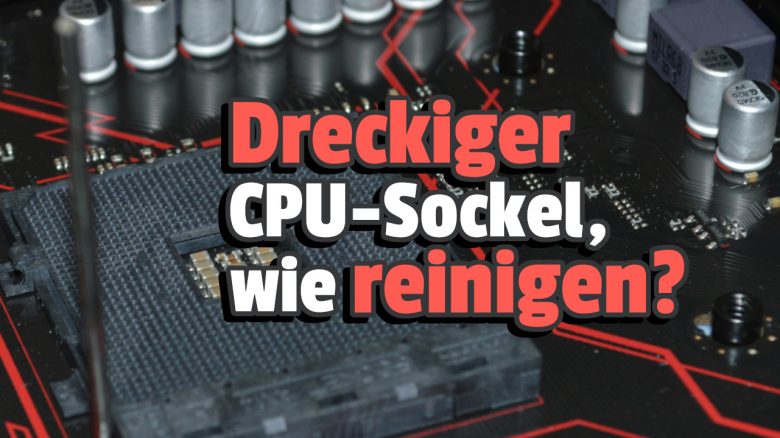
If the thermal paste is stuck not on top of the CPU, but underneath between the pins of the socket, fear quickly arises. However, Reddit has reassuring answers ready that can help you remain calm in the future – and clean properly.
How can thermal paste get into the CPU socket? When building a PC, inserting the CPU into the socket, followed by the installation of the cooler, is likely one of the steps that most people regard with respect. Probably by now, the user asking for help on Reddit is also feeling this way since they have soiled their CPU socket.
For literally between the cooler and CPU, a thermally conductive paste belongs. However, it can overflow, for example, and during attempts to fix the mishap, it can also get onto the CPU pins or into the socket.
We will show you what to do in such a case. For this, we will use the helpful answers from Reddit and a video by the tech YouTube expert JayzTwoCents.
(Perhaps) more threatening, but definitely much more mysterious are USB sticks protruding from various walls in public. What is the story behind that?
Dealing with thermal paste on a CPU socket
Is thermal paste in the CPU socket or on the pins of the processor bad? No, stay calm. Because if you didn’t use liquid metal – which should be quite rare – thermal paste on the pins is nothing dramatic. It doesn’t damage any component and it does not conduct electricity.
So you can simply insert the CPU despite the soiled pins as soon as the paste has dried. The only condition is that it is so little that contact is not impaired. This point is also noted by the top comment (more than 5000 upvotes), written by Reddit user Positive-Olive3530.
How to clean the CPU socket or the CPU pins? First of all: Power off as soon as you are working on the motherboard. The simplest method of cleaning is to dampen a soft toothbrush with isopropyl alcohol and gently brush the pins in the socket or on the CPU. The alcohol dissolves the thermal paste and the bristles scrape it off.


Once all visible paste has been removed, gently dry the pins with a cloth and/or just wait a while until it happens on its own.
But how do I get the paste off the socket and the motherboard? You blow it away, no joke: Spray the pre-cleaned socket with a larger amount of isopropyl alcohol. Then take a can of compressed air (or something similar) to blow the liquid out with the dissolved, liquefied paste. However, the motherboard should be removed for this.
Anyone who wants to see the described steps demonstrated by a PC hardware expert can watch this YouTube video by JayzTwoCents. He deals with a far worse thermal paste mess than what happened to the above Reddit user.
If you are interested not only in hardware and the pitfalls of assembling a complete gaming PC but also in smartphones, we have something for you on MeinMMO. This does not involve hands-on experience, but there are still some questionable stories around their usage that persist to this day. We have listed six myths about smartphone usage that you definitely shouldn’t believe any longer.

Your opinion is important to us!
Do you like the article? Then let us know!