

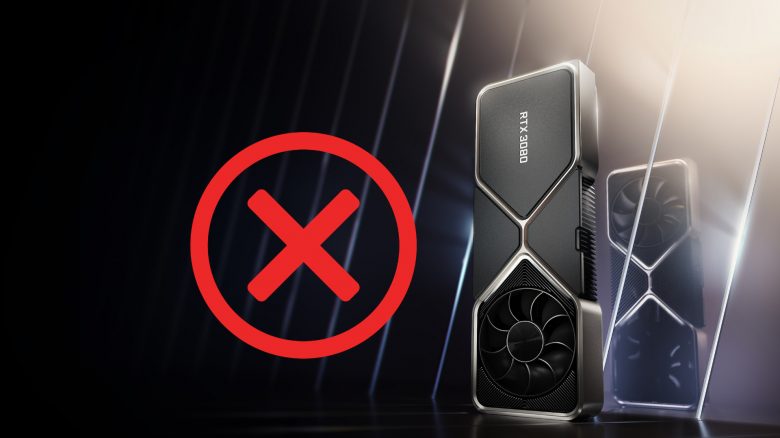
The RTX 3080 is considered the new top graphics card. However, buyers are now complaining about issues. These mainly include crashes and freezes. From hardware acceleration, faulty drivers to weak power supplies, there are now various solutions.
Here’s what it’s about: The RTX 3080 from Nvidia is highly praised in tests: It offers significantly higher performance than the previous generation and a good price-performance ratio. However, the availability is poor: Sneaky buyer bots are snatching many of the RTX 3080 away – here’s how Nvidia is countering now
But some users who can now call an RTX 3080 their own are reporting some problems. For instance, Inkuplex states in the Nvidia forum:
I recently got the RTX 3080 XC from EVGA and have experienced issues and crashes in several titles, including the hyper-optimized Doom: Eternal, which never had as much stuttering in my multiple campaign runs with my GTX 1080. This isn’t my first new GPU rodeo, but please focus on releasing a more stable driver soon. It’s not fun to upgrade hardware and lose the ability to ever really use it.
inkuplex, from the Nvidia Forum.
Others are also experiencing problems. User Vertanii writes, “I am experiencing exactly the same problems with my MSI Ventus 3x 3080. Most games crash within minutes, some take a bit longer, but ultimately, there’s a CTD [Crash to Desktop] in all of them.”
It therefore affects multiple manufacturers and not just one hardware producer.
What errors are being mentioned? Among the errors reported by players are, among others:
- the system freezes with subsequent blue screens
- crashes to desktop (in English: CTD)
- and issues and glitches with DirectX 12
Hardware acceleration, drivers, or weak power supply
There are now several approaches to solve the problems. We will introduce you to the most important approaches here. If you also own an RTX 3080 and have similar problems, here are the following options you currently have to do something against the crashes:
- Disable hardware acceleration: Windows offers a feature called “Hardware-accelerated GPU scheduling.” This causes several issues. Nvidia and AMD support the feature (via GameStar.de). You can disable the feature via Settings – System – Display – Graphics settings.
- Install the latest driver: For smooth operation, you should have at least NVIDIA’s GeForce Game Ready driver 456.38 installed. Only from 456.38 onward is the RTX 3080 officially supported. You can download the driver directly from Nvidia. During the installation, Nvidia now offers the option to cleanly remove old drivers.
- Lower the GPU clock: Others report that they have lowered the speed of the GPU, i.e., reduced the core clock to fix the issues. A popular tool to lower the speed is, for example, the MSI Afterburner tool.
- Check the power supply: Nvidia itself states that you need a power supply of at least 750 watts. Custom models often require even more power. It also depends on which components you have installed in your PC. If your computer does not receive enough power, that can also lead to crashes.
If you ever wanted to know how big the RTX 3080 and RTX 3090 are: This is the size of the graphics card compared to the PS5, Xbox Series X.

Your opinion is important to us!
Do you like the article? Then let us know!