

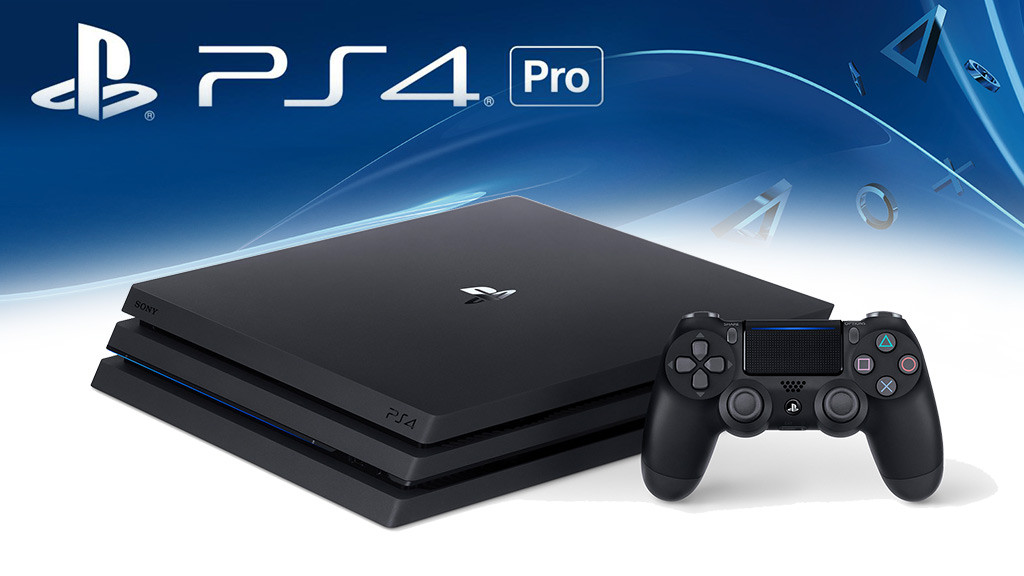
Many gamers will surely switch to the new console as soon as the Playstation 4 Pro is released. But how do you transfer your data from the old PS4 to the new console?
There are various methods to transfer your profile and data from the regular PS4 to the new Pro. The easiest way is through a direct transfer if you own both the old and the new console.

Just follow these steps to transfer data from the PS4 to the PS4 Pro:
- First, establish a connection between both PS4 consoles using the same network. It’s best to use an Ethernet cable for this.
- On your TV, switch to the PS4 Pro first.
- Now turn on both consoles.
- On the PS4 Pro, go to Settings/System and look for “Transfer from another PS4”.
- Next, simply follow the instructions that appear on the screen. It will say to press the power button of the old PS4 until it beeps.
- You will now receive various options for the data transfer; for example, if you do not want to transfer all data.
- The system will ask if you want to transfer the active PS4 user accounts. If you have multiple accounts, you will need to log in to each one individually.
- The data transfer now begins. The system may then ask for your PSN password.

Alternative way to transfer PS4 data to PS4 Pro
Another method of transferring data from PS4 to PS4 Pro is through an indirect transfer. However, you will need an external storage device with USB 3.0 and the exFAT format for this.
- First, connect the storage device to the old PS4.
- Go to Settings/System and look for “Backup and Restore”. Now select the connected storage device as the target.
- Now perform a reset on the old Playstation 4, which can be done under Settings/Initialization.
- Next, connect the storage device to the PS4 Pro. Under Settings/System, select “Backup and Restore”.
- After that, perform a restart. All accounts will be disabled at first. So you will need to log in again and have the passwords ready.
- Finally, you need to activate the PS4 Pro as your primary console.
Both methods take about an hour, depending on how much data needs to be transferred. This way, you are well prepared for the transition to the Playstation 4 Pro, which will be available for purchase starting tomorrow, November 10th. You can view an offer on Amazon at the following link:
More articles about the Playstation 4:
- PS4 Pro in Test: First reviews are out – Is it worth it?
- PS4 Pro vs PS4 Slim
- PS4 Pro: The complete game list for the release – More than 30 optimized games

Your opinion is important to us!
Do you like the article? Then let us know!