

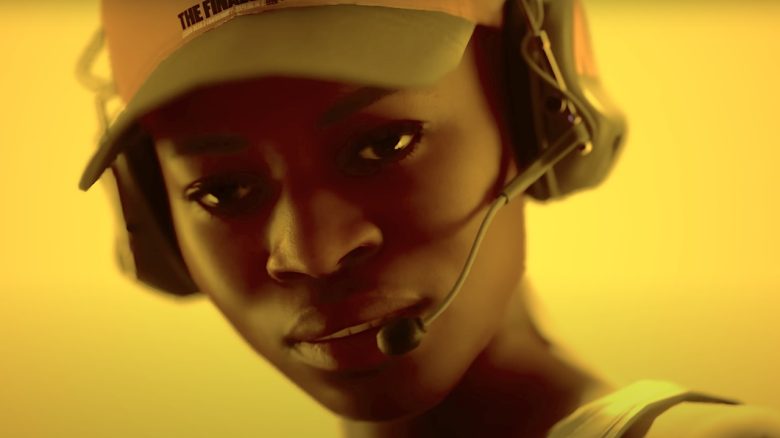
The Finals is a new shooter that fans of the genre can dive into. Many wanted to play the game, but on Steam you can’t launch the shooter or have to deal with crashes. We show you what you can do about it.

Having trouble launching The Finals? Here’s what you can do: You want to start The Finals, but you are greeted with a black screen? Then you should first check the required system requirements:
| Minimum Requirements | Recommended | |
| Operating System | Windows 10 or latest updates | Windows 10 or latest updates |
| Processor | Intel Core i5-6600K or AMD Ryzen R5 1600 processor | Intel Core i5-9600K or AMD Ryzen 5 3600 processor |
| Memory | 12 GB RAM | 16 GB RAM |
| Graphics | NVIDIA GeForce GTX 1050 Ti or AMD Radeon RX 580 | NVIDIA GeForce RTX 2070 or AMD Radeon RX 5700 XT |
| DirectX | Version 12 | Version 12 |
If you have the correct setup, it would be worth taking a look at your graphics driver. Perhaps you are missing a new update or you need to reinstall it.
If everything is fine with your driver, you should check your game files and see if they are installed correctly. Go to Steam, open your library, and select The Finals, then click on “Properties”. Now click on “Installed Files” and then on the button “Verify integrity of game files”. The system will now check your files and see if everything is installed correctly.
If the game still doesn’t start, you should consider a new installation. Once you can finally log in, you should lower your graphics settings and set your FPS. For outdated hardware, 60 FPS is sufficient, while newer hardware can be set to 100 – 120 FPS.
Those were all the options you could consider so far. If none of this helped, you’ll have to wait for a patch soon.
The Finals crashes? Here’s what you can do: If you can log into The Finals, but the game keeps throwing you out of a match, we have some solutions for you.
Remove your shortcut from Steam and Embark. According to YoutubeSCREAM (via youtube.com), this tip comes from the community. Players report that after following this procedure, they were able to play without crashes. It’s worth a try.
If that didn’t help, you can change your launch options for The Finals. Some community users report that they changed their launch option to “-d3d11” which means DirectX11. This has also been known to help back in the beta. You can find the option on Steam under properties (desired game) -> General -> Launch Options. There you enter “-d3d11” and start The Finals.
A final tip from the community is to disable recording software and applications that are running in the background, such as music or browsers. So open your task manager and close the programs that you don’t need while playing The Finals.
These were helpful tips on how you can get The Finals running on your PC. What methods have you used, and did any of our tips help you? Let us know in the comments!

Your opinion is important to us!
Do you like the article? Then let us know!