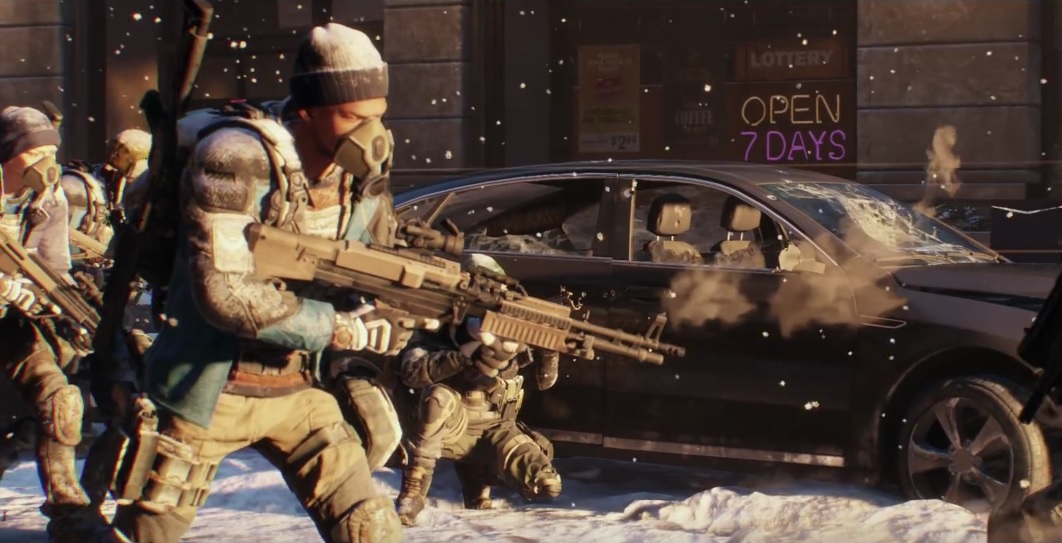
In The Division 1.6 we show you how to get Premium Credits for free. Additionally, the agents are looking for the reward vendor.
Since February 28th, Update 1.6 is live on PS4, Xbox One, and PC. This update brought some new features, including microtransactions. A specific seller, the Premium Vendor, has been set up in the terminal, along with a new currency, Premium Credits.
How to get free Premium Credits
You cannot earn Premium Credits. If you want to stock up on them, you have no choice but to open your wallet. However, Massive provides you with a “starting capital” in the form of Free Premium Credits to browse the in-game store a bit.
- Many users report that they found 170 Premium Credits in their inventory just by logging in after 1.6.
- Claim Premium Credits in the Ubisoft Club: To do this, open the Ubisoft Club from the start menu and click on “More Rewards” for “Free Premium Credits.” This way, you can get another 170 Premium Credits.
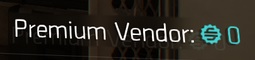
In total, you now have 340 Premium Credits available. With these, you can unlock backpack skins (new items since 1.6), weapon skins, clothing, or the shrug emote at the Premium Vendor in the terminal. However, you cannot afford many other offers with them.
Information about Premium Credits
If you want to buy Premium Credits with real money, there are several packages ranging from 5 Euros (500 Premium Credits) to 50 Euros (5000 + 2200 Bonus Premium Credits). Many emotes or weapon skins cost 500 Premium Credits, thus having a value of just under 5 Euros.
Note the following about Premium Credits:
- They are valid account-wide. If you purchase the currency, it is available to all your characters. However, they cannot be shared between accounts.
- This does not give you advantages in combat. All “premium items” are cosmetic.
- Massive does not rule out that more free Premium Credits may come in the future.
- The offers from the Premium Vendor change regularly. If you are dissatisfied with the current offer, you can save your Premium Credits and see what he brings next time.


Where is the reward vendor after 1.6?
Currently, many agents are asking the question: Where is the reward vendor after 1.6? Previously, he was to the left of the entrance to the terminal. Now he has left that spot.
In short: He is now next to the weapon vendor and equipment vendor in the operations base. When you enter the base, go to the left. The third vendor on the left side is the reward vendor.
By the way: At the launch of 1.6, there were major startup issues on the Xbox. These were related to the Premium Credits. Massive decided to bring the servers online without Premium Credits until the issue is fixed. You can already buy the credits on Xbox, but you will only receive them once the problem is resolved.
The most important changes in Update 1.6 have been summarized here.