


In the upcoming MMO shooter The Division, the closed beta is just around the corner. We have summarized what you need to know to participate in the beta launch.
The official release of The Division on March 8, 2016 is getting closer. It’s time to prepare for the apocalypse. However, you will have the opportunity to try out the game in a closed beta beforehand.
When does the beta start on PS4, Xbox One, and PC?
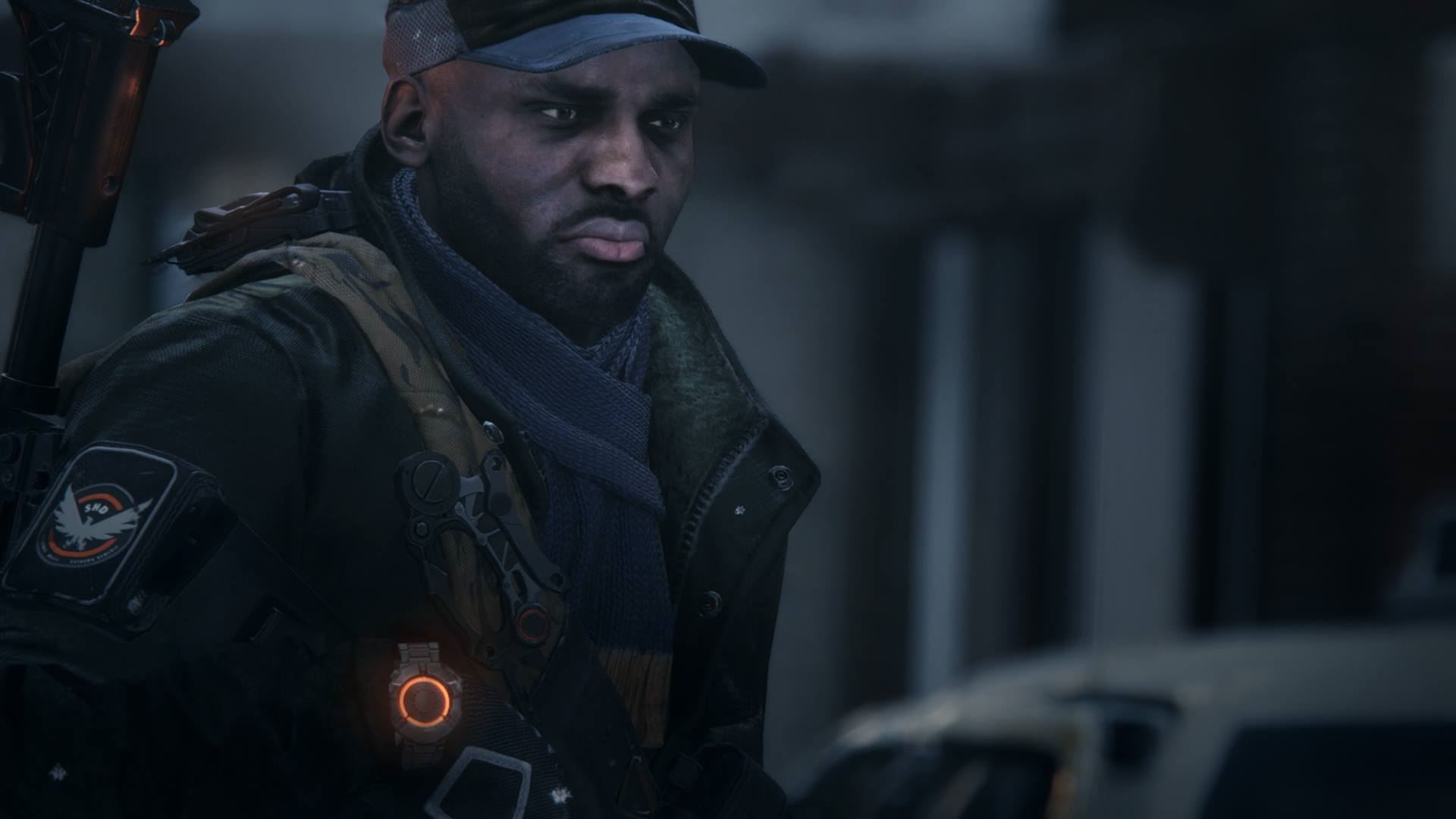
On January 28 at 10 AM our time, you will have the chance to check out Ubisoft’s upcoming MMO shooter The Division in a closed beta on Xbox One. A day later, PlayStation 4 and PC will join in, but only from 1 PM. The beta will then run on all devices until January 31.
How do I sign up for the beta?
You can only participate in the closed beta if you possess an access key. There are several ways to obtain a beta code and thus access to the closed beta:
- If you want to purchase a guaranteed access, you need to pre-order The Division from one of the participating retailers for your platform (such as Amazon* or through the official website). This way, you will receive a beta key.
- For those who do not want to pre-order the game yet, there is an alternative: you can sign up for a waiting list; however, this does not guarantee access. There is only a chance of being selected for the test phase. So, a secure registration only occurs through pre-ordering!
- As reported on reddit, the hardware manufacturer Nvidia is also distributing beta keys if one registers their hardware, such as GeForce graphics cards or Shield tablets. You will receive the key via email.
- For PS4 players, there is also the “trick” of pre-ordering the game in the store, downloading the beta client, and then canceling the pre-order. This was tested by Eurogamer and goes as follows: You search for “The Division” in the store, pre-order the game, but do not pay yet. Instead, you can now search for “The Division Beta,” execute the download, and then cancel the pre-order. No money should be transferred during this process. It’s similar for an Amazon pre-order.
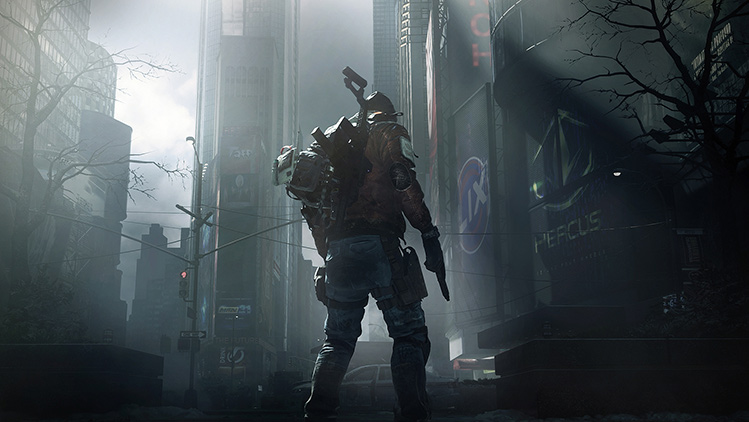
Things to note: Ubisoft has created a special website for the beta where you can pre-order the game or redeem keys: Official website for The Division: Beta Services.
How to redeem the key
For pre-orders through the PlayStation Store, Xbox Store, or Steam, no beta codes are required. Here, the beta access is automatically enabled.
If you pre-ordered The Division elsewhere, you will find the key, depending on the retailer, either on the receipt, a separate card, or it will be sent to you via email. You must redeem this on the aforementioned website. You will also need a Uplay account! PlayStation Plus and Xbox Live Gold are not needed for participation, by the way. According to Ubisoft, these memberships are only required for some game modes.
Is there a pre-download?
Yes, the preload is already possible on all platforms. Ubisoft hopes this will provide enough buffer to start immediately. About 26 gigabytes of storage space is expected to be required on PC. The download size should also be similar on next-gen consoles.
Why is there even a closed beta?
Ubisoft wants to check during this test phase whether the game is well-balanced and whether the servers are running properly, ensuring nothing stands in the way of release. They aim to ensure an optimal start for the full game. Whether an open beta will follow is doubtful; the release date is likely too close.
What else do I need to know?
- The Division beta cannot be played offline. After all, the game is designed as an online shooter, so you must always be connected to the Internet.
- Furthermore, a cross-platform online experience is not possible. PS4, Xbox One, and PC will have their own servers, thus preventing cross-play.
- The beta will also feature full German voice acting. This way, every “agent” can experience the test phase in the language they feel most comfortable with.
- If you’re playing on PC and are unsure whether you meet the system requirements, you can check that here.
All further news about The Division will be provided here.

Your opinion is important to us!
Do you like the article? Then let us know!