

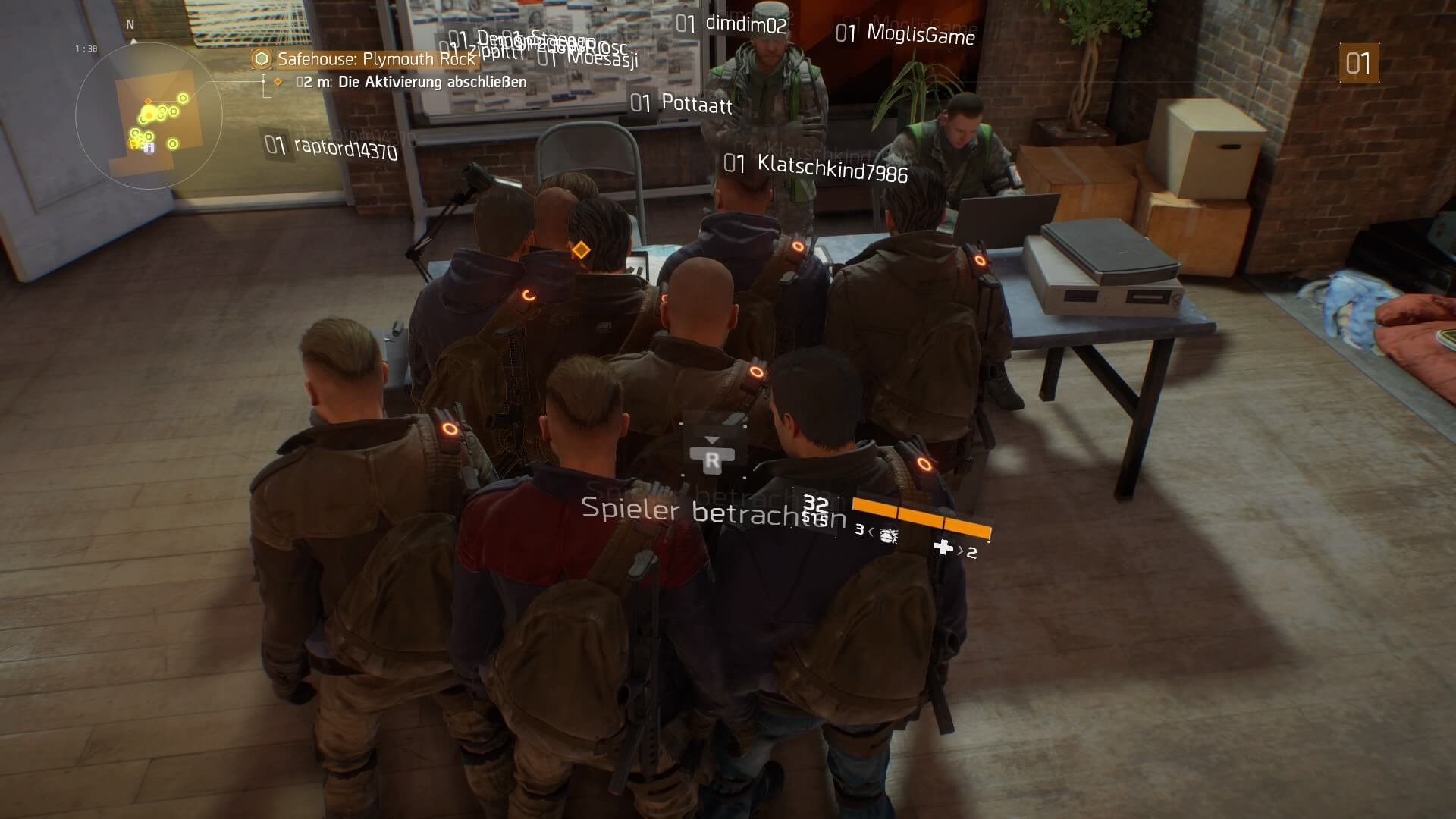
In The Division, a common issue currently arises where you can’t verify your identity right at the beginning: activation cannot be completed. So far, there is only one solution to the problem.
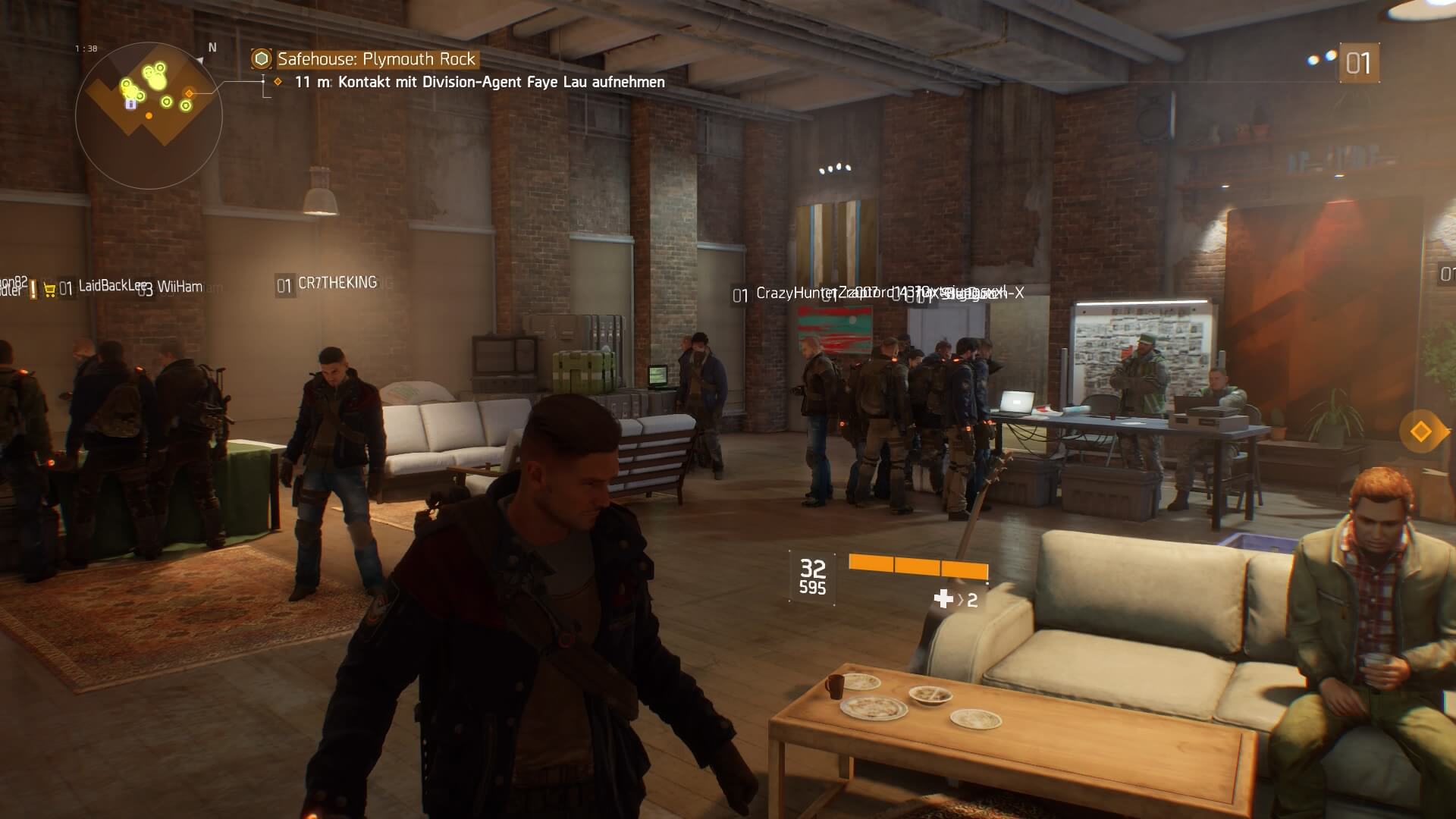

Only a few minutes in, and some agents cannot proceed: After you have created your character, you proceed to the Safehouse in The Division, where you must “activate” your agent. At a laptop, you must verify your identity by pressing Square (PS4) or the X button. An orange bar fills up.But: While some can complete this task without issues, many agents are currently facing nothing happening. Even repeatedly pressing the required buttons does not help.
The currently only, but by no means reliable solution to this problem is: log out. After you log out via the menu (with Triangle or Y), you can attempt to complete the activation again.
If this method does not work the first time, repeat the process. There has not yet been an official statement from Ubisoft.
Here is a video about it:
Are you also having issues with activating your agent?

Your opinion is important to us!
Do you like the article? Then let us know!