

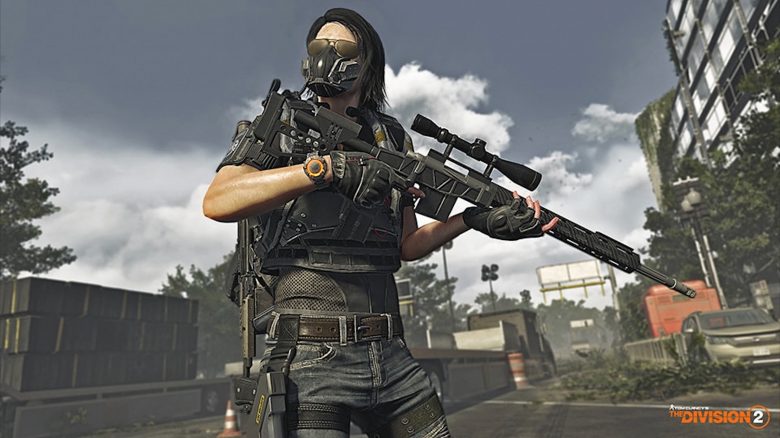
With Title Update 11 (TU11), The Division 2 will introduce a transmog system that allows you to finally make your agents look the way you want – with some small restrictions. Here’s what’s in the new feature.
What is transmog all about? If the current customization options in The Division 2 are not enough for you, then there may be really good news for you now.
As Massive revealed in the new issue of State of the Game, The Division 2 will receive a new feature with the next major update (Title Update 11) that many agents have been wishing for a long time – namely a so-called transmog system.
When exactly TU11 will be released is not officially known yet, but some players assume it could be in September.
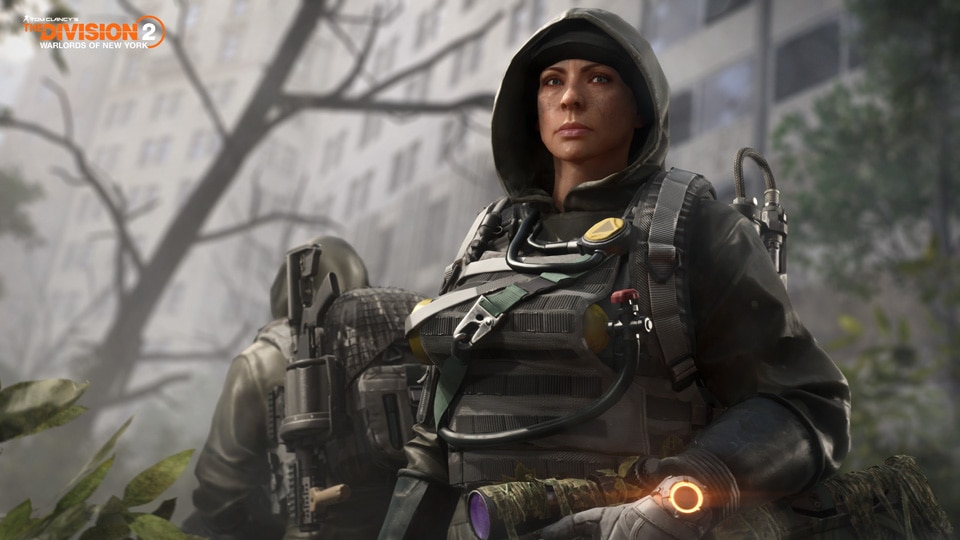
Everything important about the transmog system in The Division 2
What is transmog anyway? It is basically a popular cosmetic feature. Transmog comes from “Transmogrification” and means that you can change the appearance of a specific piece of gear. This way, the look of most items you have already found of the same category (for example, knee pads) can be transferred to a desired item of that category.
In short: Thanks to transmog, you no longer have to compromise between the desired appearance and the stats of your best gear pieces.
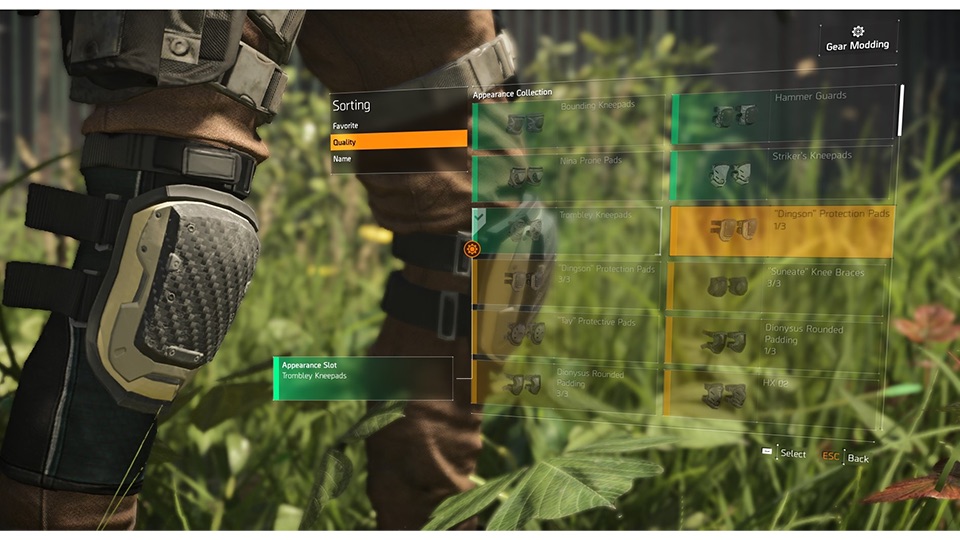
How does transmog work in The Division 2? In The Division 2, transmog is made possible through so-called Appearance Mods. The changes can then be made in the already existing character menu.
With the Appearance Mods, you can change the look of your gear beyond just coloring. For example, you can give different items the appearance of a different brand.

To do this, you must inspect the item (like when applying mods or changing the color). There, you will see the new option “Mod Appearance”. Here you will find an overview of the possible looks available for the particular item. By the way, only items that you have already found can be used as visual templates.
The target object changes its appearance according to the template, but its original stats remain unaffected. This way, you can give your character the desired appearance without necessarily having to change the stats or perks of the equipped gear.
Which gear can be used for transmog? Gear pieces of all categories can be visually changed through transmog in quality tiers from simple (gray) to high-end (gold). This includes
- Mask
- Backpack
- Chest piece
- Gloves
- Knee pads
- Holster
The appearance of gear sets can also be adjusted in this way. However, the appearance of weapons cannot be changed within the framework of transmog. This system only extends to the armors of your agents.
The most important questions and answers about the transmog system
Who can use the Appearance Mods? All players of The Division 2 – regardless of optional additional content such as the Warlords expansion. There are no level restrictions, so agents of all levels (1-40) can immediately access the feature in the menu. Additionally, it does not matter if it is an old, new, regular, or hardcore character.
What about exotics? Exotics are excluded from the transmog system. You cannot change the appearance of exotic items, nor can you make other items look like exotics.

What about named items? Named items can also serve as templates or be visually changed through transmog.
What can be used as a template? As described above, almost all items except for weapons and exotics can be used. The item must have been looted by you at least once. Afterwards, it remains permanently available as a template – even if you disassemble, sell, or share it afterwards.
Can you remove the Appearance Mods? Yes, you can easily restore the original appearance of a modified item at any time. The Appearance Mod will not be lost, as it remains permanently available and is not a consumable item.
When can these new mods be used? As soon as Title Update 11 is released. However, there is no exact date for that yet. It is suspected to be sometime in September.
Who can see the changes? For yourself and for all other players. Other agents will still be able to see what is actually under the Appearance Mod when inspecting your character if you want them to.
Are the transmog options character-specific or account-wide? Transmog works account-wide; you just need to have looted the template with one of your characters. So if you found a pair of “Grupo Sombra S.A.” gloves, they will be unlocked as templates for all gloves – across all your agents.
Just log in once with each of your agents right after TU11 to bring the template collection to the same level for all.
Are masks still only seen in the Dark Zone? The appearance of the mask you are wearing can be changed with transmog, but your character will still only wear the mask in the Dark Zone.
Can gear pieces be hidden? No, gear pieces still cannot be hidden.
By the way, with Title Update 11, a new Endless Mode is also coming to the game: The Division 2 is still alive – New Endless Mode comes sooner than expected

Your opinion is important to us!
Do you like the article? Then let us know!