

With Update 1.6, an in-game store will come to The Division with its own currency: Premium Credits.

Among the many new features that Update 1.6 will bring to PS4, Xbox One, and PC, are a completely new in-game store and the Premium Credits: With real-money purchases, you will have more options to customize your agent.
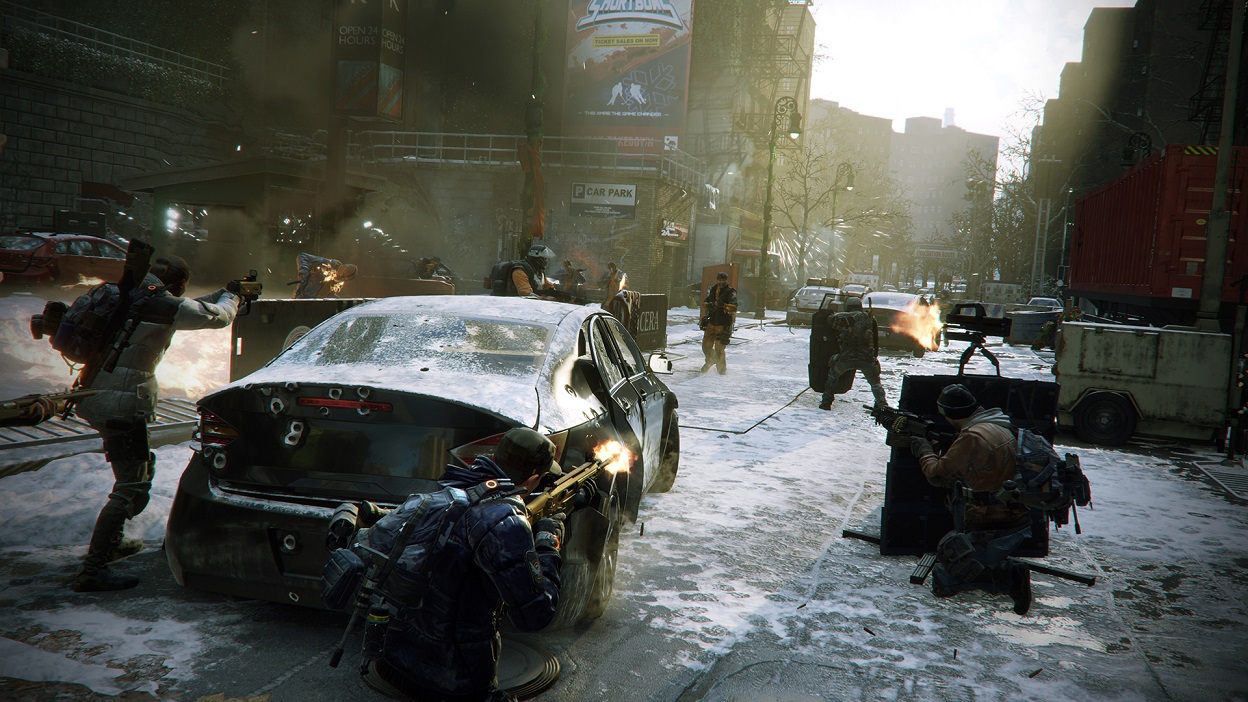
Massive has already addressed the question of why you are being charged for additional cosmetic items: Weapon skins and outfits are popular in the community, and they want to provide more of them. However, these items should not burden the resources that developers want to use for the main game. Through monetization, they can introduce new “vanity options” to the game independently without affecting the production of the rest of the game.
All Info about Premium Credits
Premium Credits are a new currency in The Division with 1.6. They can be optionally purchased with real money:
- You purchase Premium Credits through the in-game store and first-party stores: PlayStation Store on PS4, Xbox Games Store on Xbox One, and Uplay Shop or Steam Store on PC.
- When you buy Premium Credits, they are available for all your characters. They apply account-wide. However, they cannot be shared between accounts.
- With real-money purchases, you cannot buy an advantage in combat. All items are cosmetic.
- There are free Premium Credits: At the launch of 1.6, there is a one-time “Premium Credits” reward in the Ubisoft Club. Further free credits may come in the future. However:
- You cannot earn Premium Credits through in-game activities. Additional Premium Credits must be purchased for money. “Season Pass” owners will not receive extra credits.
The prices for Premium Credits will be announced later. On the PTS, the in-game store with Premium Credits can be tested, but no credits will be transferred to the main game.
All Info about the In-game Store
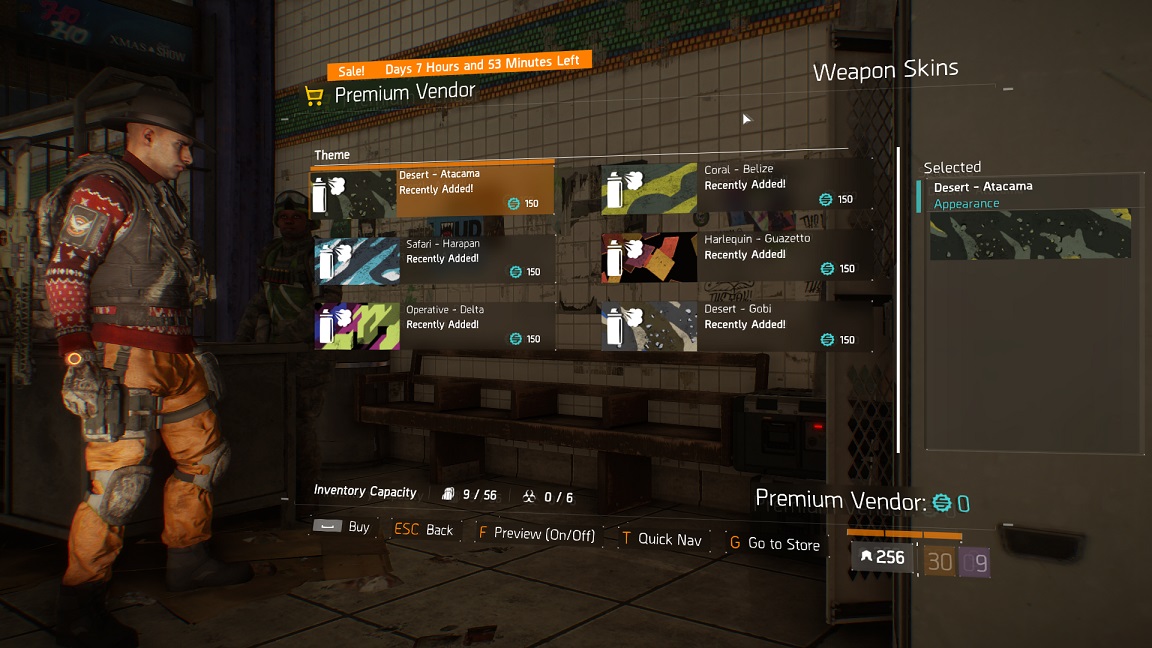
With 1.6, a premium vendor will be established in the terminal where you can invest the new currency.
- The offer includes: Weapon skins, backpack skins, clothing (cosmetic items), gestures (emotes), and bundles of the aforementioned items. These are the “premium items.”
- Every week during the weekly maintenance, the inventory changes. New items are added, others are removed, and others remain.
- To simplify interaction with the vendor, other players will not be displayed in the background on the screen.
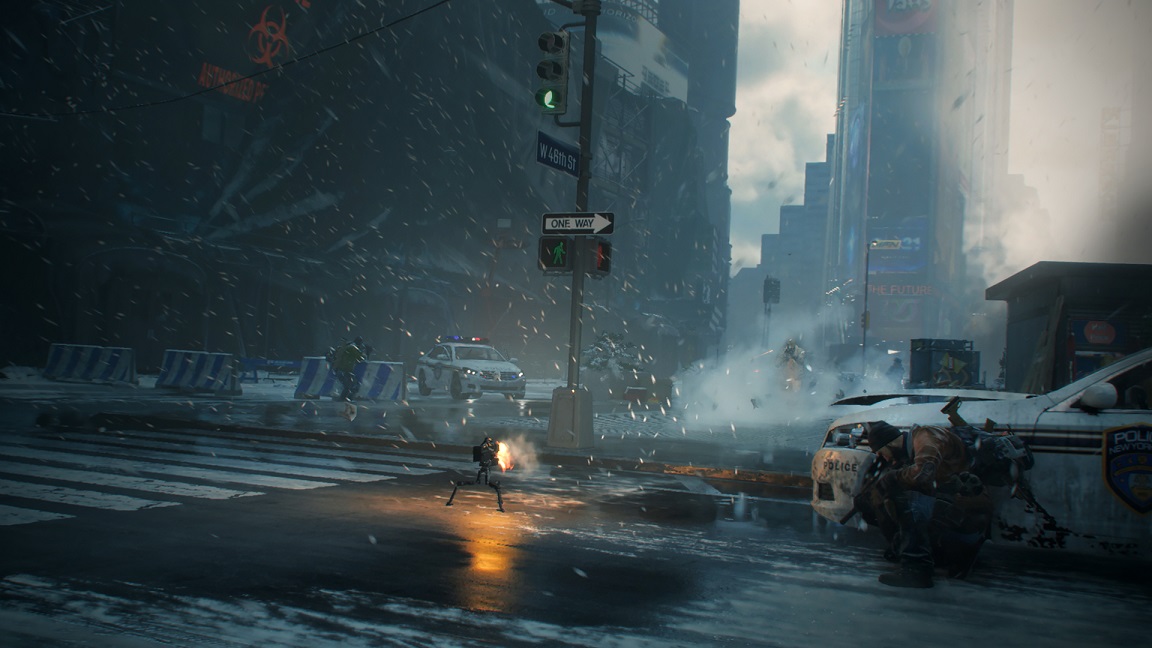
All items that the premium vendor has are new. There are still numerous vanity items that you can earn through activities. However, the items available in the in-game store can only be obtained there. All cosmetic items that can currently be earned can continue to be earned after 1.6.
Premium Items – Info about Inventory
- All premium items will be sent directly to the inventory after purchase – to the category to which the item belongs.
- The categories to which the premium items belong do not count towards inventory capacity. So: Even if you have a full inventory, all purchased premium items will go into your inventory.
- There will be two new categories in the inventory: for backpack skins and for gestures.
To select a gesture, you open the gesture wheel and fill a gesture slot with any gesture. To apply a backpack skin, you select the backpack and press triangle, Y, or G to choose a skin.
What do you think of this in-game store?
You can read more information about Update 1.6 here.

Your opinion is important to us!
Do you like the article? Then let us know!