


Despite initial problems, many players have been able to play the beta of Fallout 76 for PC and PS4. Some players noticed a bug that could easily be considered an exploit.

Higher framerate makes you faster: Some testers have noticed that they move faster in Fallout 76 when playing with higher FPS. There are even ways to force this. So far, it seems to work only on PC.
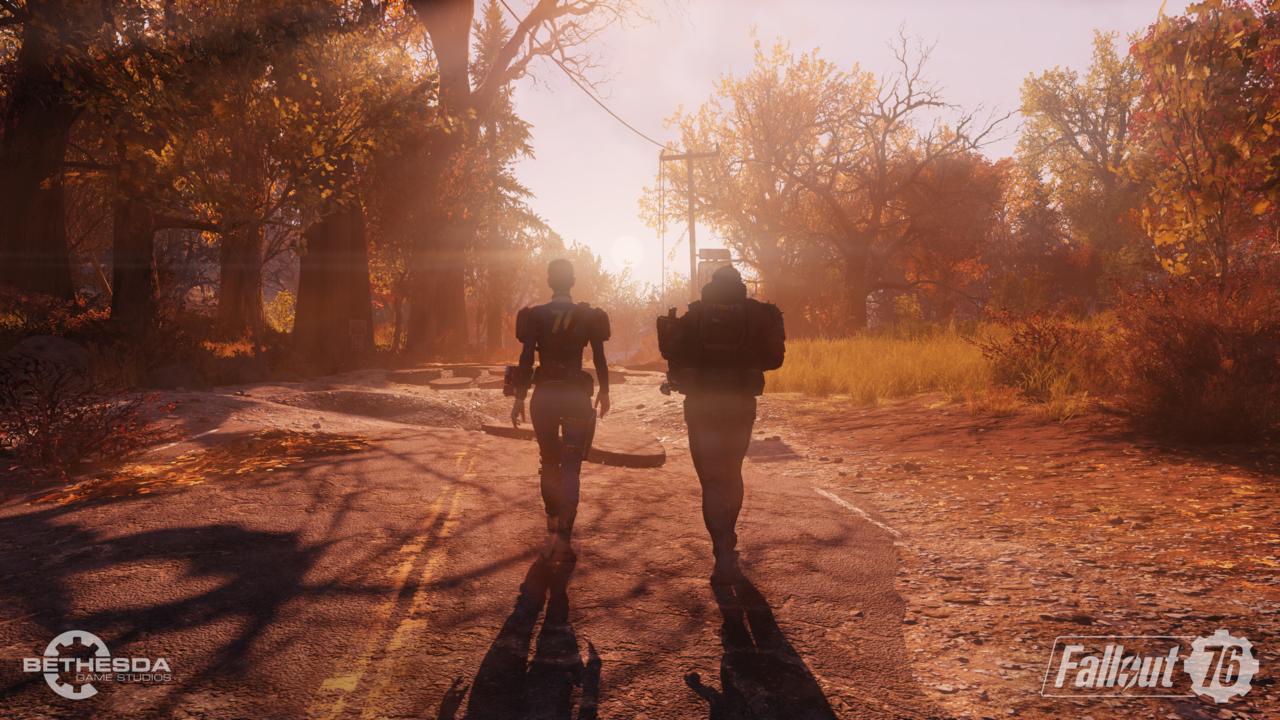
How the “speed hack” works in Fallout 76
Physics tied to framerate: The reason for this “bug” is that Bethesda has tied the entire physics of the game to the framerate. Simplified, it means that for those with more FPS, everything in the world happens faster.
The same technique was previously used in single-player games like Fallout 4 or The Elder Scrolls V: Skyrim. Players probably figured it out so quickly because of this circumstance.

In single-player, this is not a problem as it does not disturb anyone. However, in a multiplayer game like Fallout 76, this leads to unfair advantages between players and could be treated as an exploit, potentially even leading to a ban.
The YouTuber Lord Socky created a comparison video from Fallout 4 that shows how different framerates affect physics.
Look at the ground to go faster: As reported by PCGamer, you can easily achieve higher FPS on PC by disabling “Vertical Sync”. However, this option, as well as the field of view setting, are not available in Fallout 76.
Instead, players would have to edit an .ini file and change some values in several lines. Specifically, the line “iPresentInterval” under [Display] in the Fallout76Prefs.ini file must be changed or added to “iPresentInterval=0”.
The beta is indeed to find such bugs, but we would still advise against tinkering with the game files. It is easier to simply load less on your PC. This can be easily done by looking at the ground while moving.
fallout 76’s physics system is tied to it’s framerate
including your walk speedso you can literally outrun most enemies by looking at the groundhttps://t.co/aYXiIJs6l7
— spooky skater (@teajayylmao) October 31, 2018
The bug remains for the entire beta: The bug was already mentioned in the official forums after the first day of the beta for PC and PS4. The US site Polygon subsequently contacted Bethesda.
The developers’ response is that they are aware of the bug. However, they will not fix it until the game is released on November 14. For the remaining beta phases, you will therefore still be able to move faster. After some issues at launch, the next beta phase will be extended on November 1 even further.
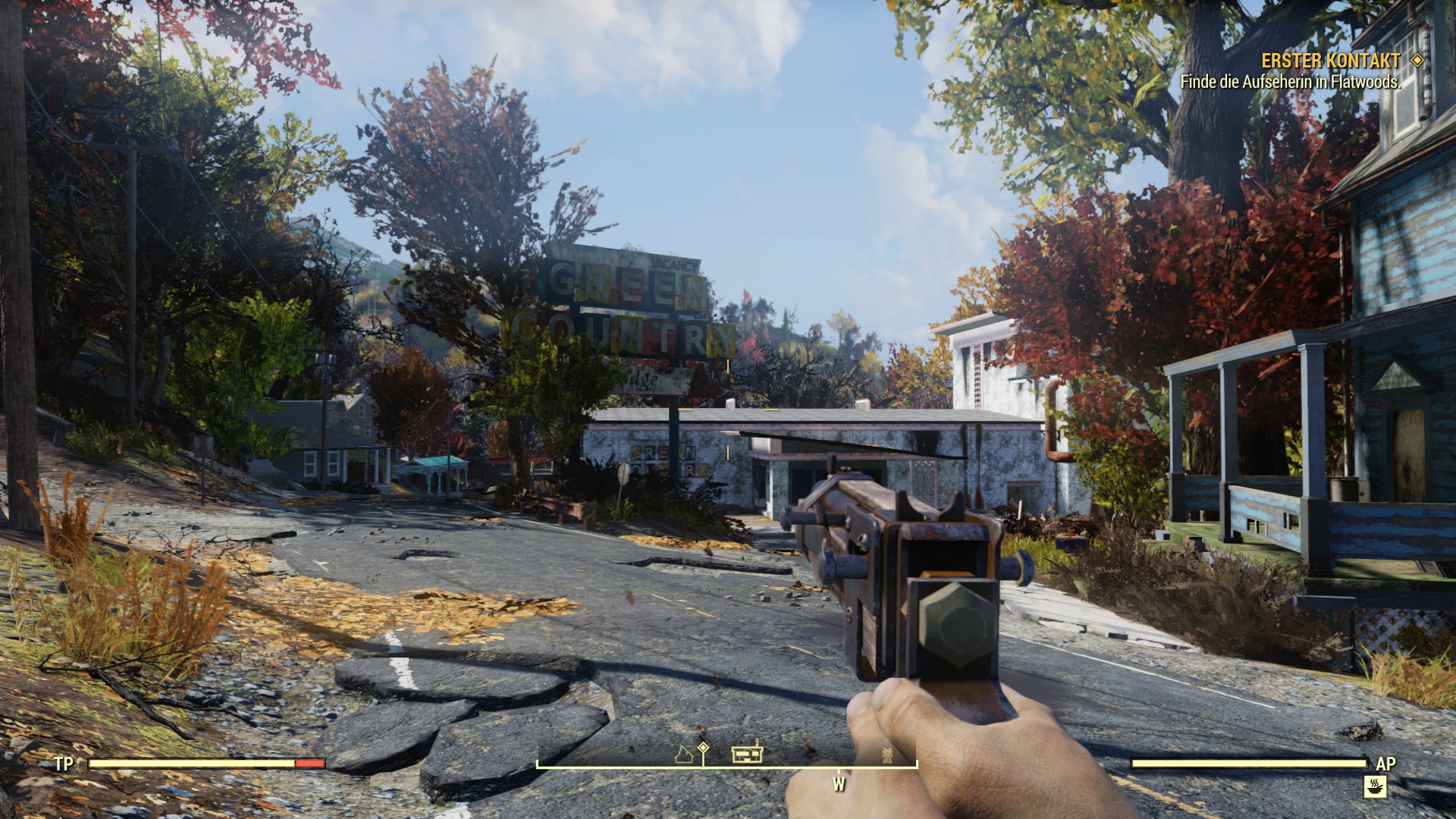
Have you already been able to play the beta and found similar bugs? How did you like the game so far? Share your experiences in our Fallout group and visit us on Facebook for more information.
Our author Tarek has already played on Xbox. Here are his first impressions of Fallout 76:


Your opinion is important to us!
Do you like the article? Then let us know!