

The latest version of Razer’s Kraken headset, the “Kraken Tournament Edition”, is specifically aimed at eSports players and shooter gamers. Especially in the battle royale genre like PUBG, Fortnite and Apex Legends, the headset wants to shine. Our author and BR fan Jürgen has tested the Kraken for you.
What is the Razer Kraken Tournament Edition? The Kraken is a solid mid-range gaming headset from the well-known hardware manufacturer Razer. The Tournament Edition was released in mid-2018 and is mainly aimed at eSports players and shooter gamers.
I, Jürgen, have extensively tested the Razer Kraken as the Tournament Edition on the PC. Razer provided us with the headset for the test.
Technical Specifications:
| Design: | Closed over-ear headphones |
| Microphone: | Retractable |
| Interface: | 3.5 mm or USB with amplifier |
| Drivers: | 50 mm |
| Weight: | 408 g |
| Cable Length: | Up to 2 meters with amplifier |
| Colors: | Green and black |
| Price: | 70 – 100 euros |

The Build Quality
What does the headset look like? Those who are familiar with the previous Kraken headsets will not be surprised by the design. As usual, the new Kraken is a thick piece with large, round ear cups that completely enclose the ear.
The headset is available either in Razer’s typical bright green or pitch black. The microphone is integrated into the left ear cup and can be easily pulled out or pushed back. However, the headset does not offer LEDs or similar gimmicks.
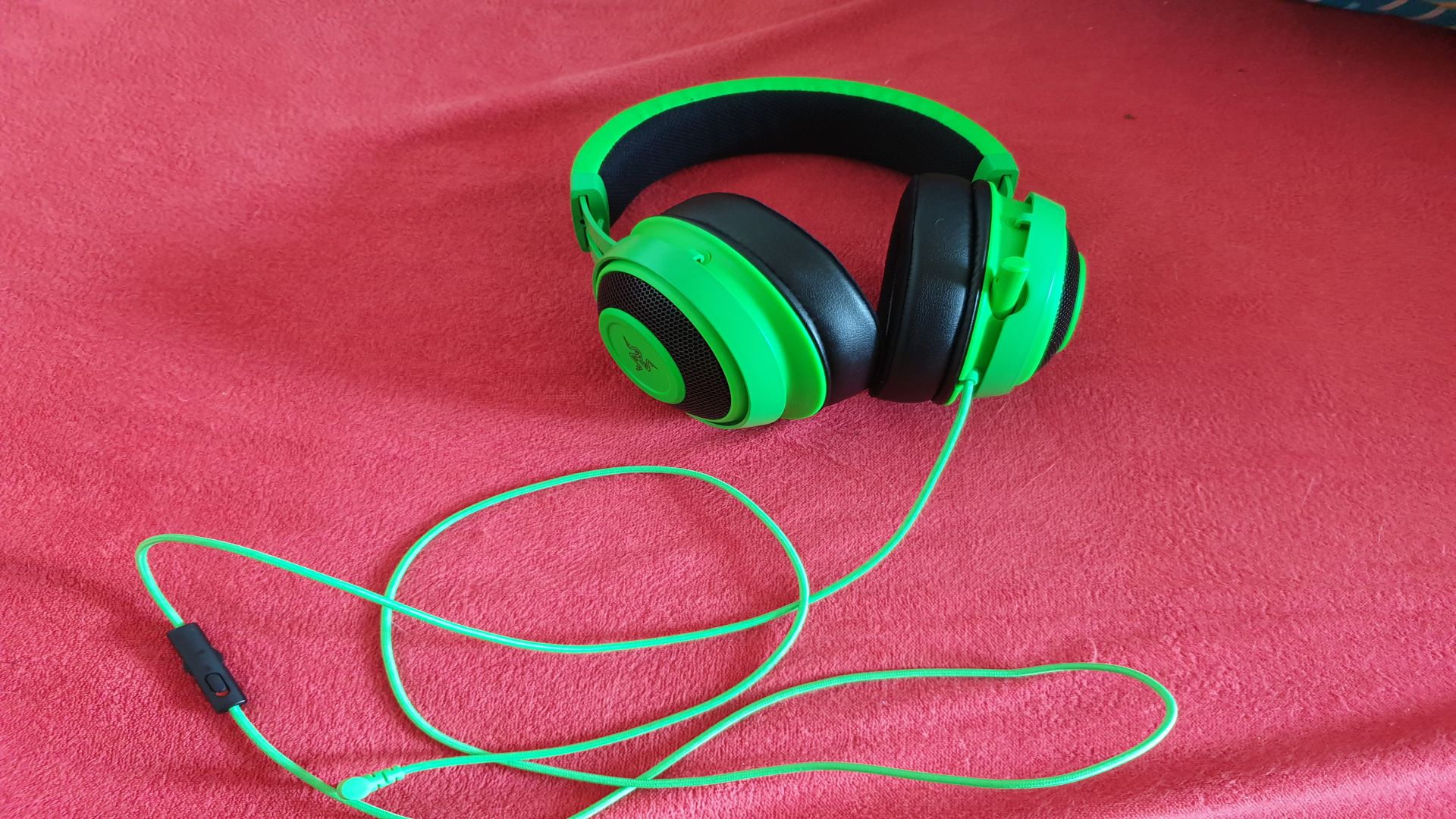
You connect the device either directly to the 3.5 mm jack or first plug it into the included mini-amplifier, which is then connected via USB to the computer or console.
How is it to wear? Razer focused on comfort with the new Kraken. Thanks to gel-filled ear cushions and a well-padded adjustable headband, the device sits well on the head and is comfortable. Disturbing external noise is well isolated by the over-ear design.
Even pre-made cutouts in the ear cups for eyeglass frames were considered, so even as a glasses wearer you can wear the headset without loss of comfort.
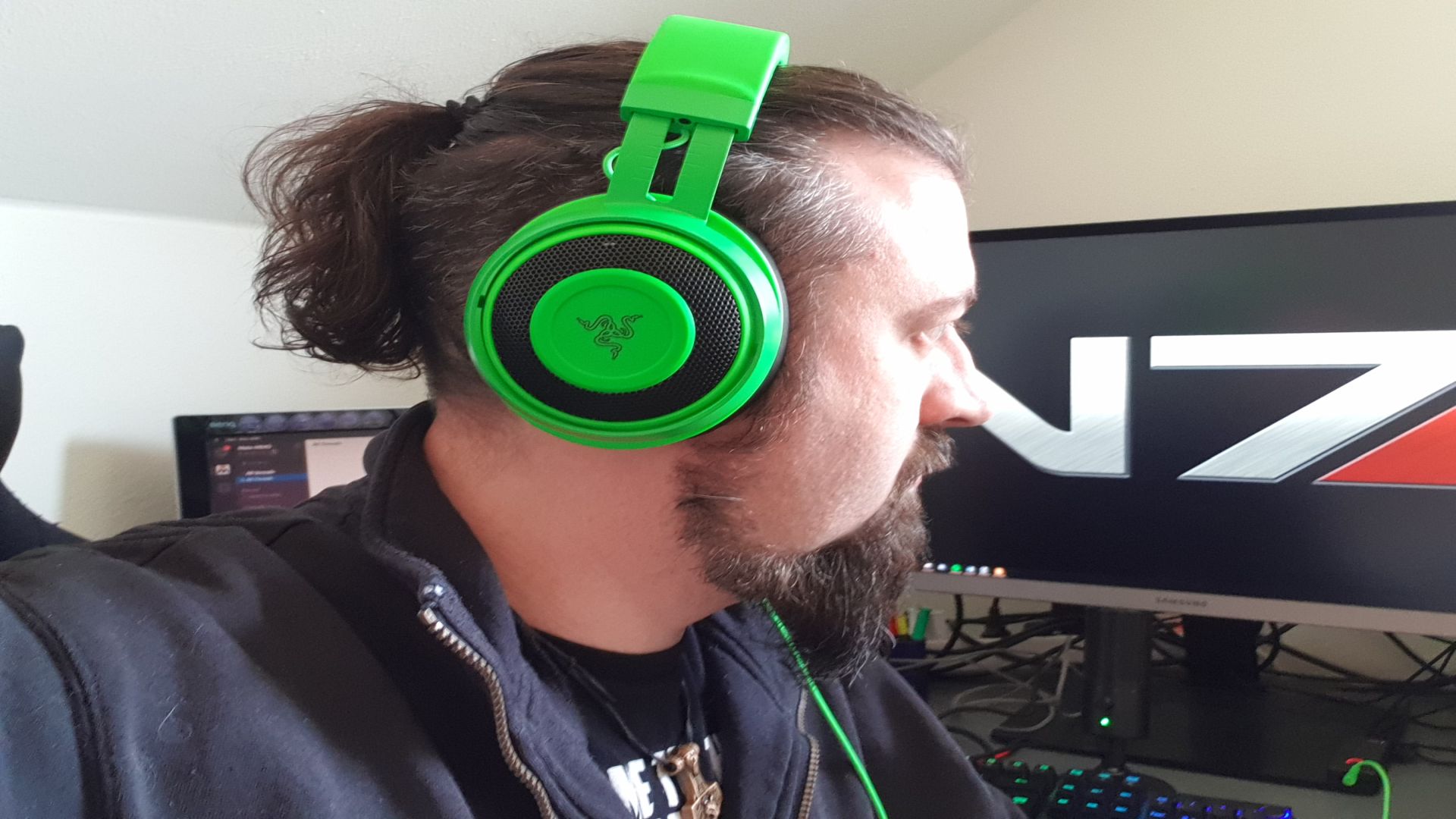
However, after a few hours under the headset, the ears do get a little warm. If you don’t adjust the headset precisely to your head and ears, you will feel some uncomfortable pressure after a while, as the ear cups of the device are round and not oval.
With a little care when putting it on, you can avoid this pressure feeling and wear the Kraken for hours without discomfort. The high weight is well distributed and barely noticeable. Even after hours of sessions, I had no neck pain or fatigue symptoms.
What accessories are included? The box of the new Kraken contains only the headset itself and the aforementioned mini-amplifier. You connect it via USB to the PC or console. But the small amplifier is quite powerful.
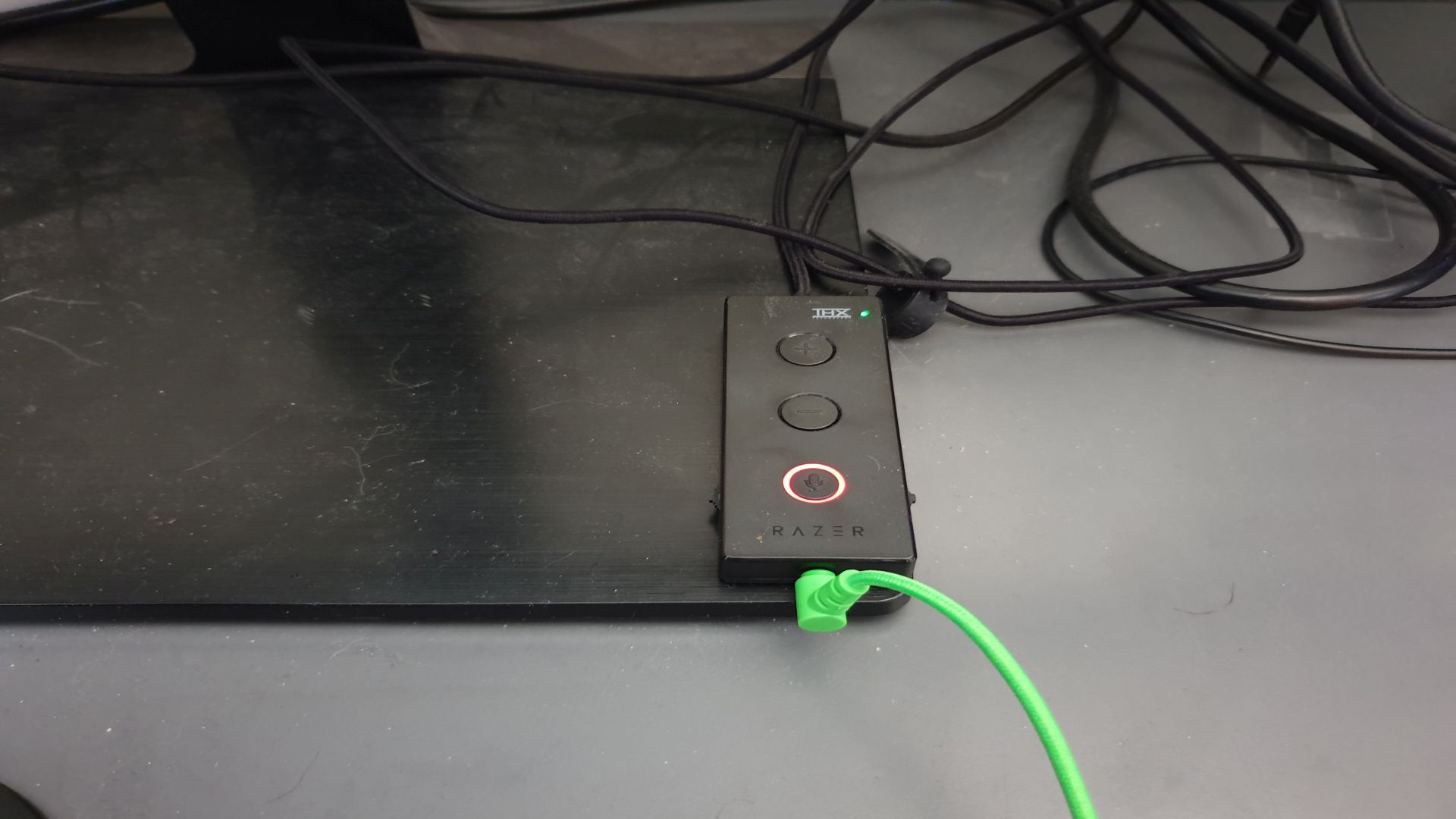
With it, you can mute the microphone, toggle the THX Spatial feature, adjust the volume, set the bass, and focus on chat or game sound. The last feature is quite practical if you want to clearly hear the voices of your teammates from the voice chat in the game or enjoy a cutscene and push the chatter of teammates into the background.
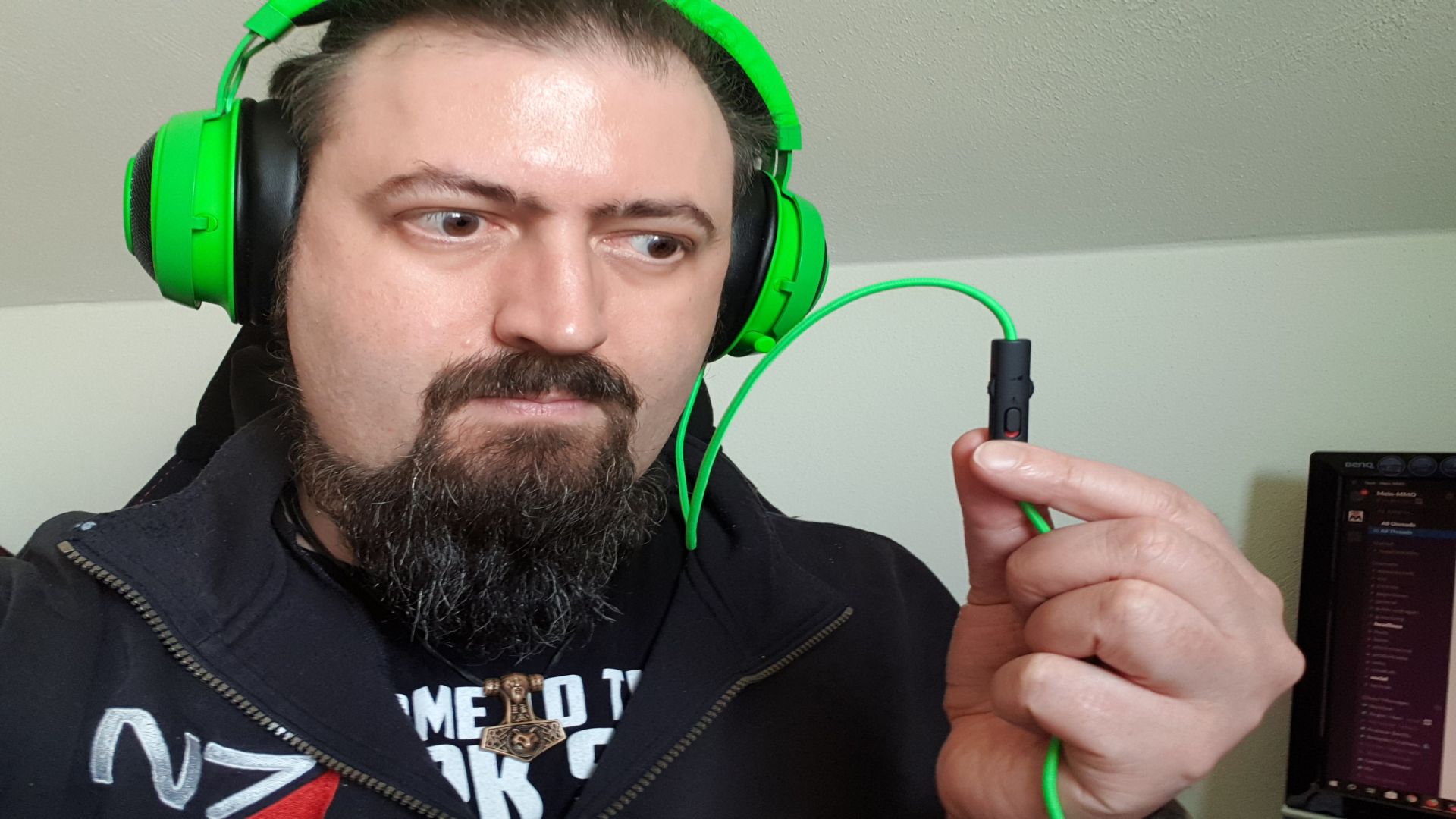
In addition to the buttons on the amplifier, there is also a volume control and a mute button directly on the cable to the headset. However, the volume control is somewhat awkwardly placed. The control often gets caught on clothing movements, suddenly making the sound very loud or quiet.
Which platforms are supported? The Kraken Tournament can be used on PC as well as on consoles like the PS4 or Xbox One and even with mobile devices.
Warning, there is a limitation: However, not all features work on all platforms – primarily, the headset is made for PC gamers.
As the amplifier can only use its features fully on a PC with Razer Synapse software, you cannot configure the headset optimally on consoles. And the special feature THX Spatial Audio does not work at all on consoles.
You only have a solid headset without special features when gaming on PS4 or Xbox One.
The Sound
How does the headset sound in games? When you use the Kraken while gaming, you get the usual gaming headset quality. This means: powerful bass, but less good highs. This is optimal for games, especially action-packed shooters.
Thanks to the control on the amplifier, you can prioritize either game sound or voice chat.
With the Razer Synapse software, you can further adjust the sound mixing and thus tune the headset more for movies, games, chat, or music.
How does it perform with music? The strength of the headset is clearly in gaming. If you’re looking for the utmost audio enjoyment when listening to music, you might want to choose another product.
The Kraken is rather designed for dull bass, and even with the software, this can only be improved to a limited extent.
However, if you mostly play competitive shooters with little musical accompaniment or if you mainly prefer bass-heavy music, then the Kraken is also suitable for enjoying music.
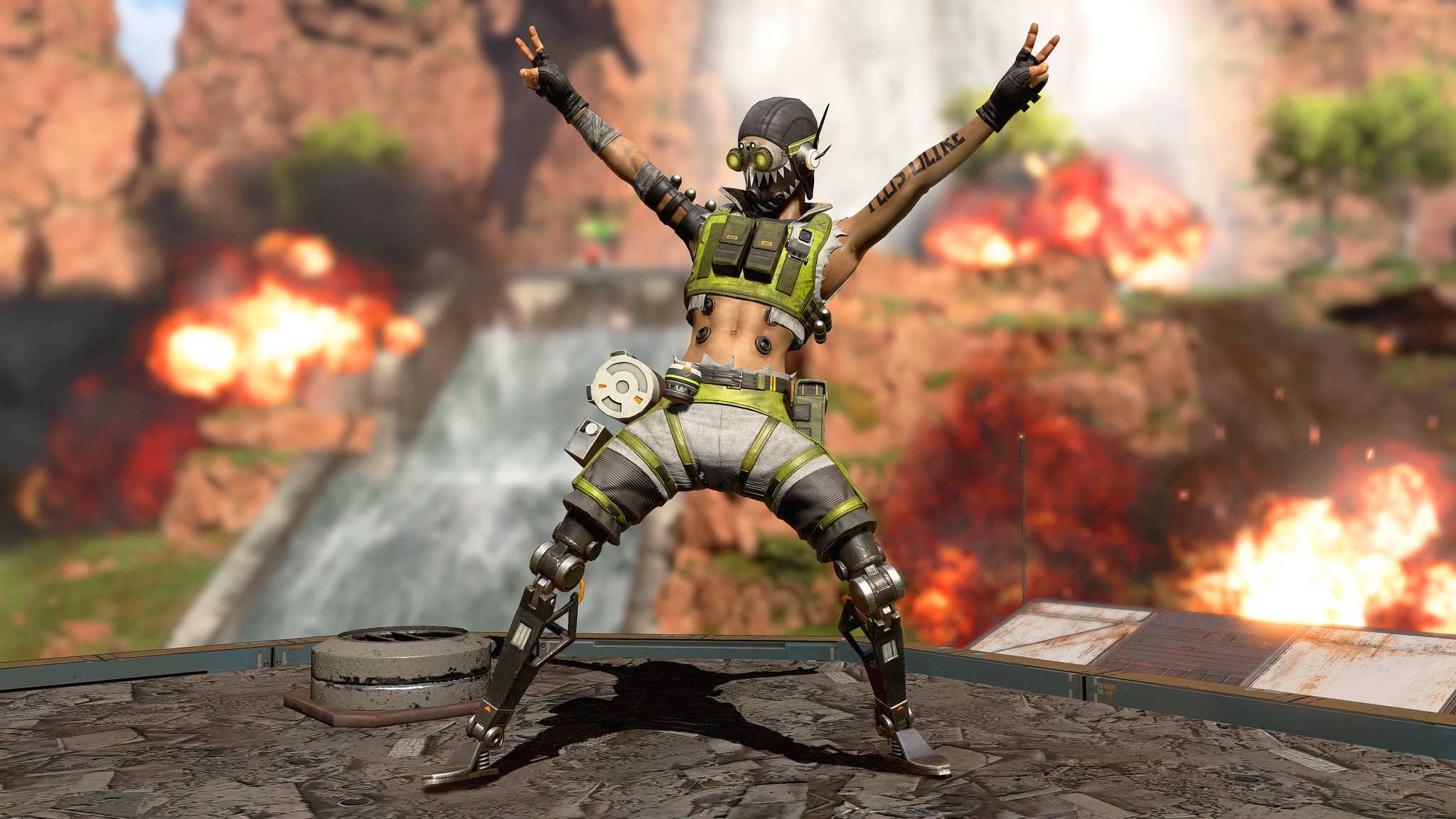
What is special about the Razer Kraken Tournament Edition? The headset stands out mainly due to a feature called THX Spatial Audio. With this, you can precisely hear from which direction sounds are coming in the game in surround mode.
This is a significant advantage in shooters and especially battle royale games like Apex Legends. In testing, you could accurately locate enemies and prepare for combat. This is a plus for any gamer who prefers this type of game.
After a few rounds of Apex Legends with the Kraken, I had already gotten used to it and didn’t want anything else.
The Microphone
How does the microphone perform in games? The microphone of the Kraken is compactly built into the left ear cup. It can be easily pulled out. It is attached to a flexible suspension and can be adjusted to an optimal distance from the mouth.
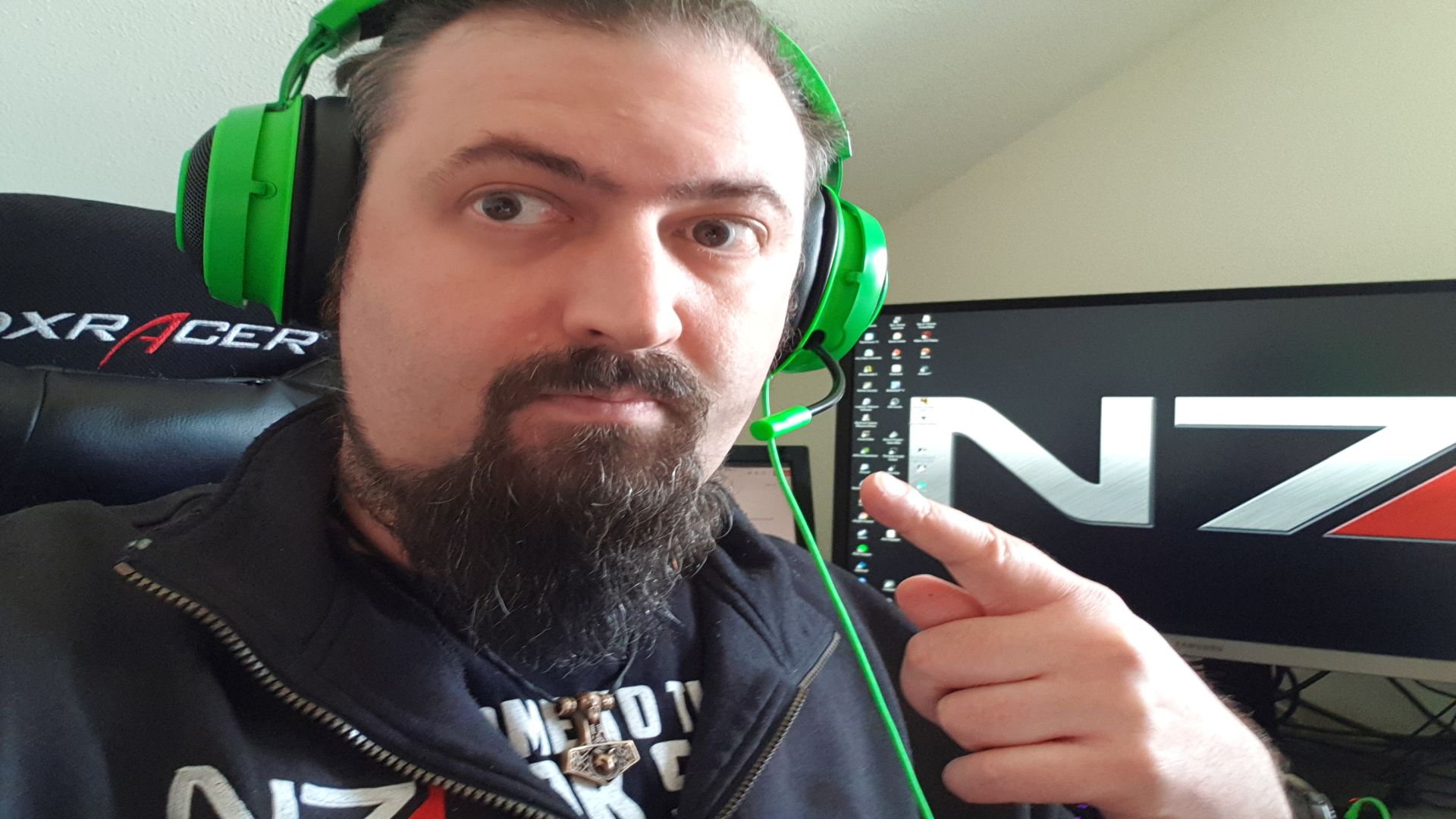
The microphone itself is solid average. It doesn’t sound particularly impressive, but it does its job. For its intended purpose—giving and responding to tactical instructions in the game—it is more than sufficient. Likewise for chatting among teammates.
However, if you want to make demanding audio recordings—like podcasts or streams—you should get a separate (tabletop) microphone instead.
In the Razer Synapse software, you can fiddle a bit with the microphone settings. However, this didn’t really help much according to my conversation partners.
Conclusion – Who should buy the Razer Kraken Tournament?
After many hours with the Razer Kraken, I am especially impressed with games. It is important to me that I can wear it on my head for hours without my ears falling off or my neck breaking.
The Kraken fulfills this point quite flawlessly. But apparently, I have goofy ears, because if I don’t pay close attention when putting it on, it starts to press at some point. This works better with my other headsets. But those who have “normal ears” or pay attention should not have this problem.
Since I use a more expensive headset for music anyway and mostly listen to various metal songs, the sound quality of the Kraken is absolutely sufficient for me personally.
For shooters, the Spatial Audio rocks and brings a significant advantage. The in-game sounds, like whizzing bullets and explosions, are excellently managed by the Kraken. I also really liked the feature to quickly adjust the focus on the voice chat or in-game sound.
Furthermore, I find the idea of the external amplifier very good. You can even stick it anywhere with the included double-sided tape and then instantly make all necessary adjustments with the small box.
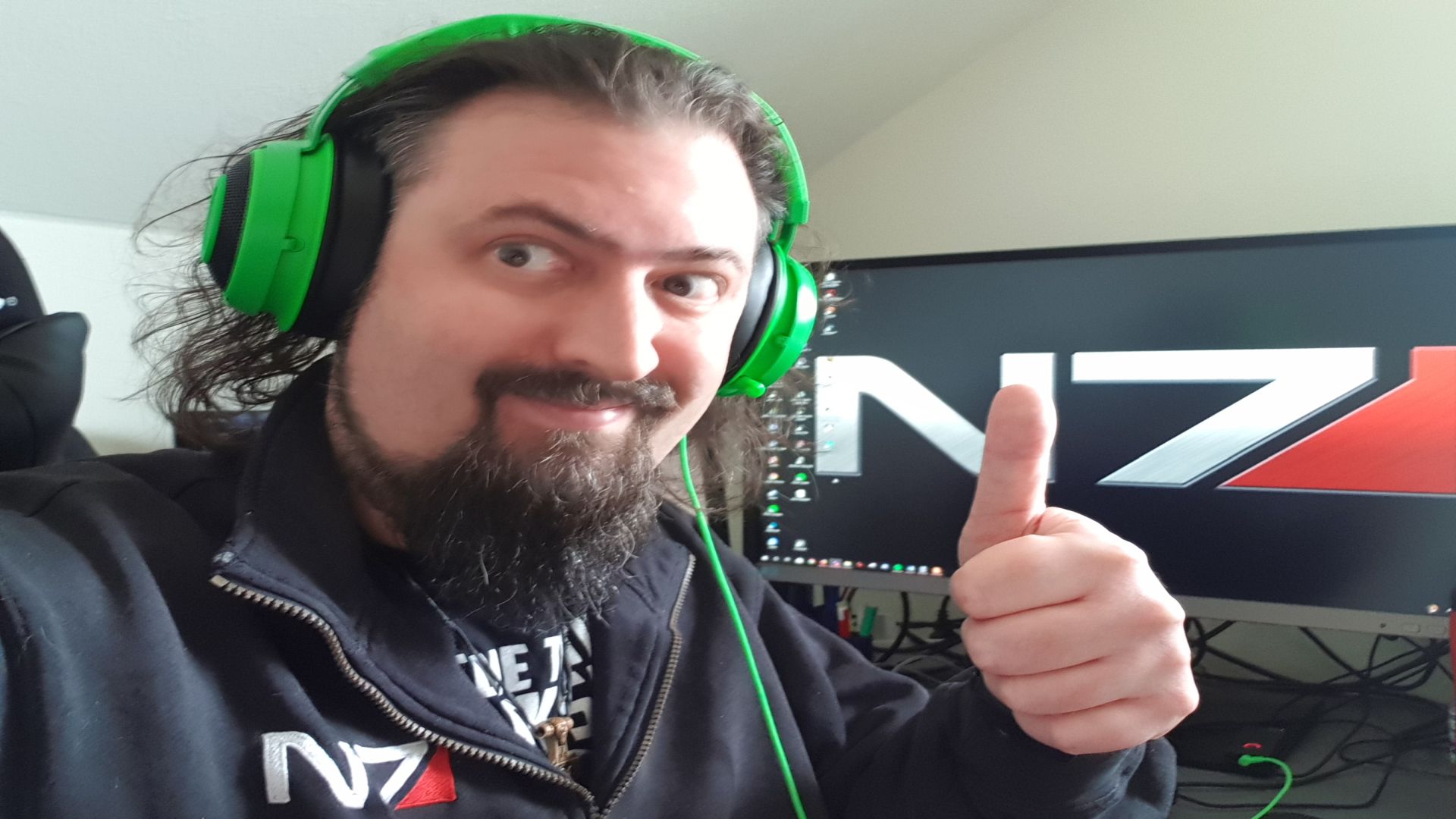
Especially the large button for muting is practical, and you can quickly turn off the chat when real-life people burst into your gaming session.
You can currently get the Razer Kraken (as of April 2019) for around 70 euros on Amazon and other retailers. For that, you get a solid gaming headset with some thoughtful and clever features and functions.
So, if you’re into shooters and battle royale, don’t want to spend a fortune on hardware, but also don’t want to buy low-budget junk, you should take a closer look at the Kraken.
At least if you have chosen the PC as your primary gaming platform. Since consoles do not support special features like Spatial Audio, another headset might be a better choice in this case.

Your opinion is important to us!
Do you like the article? Then let us know!