

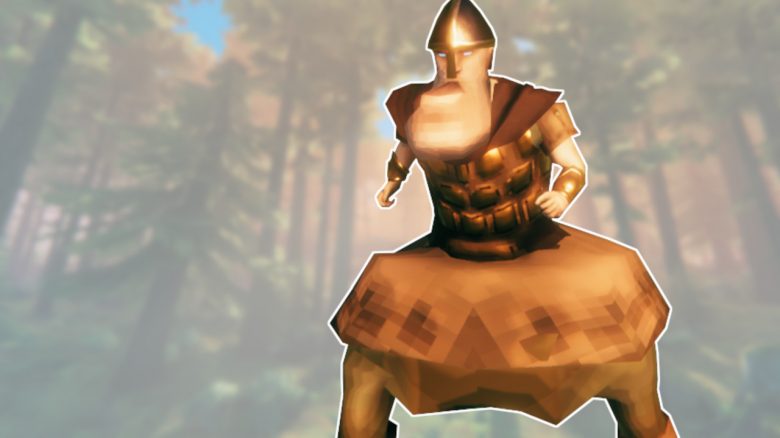
Players of Valheim continuously impress with their creativity. Now, one of them has created a modification for the game that allows Vikings to reshape their bodies – and of course, players immediately started messing around with it.

What kind of mod is this? The modification has the simple name “BoneMod” and does exactly what its name says: modify bones. Bones in video games not only represent these solid rods of calcium but also the “skeleton” of the player model.
With a change of the bones, the whole body is also changed. This means: if the bone enlarges, the corresponding body part also changes. Arms, legs, heads, or chest can be modified, as well as finer details like the jaw, feet, or hips.
The mod as well as a list of all possible body parts can be found on the Nexusmods website, which offers all kinds of modifications for Valheim and other games:
Mod transforms players into blobs, chads, and flat giants
These are the results: On the BoneMod page there are a few examples of the mod’s application. The creator himself shows shapeless piles of meat, pumped-up warriors with broad chests, and an almost creepy “chin man”.
In our gallery, we have selected some of the interesting antics with the mod for you:
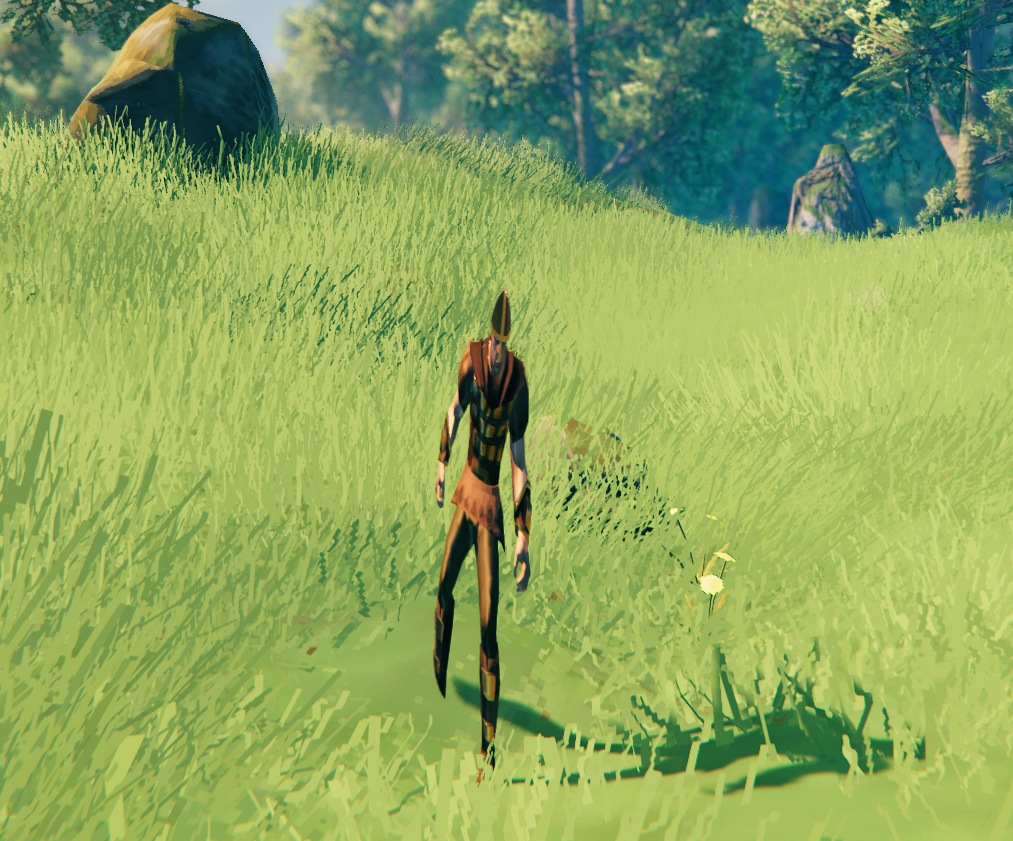
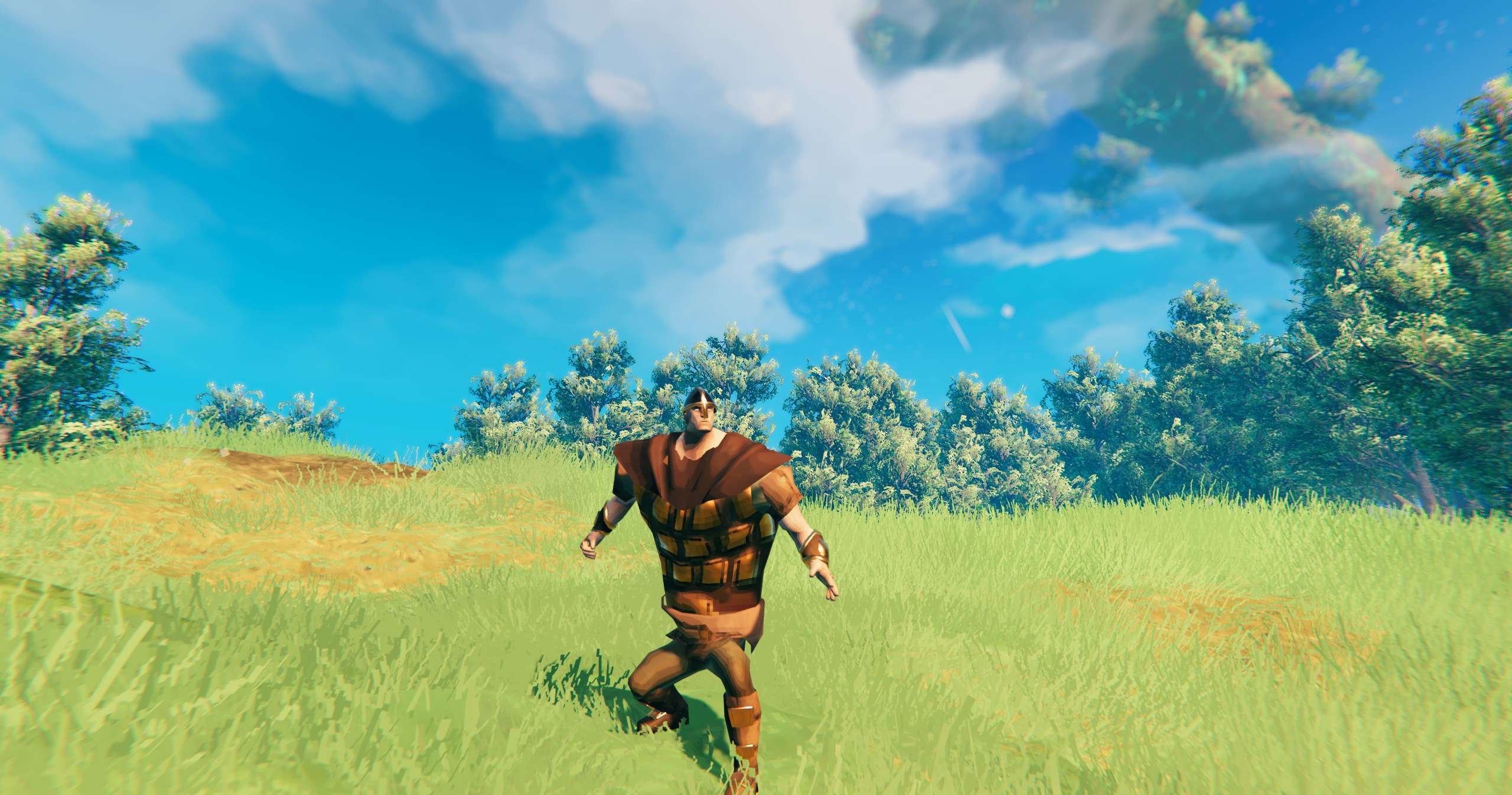
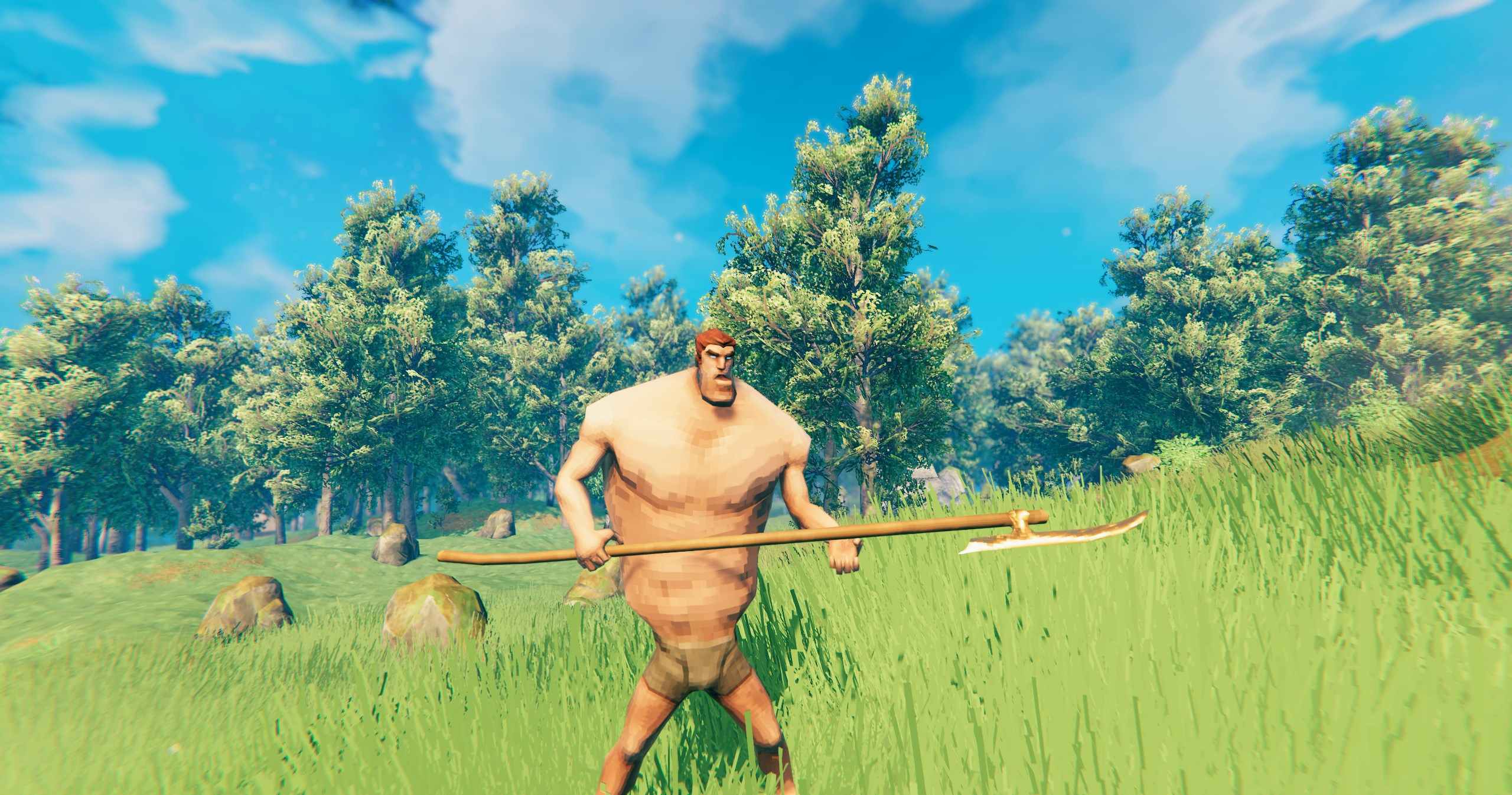
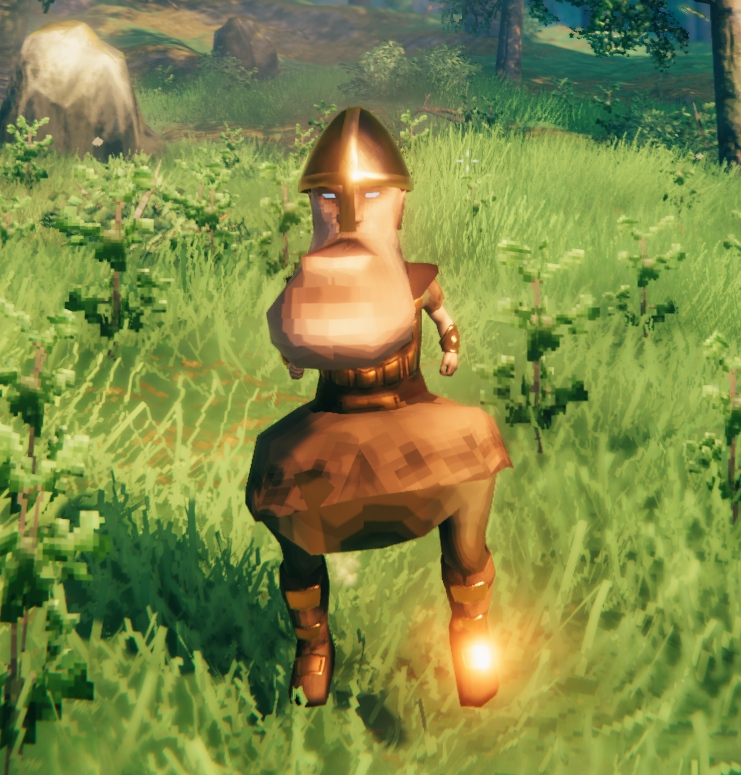
With the mod, you can not only enlarge or shrink body parts, but also adjust all three dimensions individually. This allows you to create very large but also very flat models.
Player Chris Livingston has experimented with the various options and created some really strange results:
The idea fits perfectly with the Valheim community. Players there are incredibly creative but also often cause a lot of nonsense. Whatever can be exploited will be exploited, leading to truly bizarre ideas.
How can I use the mod? Once you have downloaded the mod, you need to install it. We explain in our guide in detail how to install mods for Valheim and provide an overview of 9 strong mods.
After installation, new commands will be available to you. Here are the most important ones. Simply open the chat by pressing “Enter” and type the following:
- !bm [body part] [x] [y] [z] – scales the corresponding body part along the specified axes by the given length (e.g., !bm head 2 1 2)
- The maximum scaling is 10 by default
- !bmreset – resets the scalings
- !bmhelp – shows the available commands
If you want to scale a body part evenly, just use a single number (e.g., !bm head 2). This will yield less shapeless results than those seen in the clip above. The settings are saved when logging out or leaving the game.
By the way, with mods you can engage in all sorts of nonsense – which can also be quite useful. One of the popular mods right now is “All Tameable”, which allows players to tame all sorts of creatures and even catch and breed trolls.

Your opinion is important to us!
Do you like the article? Then let us know!