MeinMMO introduces you to 9 programs and app groups that should not be missing from any gaming PC. From gaming clients to analysis software, everything is included.
Are you currently setting up your gaming PC or do you just want to know which software you should definitely install? MeinMMO presents you with apps and programs that should not be missing from any gaming system.
The Android emulator BlueStacks and the gaming tool “Playnite” are not included in this list, as they offer more comfort features for us and are not necessary programs that everyone needs.
The recommendations are intentionally apps and programs aimed at gamers. If you are looking for generally useful programs, please check the following list on MeinMMO:

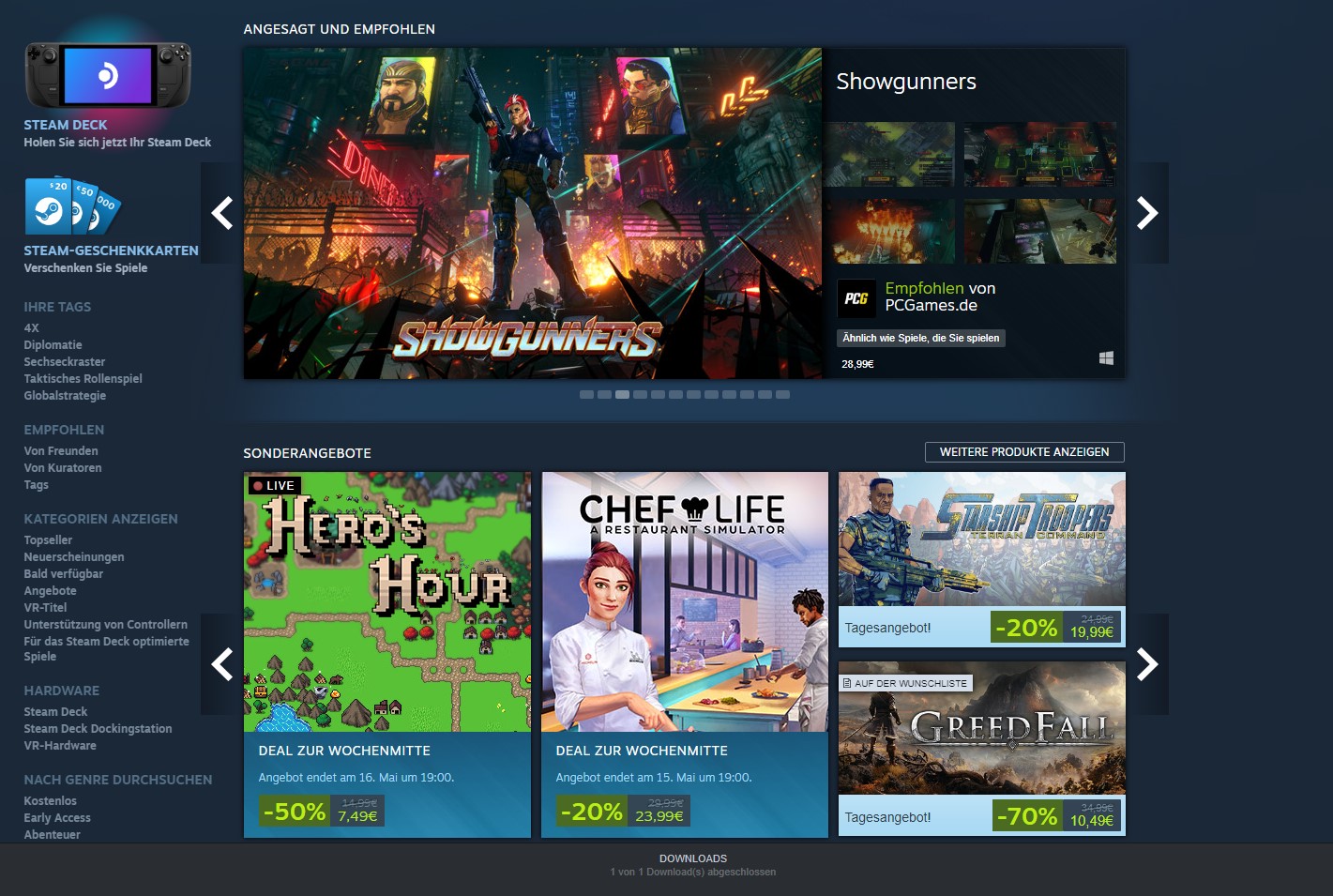
Steam and Epic Games
Type of tool: Gaming | Price: free | Download Steam and Download Epic Games
Steam and the Epic Game Launcher are the largest and most well-known launchers that you currently need for most games. Generally, the two clients should be among the first programs you install on a gaming system.
“Ubisoft Connect” (uplay) or “EA Play” are only needed if you purchase your games directly through these launchers. Otherwise, these launchers are mostly installed via Steam when you want to install a corresponding game. For example, if you buy Anno 1800 via Steam, you automatically get Ubisoft Connect
as well. Other games, like League of Legends, come with their own client.
GOG also offers a PC client with “GOG Galaxy.” This is optional but practical if you want to update your games.
Why should I install this? Steam and Epic are more or less mandatory if you want to install games today. Almost all major games come with one or the other.
HWMonitor and CPU-Z
Type of tool: Hardware analysis | Price: free, paid Pro version | Download
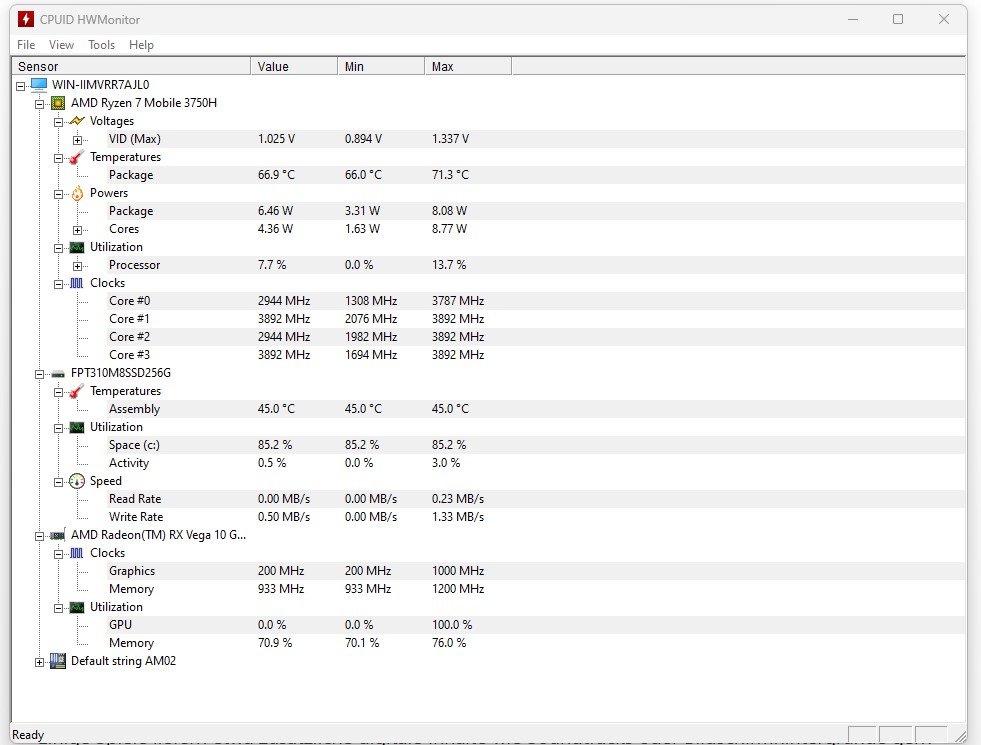
HWMonitor and CPU-Z are both small, free tools that allow you to keep an eye on all components of your PC. While HWMonitor gives you an overview of the entire system, CPU-Z goes into detail about the processor and the like.
This can be very useful if you want to check whether your hardware might be getting too hot or overheating, or if you just want to know what hardware you have installed.
Why should I install this? HWMonitor is essential if you want to keep an eye on your hardware. The tool is also only a few MB in size and requires hardly any system resources. CPU-Z provides you with lots of details about your processor. This is not a must, but often very helpful.
7-Zip
Type of tool: Extracting and compressing files | Price: free | Download
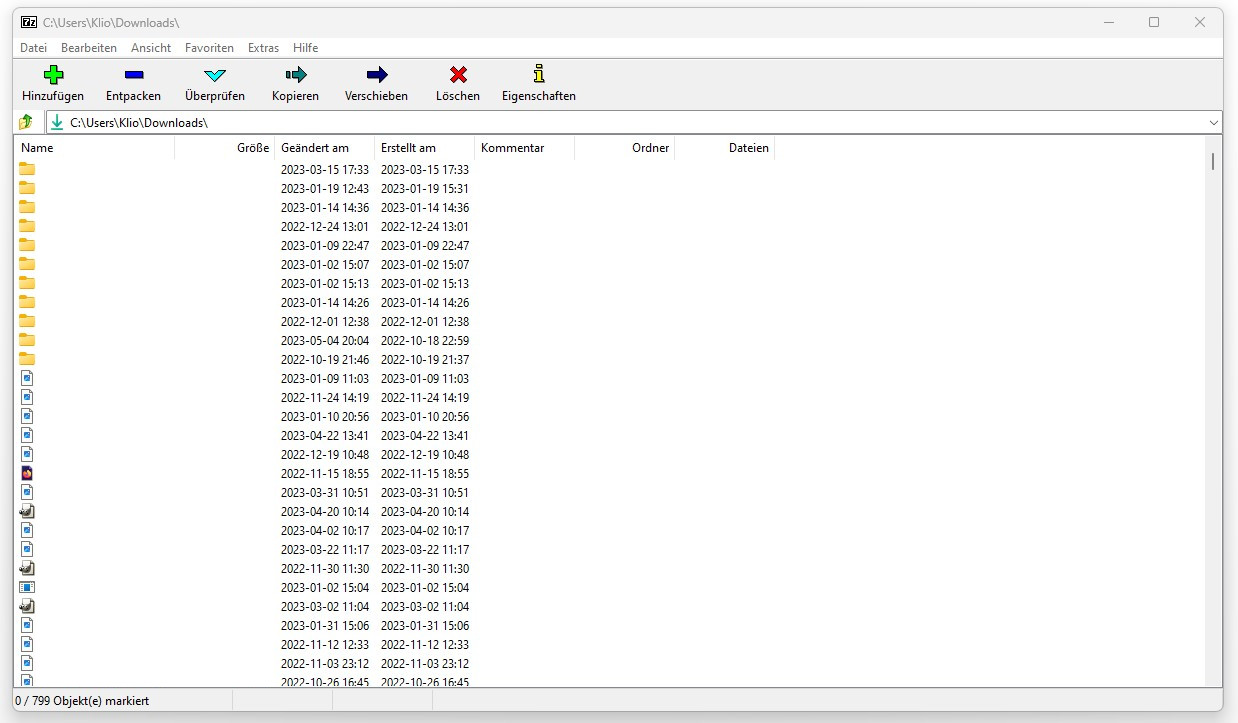
Having a tool to extract and compress files is always useful, and 7-Zip is a good choice here. And in most cases, it is also a better option than WinRAR. 7-Zip can also be used as a clear file manager.
Some games, for example, like to deliver additional digital content such as soundtracks or wallpapers as archive files. This is when it is practical to have good software on your computer.
Why should I install this? 7-Zip is essential if you need to open special file formats that the built-in archive management of Windows can’t handle.
Vortex
Type of tool: Modifications for games | Price: free | Download
“NexusMods” is one of the largest communities when it comes to modifications for games. The program Vortex has now replaced the old Nexus Mod Manager as the official mod manager from Nexus Mods.
With Vortex you can de-install or install mods for your favorite games and see all mods in a clear list.
Why should I install this? Vortex is always helpful when games do not support the Steam Workshop, or if you want to install many mods. If you are not installing any mods, then you do not need this tool.
MSI Afterburner
Type of tool: Streaming, video and audio recording | Price: free | Download
MSI Afterburner is a popular tool to overclock graphics cards. It allows you to overclock both AMD and Nvidia GPUs.
Additionally, you can also display additional information such as the temperature of the GPU, the workload or the fan speed. With a certain overlay, you can also display various data directly in the game.
Why should I install this? MSI Afterburner is the tool if you want to overclock your graphics card and do not want to use the in-house programs from AMD, Nvidia, or Intel. If you are not interested in overclocking, you can at least use the comprehensive data or the helpful overlay.
OBS Studio
Type of tool: Streaming, video and audio recording | Price: free | Download
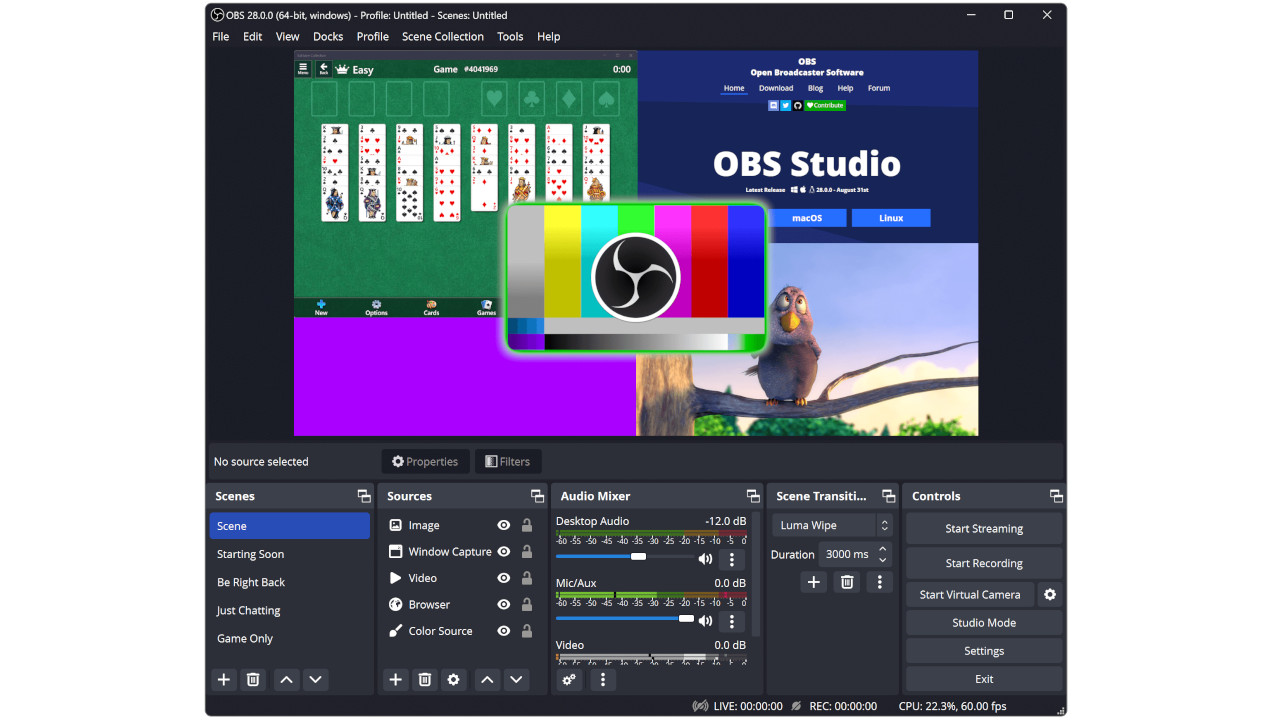
OBS Studio is the multifunction tool if you want to record games or audio and is therefore the first choice for many streamers. The software is free and offers a variety of functions that may be overwhelming at first.
For those who want to get into streaming or simply record games, OBS Studio is the right choice. In particular, the ability to easily record games and save them on your hard drive is helpful.
Why should I install this? For many streamers, OBS Studio is their first tool of choice. But it can also be worth it for quick recordings. If you do not want to record audio or video, then you can usually do without OBS Studio.
Discord
Type of tool: Text, voice chat and community | Price: free, optional subscription | Download
Discord has become one of the most important communication tools for gamers and has long since replaced other software like Teamspeak or Skype. Discord offers you, in addition to text and voice chat, additional features such as extensive communities with chats that you can join.
Discord is free but funded by an optional subscription that unlocks a few additional features. You can also boost your favorite servers with a subscription. However, this is also optional.
Why should I install this? Almost every gamer uses Discord today. Many developers also use the tool to communicate with the community. If you want to actively participate in games, there is hardly any way around Discord. If you play exclusively alone and also have no gaming friends, then Discord is also optional.


Prime95, Furmark, Cinebench, and 3D Mark
Type of tool: Benchmark and stress test | Price: free | Download Prime95, Download Furmark, Download Cinebench, Download 3D Mark
These are benchmark tools and other programs with which you can check the performance of your system. Such apps are ideal stress tests for the motherboard, processor, and RAM.
If you have installed new hardware or have installed a used graphics card, you can immediately see whether your system is functioning perfectly under high load.
Why should I install this? If you want to test your hardware or simply want to know how fast your system is, these small benchmark tools are worth it.
VLC Media Player
Type of tool: Media | Price: free | Download
The VLC Media Player is a free program for playing music, movies, and other media. The software is lightweight and offers a lot of features. Additionally, you also get features such as streaming or recording capabilities.
The VLC Media Player is particularly recommended if you purchase soundtracks in the form of mp3 or wav files.
However, be careful when downloading: There are many fake sites out there claiming to offer the VLC as well. The correct address is Videolan.org. All addresses with .DE endings are fake.
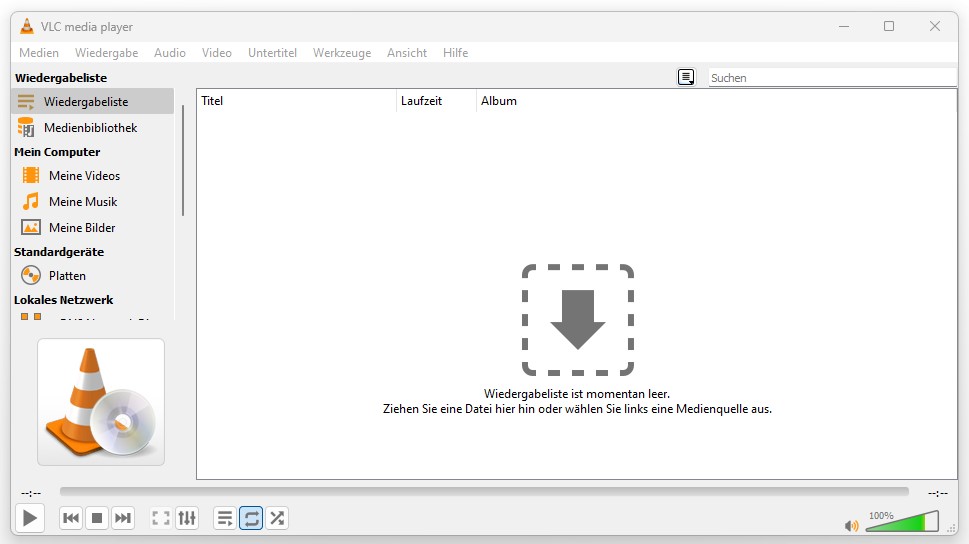
Why should I install this? The VLC Media Player is one of the most popular free media players on the market. If you want to play music or stream a playlist in the background, the VLC Media Player is optimal.
Windows 11 has officially been announced, bringing a surprising feature for mobile gamers