

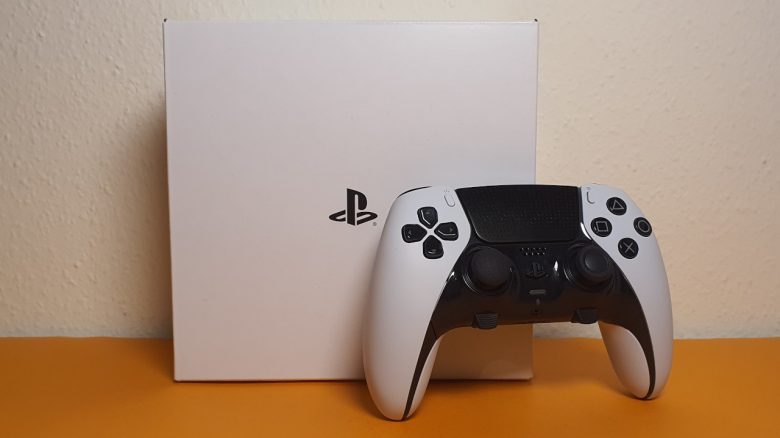
Application and Settings of the DualSense Edge Controller
With update 6.50 for the PS5, support for the DualSense Edge came. Therefore, you do not need additional software, as everything is already integrated into the console’s system.
When you connect the DualSense Edge to the PS5, it is immediately recognized as a pro controller by the PS5 and guides you through the tutorial and initial setup. With short, (for me) English tooltips, the functions are briefly explained.
In the next step, you can already create profiles for the controller. Here you can assign a command to each button and also configure the paddles. A dropdown menu is used to select the buttons.
You can assign 3 custom profiles next to the set standard profile to quick access buttons (FN + PS symbol button). So if you have different button configurations for each game, switching is very easy.
What settings are possible via the PS5?
- Create profile: You can save three profiles on your controller and assign them to quick access buttons, save up to 30 profiles on your PS5 and switch them at any time.
- Adjust button layout: Based on a diagram of the controller, you can assign a new function to all buttons, including the touchpad and back paddles.
- Sensitivity of sticks: You can set the sensitivity of the analog sticks here. A total of 6 profiles are already available, but you can also create your own.
- Deadzone for triggers: You can adjust both triggers on a scale from 0 to 100 more finely.
- Vibration intensity: The haptic feedback can be set to three levels or completely disabled.
- Intensity of triggers: You can also adjust the intensity of the triggers in three stages or turn them off completely.
What are my experiences? The PS5 application remains generally clear, consistent, and fits the overall design of the console. I could not find any problems during the test period.
Otherwise, the system feels pleasant and fast. With FN + “Options” you can immediately switch to the menu and adjust the profiles and quickly try out new key combinations. I like that and it seems well thought out.
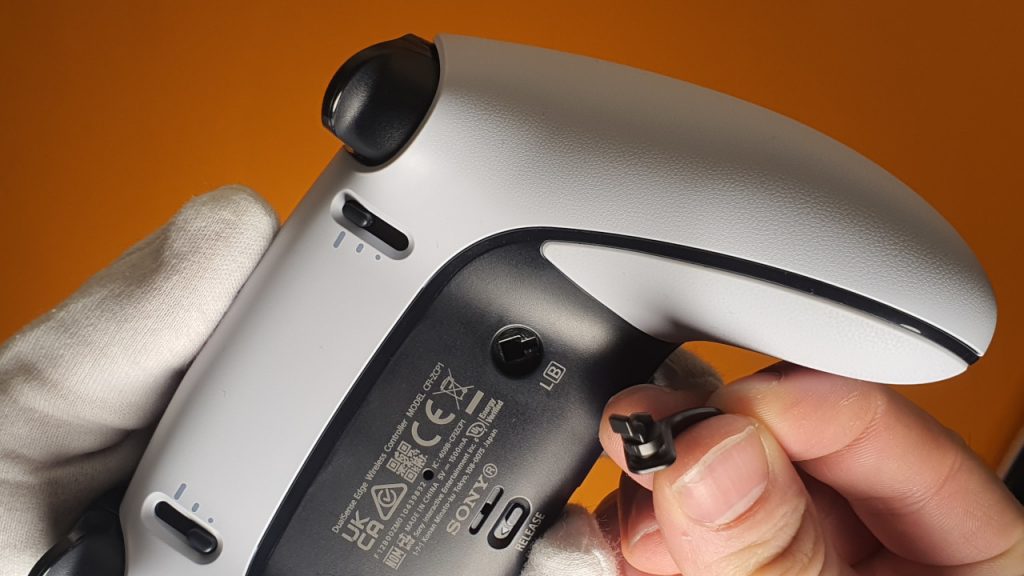
Ergonomics, Weight and Battery Life
Ergonomics: The DualSense Edge feels almost exactly like the original PS5 controller. The symmetrical design is identical, and both controllers are the same size.
I have large hands (19 cm) and my partner has smaller hands (17 cm). Hand size is measured from the tip of the middle finger down to the crease at the wrist. Both of us have never had problems with the ergonomics of the DualSense, even after long sessions. The same goes for the DualSense Edge, as the general ergonomics have not changed. If you have already felt comfortable with the DualSense, you will feel at home with the Edge as well.

The large lever back buttons are easily reachable for both me and my partner. For me, they are in the middle finger area and are easily accessible. The FN buttons are directly below the thumbsticks and are also easily within reach. In active combat, these are hardly ever used anyway.
Weight: The biggest difference is the weight, as the DualSense Edge weighs 334 grams, while the DualSense controller weighs “only” 282 grams. This makes the DualSense Edge the heaviest pro controller currently available:
- The SCUF Reflex FPS weighs 236 grams and is therefore a very light pro controller. This is also due to SCUF removing the vibration modules.
- The Razer Wolverine V2 Pro (PS5) weighs 279 grams and is approximately as heavy as the official controller.
I personally find the increased weight quite pleasant, even during longer sessions. However, I usually keep my hands with the controller in my lap, so the increased weight is hardly noticeable.
Battery life: There was already criticism of the shorter battery life of the DualSense Edge compared to the original controller at the end of December 2022. During the test, I noticed the shorter battery life, but it didn’t specifically hinder me.
After about 5 to 6 hours, only one bar is blinking in the PS5 interface and the controller should slowly be connected to the cable. For my normal everyday life, when I play a few hours in the evening or a bit longer on weekends, this is completely sufficient.
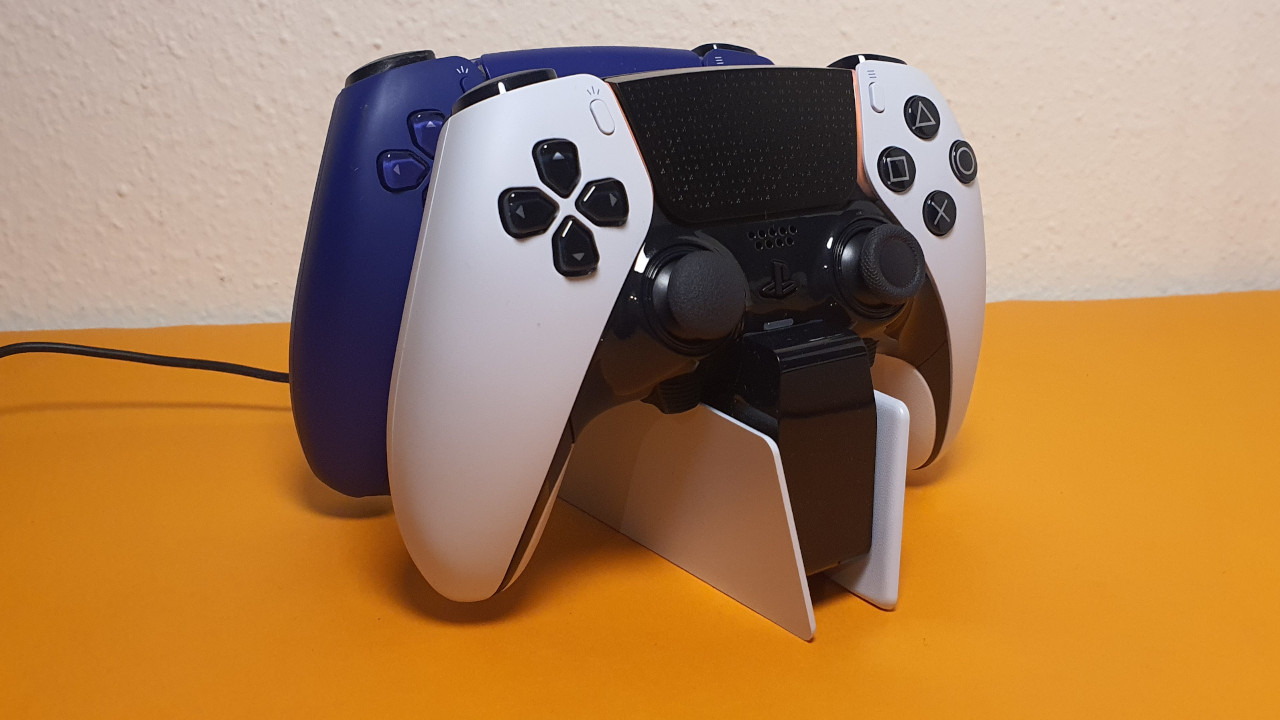
An additional 2-meter long cable is included in the contents, making it easy to charge the controller. The DualSense Edge is also compatible without any problems with both the official charging station and third-party charging systems.
Recommended charging stations for the DualSense can be found in the following article:

On the next page, you will read about practical experiences with the DualSense Edge in games and the final conclusion. Here you will also find out whether the controller could be worth it for you.

Your opinion is important to us!
Do you like the article? Then let us know!