

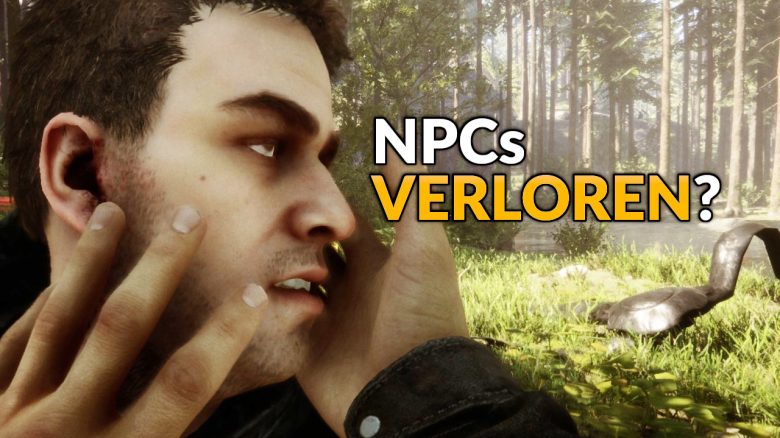
Your most important companions in Sons of the Forest are Kelvin and Virginia. If they die, they stay dead – normally. With a trick, you can make them respawn, even if you just can’t find them.

What is this trick? A user on Reddit discovered that the information about NPCs in Sons of the Forest is hidden in two text files that you can edit yourself. This means: you can control what happens.
The two companions, Kelvin and Virginia, are programmed in such a way that they can actually die permanently. If you kill them or they die in another way, they are no longer available for that playthrough. One reason why I refuse to kill Kelvin.
However, with a small change in the corresponding files, you can bring the companions back when they die or go missing. This also applies if, for example, Kelvin is stuck in a lake due to bugs or you can’t find Virginia anymore.
Since Sons of the Forest is still in Early Access, there may be bugs that require you to bring your companions back. You can see the first entertaining hours from MeinMMO video producer Anna Alberg here:
Reviving Kelvin and Virginia – Here’s how
What you need to do: The files you need are “GameStateSaveData.json” and “SaveData.json”. You also need an editing program like the Windows Notepad or Notepad++.
You can find the files where corresponding information is usually stored on your computer. Normally, the path is: C:Users[UserName]AppDataLocalLowEndnightSonsOfTheForestSaves. There you will find another folder with random numbers, which should represent your Steam account.
- In the corresponding folder Multiplayer or Singleplayer
- Then follow these steps:
- create a backup of the two files GameStateSaveData.json and SaveData.json in a separate folder
- then open GameStateSaveData.json
- search for the entries “IsRobbyDead” for Kelvin or “IsVirginiaDead” for Virginia (using Ctrl + F; the second quotation marks are part of the search)
- if the value is set to “true”, change it to “false” and save
- then open SaveData.json
- search for “TypeId”:9 for Kelvin or “TypeId”:10 for Virginia
- in the same line, you will find values for “State” and “Health”
- change the “State” to 2 and “Health” to 100.0 and save
According to reports, the entries for Virginia disappear when she dies. If that is the case, you can simply add the corresponding lines manually. Copy the values from Kelvin and change them so that they fit Virginia.
You should also find the entry “PlayerKilled.” Set this value to 0 to ensure that the NPCs return without any problems.
What weapons do you prefer in Sons of the Forest? Vote:
I can’t find my companions – What now? If you have lost one of your two companions, you can “summon” him to the other. If Kelvin is stuck under the ice, you can set his position to that of Virginia.
To do this, copy the values and coordinates for the “Position” of the companion you can still find. Replace the corresponding values for the lost NPC and he should be back when you start again. If you want to mark Virginia on the map, give her one of the GPS transmitters in your inventory.
By the way, having Virginia as a companion is also worth it for the story. She plays a role in the game’s secret ending:
In Sons of the Forest, there is a “secret” ending – Here’s how to reach it

Your opinion is important to us!
Do you like the article? Then let us know!