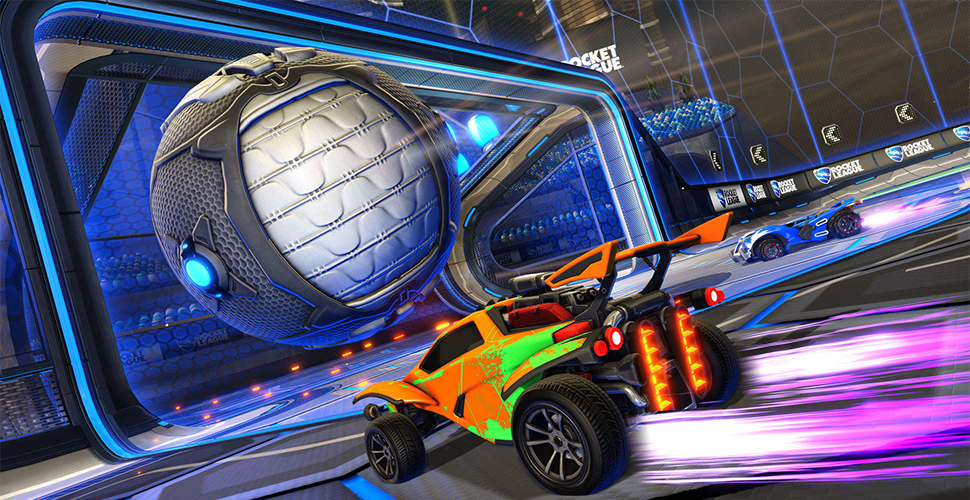
In the car soccer game Rocket League, the tournament beta is now active. We show you how you can test the new feature.
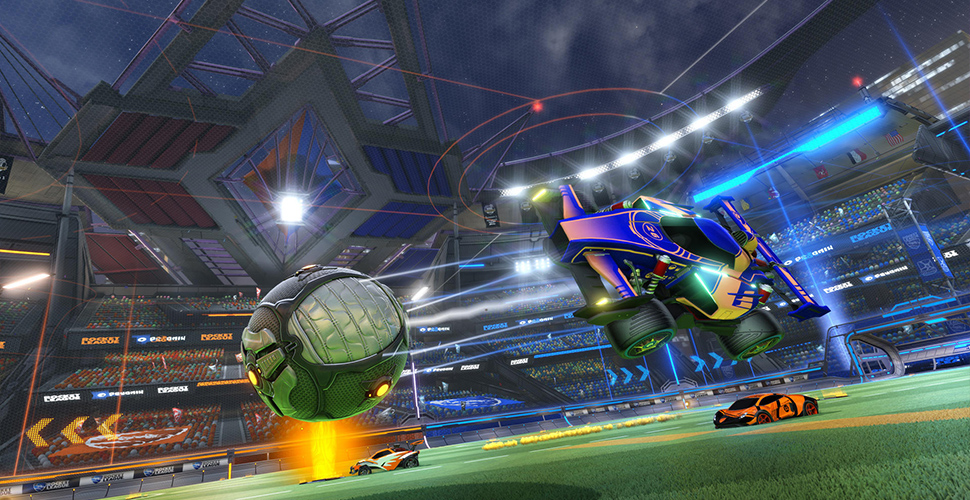
In the next hours, the developers from Psyonix are testing the upcoming tournament mode of Rocket League. You can check out the new feature in a PC beta before it is released in the spring update.
Keep in mind that this beta is only for PC players or Steam users. Players on Nintendo Switch, PlayStation 4, and Xbox One do not get access to the Tournaments beta.
Tournament Beta – Start and End
The tournament beta started on Wednesday. It will remain active until Saturday, February 24, 2018, at 2:00 AM.
During this time, you can organize, start tournaments, and compete against other players or your friends.
Rocket League Beta Participation on PC, Steam
To participate in the testing phase, open Steam on your PC. Go to your library view and look for Rocket League. Once you find the game, right-click on it and choose “Properties”.
Click on the “Betas” tab at the top and select “tournamentsbeta – Tournaments Beta” from the dropdown menu. If this option does not appear in the dropdown menu, you should restart your Steam client.
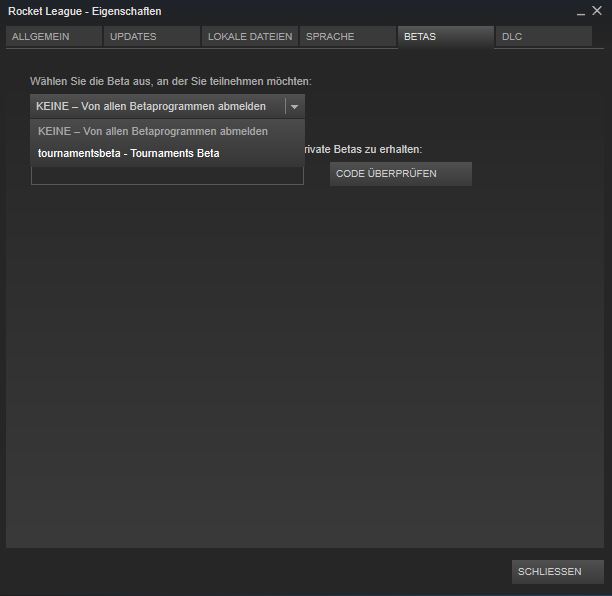
After that, an update for Rocket League will automatically queue in your Steam account. The update is about 2.3 GB in size.
Once you have downloaded it, you can try out the tournament feature in the game.
Differences between Beta and Live Version
When you play the tournament beta, there is no way to compete online against other players (except in tournaments).
- You cannot trade with other players or use keys or crates.
- Some new items in the inventory may not be displayed, such as items from the Victory crate.
- This is just a display error. You still own the items in the “live version” of Rocket League.
- You may see new color options that are planned for the future.
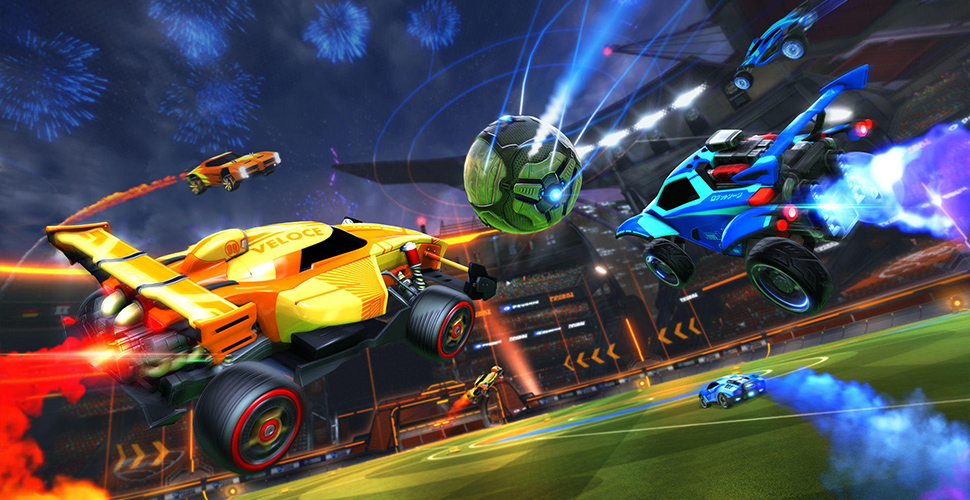
If you have played enough tournaments in between and want to play “normally” against other players again, simply switch back to “None” in the betas tab in Steam.
Known Issues with the Rocket League Tournament Beta
- Crashes may occur if you finish a tournament before a match series.
- Sound issues when entering a match or training.
- Crashes when leaving tournaments.
- Issues when multiple group members enter a tournament at the same time.
- Third-party mods or programs can cause the beta to crash.