

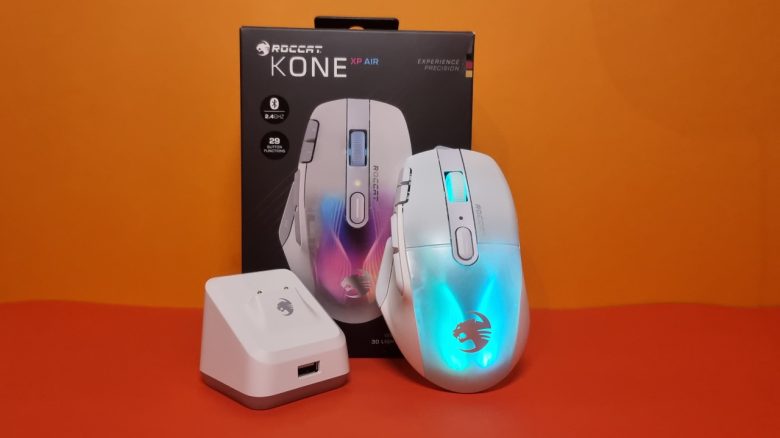
Weight, ergonomics and battery life
The weight: Roccat has reduced the weight with both the Kone XP and the wireless Air model. It is commendable that the wireless model weighs only a single gram more than the wired model. With other mice, the difference is larger. For example, the Basilisk V3 weighs 101 grams, while the wireless Ultimate weighs 107 grams. You can read the test of the Razer Basilisk Ultimate on MeinMMO.
The weight is also noticeable in practice. The mouse feels comfortable on the mousepad and movements are quick. The absence of a cable in the Air model provides you with even more freedom of movement. However, I also had no problems with the wired Kone XP as the cable was long enough.
The reduced weight has certainly benefited the Kone series compared to the old Kone AIMO Remastered and thus catches up to the competition: The G502X weighs 102 grams and the Basilisk Ultimate 107 grams.
Ergonomics: Roccat has changed the ergonomics of the Kone XP compared to the Kone AIMO Remastered. I had already noticed this in the test of the normal Kone XP and my criticism still applies: While the mouse fits well with my large hands (hand about 19 cm), it is too narrow for my girlfriend (hand about 15 cm) to grip comfortably for a longer time. In my opinion, the Kone Aimo Remastered simply has the edge here.
This is particularly due to the stronger bulge of the old AIMO Remastered: The Kone XP Air is flatter than its predecessor and offers overall more buttons, bringing it closer to the Logitech G502X. Especially the front buttons are hardly reachable for small hands.
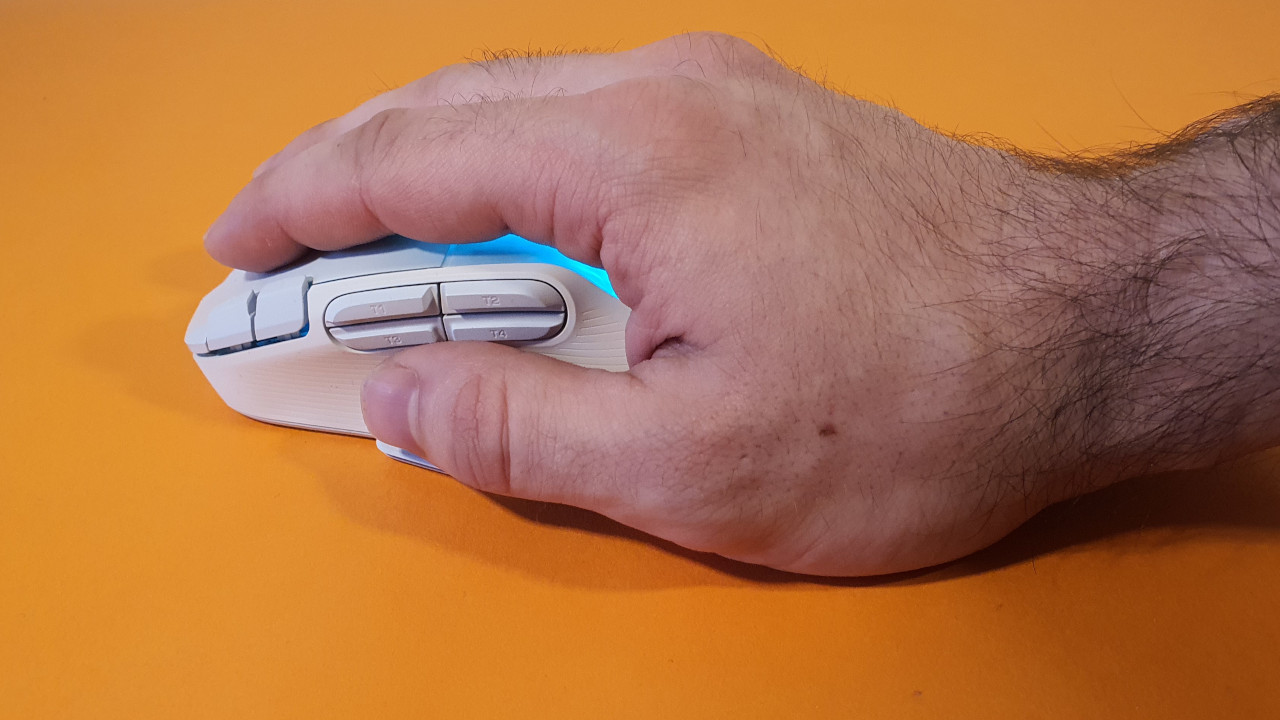
Battery life: Roccat states that the mouse’s battery life is “more than 100 hours.” I can easily game for several days in a row without the mouse making itself felt. The battery life can easily be checked via the software or can be displayed as a small symbol in the taskbar. The only downside: the small white battery indicator symbol is hardly visible under Windows 11 in the bright taskbar.
As I always place the mouse on the docking station after an evening and charge it here, I hardly reach the limits of the battery life during testing. And that brings me to another positive point. I really like the docking station, and it’s intuitive. The mouse glides easily onto the dock and is much more comfortable to use than Razer’s station for its mice, which I found too fiddly and ended up charging the mouse via the cable again.
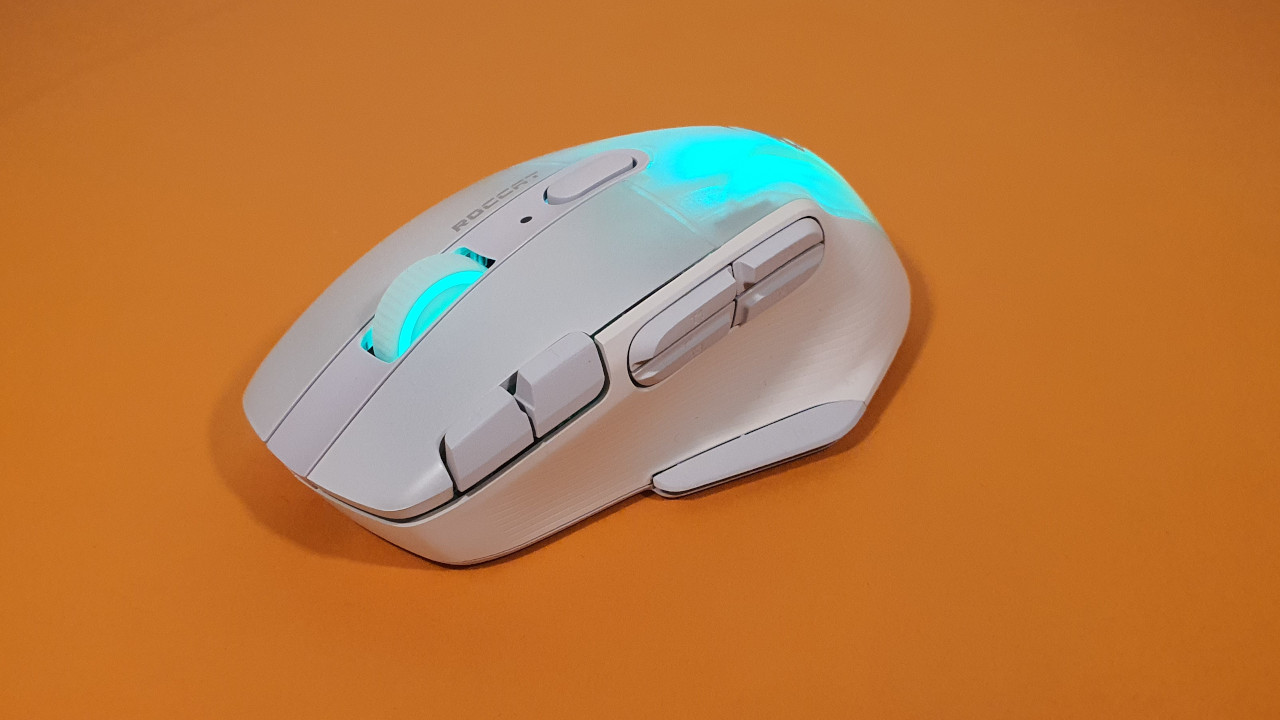
Mouse wheel and buttons
How are the mouse buttons? The clicks of the Roccat Kone XP feel crisp and precise. The optical switches provide a noticeable pressure point when I press the mouse buttons. I find the clicks overall more pleasant than with the G502X Lightspeed, where the switches click very metallically.
How is the mouse wheel? With the Kone XP Air, Roccat has also opted for the new “Roccat Krystal 4D Wheel” just like with the Kone XP. It is a 4-way mouse wheel, you can use the mouse wheel for scrolling or move it left and right.
The mouse wheel offers a clear notch and requires force if you want to scroll. I like that. A significant improvement over the Kone AIMO Remastered. In comparison to the Basilisk Ultimate and the Logitech G502 X Lightspeed, there is rather a draw.
Sensor
Roccat installs the Owl-Eye sensor with a maximum of 19,000 DPI in the Kone XP Air. The Owl-Eye sensor is based on the PMW 3370 from Pix-Art and is among the best current sensors with a low error rate.
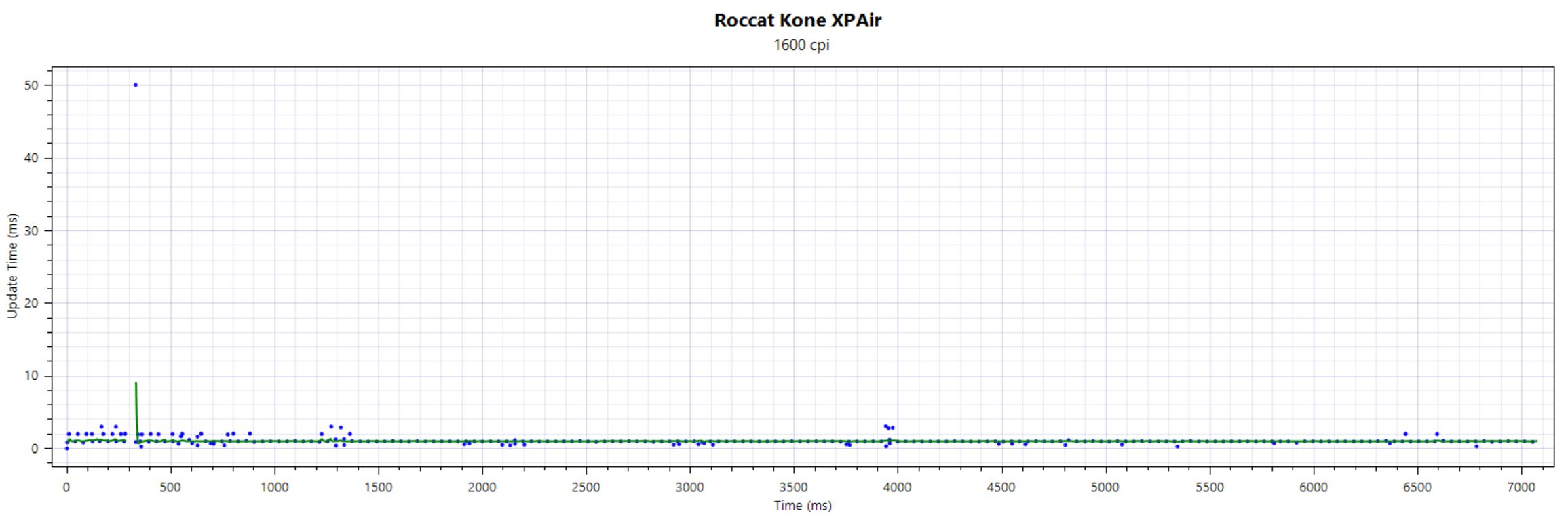
In a follow-up test from mid-November 2023, I also found no major problems or deviations with the sensor. The deviations are within range, both when connecting the wireless dongle directly to the PC and when using the charging hub from Roccat in between.
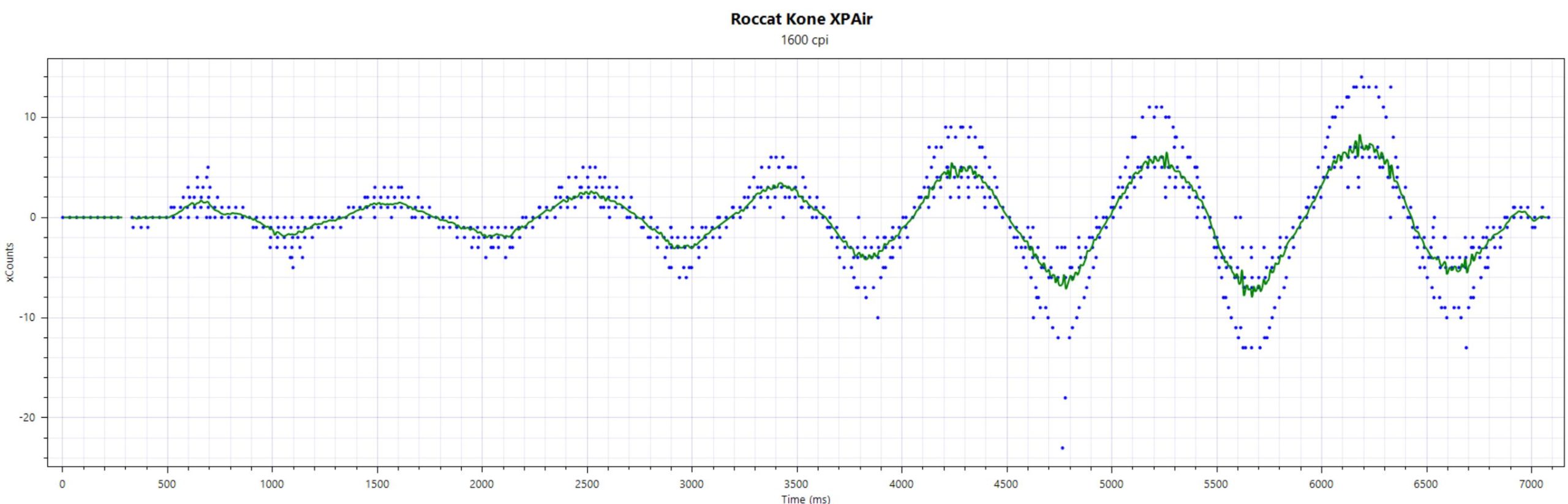
The USB polling rate on my end is also very stable and only had a dip at first, which was due to my desk and not the mouse:
On the last page, I will explain how the mouse performs in practice and in comparison to competitors. In the final conclusion, you will find whether the purchase of the mouse is worth it and which alternatives you can buy.

Your opinion is important to us!
Do you like the article? Then let us know!