

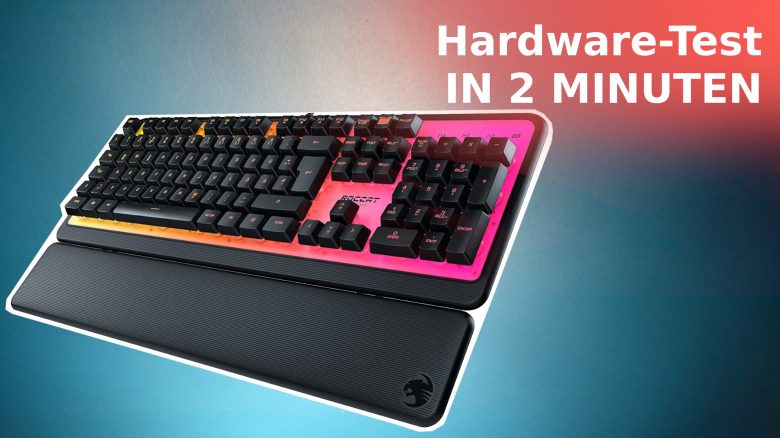
Roccat has introduced an affordable gaming keyboard. We present the Roccat Magma in our review. You can find out everything important here in about 2 minutes of reading time.
The most important points at a glance:
- The Roccat Magma is a gaming keyboard with rubber dome mechanics. The keyboard offers RGB lighting and programmable keys.
- The gaming keyboard costs €59.99.
- In the review, we compare Roccat’s Magma with the Razer Cynosa and the Corsair K55 RGB Pro, which you can currently get for the same price.
What keyboard are we talking about? Roccat has introduced an affordable gaming keyboard with the Magma. Roccat relies on the inexpensive rubber dome mechanics.
The keyboard not only looks stylish at first glance, but also costs only 60 euros. At this price, we see it as a real recommendation for aspiring gamers. MeinMMO explains in the review why.
How did we test? We at MeinMMO were able to thoroughly test the Roccat keyboard for 14 days. During this time, we typed and gamed with the keyboard, playing both fast-paced competitive titles and solo titles.
Appearance and Build Quality
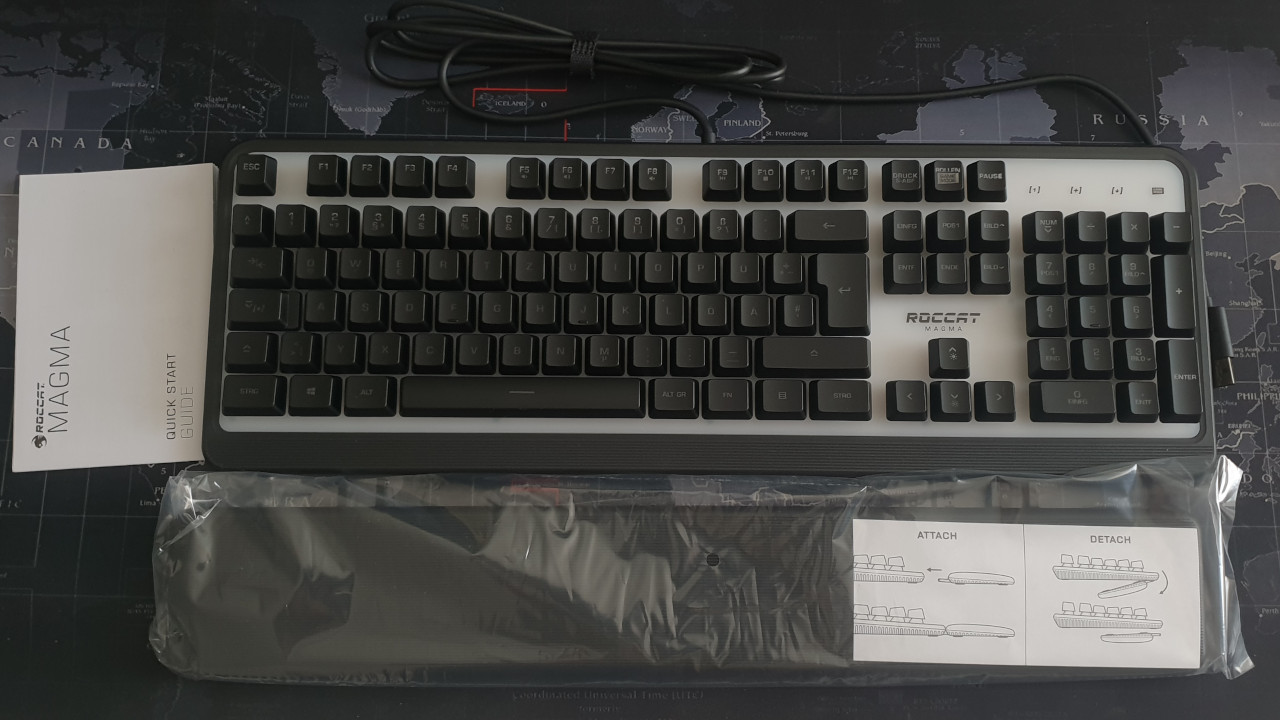
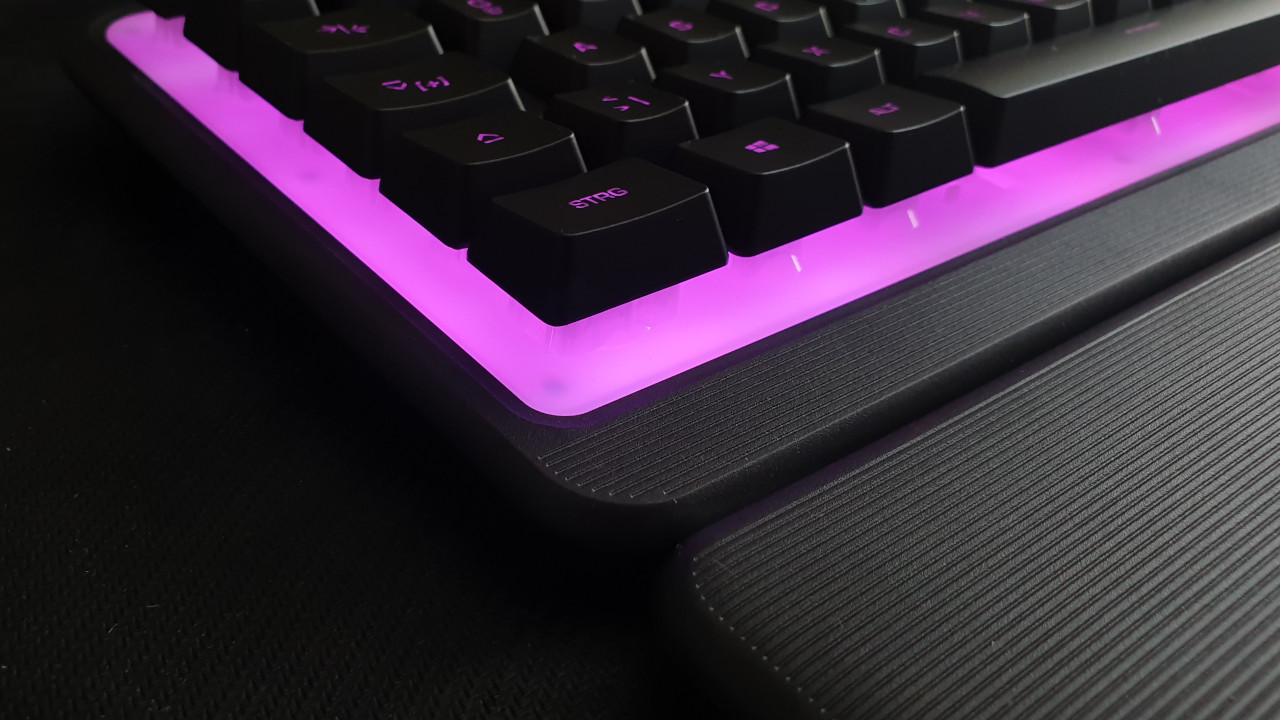
For the keycaps, the manufacturer was inspired by the Roccat Pyro, which, however, uses mechanical switches under the keys. The Roccat Magma seems less high-quality at first glance because it uses a plastic surface. The closures of the palm rest are also made of plastic and appear cheap. The cable is permanently connected to the keyboard.
Rubber dome technology has the inherent disadvantage that the material gradually wears out. This means that resistance decreases and typing feel becomes vague and imprecise over time. So far, we have not noticed any problems in our 14 days of use.
The Roccat Magma in Practice
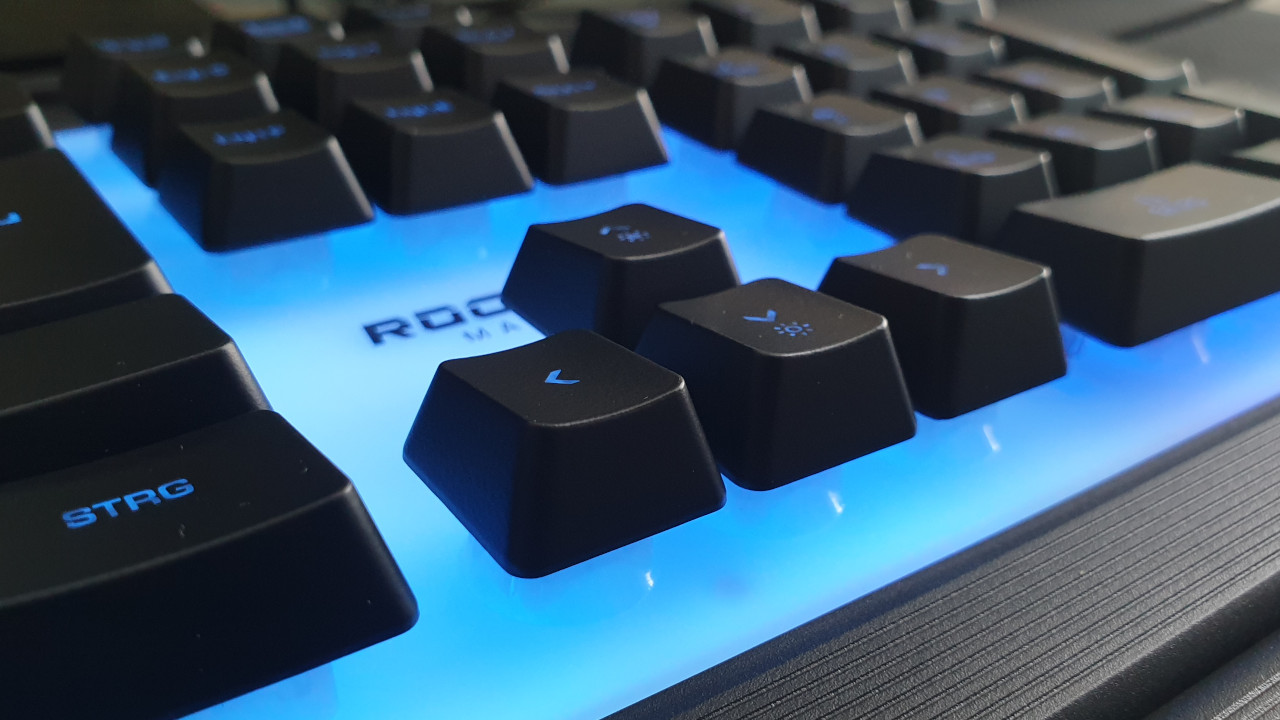
How is the keyboard structured? The Roccat Magma features similar keycaps to the Roccat Pyro or the Fnatic Streak. The keys are gray-black, the symbols are embedded and not stuck on. The lettering of the Fnatic Streak is more prominently highlighted than that of the Magma.
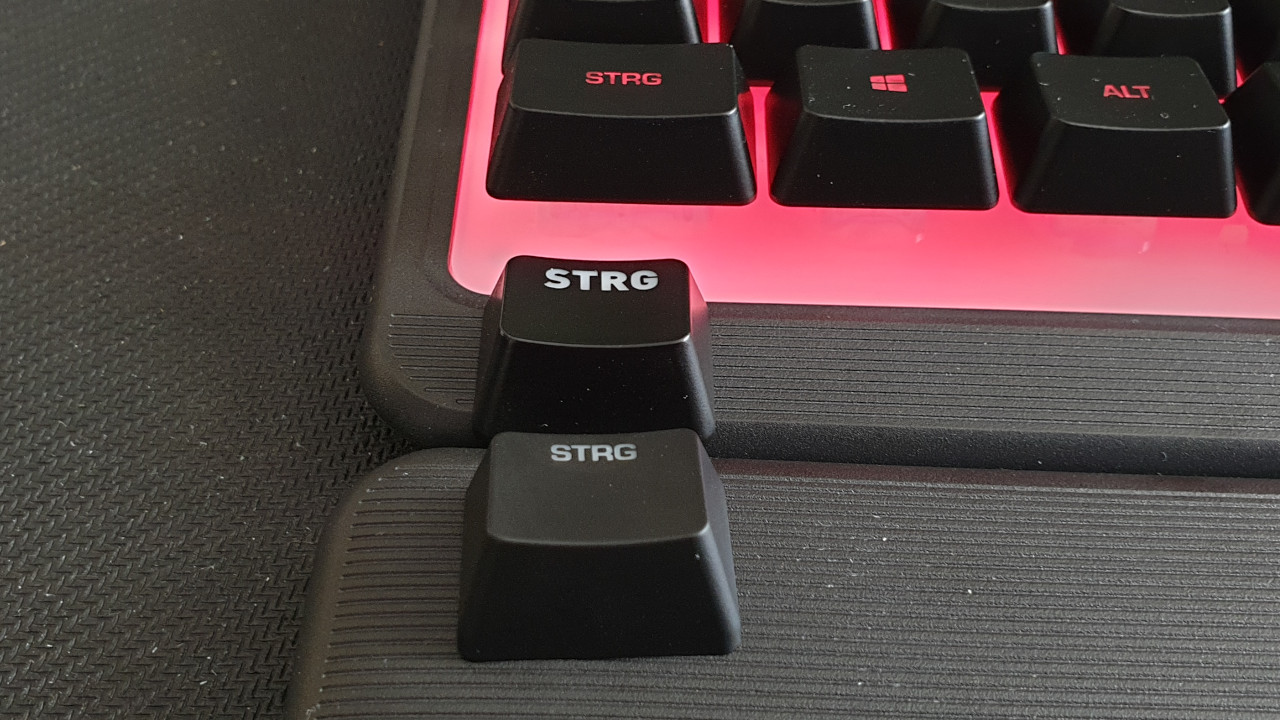
The palm rest also does a good job.
How are the keys? In practice, the keys feel very comfortable and precise. While they do not provide as clear a pressure point as mechanical keys, they serve their purpose. Thanks to rubber dome mechanics, the keys are barely audible.
A quick match in Overwatch or a few rounds in Apex work fine. The keys respond quickly, and we do not feel disadvantaged by the rubber dome mechanics.
A key roll-over is also integrated. This means that we can press multiple keys simultaneously and all keys will be registered. In practice, however, this does not always work.
We tested this in-game across various games, in a text file, and with an online keyboard program (via onlinemictest.com). When we press 6 or more keys simultaneously, on average 4 key presses are recognized.
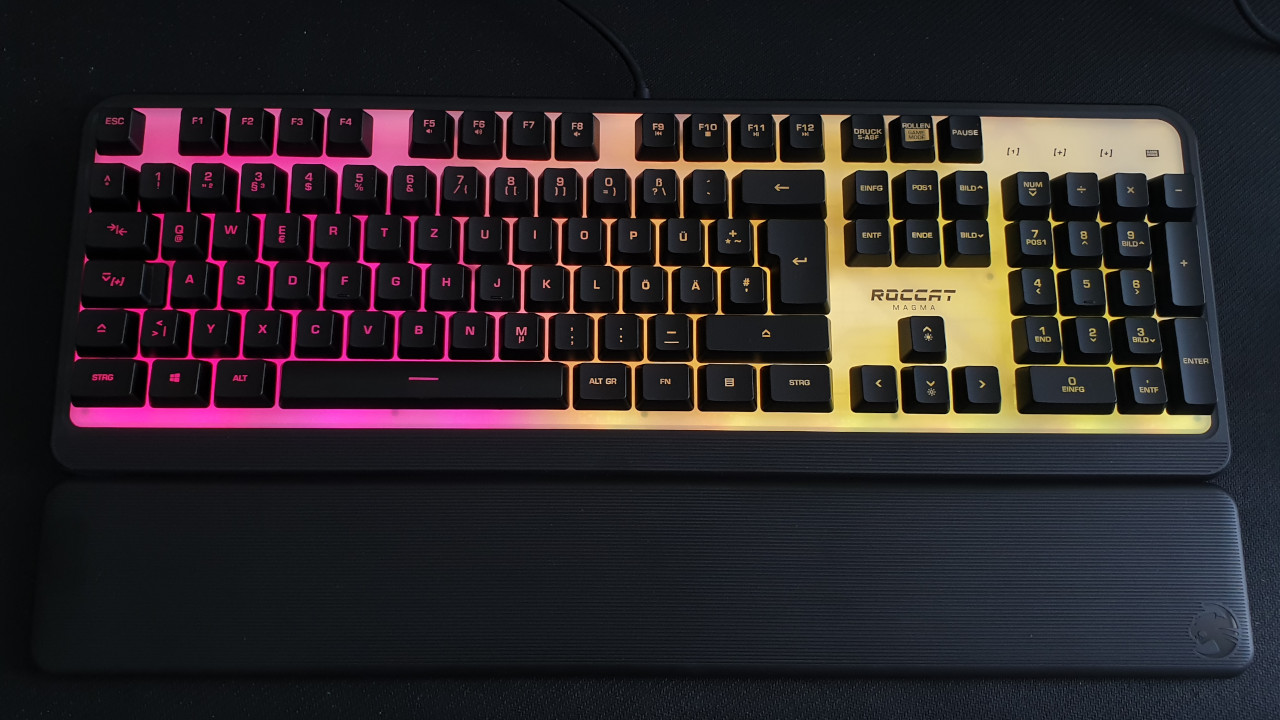
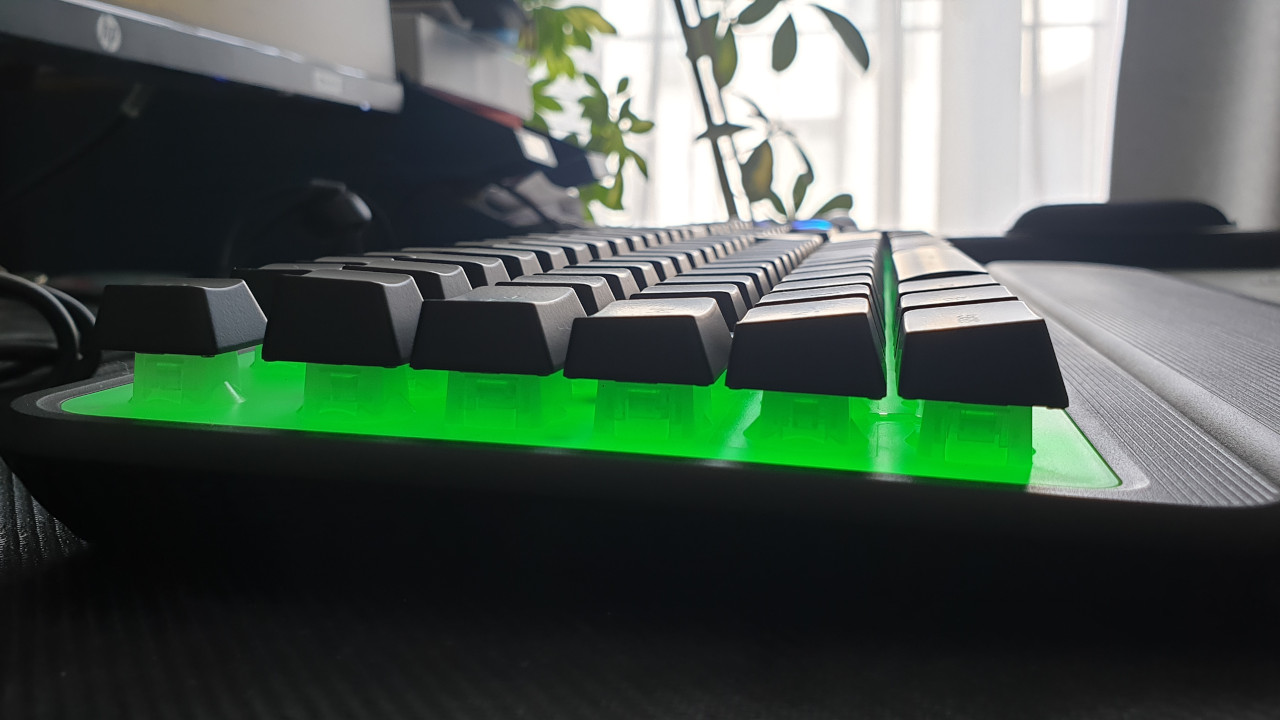
How good is the lighting? Unlike other keyboards, Roccat does not use individual lighting for the keys, but rather ten LEDs for five different zones on the keyboard. This means that the keys are only indirectly lit from below.
This system looks very stylish at first glance but has a clear disadvantage. Unlike the Roccat Pyro, the keys are not evenly illuminated. The Razer Cynosa does this better with fully illuminated keys.

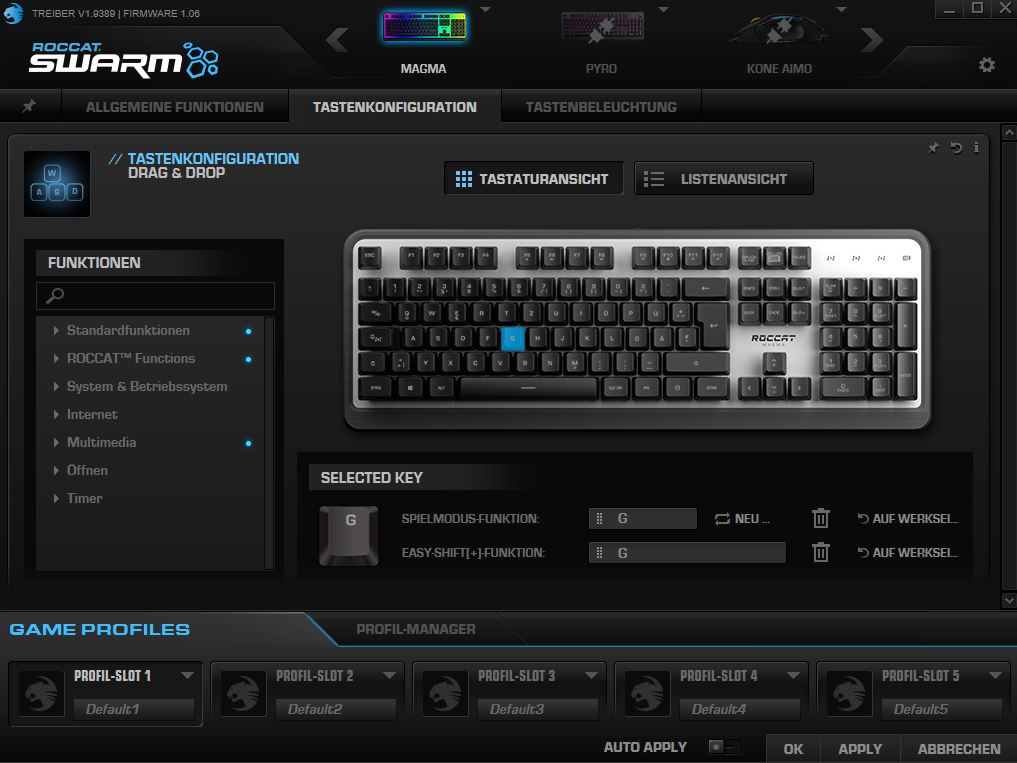
What additional features does the keyboard offer? Thanks to Easy-Shift, some keys of the keyboard can be assigned secondary functions. However, this only works with the left half of the keyboard. With the FN key, you can use many special keys. You can
- Adjust the brightness of the lighting or turn it off completely
- Mute or activate the sound
- Skip or pause music tracks
The keyboard does not offer additional media keys or a control wheel for the sound.
Roccat Magma vs Razer Cynosa vs Corsair K55 RGB Pro
The Razer Cynosa offers significantly better illumination than the Roccat Magma. Additionally, it already offers individual key lighting for a similar price. The rubber dome keys of the Cynosa are stiffer than those of the Magma. You need more force when pressing the keys. In terms of build quality, neither Magma nor Cynosa really seem high-end.
The Corsair K55 RGB Pro offers additional macro keys and an IP42 certification compared to Roccat’s Magma. This means it is protected against splashes and dust. Like the Magma, you also get a detachable palm rest here. The K55 RGB Pro does not offer individual key lighting just like Roccat’s Magma.
Conclusion: A Price-Performance Recommendation for Beginners
For just under 60 euros, you get a rubber dome keyboard with many features and pleasant haptics. The keyboard is especially recommended for those seeking an affordable entry into the gaming world. It is also definitely worth considering for occasional users or those who do not place much value on a clear pressure point under their fingers.
Affordable alternatives to Roccat would be, for example, the Razer Cynosa and Corsair’s K55 RGB Pro. Especially the Razer Cynosa offers significantly better key illumination.
If you spend a lot of time gaming on your PC and neglect typing, we would recommend checking out the Roccat Pyro.
Who is the Roccat Magma suitable for?
- You mainly game on console but want a cool keyboard for your PC
- Your main focus is on gaming and not on typing or working
- You are looking for an affordable gaming keyboard with lighting and many features
Who is the Roccat Magma not suitable for?
- You primarily game on PC and also spend a lot of time using the PC
- You do not have a tight budget for a new gaming keyboard
- You type a lot and wish for a clear pressure point under your fingers
- You want a mechanical keyboard with durable technology that will serve you well for many years.

Your opinion is important to us!
Do you like the article? Then let us know!