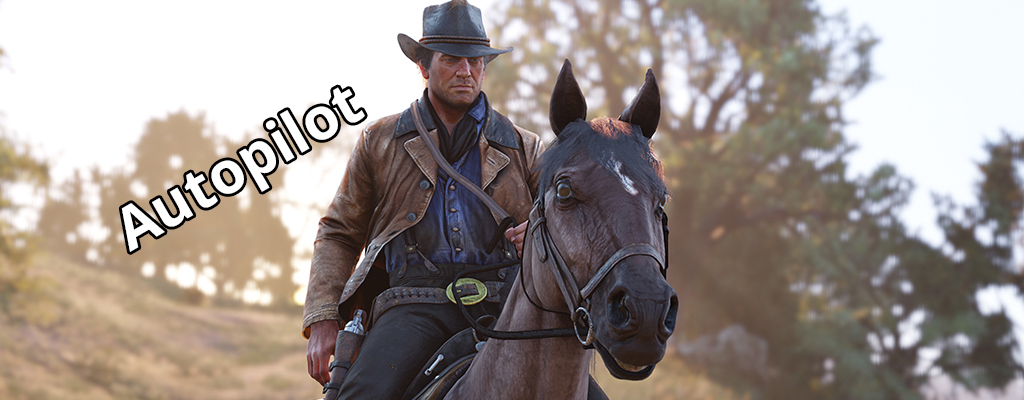
Do you want your horse to automatically ride to a set destination in Red Dead Redemption 2? No problem! This is how you activate the autopilot, and the horse will find its way on its own..
A large part of the gameplay in Red Dead Redemption 2 involves riding from one point to another. However, you don’t have to steer the horse yourself if you don’t want to; you can sit back and enjoy the surroundings.
Horses with automatic running: Together with the cinematic camera, you activate the option for your horse to run automatically. We will show you how easy it is to trigger this function.
Automatic Running for Horses in RDR 2
Simultaneously observing the surroundings and steering your horse can become difficult over time. After all, there are cute animals and detailed landscapes to discover along the way. It’s easy to get distracted and accidentally ride into a rock or an oncoming character.
You can travel in Red Dead Redemption 2 more relaxed if you let your horse take the reins. You only need to focus on events happening along the way. Your attention will be needed when, for example, bandits appear.
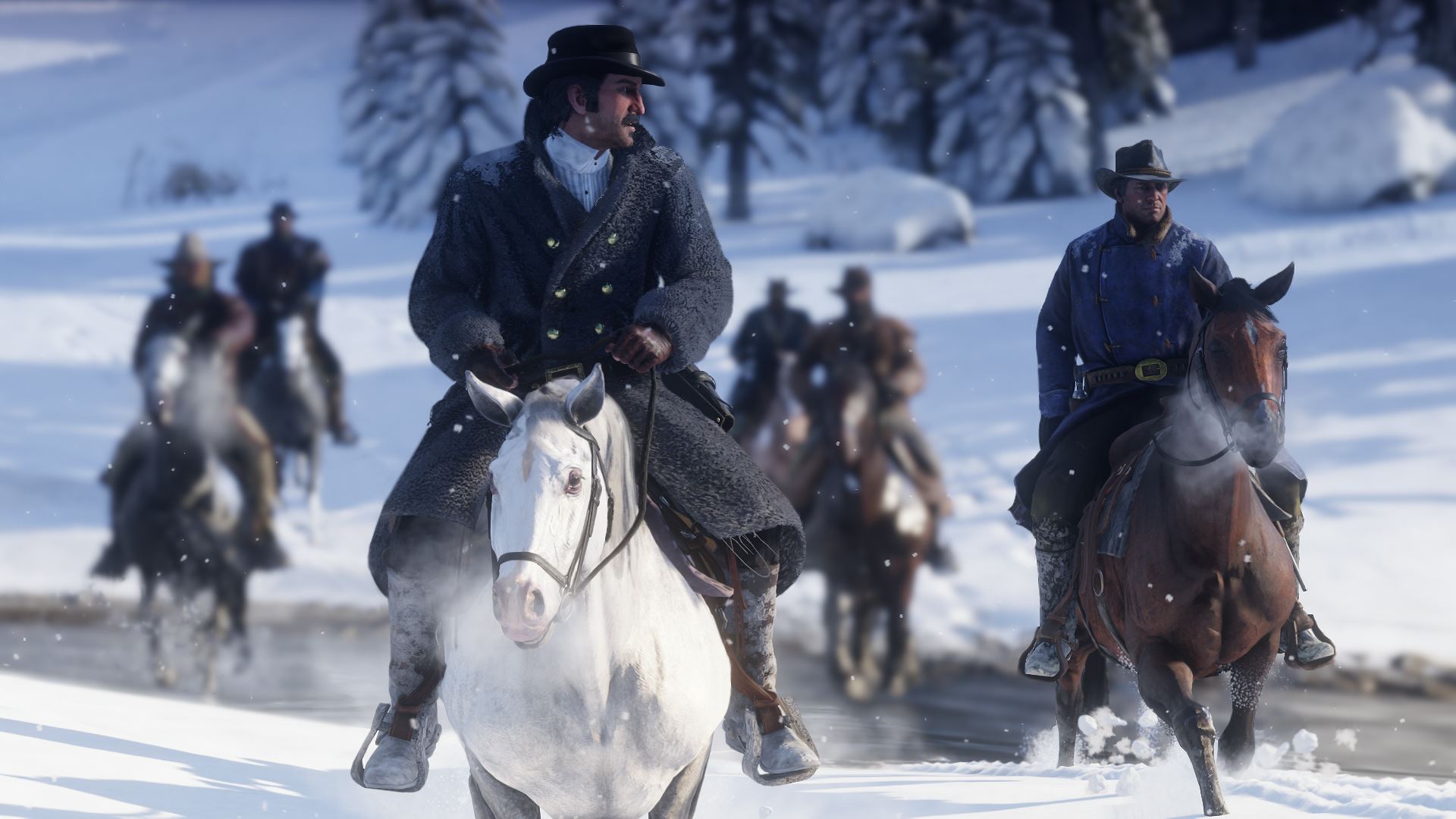
Which paths will the horse run along? After setting a destination marker, the horse will run along roads and paths – but not cross-country.
Do you still need a good horse? This is how you easily catch the best wild horse in RDR 2.
This is how you activate the autopilot:
- First, select a destination on the map that you will mark with a way marker. For example, the location of the Viking set in RDR 2
- You will then see a route that will be drawn in red on the map. Your horse will follow this path
- Now ride off normally and adjust with A (Xbox) or X (PS4) how fast the horse should run
- Once you have reached the desired travel speed, hold A or X. Just as if you were riding at the speed of companions
- While holding A or X, also hold down the button for the camera perspective
- You will see in the lower right corner that you are activating the cinematic camera
- Once it is activated, your horse will follow the predetermined route – you don’t have to do anything else and can release both buttons
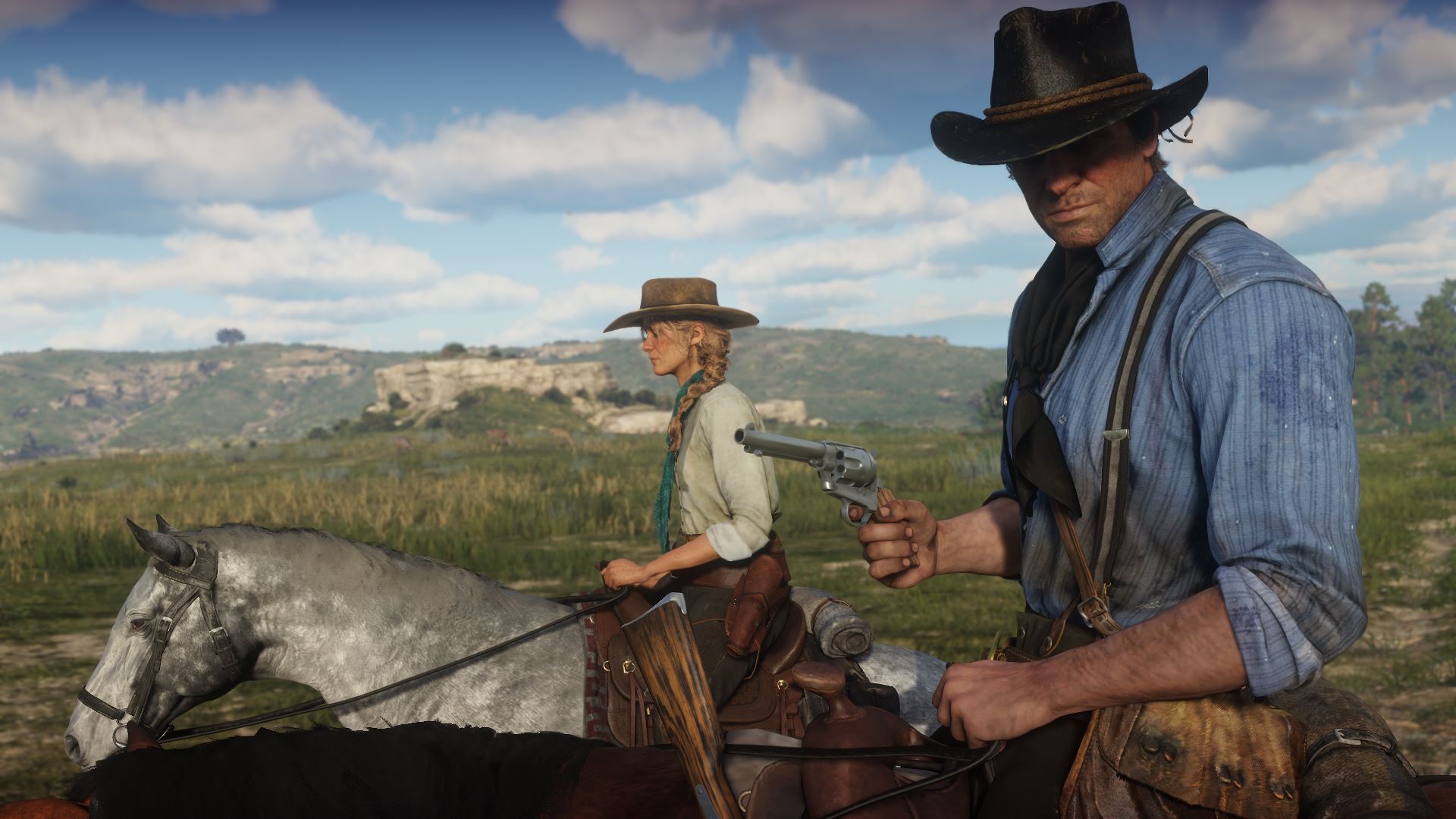
Steering During the Autopilot: While the horse follows the path, you can keep accelerating with A or X and brake with RB (on Xbox) or R1 (on PS4). By pressing the right analog stick, you can change the angle of the cinematic camera.
Deactivating the Autopilot: Use the analog sticks to regain control of the horse. Press the camera button again to end the cinematic camera.
Disadvantages of the Autopilot in RDR 2
Due to the various camera angles, you might notice events at the side of the road late or even too late and be unprepared for them.

Additionally, you will be surprised by villains who ambush you and will have little time to prepare for a shootout.
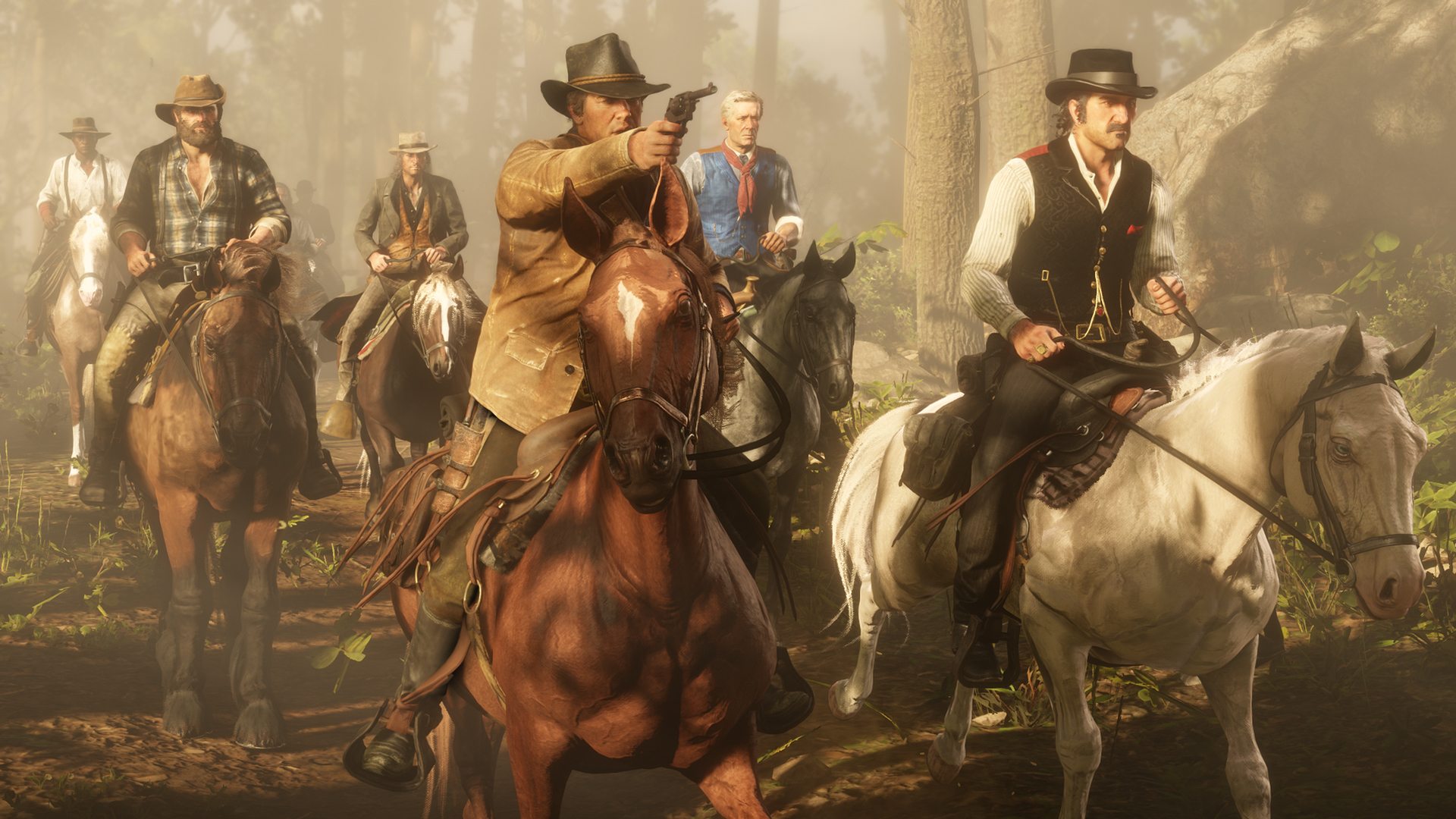
So always keep your guns at the ready when traveling with autopilot.
Update: As our readers pointed out on MeinMMO, there are some situations where the autopilot doesn’t work exactly as planned. Sometimes the horse takes the wrong paths or runs into other NPCs. So be careful.
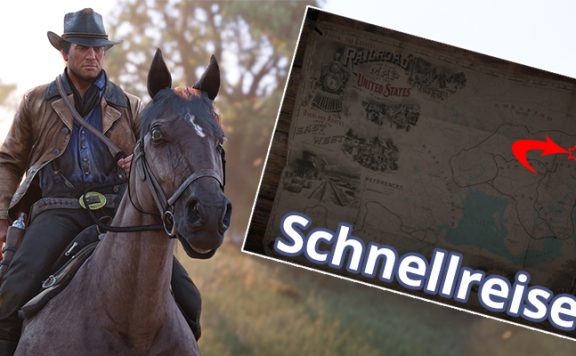
Another way to travel in RDR 2 is fast travel. This is how you unlock it.