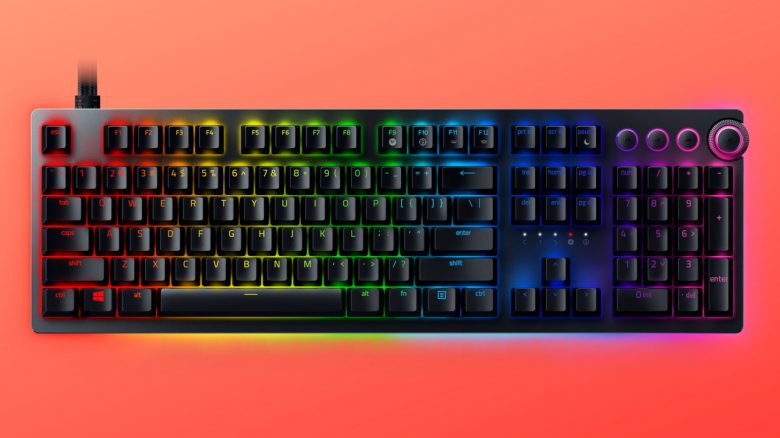
Razer has introduced the Razer Huntsman V2 Analog. Notably, the keyboard offers new keys (switches) that are supposed to be versatile in configuration. MeinMMO explains what you can do with the device.
Here’s what it’s about: Since February 5th, you can purchase a new gaming keyboard from Razer called the Razer Huntsman V2 Analog.
After a gaming mouse for MMO players and the Viper 8K, which is primarily aimed at shooter players, the device aims to win you over with its new keys.
The Razer Huntsman V2 Analog is the successor to the previous Razer Huntsman. The GameStar tested the predecessor and criticized the loud keys, the lack of a USB hub, and especially the high price. The Huntsman V2 Analog aims to address the weaknesses of its predecessor.
Razer’s new keyboard relies on new technology
This is the technology Razer relies on: The manufacturer uses optical switches for its Huntsman V2 Analog. These work through a light barrier that triggers a signal. This is supposed to offer particularly low response times.
What does this have to do with the analog stick of the controller? Inside the switch is a sensor that measures the light intensity caused by pressing the key. If you press the key harder, less light reaches the sensor. According to Razer, this is supposed to make the switches react as precisely and accurately as the analog stick of a controller.
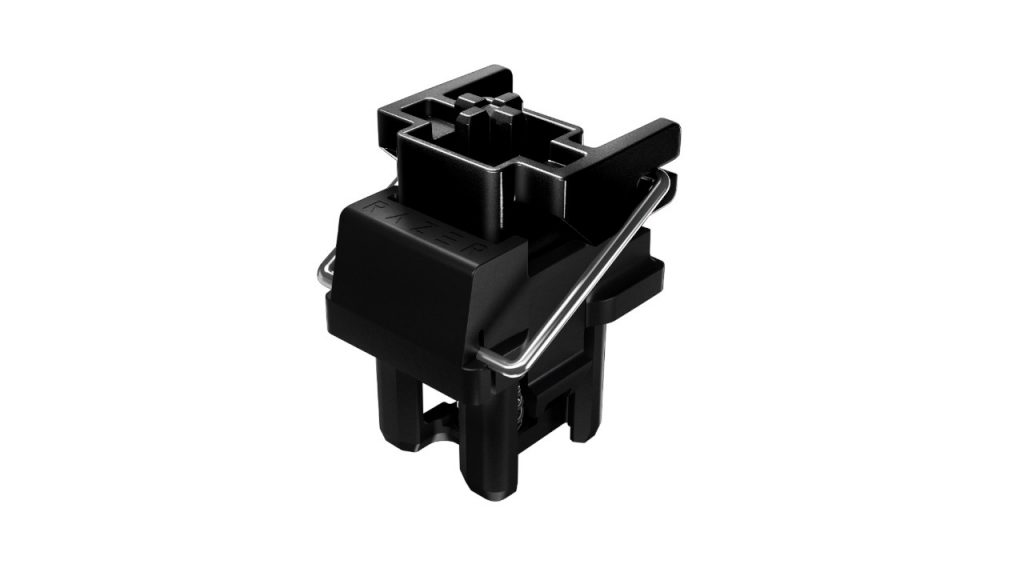
How well does it work? Since Razer announced this type of analog switches only with the new keyboard, we do not yet know how these switches will perform in practice. Initial reviews will provide insight into whether the new technology proves itself in practice.
You can already use optical switches in the Roccat Vulcan TKL Pro, which MeinMMO has tested. However, the pressure sensitivity of the individual keys cannot be adjusted here.
Razer Huntsman V2 Analog at a glance:
| Design/Interface | Wired |
| Key Type | Optical switches |
| Programmable Keys | All keys are programmable via software |
| Lighting | Yes, RGB lighting (16.8 million colors) and additional edge lighting |
| Compatibility | PC (Windows with software) |
| Inclusion | Keyboard, manual, stickers, additional USB cable for USB passthrough |
| Special Features | USB 3.0 passthrough, integrated memory, “Razer Chroma” lighting |
| Price (RRP) | €269.99 |
In addition to the new switches, the keyboard offers RGB lighting that you can configure as desired. You can save the lighting settings just like the programmed keys in the memory. The device is also illuminated at the edges.
Compared to its predecessor, the keyboard also comes with USB 3.0 passthrough, allowing you to connect another device.
The Huntsman V2 Analog uses the “Razer Synapse 3.0” software for adjustments and lighting.
What else is special? Players can adjust how quickly the keys trigger. Razer calls this feature “Adjustable Triggering.” Players can freely choose a trigger distance between 1.5 mm and 3.6 mm.
Even more interesting is the ability to set up dual-triggering for keys. You can define two different trigger points. If you press the key harder, another function will be triggered.
An example of the dual function: If you press the key halfway down, your character in the game will crouch. If you press the key all the way down, the character will lie on the ground. However, how well this works in practice remains to be seen.
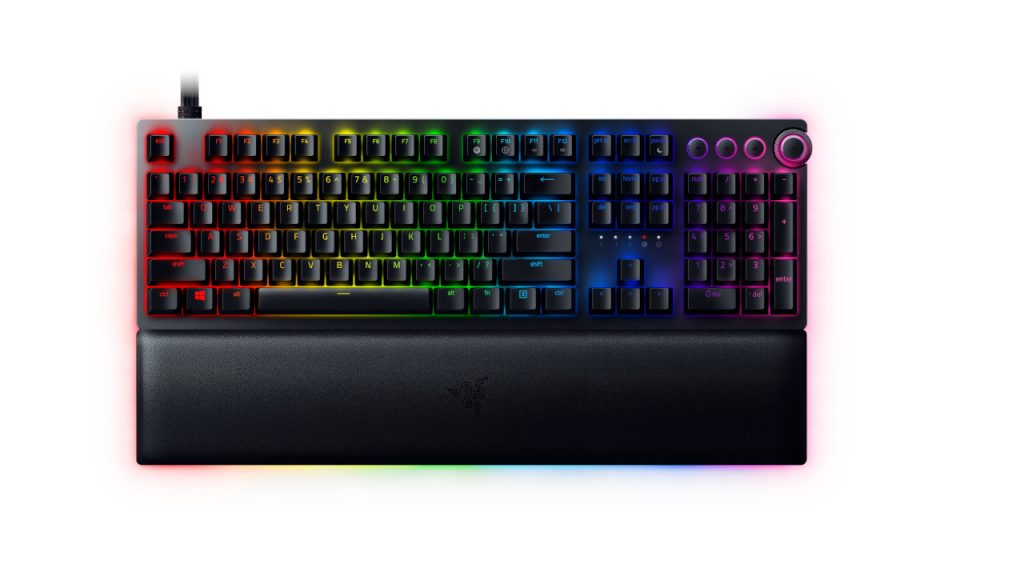
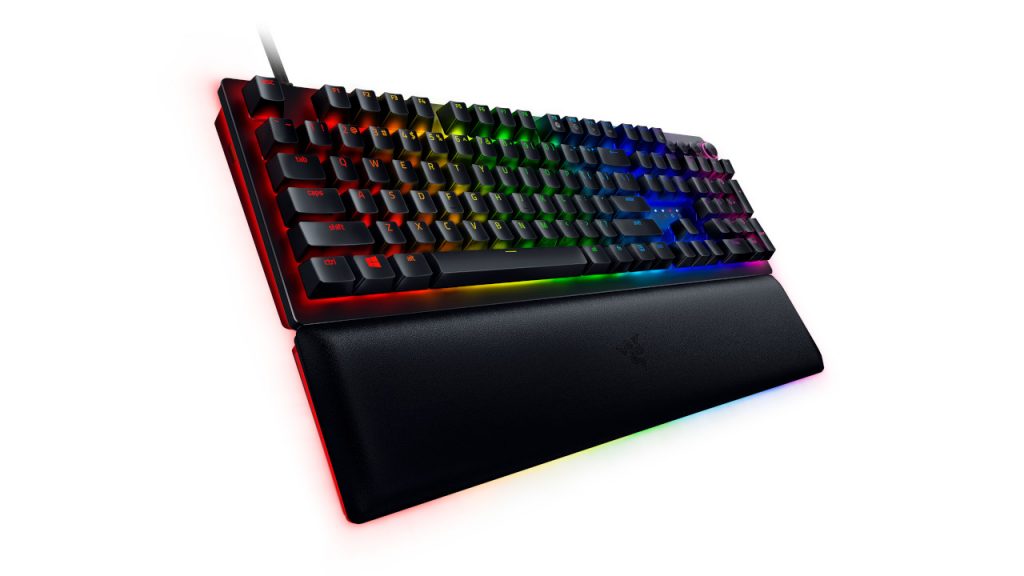
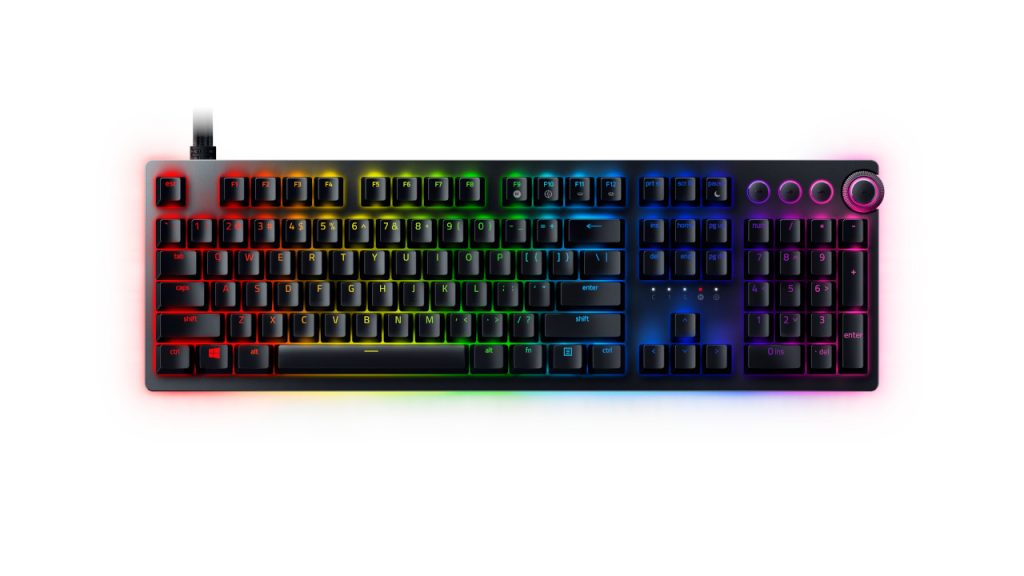
Price and Availability: You can purchase the keyboard from Razer starting now, with additional retailers following from February 9, 2021. The keyboard costs €269.99.
Is the price worth it? Whether the high price of the keyboard can ultimately be justified will become clear in a test, as with the predecessor model, the difference between optomechanical and regular mechanical keys was practically indistinguishable in normal gaming day-to-day (via GameStar.de). How the analog switches perform here remains to be seen.
More gaming keyboards on MeinMMO: If you are looking for a good gaming keyboard, take a look at our best list. Here we present the best gaming keyboards currently available for purchase.