

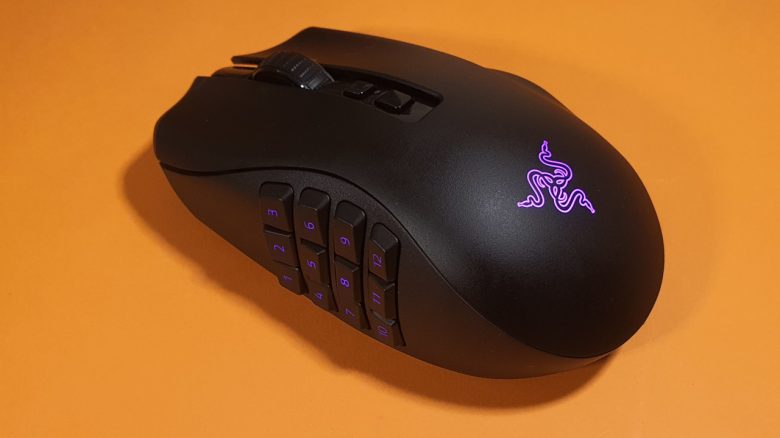
Razer has introduced a new mouse for MMOs with the Razer Naga V2 Pro. MeinMMO has tested the gaming mouse for you and reveals for whom the mouse might be worthwhile.
With the Naga series, Razer has now launched several mice in its portfolio aimed at MMO players and those who want to remain flexible in their games. With the Naga V2 Pro, a new version of the Naga Pro has been introduced. Razer itself writes: “The MMO King is back.”
I already tested the Razer Naga Pro for MeinMMO in 2020 and explain in the test whether the improved relaunch is worth it. Because while the mouse still looks identical from the outside, a lot has changed inside.
Who tested it?
I have a penchant for gaming mice and privately own over 20 gaming mice. I have been testing hardware for our readers at MeinMMO since 2019. Mice are among my absolute favorites when it comes to peripherals for PC and console, alongside gaming headsets and keyboards, and I know my stuff accordingly.
The Naga V2 Pro was provided to me by Razer for testing.

Benedikt Schlotmann
Hardware Editor MeinMMO
Features and technical details:
| Sensor | Razer Focus Pro |
| Resolution | Up to 30,000 DPI |
| Switches | Razer Optical Switches |
| Buttons | 15, 9, or 5 buttons |
| Design | Black mouse. RGB lighting Razer symbol and individual modules, asymmetrical right-handed mouse |
| Gliding feet | 3 |
| Cable | Removable 2.0 m USB-C cable |
| Weight | 134 grams |
| Price (RRP) | 169.99 Euro |
Oops, unfortunately this affiliate widget is no longer available. |
Contents, Design, and Build
What does the package include? The Razer Naga V2 Pro comes with three interchangeable side plates, a USB receiver for wireless connection, a USB extension cable for the adapter, and a USB charging cable for the mouse.
This allows you to use the mouse both wirelessly and wired on your computer. Additionally, there is a comprehensive English manual and the mandatory Razer stickers.
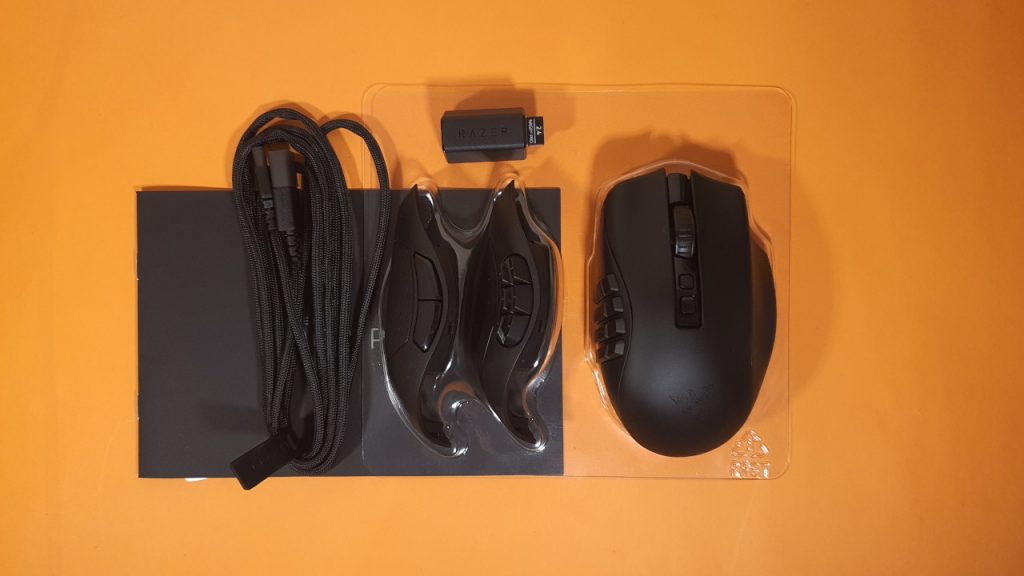
How is the mouse built? The model features a black design:
- On the top of the mouse are the main buttons, with the four-way mouse wheel in between. There are also two small switches on the top to adjust the DPI or mouse wheel.
- On the left side, you can choose between three side parts: one attachment with 12 buttons, a module with 6 buttons, and a third with 2 buttons. These can be magnetically attached to the mouse.
- The model features a rough surface with no rubberized sides. Additional grip tape is also not available.
When the mouse is connected to the computer, the Razer snake symbol lights up along with certain buttons on the mouse. For example, the 12-button module is fully illuminated.
Overall, the Razer Naga V2 Pro feels hefty and almost a bit bulky. This is especially noticeable compared to other mice.
Processing
The Razer Naga V2 Pro feels stable and high-quality. This is also due to the high weight of 134 grams. With this weight, the mouse is significantly heavier than competitor mice: Logitech, Roccat, and SteelSeries are now opting for mice that weigh less than 100 grams.
In the shake test, only the mouse wheel can be heard, and the mouse does not creak when pressed. What slightly disturbs me, however, is the fact that you can see fingerprints or slightly wet fingers directly on the surface of the mouse.
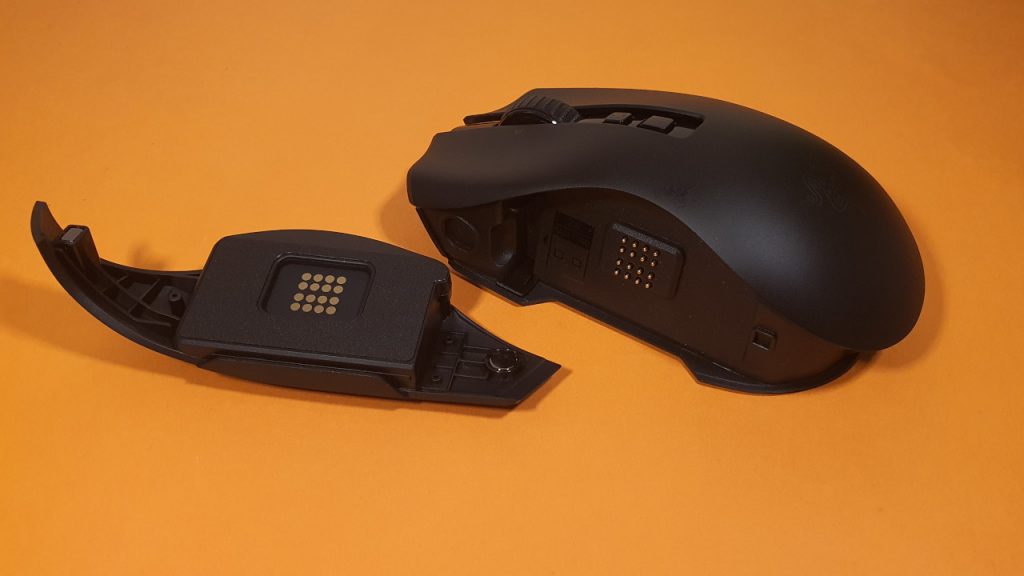
For the interchangeable side modules, Razer uses magnets encased in plastic. Additionally, a small plastic peg ensures that the piece sits securely on the mouse. In the long run, this combination of plastic and magnets could become a weak point in the processing if the modules are changed regularly.
Software
As usual for Razer products, the Razer Naga V2 Pro relies on “Razer Synapse.” The software is very comprehensive, and many components can be installed additionally. For my personal taste, the software is cluttered and offers too many functions when I just want to configure my mouse.
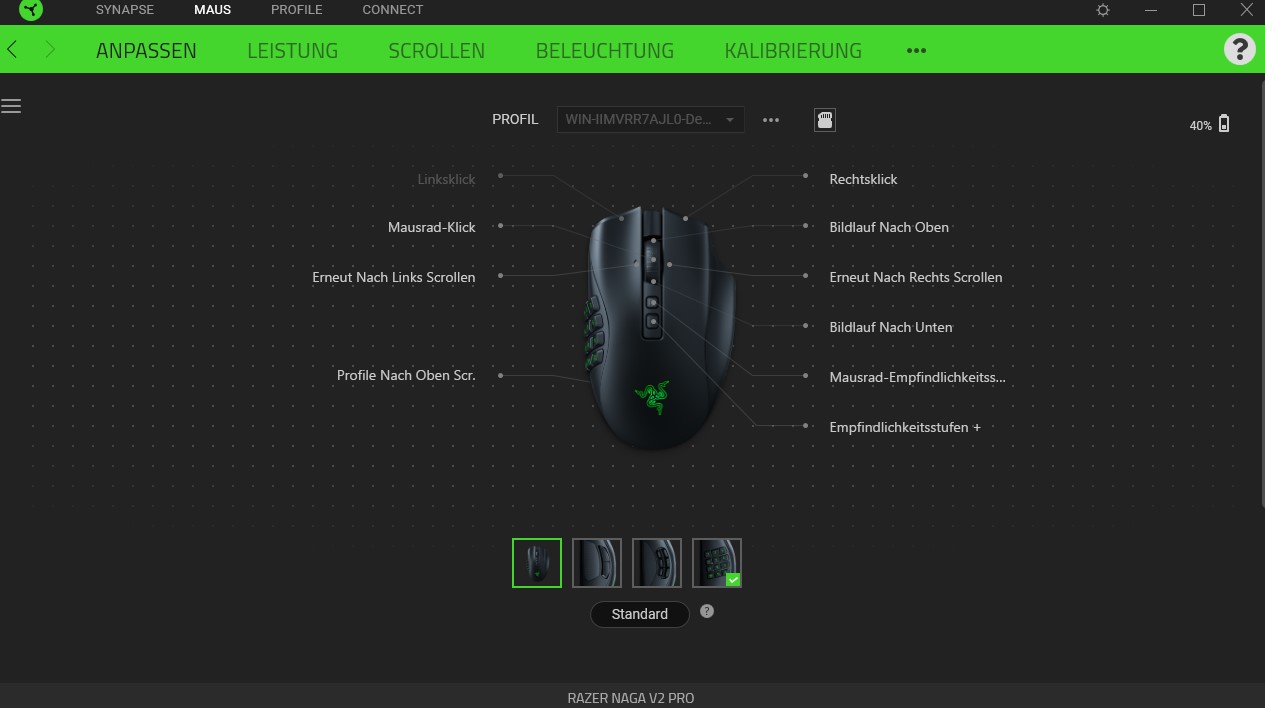
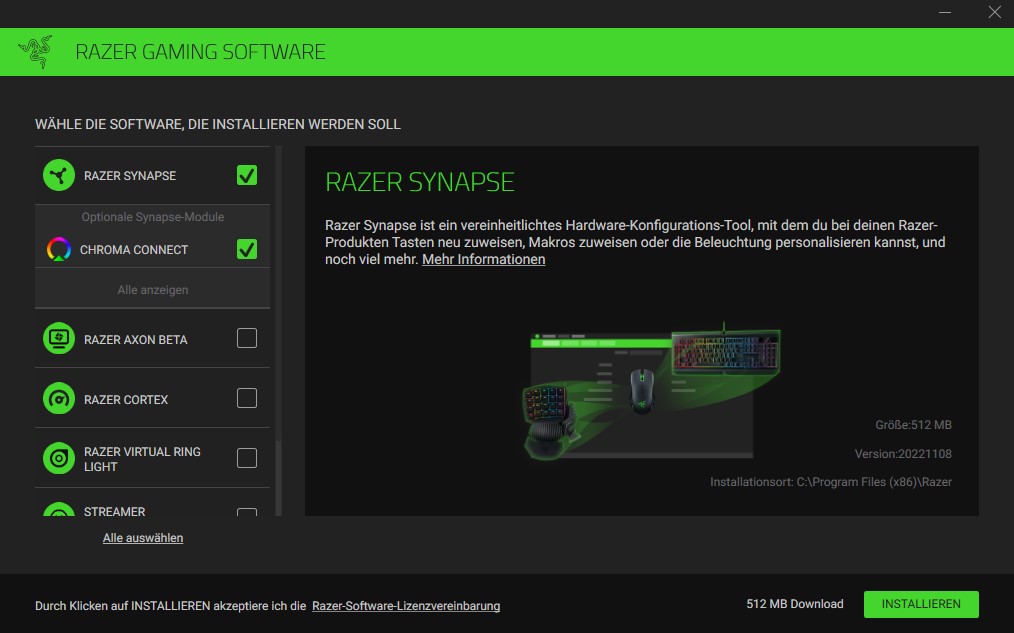
The software can also be used as a guest; you do not have to register for the Naga V2 Pro.
On the next page, you will find my assessment of the weight, ergonomics, and features of the mouse. In the final conclusion, I will also explain for whom the mouse is worthwhile and what (still) might speak against a purchase.

Your opinion is important to us!
Do you like the article? Then let us know!