
Ergonomics and Keys
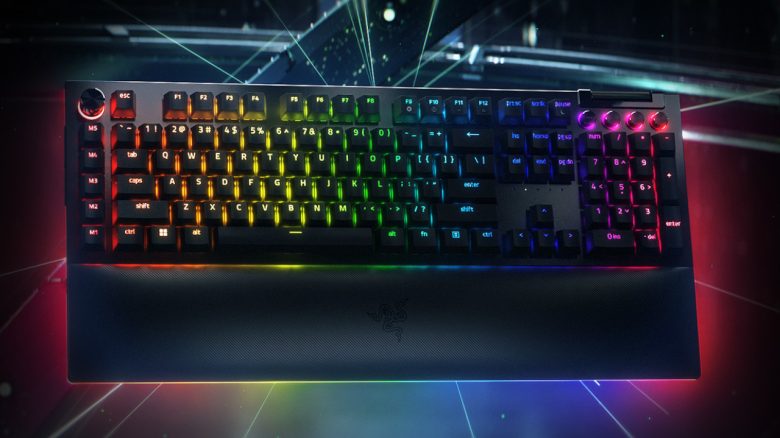
Ergonomics: The Blackwidow V4 Pro is a full-size keyboard. All 104 keys + special keys are easily accessible. TKL keyboards are somewhat more comfortable as they are smaller and offer more space and room for the arm and hand holding the mouse. The keys are slightly angled on the keyboard.
The wrist rest made of leatherette feels pleasantly soft but still has a slight artificial smell in the first few days. However, this dissipates quite quickly. The hands rest nicely while typing and gaming, and combined with the stand feet on the underside of the keyboard, the hands are also at the right height. The only downside: after a while, my wrists get quite warm underneath. A similar feeling to wearing a headset with plastic pads.
The Keys: The Blackwidow V4 Pro uses green switches. These are characterized by a noticeable resistance and audible click. This means, with each keypress, there’s a soft mechanical clicking sound, and one has to like that. The noise level is quite high, which makes it only conditionally suitable for a quiet office.
If you enjoy playing with an open microphone or banging on the keyboard for Discord messages alongside the match, then the Blackwidow V4 Pro is definitely not for you.
The clicking sound of the keys is also not uniform or consistent, which bothers me the most: The space bar and backspace click very loudly, while the letter keys click rather dull. At times, I feel like I’m playing an instrument rather than typing on a keyboard.
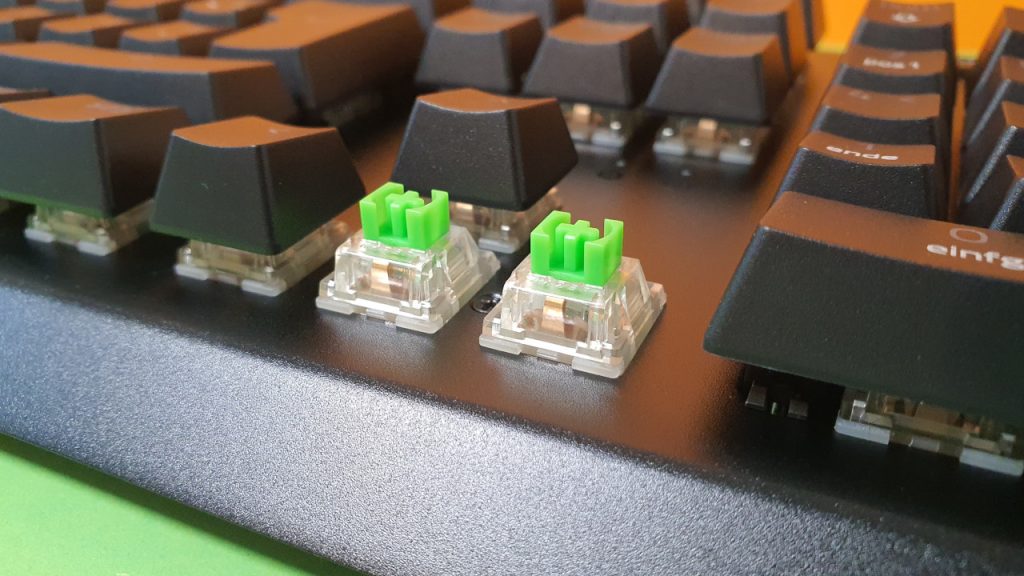
The typing feel, however, is really good. The keys (or the switches) respond very quickly and strongly resemble blue switches. The actuation point is the same (50 grams), and the total travel of the keys is also identical (4 mm). However, the trigger point is lower (1.9 mm vs. 2.2 mm for blue switches), making the keys a bit quicker and more responsive.
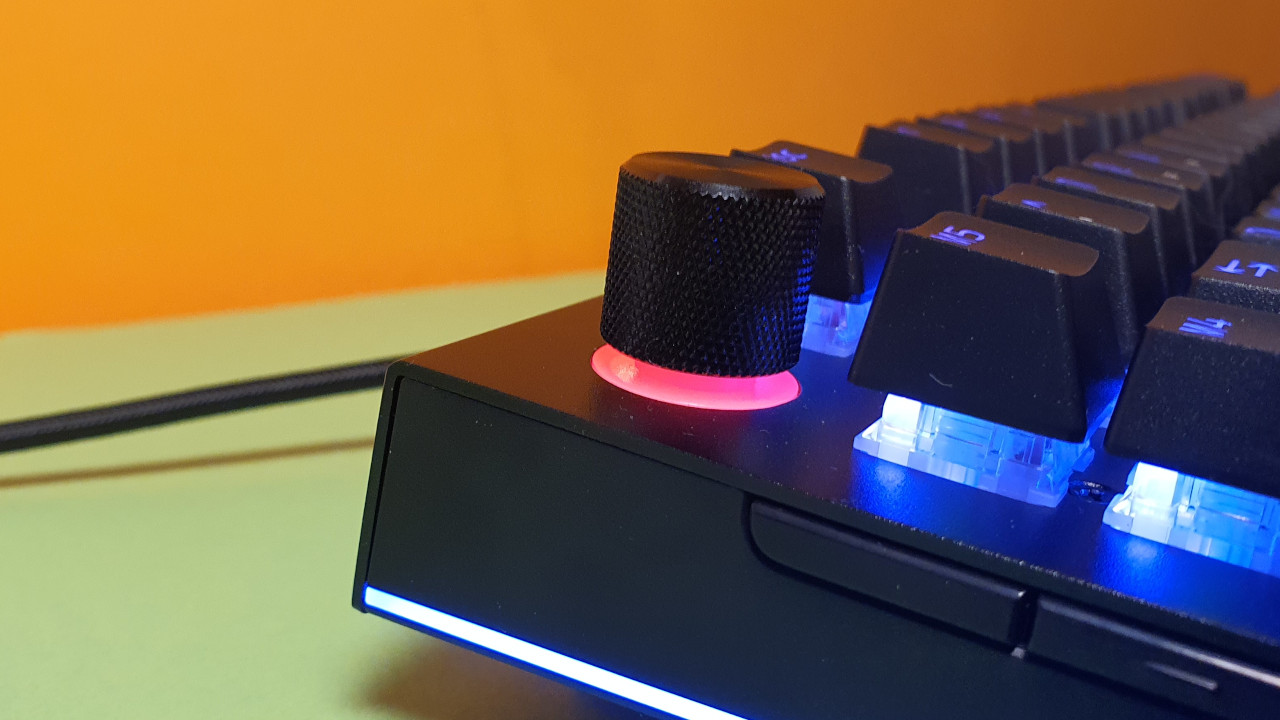
A true highlight for me is the “Command Dial”: with a click, you switch the function of the dial and can then use various functions. This feels well thought out and truly intuitive. When switching features, the dial lights up in the corresponding color.
Razer also offers the keyboard with yellow switches. These are more akin to Cherry MX Speed Silver and are even slightly faster than the green switches: the trigger point is lower (1.2 mm) and also the actuation point is lower at 45 grams. Moreover, they are linear, so there’s no “clicking” sound like with the green switches, offering a more pleasant sound environment.
Conclusion: Great Keyboard, But High Noise Level
For around 230 euros, you get a high-quality keyboard with numerous features and customization options. If you are an enthusiast or a gamer who appreciates and loves such options, then you will get a great keyboard with an enormous scope. The build quality alone is definitely impressive.
For pure multiplayer fans who often play with an open microphone, I would not recommend the keyboard; it is simply too loud. However, an alternative is to opt for Razer’s yellow switches, which provide a slightly lower noise level.
If you can also do without many of the listed features, such as the multimedia keys or the USB connection, then you should opt for a cheaper keyboard. Particularly the predecessor, the V3 Pro, is still a strong suggestion if you’re looking for a wireless keyboard, a feature that the V4 Pro no longer offers.
| Preview | Product | Rating | Price | |
|---|---|---|---|---|

|
Razer BlackWidow V4 Pro Kabelgebundene mechanische Gaming-Tastatur: grüne mechanische Schalter,... | Zu Amazon |
*Affiliate-Links. Wir erhalten bei einem Kauf eine kleine Provision von Amazon. Vielen Dank für Eure Unterstützung!
What alternatives are there?
- The Logitech G915 is a recommendation if you are looking for good keys, high build quality, and a wireless keyboard. However, the keycaps are of lower quality than those of the V4 Pro.
- Roccats Vulcan 121 is also a tip if you are looking for good switches and value a strong design. You can now get the keyboard for 100 euros on sale.
- The SteelSeries Apex Pro is also a good recommendation for around 200 euros. A special highlight is the customizable actuation of certain switches on the keyboard.
Other Gaming Keyboards: Are you looking for more recommendations in the peripheral area? Then take a look at the following buying guide on MeinMMO. Here, we explain which keyboards are currently the most worthwhile: