

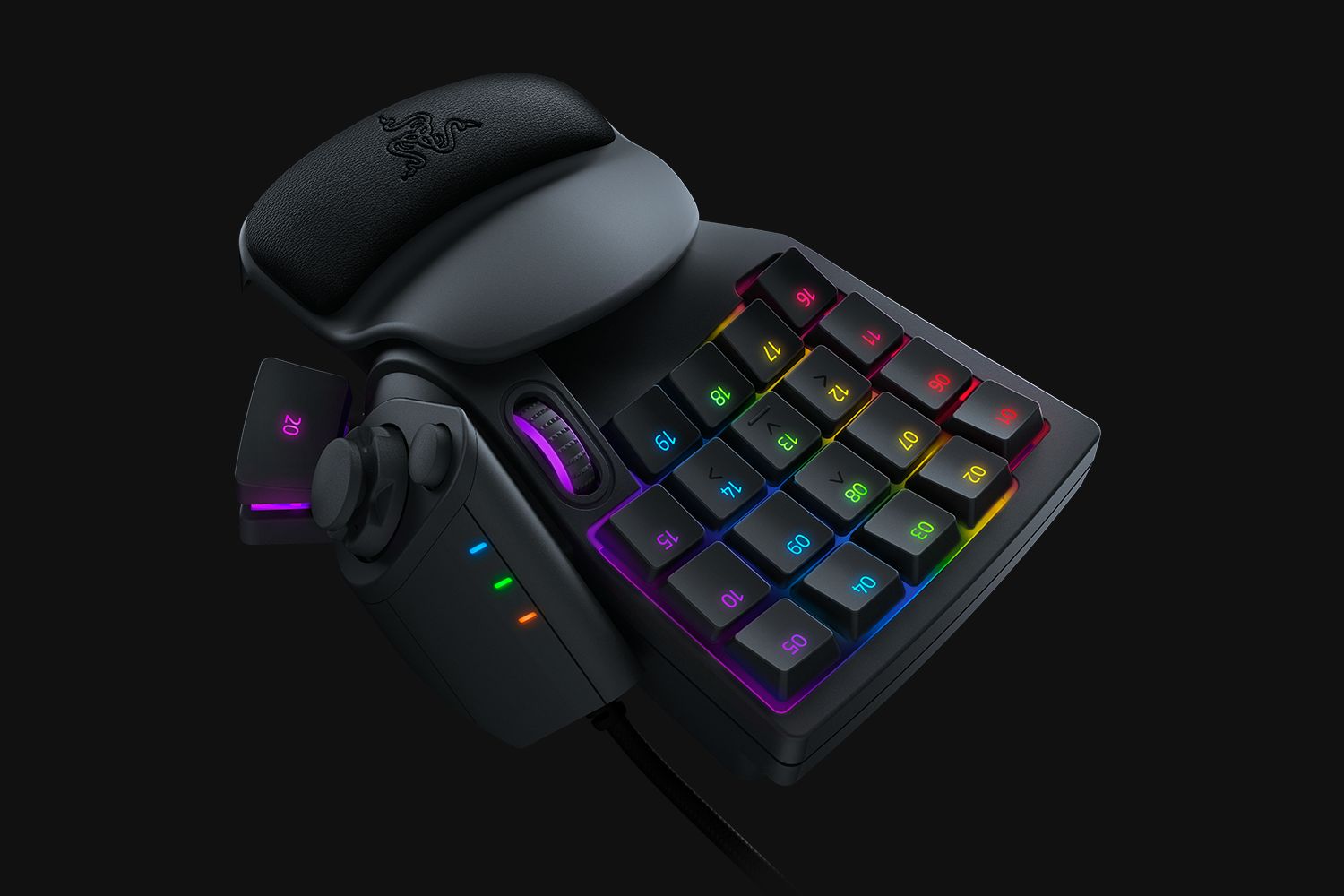
The Razer Tartarus V2 is a keypad that shows its greatest utility in the MMORPG genre. However, one must invest a lot of work to get used to the controls. It pays off in the end though. We tested the Razer Tartarus V2 in action.
While keypads were somewhat exotic not too long ago, they have now become a staple in many gaming setups, especially when one is active in the competitive scene.
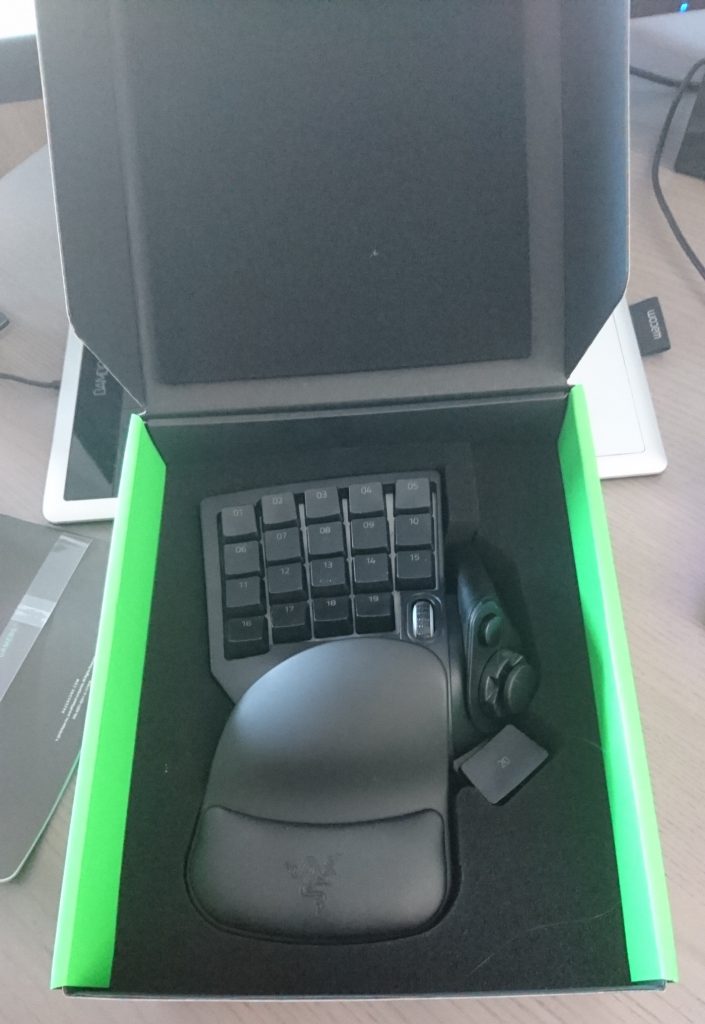
With the Tartarus V2, Razer has released a keypad model that can really demonstrate its capabilities, especially in MMORPGs.
We tested how it performs in action. As a test subject, we used the MMORPG Final Fantasy XIV.
Razer Tartarus V2 Review – First Impression
The Tartarus is a keypad with 32 keys, an analog thumbstick, and the now-standard Razer Chroma RGB backlighting, with which one can set around 18 million different colors when feeling playful.
- On one hand, it can be seen as an upgrade to the Razer Nostromo, improving the response time of inputs and adding another row of keys.
- On the other hand, the Tartarus offers a cheaper alternative to the expensive Orb Weaver, which is more flexible and adjustable in its layout.
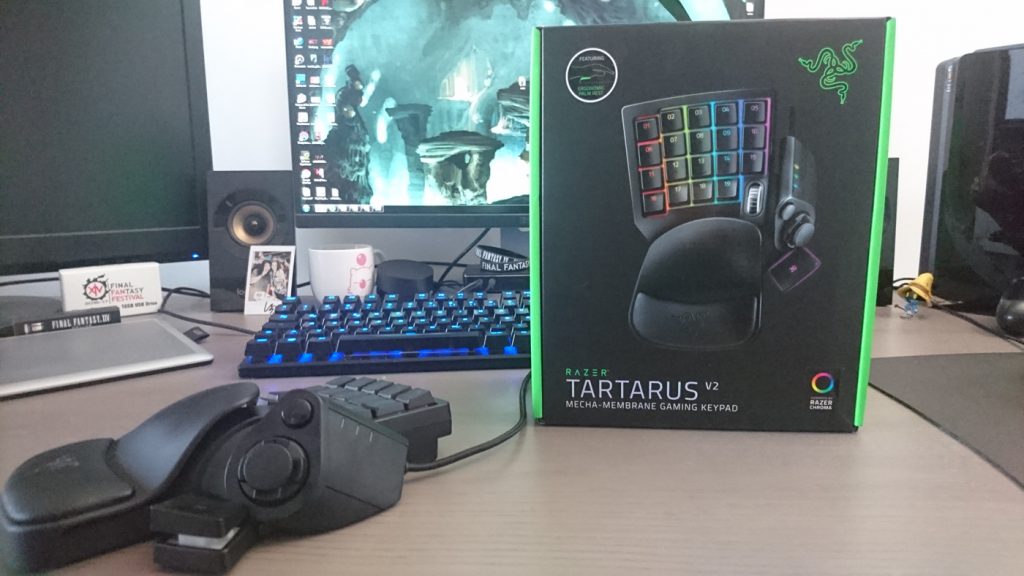
The keys themselves are triggered at mid-height, allowing for faster operation, which I personally found very cool. However, they are not mechanical keys.
Instead, Razer uses Mecha-Membrane technology, which was already employed in the Ornata keyboard, to imitate the feel of tactical feedback.
While the imitation still doesn’t quite match a real mechanical keyboard, one must commend this keypad: it doesn’t feel mushy like regular membrane keyboards usually do.
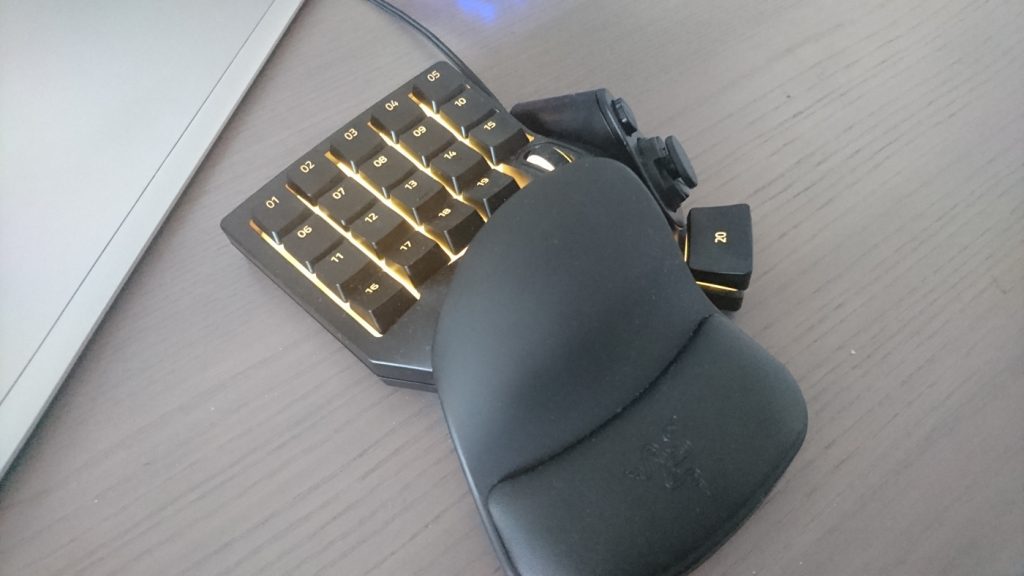
The build quality is stable and solid, as one expects from Razer products. However, it is hard to predict how well the soft artificial leather of the wrist rest will withstand long-term use.
Razer Synapse is a Must
If you want to take full advantage of the Tartarus, you can’t avoid installing the proprietary Razer software “Synapse”.
With its help, all Razer devices are automatically recognized, and once they have been registered, they can be used directly and customized as desired.
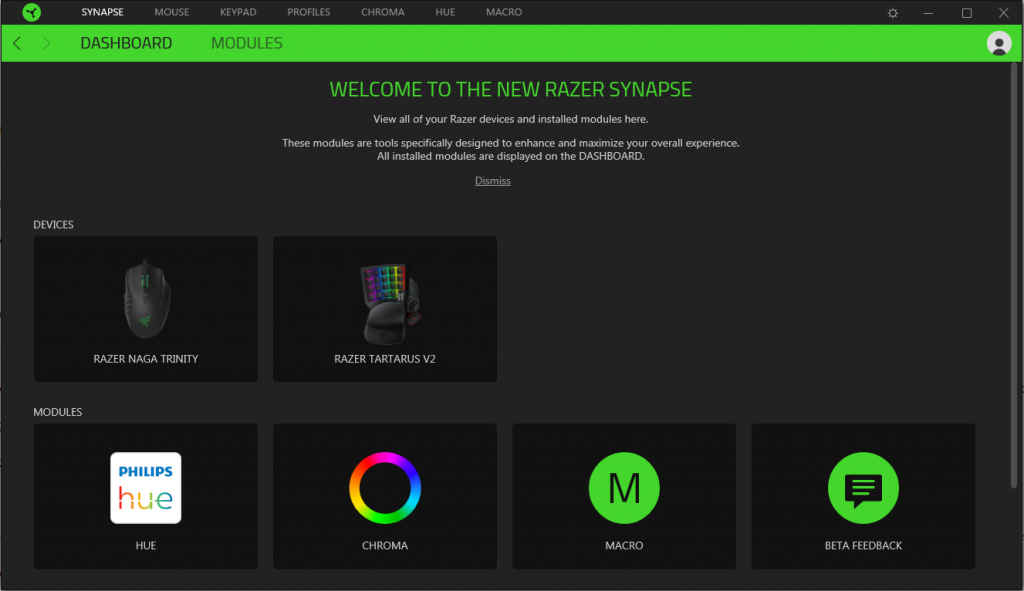
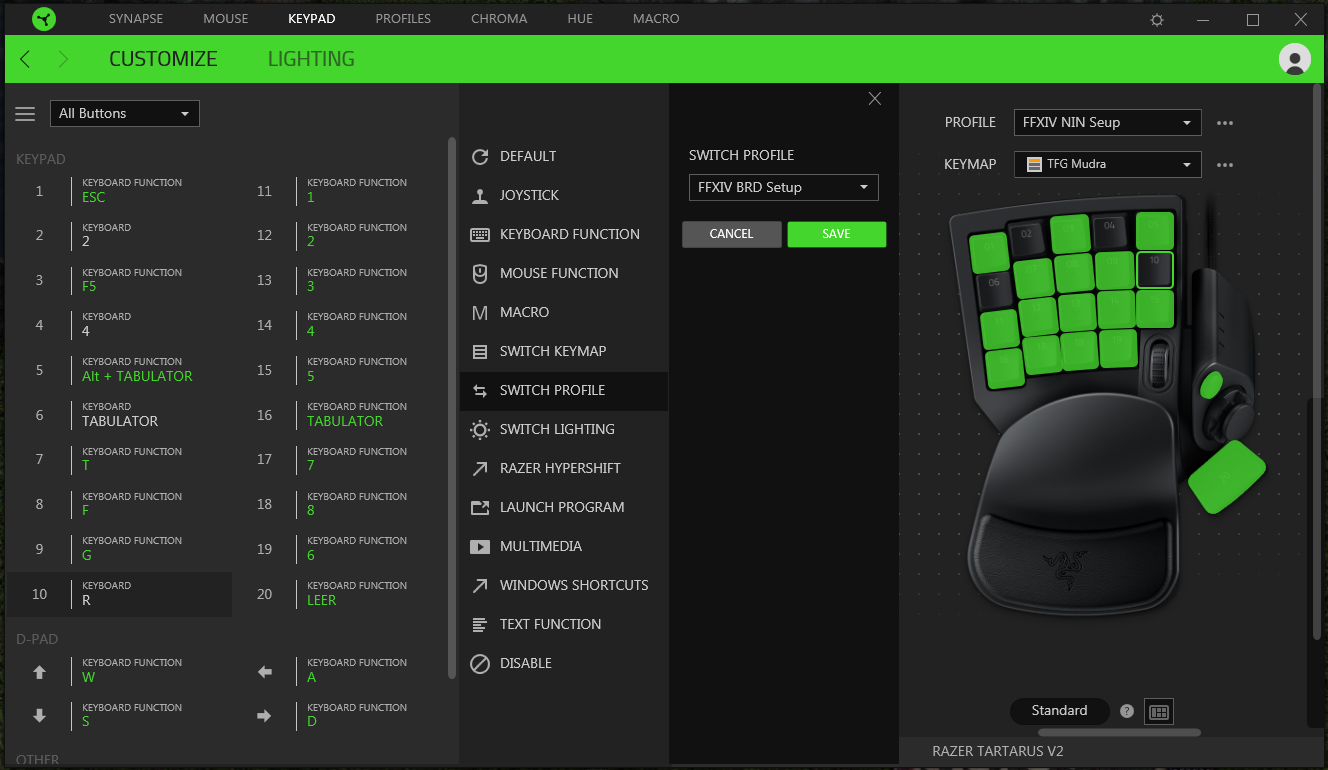
The customization options are extraordinarily diverse. The keys can be set up to take over various functions of the mouse, keyboard, or controller.
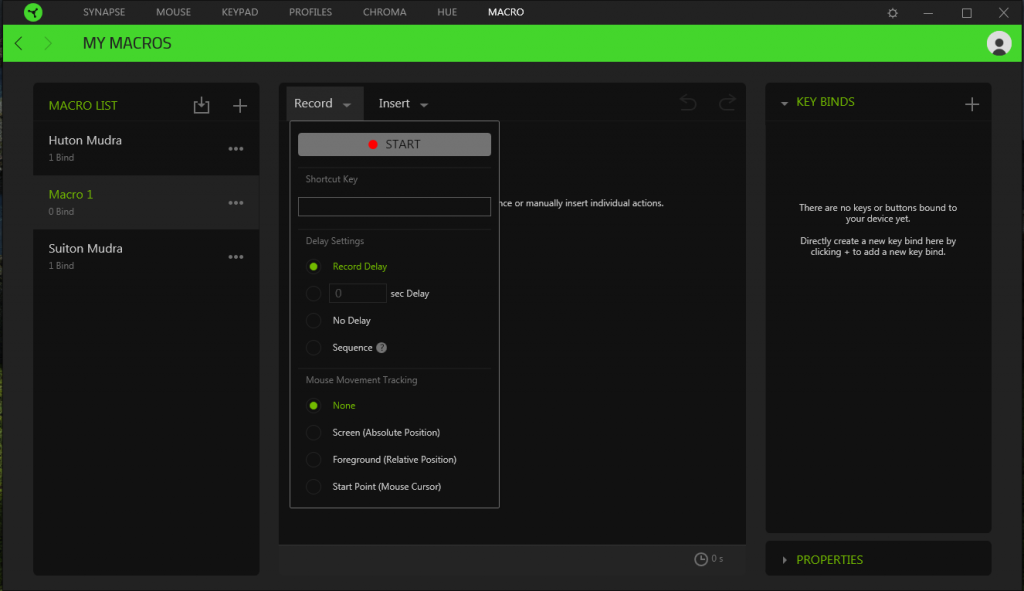
Creating complex macros is also simple and flexible; one just needs to record the desired key combination.
Then, for example, you can adjust the seconds between key presses to the third decimal place to achieve the perfect timing.
The macros are stored centrally and can also be used on other Razer devices if needed.
The main advantage of this over normal keyboards is that keyboards can perform multiple functions per key within games.
The keypad is completely separate from this and can be programmed however you want, without fearing accidentally overriding or duplicating another function.
There is an option to save several different sets of key assignments and rotate them as desired, which is very handy if you play multiple classes or have decided to use the Tartarus for other games.
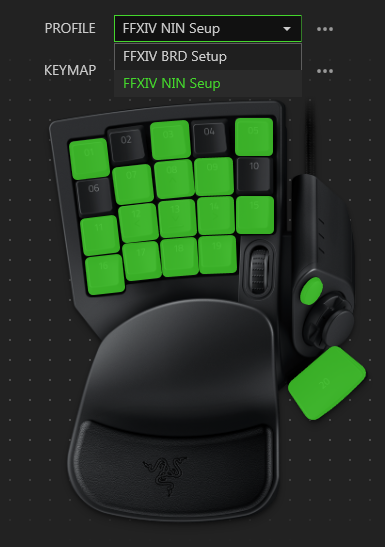
The various setups are saved in your own Razer profile and are not lost if you need to format your PC.
This also means that the Tartarus immediately loses all its functions if Synapse ever fails.
To be good, one must suffer
If you think about raiding at a high level in MMORPGs, then you should master your class well enough that the rotations come easily without having to check if you are pressing the right key.
Muscle memory is extremely important for this, which has been trained over years by MMORPG raiders with other devices. Accordingly, the learning curve for properly using the Tartarus is extremely steep.
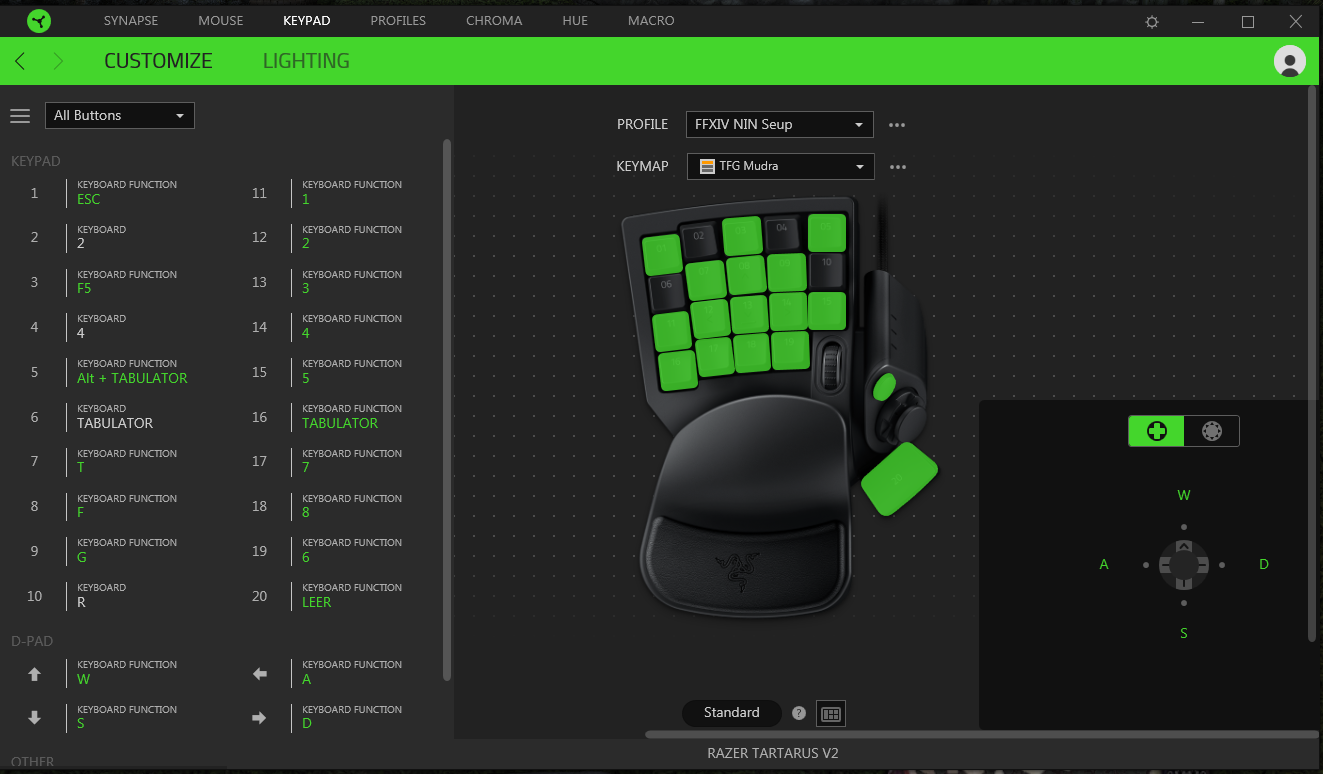
One of the reasons for this is the thumbstick, which you use instead of WSAD for movement. This frees up additional fingers to press other keys during movement.
However, the years of using WSAD by many PC gamers (myself included) have embedded this control into their DNA.
Other aspects, such as the distance between the keys, are also quite unfamiliar. You often notice the adjustment when buying a new keyboard; with the Tartarus, it is even more challenging.
Because the keys are arranged in a straight grid and not slightly offset like on a normal keyboard, it is difficult to discern where you are by touch alone.
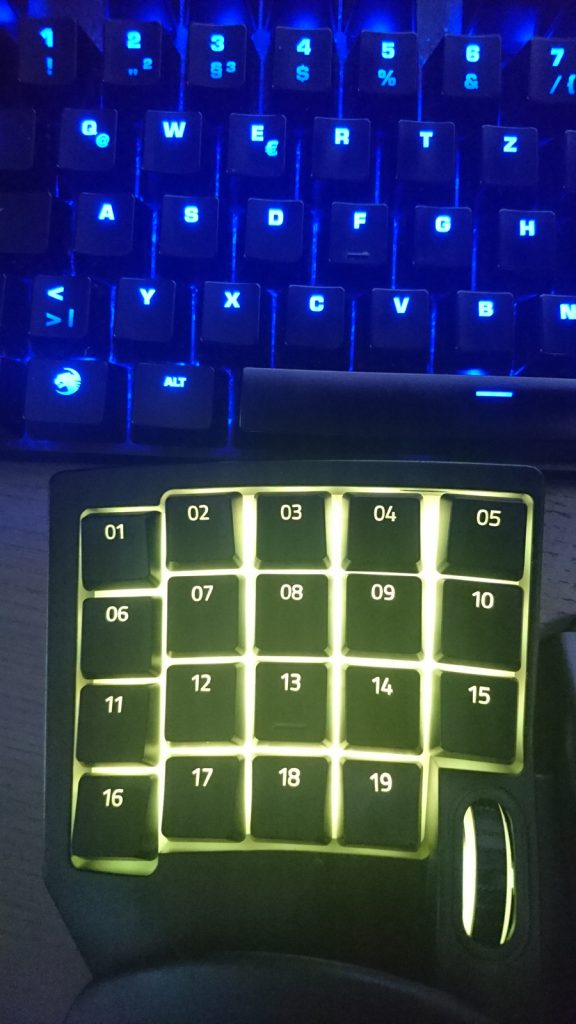
Additionally, the wrist rest is very stiff: You cannot position your hand differently to be closer to certain keys, for example.
Accordingly, I stood in front of a training dummy in the MMORPG Final Fantasy XIV and mercilessly beat it for the next two hours to get a feel for the distance between the keys and the new rhythm of rotation.
It took me several days of testing and training in normal dungeons before I felt comfortable enough to enter a proper Savage raid with the Tartarus.
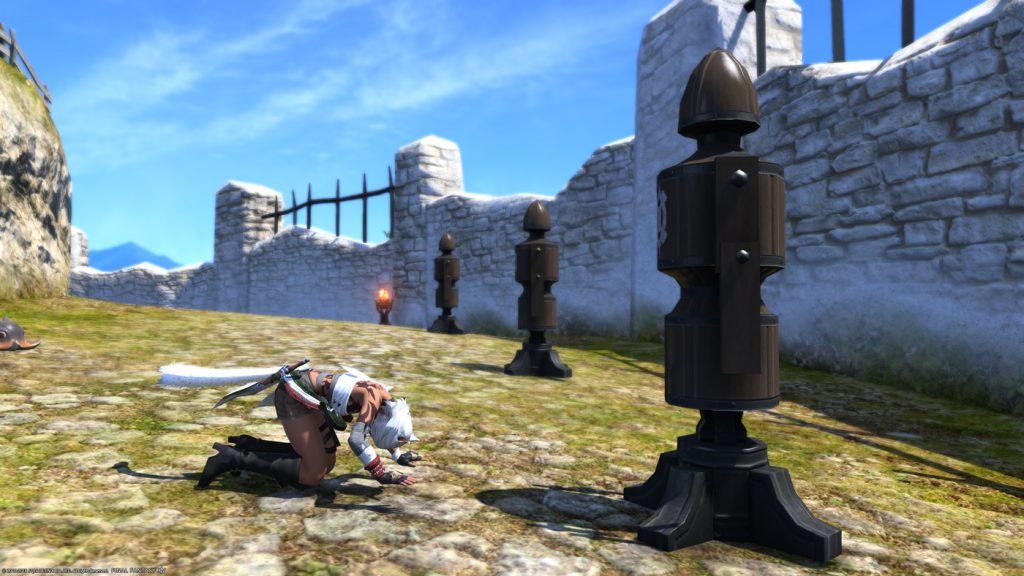
Switching from a normal keyboard to a keypad is initially difficult
You should definitely expect that your performance in the raid will initially suck because the old reflexes for WSAD control cannot be easily eradicated.
However, once it starts to improve, the difference is really noticeable.
Normally, silly RNG situations in the raid are unavoidable, and if the boss forces you to skip one or even two global cooldowns because you have to dodge an attack with WSAD, it results in a DPS loss that could cost the group the kill.
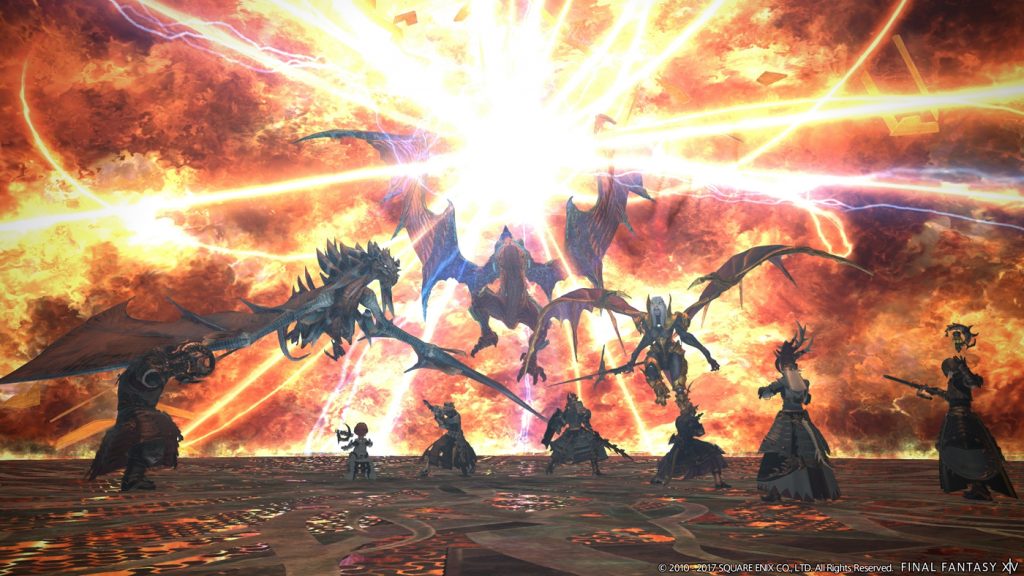
Thanks to the thumbstick, these situations no longer occur because you now have enough fingers free to operate other keys at the same time. And that’s just one example of how the functions of the Tartarus can make your life easier in a raid.
Basically, it is a really cool toy that rewards the player if they engage with it properly.
When size becomes important
Unfortunately, and this was a major disadvantage for me, the Tartarus is by no means as comfortable as it could be.
The wrist rest is only minimally adjustable, and you can only reach the first row of keys comfortably if you have fairly long fingers.
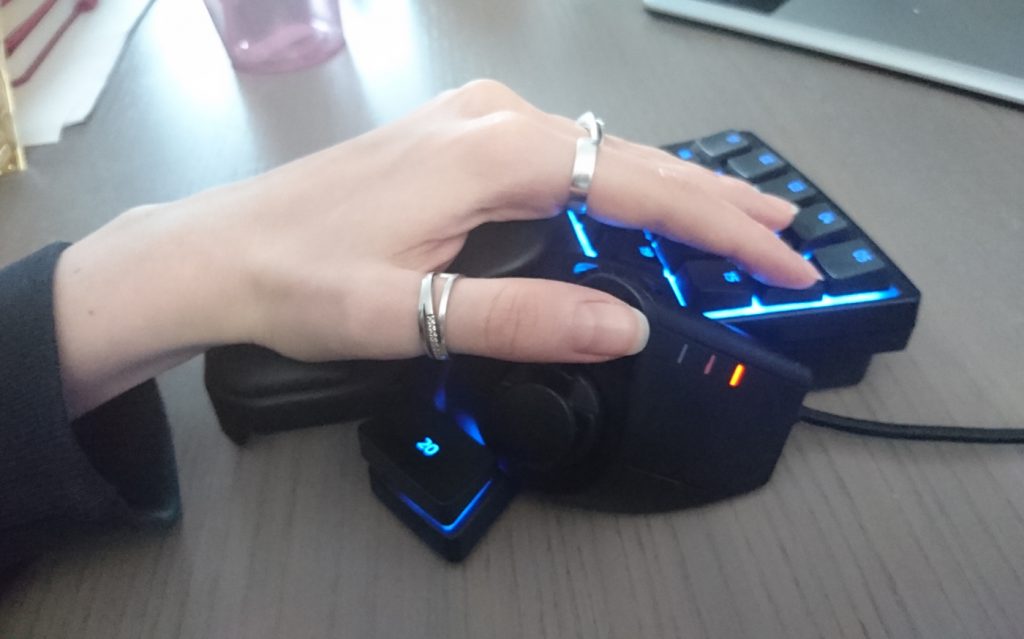
And since I am a small person with small hands, the long-term use of the Tartarus became a problem for me. It actually got to the point where I felt pain in my joint because my hand was continuously tense instead of relaxing.
While short 20-30 minute runs with breaks are not problematic, when you are actually engaged in the high-end raiding scene of MMORPGs, long raid sessions of 6 to 16 hours are common.
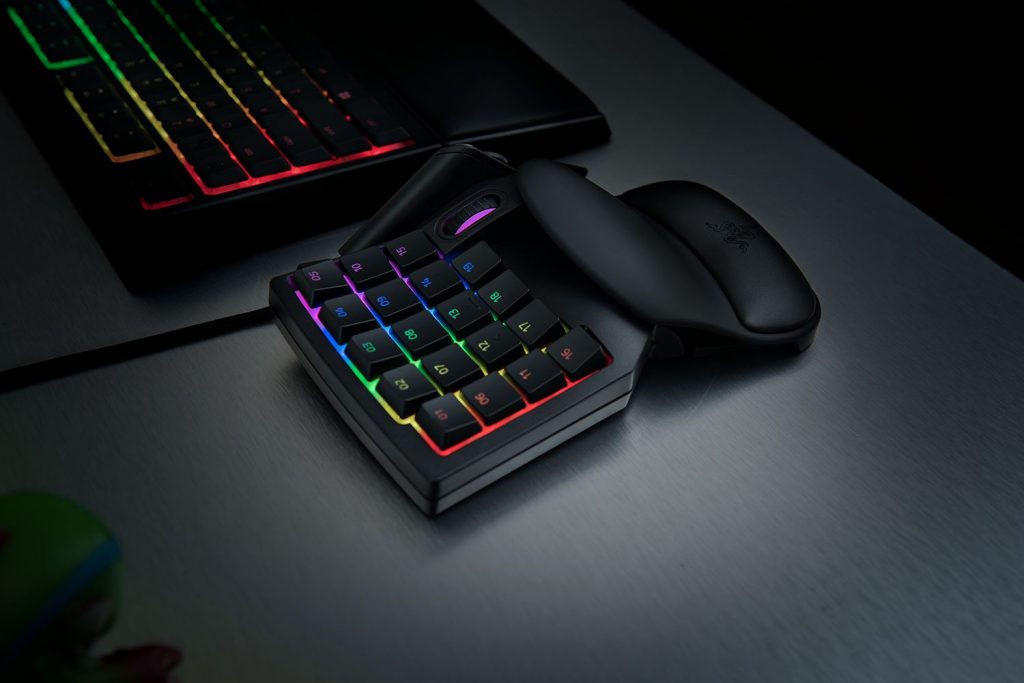
If you are unsure whether the Tartarus fits you in terms of size, I would recommend testing it in an electronics store before buying. Comfort is a factor that should definitely not be neglected.
However, if it fits, it surpasses the comfort of normal keyboards by a large margin because the wrist rest feels pleasant and the wrist is relaxed.
Conclusion: Tartarus V2 in MMORPG Test
Basically, the usage factor of the Tartarus in gaming is mainly limited to MMORPGs, which does not mean it cannot be useful in other genres.
Nevertheless, I think the keypad can truly shine with all its features in an MMORPG.
It combines the thumbstick of a controller with the flexible and diverse key mapping of a keyboard and has no other functions outside of the game unless you want it to.
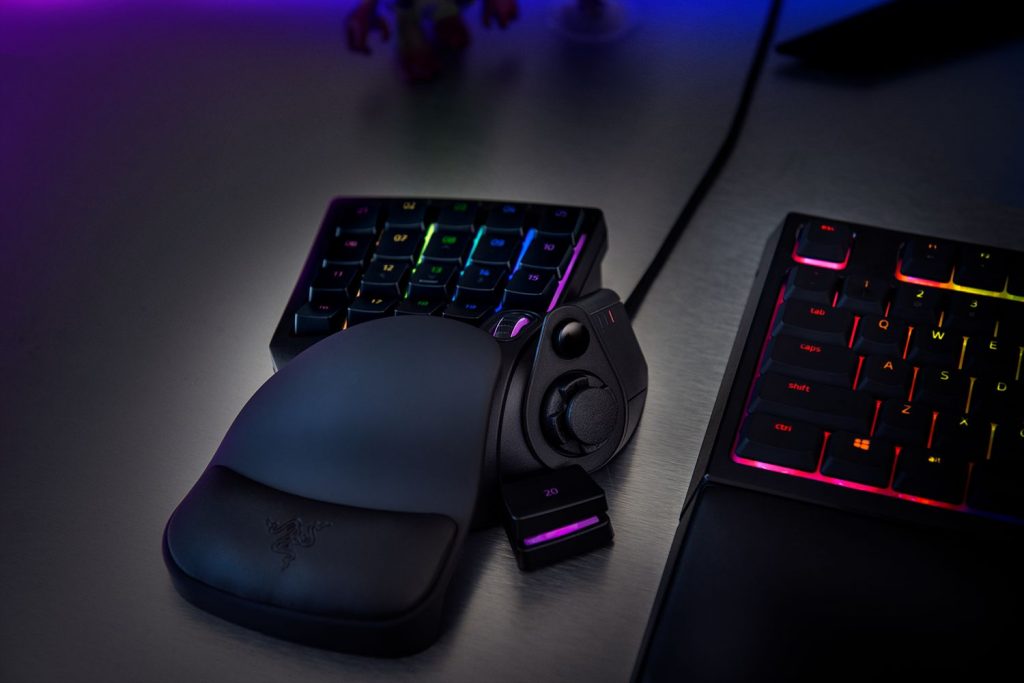
However, the full potential of the keypad can only be realized if one is willing to invest a lot of time to program it and get used to the unusual control.
Once you learn how to handle the Tartarus, the effort pays off with flexible and comfortable control and is also cheaper than, for example, the Orb Weaver.
Whether the price of around €100 for a non-mechanical keypad is justified should be decided by each individual.
| Advantages | Disadvantages |
| Easy installation and operation | Not mechanical |
| Extremely versatile use of key mapping | Very steep learning curve |
| Good for “high-end raiding” in MMORPGs | Wrist rest only minimally adjustable |
More interested in hardware?
Mein-MMO Gaming PCs as cheap as ever and featuring new Intel Coffee Lake CPUs

Your opinion is important to us!
Do you like the article? Then let us know!