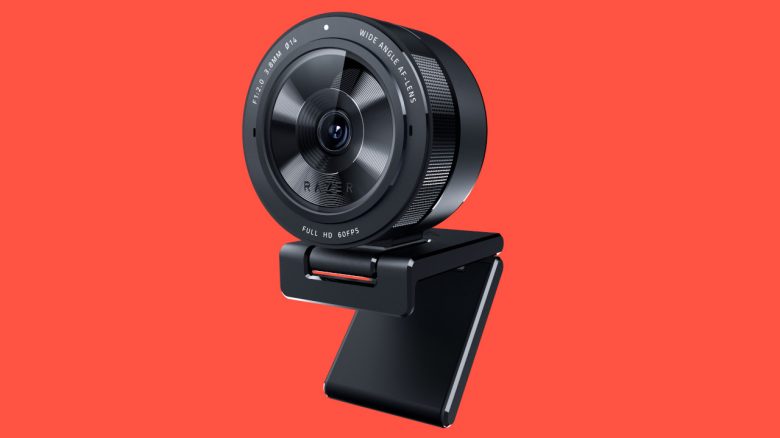
With the Kiyo Pro, Razer expands its portfolio for gamers and office work. The webcam costs around 200 Euros and delivers 60 FPS at Full HD. MeinMMO explains who should take a look at the new hardware and what the competition offers.
This is what it’s about: After Razer introduced a mouse for shooter players and a mouse for MMO players, a webcam for gamers and streamers follows. For a price of 200 Euros, you get a Full HD webcam with high frame rates.
MeinMMO introduces you to Razer’s new webcam and explains which competitors are available for the same price. Here, Logitech already offers a good device.
Razer’s new webcam targets gamers and streamers
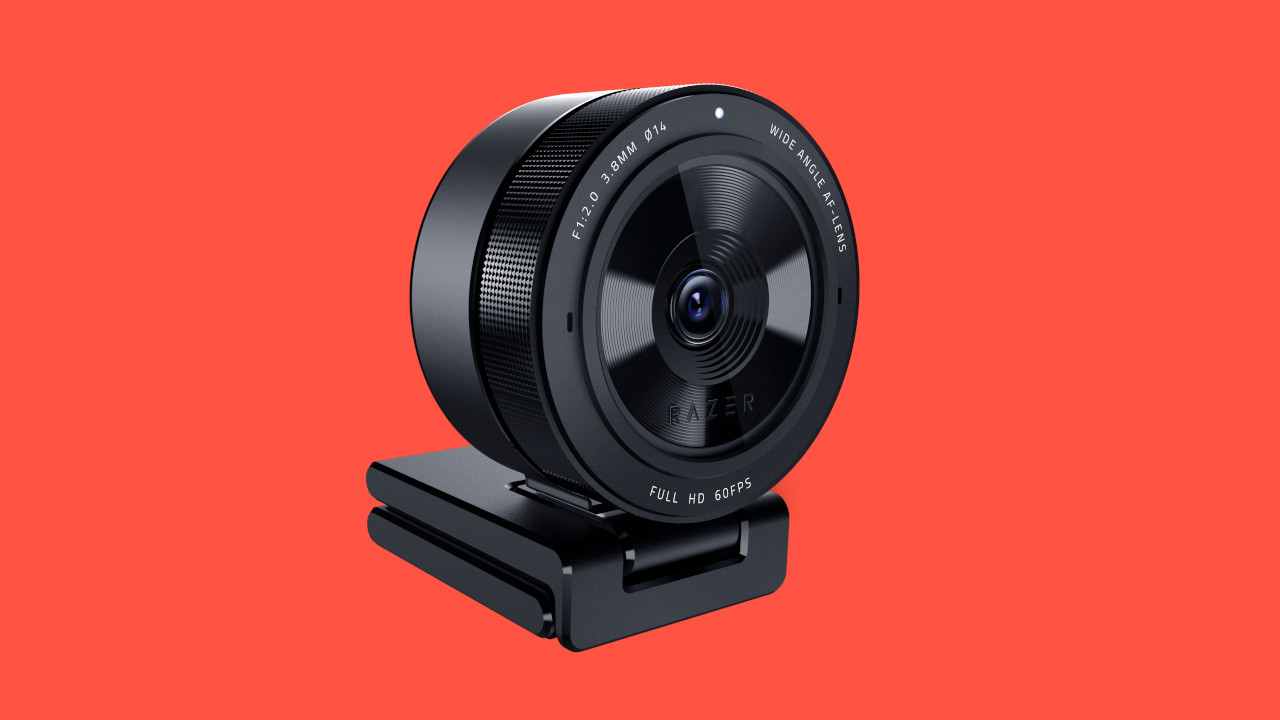
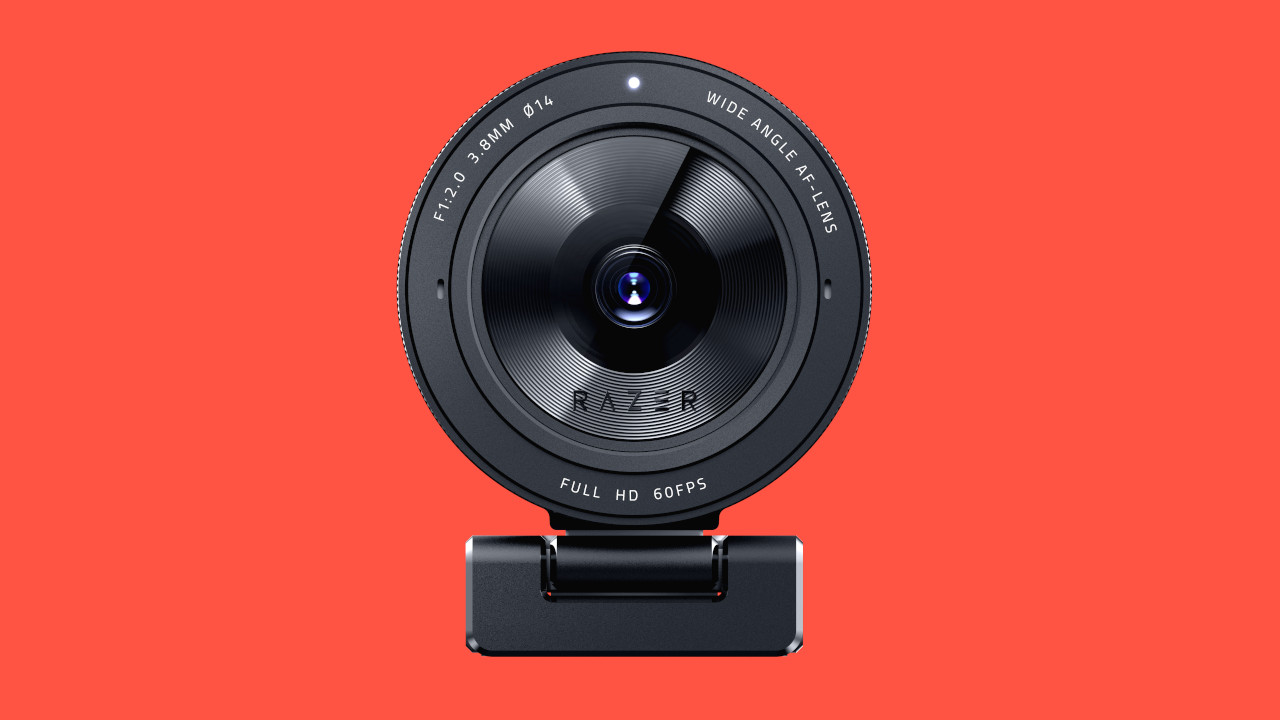
What can the webcam do? The camera comes with a Full HD sensor (1080p) that achieves 60 frames per second (FPS). Additionally, the webcam offers three different field of views: 103°, 90°, and 80°.
- The 103° view is particularly suitable for video conferences or wide shots in a live stream.
- The 80° view is ideally suited for portrait views or gaming streams, as the focus is on the user’s face.
If you want to change the field of view, you need Razer’s Synapse software for that. Since the software is not available on Macintosh, you cannot change the angle on a Mac. The camera itself relies on USB 3 and should work seamlessly with all computers.
The ring light, which Razer had installed in the standard Kiyo, has been omitted here. According to Razer, the Kiyo Pro does not need it anymore, as the installed technology provides enough performance to deliver a good image even in poor lighting conditions.

What testers say about the Razer Kiyo Pro webcam
The webcam has been available since February 23, 2021, and there are already some tests and reviews of the manufacturer’s new camera. We looked at the review from the YouTube channel KitGuruTech and the magazine ComputerBild.
KitGuruTech: Good image quality for 200 Euros
On YouTube, the channel KitGuruTech has already tested the webcam. KitGuruTech is a hardware and tech channel on YouTube with currently 125,000 subscribers and has been active on YouTube for nearly 11 years.
What does the tester say about the Kiyo Pro? In his video, the tester first addresses the setup and build quality. Then Andrew from KitGuruTech compares the Razer Kiyo Pro with the Logitech C920 and the AverMedia PW313.
Do you want to see the three webcams in direct comparison? We have embedded KitGuru’s video for you. The video starts at 7:30, where you can directly see the differences.
KitGuru recommends the Razer webcam. This is due to the high image quality, which can be further improved with HDR. The settings in the software are extensive but easy to configure. The downside is the weak autofocus and the very large design.
ComputerBild: Good image and reasonable sound
What does the tester say about the Kiyo Pro? ComputerBild has also tested the new webcam.
In the practical test, the testers praise the extensive and easy-to-use software. Especially with the basic settings, the recordings come out very dark. Here, a lot can be improved thanks to the software. ComputerBild also criticizes the missing light ring, which the smaller model still has.
Surprisingly, the internally installed microphone also performs positively. It offers decent recording quality, even if the voices sound a bit thin. This is sufficient for home office use, while others should invest in a better microphone.
If you are looking for a recommendable microphone, check out our guide on gaming headsets. Here we also present the best microphones you can buy.
Razer Kiyo Pro: Release, price and availability
What is the price of the Razer Kiyo Pro? The price for the new webcam is €209.99, targeting players who are willing to spend more money.
When can you buy Razer’s Kiyo Pro? Since February 23, 2021, you can order the new webcam directly from Razer. You can also pre-order the camera on Amazon.
For whom is the new webcam suitable? If you regularly need a good camera, require high-quality image for video conferences, or are a professional streamer, then investing around 200 Euros is worthwhile.
If you only need an image for your home office without high demands or are more of a casual gamer, then the starting price of the webcam is quite high. In this case, it is worth considering the cheaper Razer Kiyo, which costs around 100 Euros.
| Preview | Product | Rating | Price | |
|---|---|---|---|---|
|
Razer Kiyo Pro Streaming Webcam: Full HD 1080p 60fps - Adaptiver Lichtsensor - HDR-fähig -... | Zu Amazon |
*Affiliate-Links. Wir erhalten bei einem Kauf eine kleine Provision von Amazon. Vielen Dank für Eure Unterstützung!
Technical details of the Kiyo Pro at a glance:
| Connection type | USB 3.0 |
| Video resolution | 1080p at 60/30/24FPS / 720p at 60FPS / 480p at 30FPS / 360p at 30FPS |
| Video encoding | H.264 Codec |
| Standard resolution | 1920×1080 (Full HD) |
| Field of view | 103°, 90° or 80° |
| Focus type | Automatic |
| Cable length | 1.5 meters |
| Price | €209.99 |
Razer Kiyo Pro: These alternatives exist
This is Razer’s in-house competition: Razer already has the Kiyo, the entry-level model of the Kiyo Pro. However, this only offers HD video (720p) at 60 FPS, unlike the Pro version. The Kiyo also relies on a ring light that is supposed to illuminate the user better. At around 100 Euros, this webcam costs about half of the now presented Pro model.
| Preview | Product | Rating | Price | |
|---|---|---|---|---|
|
|
Razer Kiyo Pro Streaming Webcam: Full HD 1080p 60fps - Adaptiver Lichtsensor - HDR-fähig -... | Zu Amazon |
*Affiliate-Links. Wir erhalten bei einem Kauf eine kleine Provision von Amazon. Vielen Dank für Eure Unterstützung!
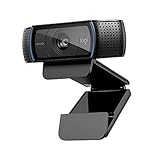
What does the competition offer? Logitech’s HD Pro C920 is also priced around 100 Euros like the standard Kiyo model and is one of the most popular webcams. It delivers good image quality and, like the Kiyo, only offers HD resolution (720p). For occasional video conferences, most users should find that adequate.
| Preview | Product | Rating | Price | |
|---|---|---|---|---|
|
Logitech C920 HD PRO Webcam, Full-HD 1080p, 78° Sichtfeld, Autofokus, Klarer Stereo-Sound,... | Zu Amazon |
*Affiliate-Links. Wir erhalten bei einem Kauf eine kleine Provision von Amazon. Vielen Dank für Eure Unterstützung!
In the price range of around 200 Euros, Logitech offers the Brio ULTRA-HD PRO webcam. This provides the same settings as the Kiyo Pro and even offers 4K resolution at 30 frames per second.
This webcam is used by many well-known streamers like Ninja or Tfue on Twitch (via Prosettings.com) and provides extensive settings, being compatible with USB 2.0 and USB-C.
| Preview | Product | Rating | Price | |
|---|---|---|---|---|

|
Logitech Business ULTRA HD PRO BUSINESS WEBCAM 4K Premium Webcam mit HDR und Windows, 13 Megapixel,... | Zu Amazon |
*Affiliate-Links. Wir erhalten bei einem Kauf eine kleine Provision von Amazon. Vielen Dank für Eure Unterstützung!
Logitech therefore generally offers the higher resolution image sensor in the 200-Euro segment. For online calls, however, a 4K resolution may burden the internet connection too much, and Full HD should be completely sufficient. Razer’s webcam also offers more configuration options for the camera angle.
Further recommendations for streamers: Here we present you 5 things for streamers that you should buy if you want to stream actively or are interested in good equipment. In the article, you will find both webcams and microphones as well as devices for the right lighting.