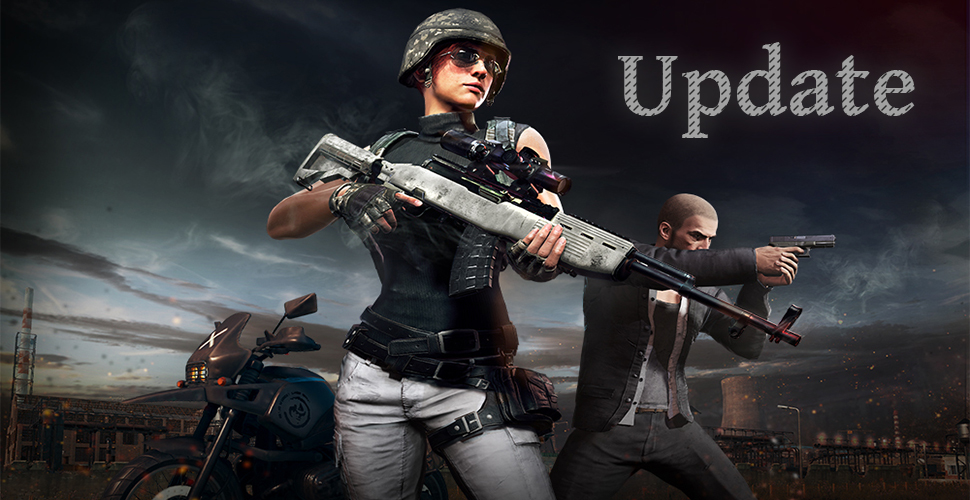
The new update of PUBG (PlayerUnknown’s Battlegrounds) is supposed to address an issue with the loading screen. Players are now entering the new season.
Last night from February 27th to 28th, PUBG was unavailable during maintenance. A new patch is now available for PC players to download. This update is meant to fix an annoying bug that prevented players from playing.
PUBG Update from February 28th
The new update is only a few MB in size, making it quick to download. According to PUBG support, the patch is intended to resolve the issue of endless loading screens. This problem had been present in the game for a while and occasionally caused players to be kicked from matches or unable to join them at all.
New season started
The rankings of PlayerUnknown’s Battlegrounds were reset last night from February 26th to 27th. After the maintenance of the new update was completed, the new ranked season of the battle royale shooter commenced today on February 28th.

Now you can compete for the top spots on the leaderboards again and measure yourself against other chicken dinner hunters. At the end of March, the leaderboard will likely be reset again so that the showdown can begin anew.
PUBG not starting – Update issues
Since this new update, some players have been experiencing issues logging into the game. Even in our comments, players are reporting that after the update, another update is required for them to be able to play PUBG.
A guaranteed solution for these issues is currently unknown. Some players found that verifying the game files for errors helped. This is a feature provided by Steam.
Check PUBG for errors on Steam
- Go to your game library in Steam
- Right-click on PUBG and select Properties
- Under the “Local Files” tab, there is an option to “Verify integrity of game files”
- This process may take some time
The developers of PUBG are also looking for the issue.
The drop chances for the cosmetic items in the new loot boxes in PUBG are that low