

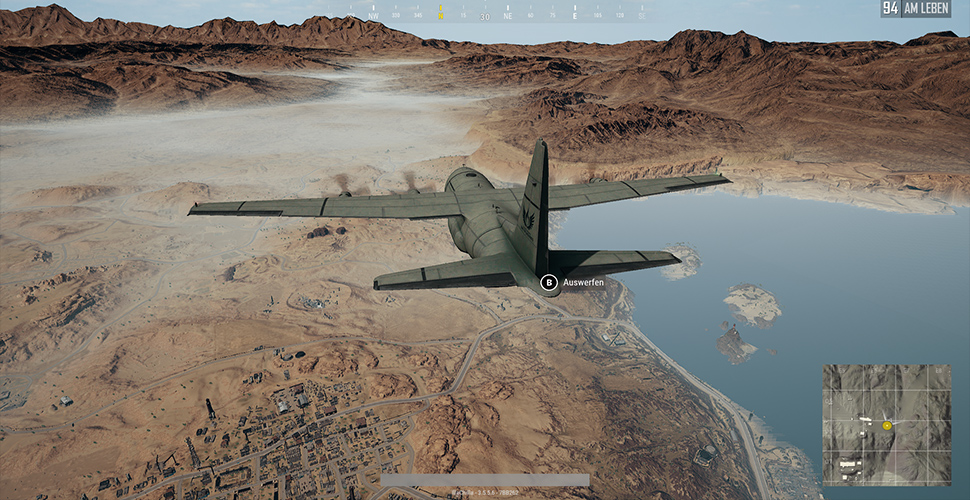
Until an option for map selection in PUBG (PlayerUnknown’s Battlegrounds) is implemented, players are tricking the shooter.

During the early access phase, PUBG only had the Erangel map. Every match took place on the same map until most players knew every spot there. Just before the release of version 1.0 in December, the developers released the desert map “Miramar” on the test servers. Players eager for a change of scenery stormed the servers and frolicked in the large sand map.
However, after just about a month, the enthusiasm for the desert map is declining, and players prefer the green Erangel map.
No map selection? No problem!
When registering for a match in PUBG, players are automatically assigned either the Erangel map or the new Miramar map. The developers have already confirmed that a feature will be implemented where players can choose a map before starting a match. However, this feature is still awaited, and many players are no longer willing to leave their map choice to chance.
Some simply do not like the new map and want to stick with the familiar Erangel map with its houses and fields. However, the automatic map selection sometimes favors the desert map too much, frequently sending players there. This annoys players who did not want a new map at all.
As a solution, they simply remove the relevant map data from the game’s installation directory. Because if there is no Miramar file, you can’t get to the desert map. What seems at first glance to be a “This is much too easy, there’s no way this could work”-solution actually works.
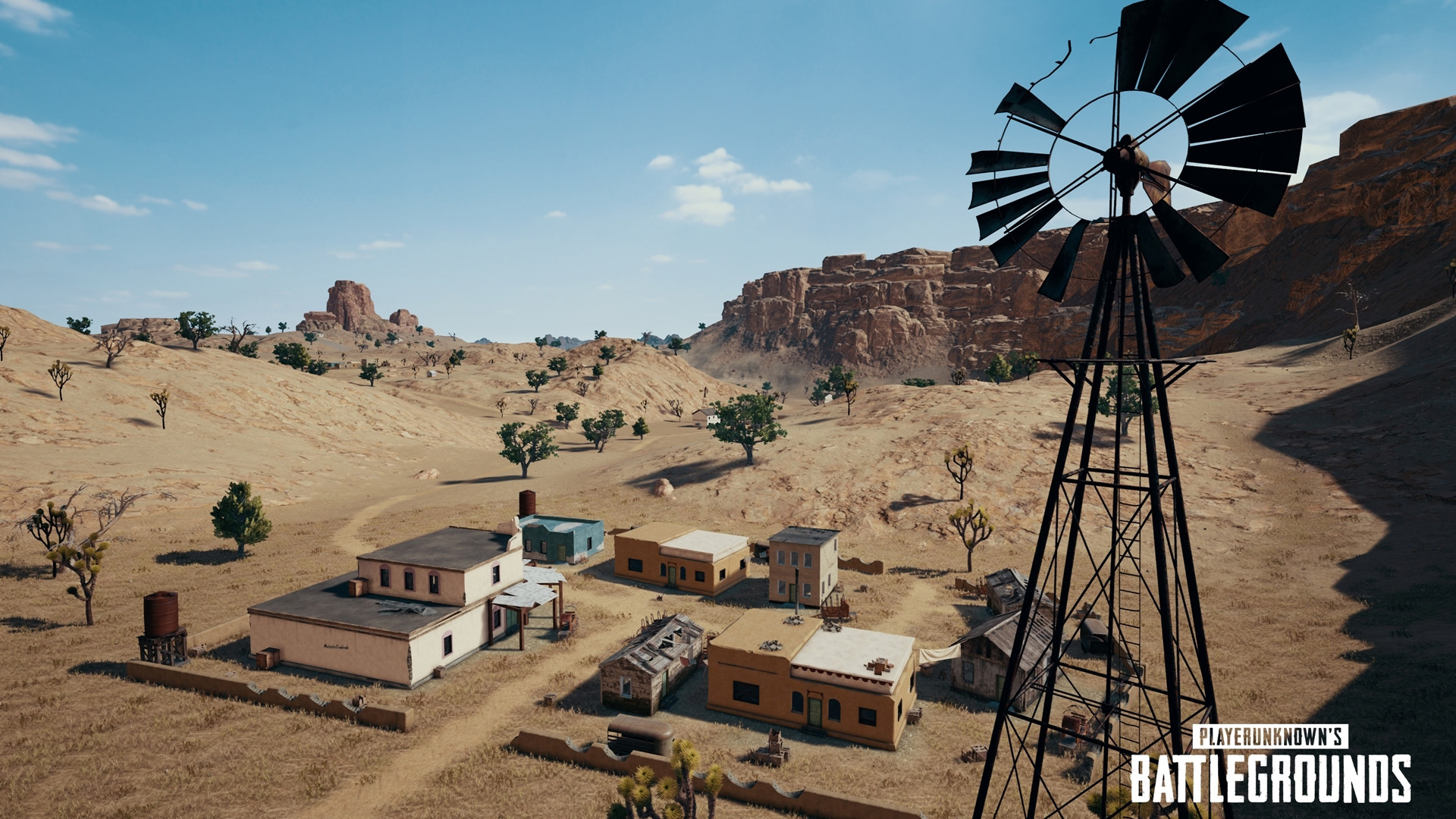
A discussion about this is taking place on Reddit, where players present their solutions to bypass the Miramar map. The most common workaround involves either completely deleting the map data or simply renaming it.
Control PUBG map selection yourself
After making the changes to the installation directory, you start your game as usual. If randomness then determines that Miramar is the selected map for you, you simply fly back to the lobby.
This solution is not elegant, but it saves a few seconds of loading screen before you would manually leave the game otherwise.
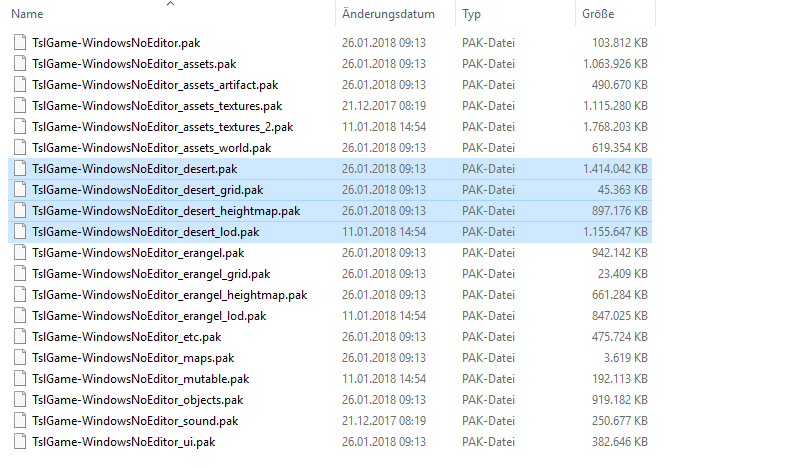
The map data is installed in your Steam folder. Navigate to “Steamapps”, “common”, “PUBG”, “TslGame”, “Content”, “Paks”. In this folder, you will find four files with a “.pak” extension and “Desert” in the name. You can rename, delete or move these to remove the map from the selection. After restarting PUBG, you should no longer start on the Miramar map.
Is that too cumbersome? No problem. Reddit user CodexFive has created an app that takes care of the process for you. His PUBG Map Chooser is available here on Github.com
Interfering with game files always carries a certain risk, which is why there is this “Try at your own risk” warning.
Warning! Bluehole has since confirmed that tampering with game files in light of the new anti-cheat measures is not allowed and may result in a ban. So it’s better to avoid it!
Recently, the developers themselves tricked by achieving greater performance with this minor change

Your opinion is important to us!
Do you like the article? Then let us know!