

PUBG (PlayerUnknown’s Battlegrounds) as a mobile version for iOS and Android is actually only available in China, but with these tricks, you can also play it in Germany.

Last week, the first mobile versions of PlayerUnknown’s Battlegrounds went live in China. Both mobile-PUBG are free-to-play and are really good.
If you are not afraid of a little technical preparation, you can now play PUBG on your smartphone anywhere in the world.
But don’t worry, with our guides, we will take you by the hand. The installation should not be a problem.
Download PUBG for iOS or Android
Actually, the mobile version of PUBG is only available for the Chinese app stores, but with a little trickery, you can gain access. The US site Rolling Stone has explained how to get access.
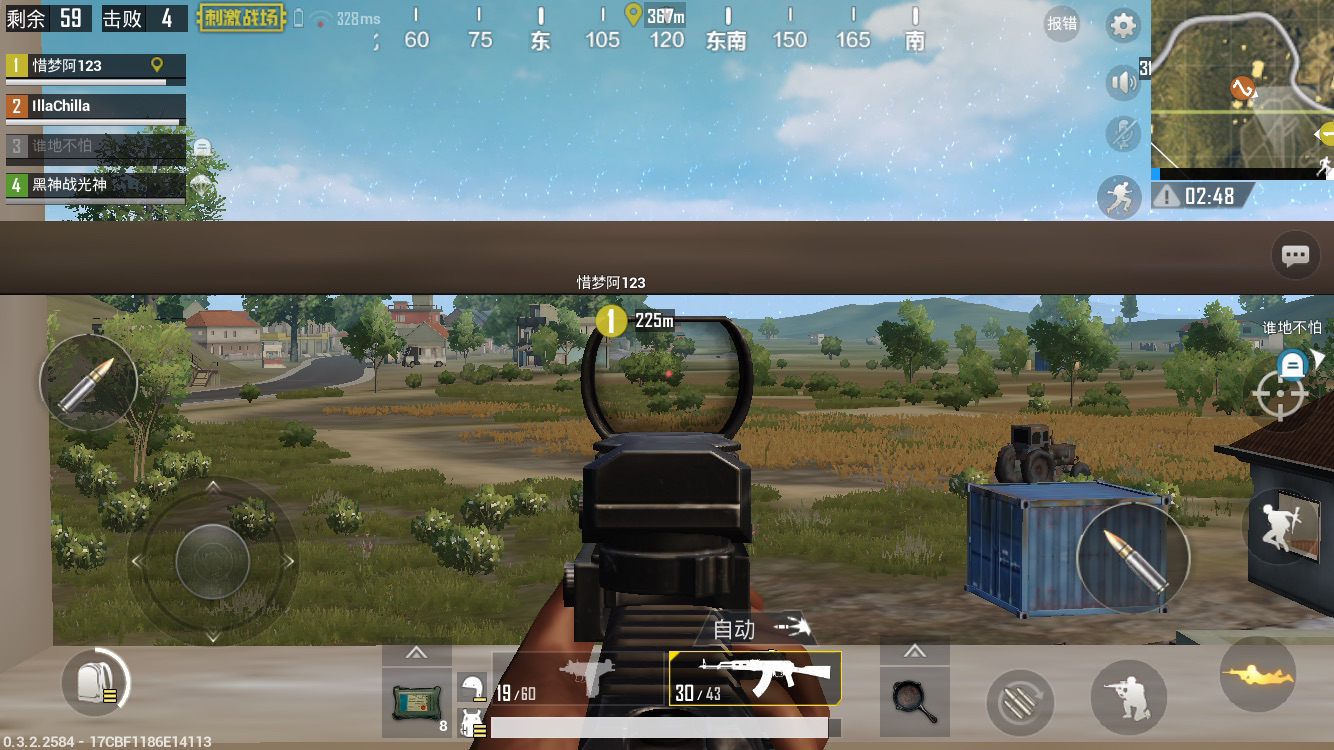
Android
- Android installation of PUBG
- To get the Android version of PUBG, you first need to download the TapTap app store and search for PUBG there.
- There you will find PUBG: Army Attack and PUBG: Exhilarating Battlefield.
- PUBG: Army Attack is a modified version of the original game
- PUBG: Exhilarating Battlefield is practically a recreation
- After you have downloaded a game, you need to sign in there. We will explain the signup process with QQ further down in the article.
iOS
- iOS installation of PUBG
- For iOS users, the installation is a bit more complicated than for Android users. Here you first need to create a Chinese account for the iTunes store.
- Log out of your actual account if you have one.
- Visit the Apple ID webpage and select “Create your Apple ID”.
- Then, create a new Apple ID there, and select “China” as the country.
- Confirm the email address with the code that will be sent to you.
- Now log in to the App Store with the new Apple ID. You will be asked to complete the data during the first login.
- Enter an address (Rolling Stone recommends making one up) and select “none” as the payment method. This is the last option in the list (selected from the beginning)
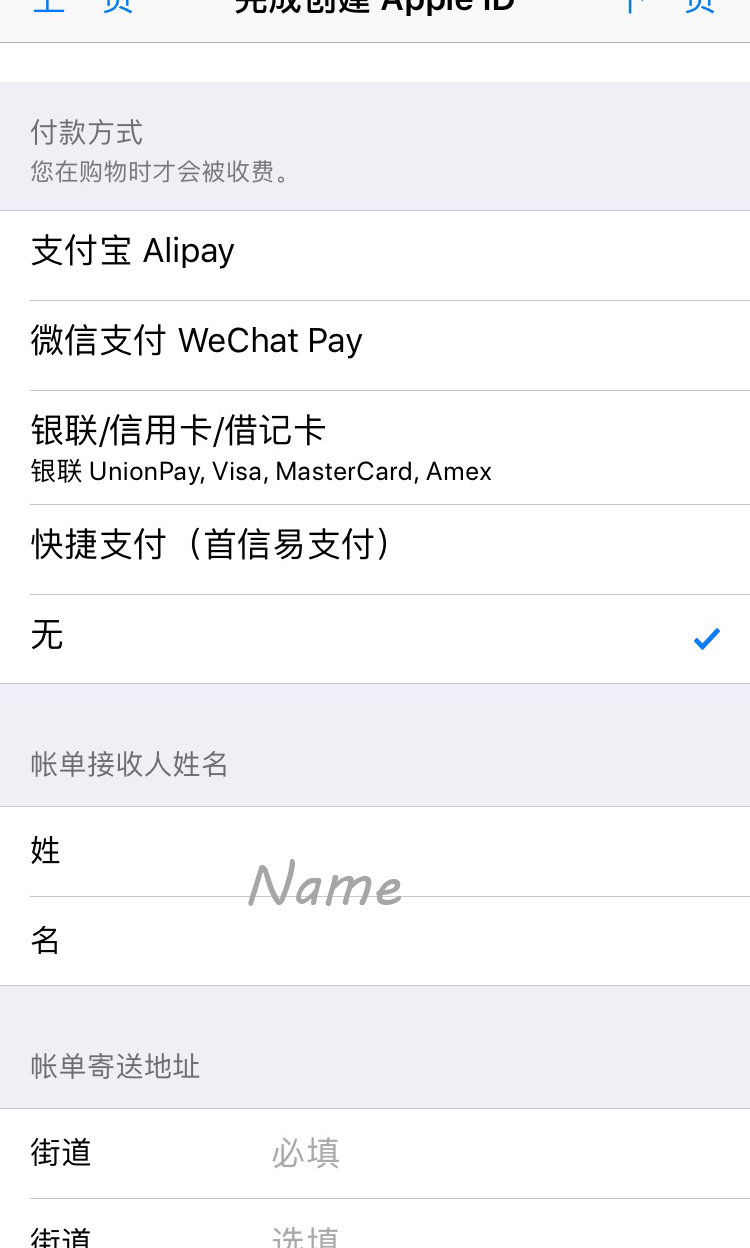
- After that, confirm the address and you can browse the App Store.
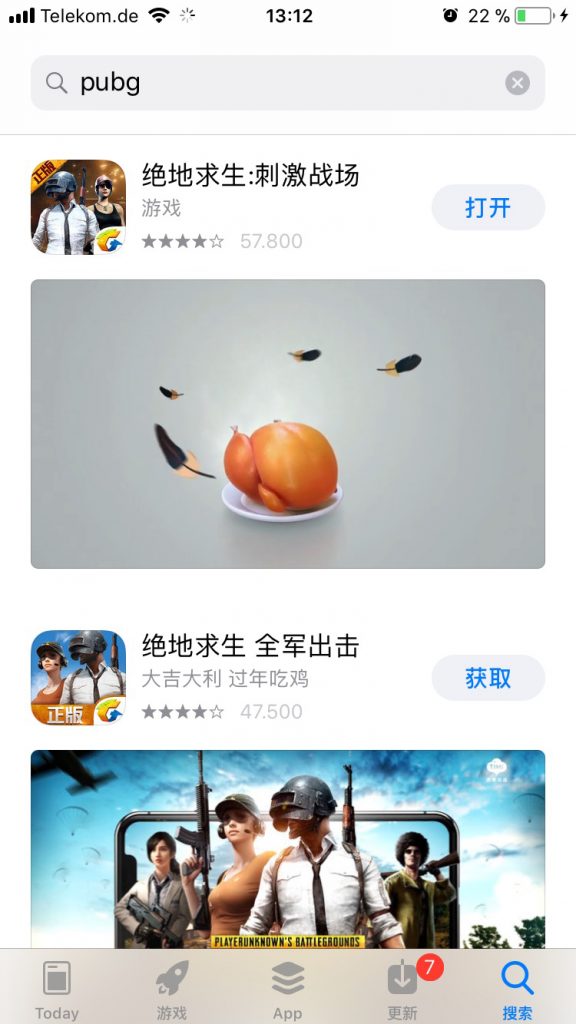
- If you now search for PUBG, both versions PUBG: Army Attack and PUBG: Exhilarating Battlefield will also appear here, which you can download.

Signing in with QQ – creating an account
Now you are almost ready to start. However, for Android and iOS, you will need an account with QQ or WeChat to start a mobile round of PUBG. We will show you how to set this up quickly.
In our test, we opted for an account with QQ.
- Go to Google and search for “Create QQ Account”.
- Click on the first result (https://ssl.zc.qq.com/)
- Sign in there with a nickname and password and have the activation code sent to your phone number.
- Now, visit the App Store again and download the QQ app.
- Launch the app and select the right (blue) button.
- You should then log in there with your phone number.
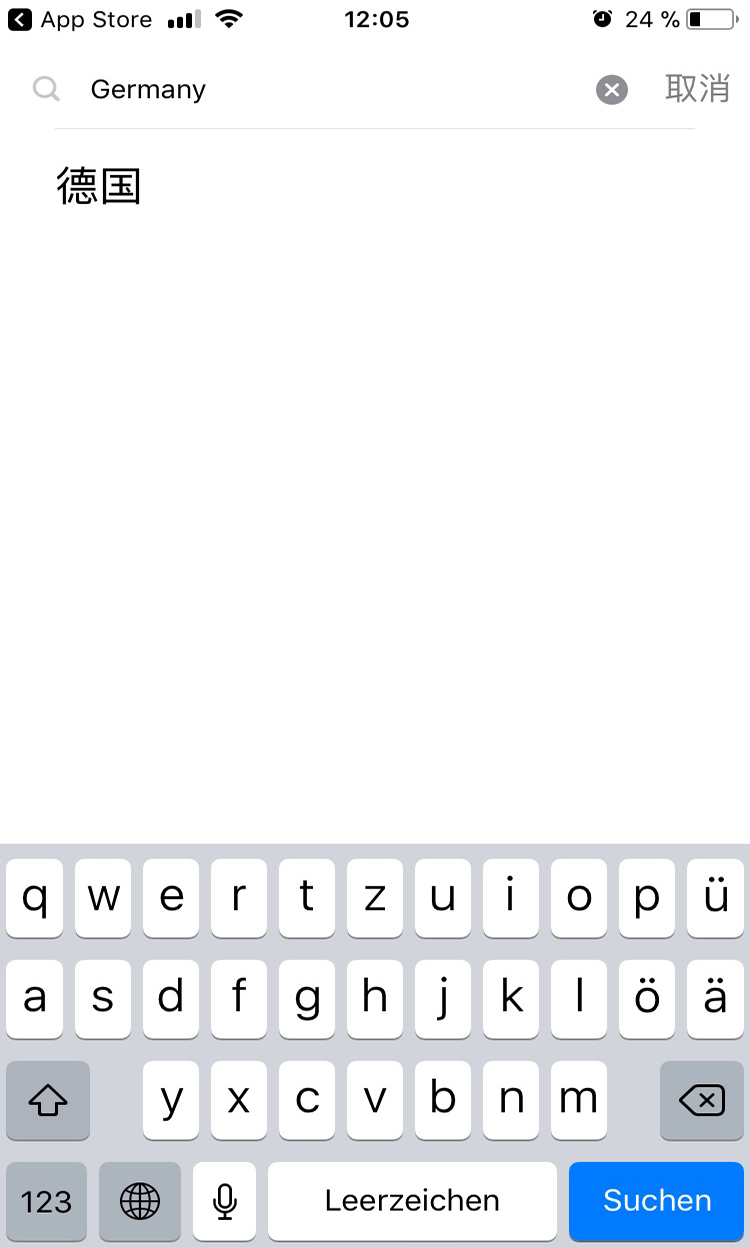
- The upper field is for entering the country. Tip: If you are unsure about Chinese characters, type “Germany” into the search bar and find a result afterward.
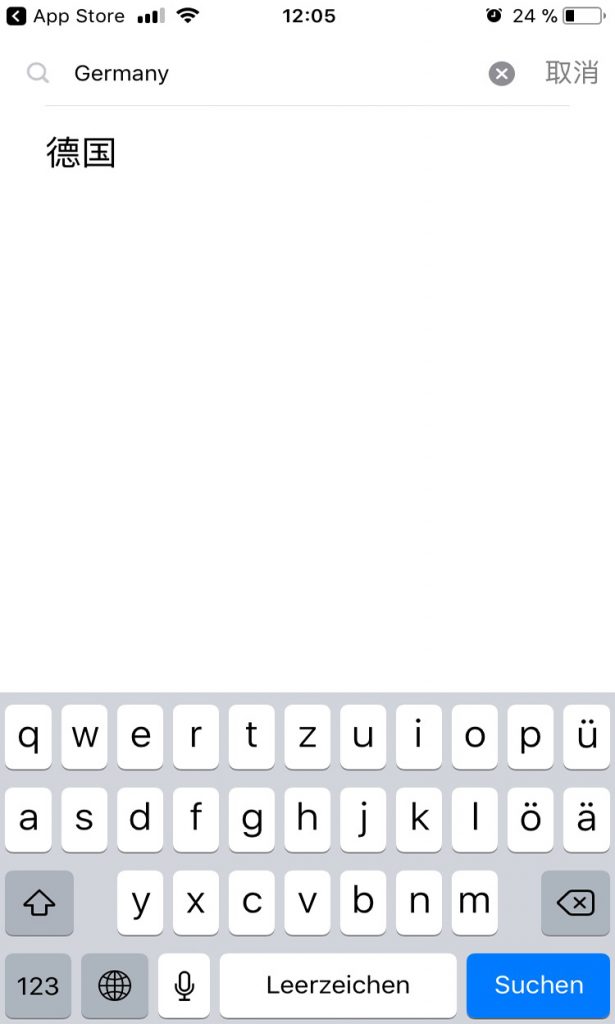
- The upper field is for entering the country. Tip: If you are unsure about Chinese characters, type “Germany” into the search bar and find a result afterward.
- Now enter your phone number (without the leading 0). So (+49) 170 123456 etc.
- You will now receive another confirmation code via SMS, which you enter in the app.
- Now two fields will appear again. One with numbers partially censored by stars and below an empty field. Enter the password you chose when creating your QQ account in the empty field.
- After you have assigned the permissions, you are finally done!
If you now start one of the downloaded games from the app store, you will be greeted on the start screen by two buttons. The right blue button stands for linking with QQ to log in. If you select this, the QQ app will open for the first time, which will ask for your confirmation (again blue button) for the PUBG login.
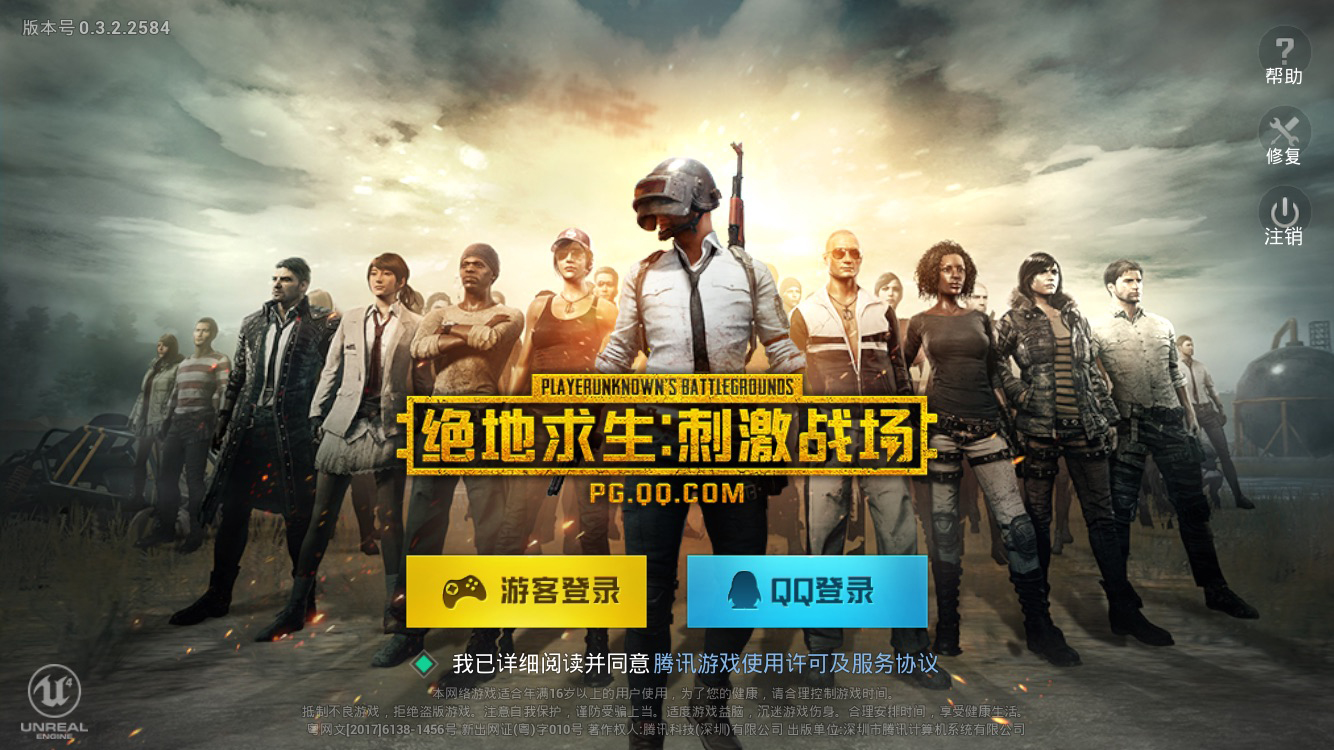
Now the game starts and you can venture into the survival adventure on your smartphone. The game is intuitive and you get used to it quickly.
In my test game, I noticed that the controls worked easier than expected. Also, the ping was not bad enough to make the match unplayable – in the first round, I managed to reach second place. Although headshots on the small heads are more of a matter of luck, the mobile version is as exciting and fun as the PC or Xbox version.
In the “big” version, they are now trying ping matchmaking to solve the cheater problem.

Your opinion is important to us!
Do you like the article? Then let us know!