

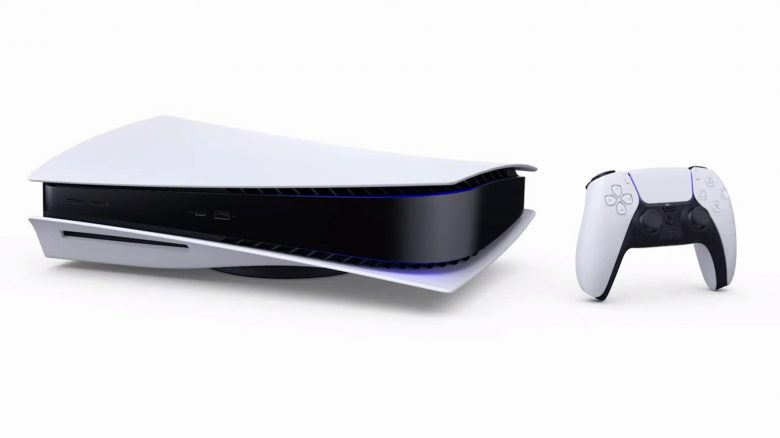
The PS5 offers various options for gaming with the Performance and Resolution modes. But what do they actually bring, and which one should I use while gaming?
On the PS5, you can choose between a Performance mode and a Resolution mode, or prioritize one mode.
MeinMMO explains what it’s all about and what advantages and disadvantages the modes offer you.
Performance mode or Resolution mode – What is it?
What is the Performance mode? The Performance mode of the PS5 prioritizes performance over graphical beauty. This means you can definitely achieve 60 frames per second (FPS). In fact, up to 120 FPS is possible.
What is the Resolution mode? The Resolution mode offers the highest possible resolution, such as a 4K resolution. However, the Resolution mode limits the frame rate on the PS5 to better depict high resolutions. The compromise is typically at half the frame rate of the Performance mode. Instead of 120 FPS, you will only get 60 FPS.
In the meantime, Sony has released a whole range of new features for the PS5. This finally includes WQHD support:
Sony is finally bringing the feature to the PS5 that I have been waiting for 2 years
Performance mode or Resolution mode – How to activate it on the PS5
Where can I find the setting on the PS5? You can find both modes in the settings of your PS5:
- Start your PlayStation 5
- Open the settings through the main menu of the PS5. Select the tab: “Saved Data and Game/App Settings”
- Go to the menu and select “Game Presets”
- When selecting “Performance mode or Resolution mode,” choose the appropriate mode.
Before you activate one of the modes, you should consider that there are two things you need to keep in mind if you want to use the Performance mode.

Only if games support the modes will they be used
What do I need to consider? If you choose the Performance or Quality mode on your PS5, you need to keep in mind that it is only the primary setting. This means: The PS5 checks at the start of each game whether the game even offers a Performance or Quality mode.
If the game offers the corresponding modes, the PS5 will follow your settings. If your game does not offer either of the mentioned modes, none will be used.
If your game does not support either mode, then the setting won’t help you much.
Do I need special hardware for the Performance mode? If you want to benefit from the high frame rate in Performance mode, you need a TV that provides an HDMI 2.1 port. On a gaming monitor, you need HDMI 2.0 if you want to use 120 Hz.
4K TV for PS5 & Xbox Series X: Which gaming TV should I buy?

Your opinion is important to us!
Do you like the article? Then let us know!