

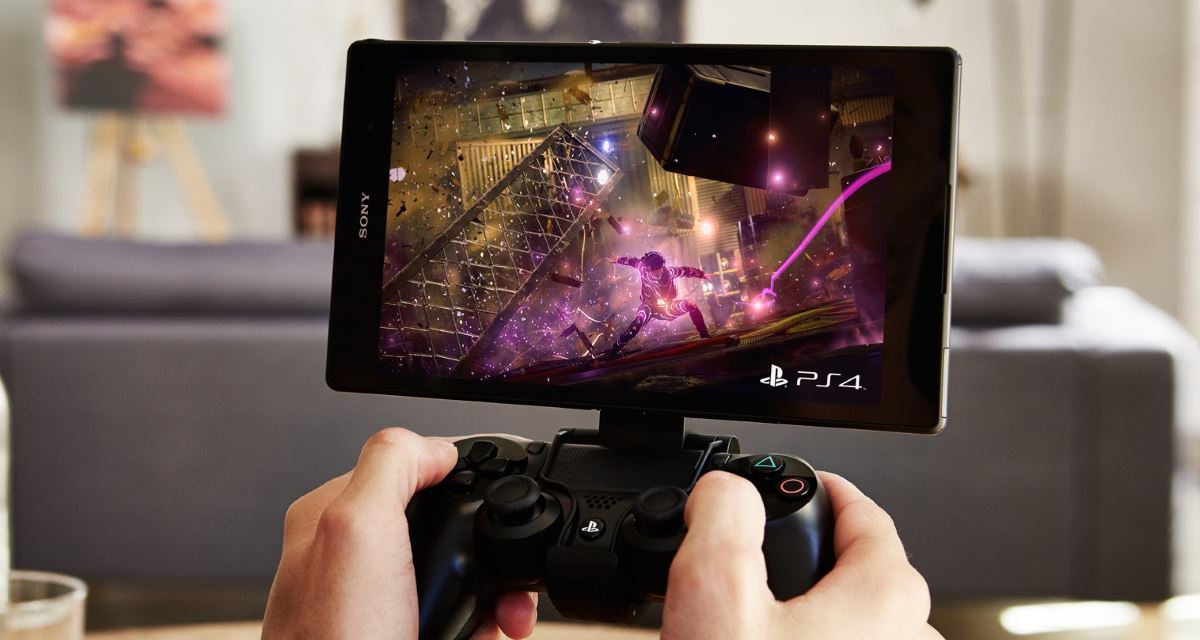
With the official PS4 Remote App, only owners of a smartphone or tablet from the Xperia series were able to enjoy playing PlayStation games on a mobile device. Thanks to an unofficial port, all Android users can now install the app on the device of their choice. For example, the online shooter Destiny.

The official PS4 Remote Play app allows owners of a PlayStation 4 and an Xperia smartphone or tablet to connect the devices via the home network and then use PS4 games on the mobile device. This way, you can play blockbuster games like Destiny on your smartphone. However, unfortunately, Remote Play is only intended for Sony’s own Xperia smartphone series.
A developer from XDA named TheScriptedKitty has managed to port this Remote App for all Android devices. You can download the Android APK (installation application for Android) from the official XDA site. A root is not required for Remote Play on Android. You only need to allow installations from unknown sources in your smartphone or tablet settings and have Android 4.4 or higher.
Tip: Even if you have Android 4.4 or higher, your smartphone or tablet should not be too weak. Flagship devices with a decent processing power provide the best conditions – otherwise, it can be choppy!
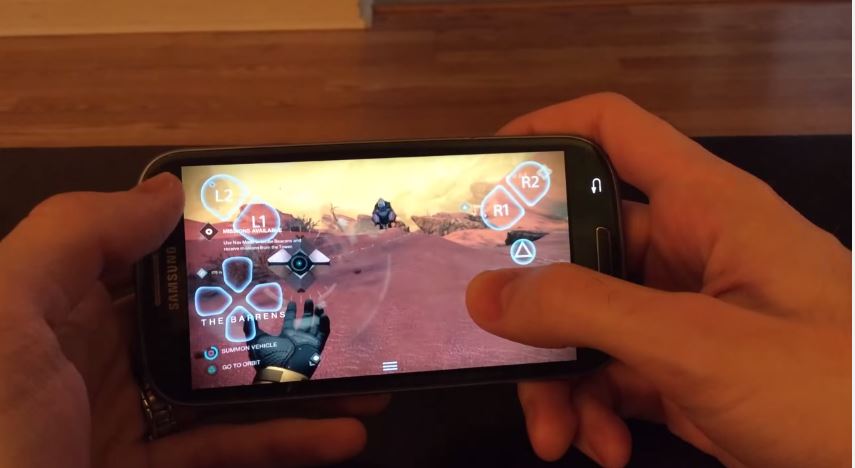
Once you have installed the app on your smartphone or tablet, you can control the game with the touchscreen or a DUALSHOCK 4 wireless controller. The latter is recommended, especially for the sake of gaming comfort.
Destiny in Video on Smartphone
The YouTuber NightmareTacoGaming demonstrates in a video how the Remote App works and explains what to consider when installing.
But be careful: The application is officially not supported. Therefore, installation and use of the program is at your own risk.
http://youtu.be/pel59oHl0Po
Conclusion: Nice to have, but not a must. First of all, it is great that developers take the time to port applications like the PS4 Remote App. However, one should be somewhat familiar with the Android matter when installing such APKs. With countless different smartphones on the market, things might not go smoothly for everyone. And since the app is not officially supported, you’ll have to help yourself in the end.
But with the example of the PS4 Remote App, we see that it is possible to play big titles like Destiny on a small device like a smartphone. This works well with Final Fantasy XIV, for example, if you don’t want to go into raids. However, you should definitely use a controller; otherwise, the controls are anything but innovative. But if you’re already at home, why not just continue gaming on your 50″ TV in the living room?

Your opinion is important to us!
Do you like the article? Then let us know!